Create a Minecoins clicker
Create a minecoins clicker by turning a simple game idea into an interactive project kids can build, test, and improve. This page explains the topic in a kid-friendly way and shows how guided making with Vibe Coding can help young creators explore game design, coding confidence, and playful problem-solving.
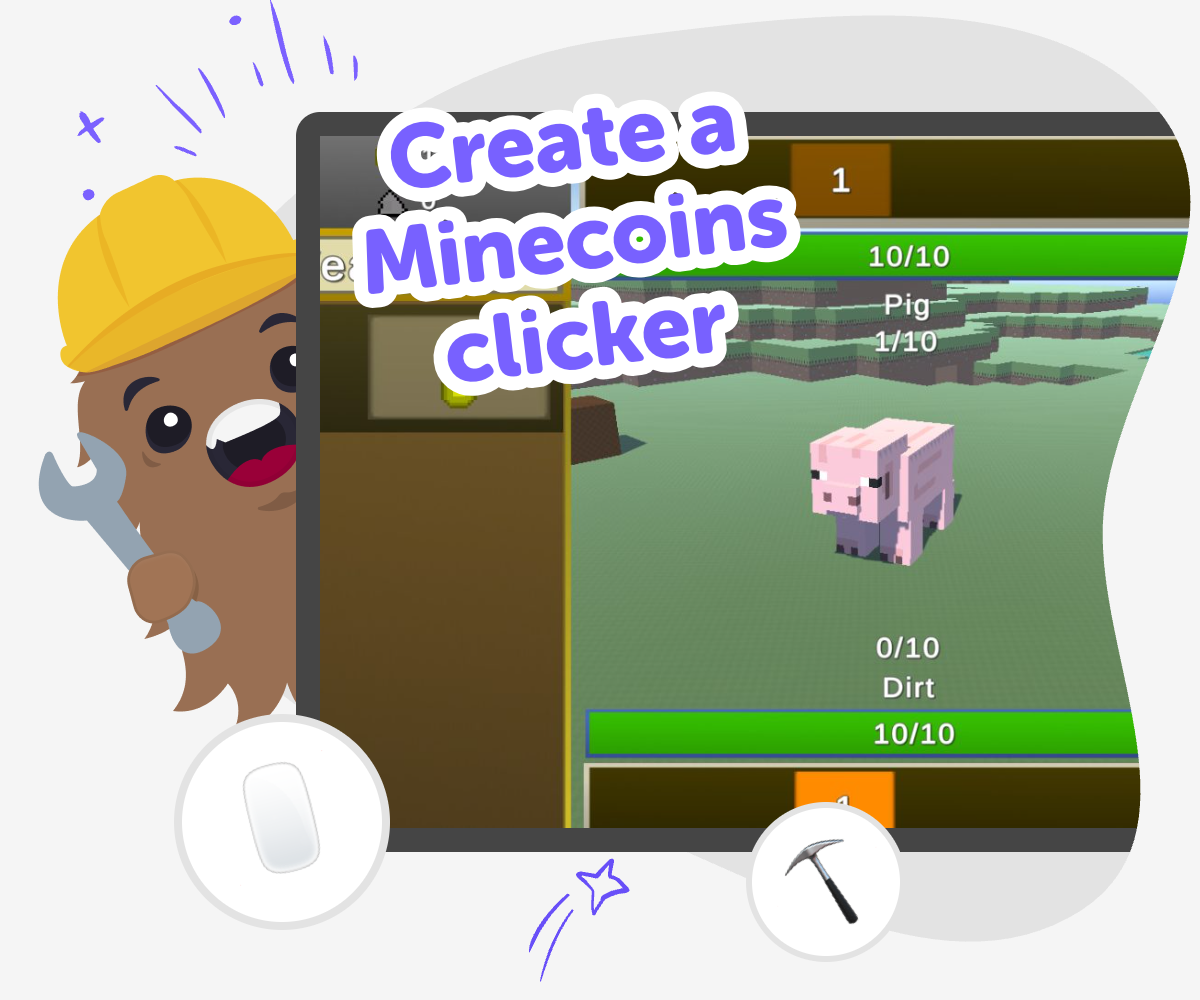
Minecoins clicker guide
A create a minecoins clicker project helps kids understand how simple clicker games work. By planning a game where each click earns a reward, kids can explore counting, cause and effect, and game balance while making something they can test and improve. This kind of project matters because it turns a big idea into a small, buildable one. Kids learn that even a simple game can have rules, goals, and choices that shape how fun it feels.
Vibe Coding supports the topic by giving kids a guided place to describe their game idea, build it step by step, and test what happens when they change something. That keeps the focus on making and learning, not on getting a finished game instantly. With a calm, kid-friendly process, young creators can experiment safely, notice what works, and improve their clicker with confidence. The tool stays in the background while the topic stays front and center.
Build the clicker game
Step 1 - Pick the game idea
Choose what the player clicks, what the reward looks like, and what the game is trying to reach.
Step 2 - Set the first click reward
Make one click give the player Minecoins so the game has a clear action and a clear result.
Step 3 - Add a simple upgrade
Create one upgrade that helps the player earn more Minecoins and makes the game feel more interesting.
Step 4 - Make the most of testing
Try a new reward amount See whether the game feels too slow or too fast, then change the numbers until the pace feels better. Check the buttons and labels Read every word on the screen and tap each button to make sure the game is easy to understand and play. Play with one change at a time Adjust one thing, test it, and notice how it changes the game so you can learn what makes it more fun. Save your best version Keep the version you like most, then come back later to improve it or share it safely with others.
What makes a clicker game fun?
Why is this a good coding project for kids?
How does creative safety fit in?
What can kids learn by improving a clicker game?
Frequently Asked Questions
Why 500,000 families trust DIY

Martin
Dad to 2 DIYers
My son loves DIY! He always finds fun projects to do, and we enjoy making things together. It’s a great way to learn, create, and have fun at the same time!

Pearl
DIYer from USA
DIY is such a great app with really sweet people and moderators who always make sure this app is super safe. You can learn to create things or learn drawing techniques - honestly there is so much to do.

Elaine W.
Middle school teacher
I love logging onto DIY every day - not just for projects but to also look at the comments my kids share about each other's work. It's a brilliant way to foster healthy support systems!

Jenn L.
Mom to 3 DIYers
We absolutely love the DIY platform and its endless river of creative adventures and projects! We always have the best time together participating, learning and creating!
