Create a Magic Cat Game
Create a magic cat game by imagining a playful cat character, designing magical powers, and building a simple interactive project kids can explore step by step. This page helps kids understand the idea behind the game and start making one with guided, hands-on creative coding.
About this tutorial
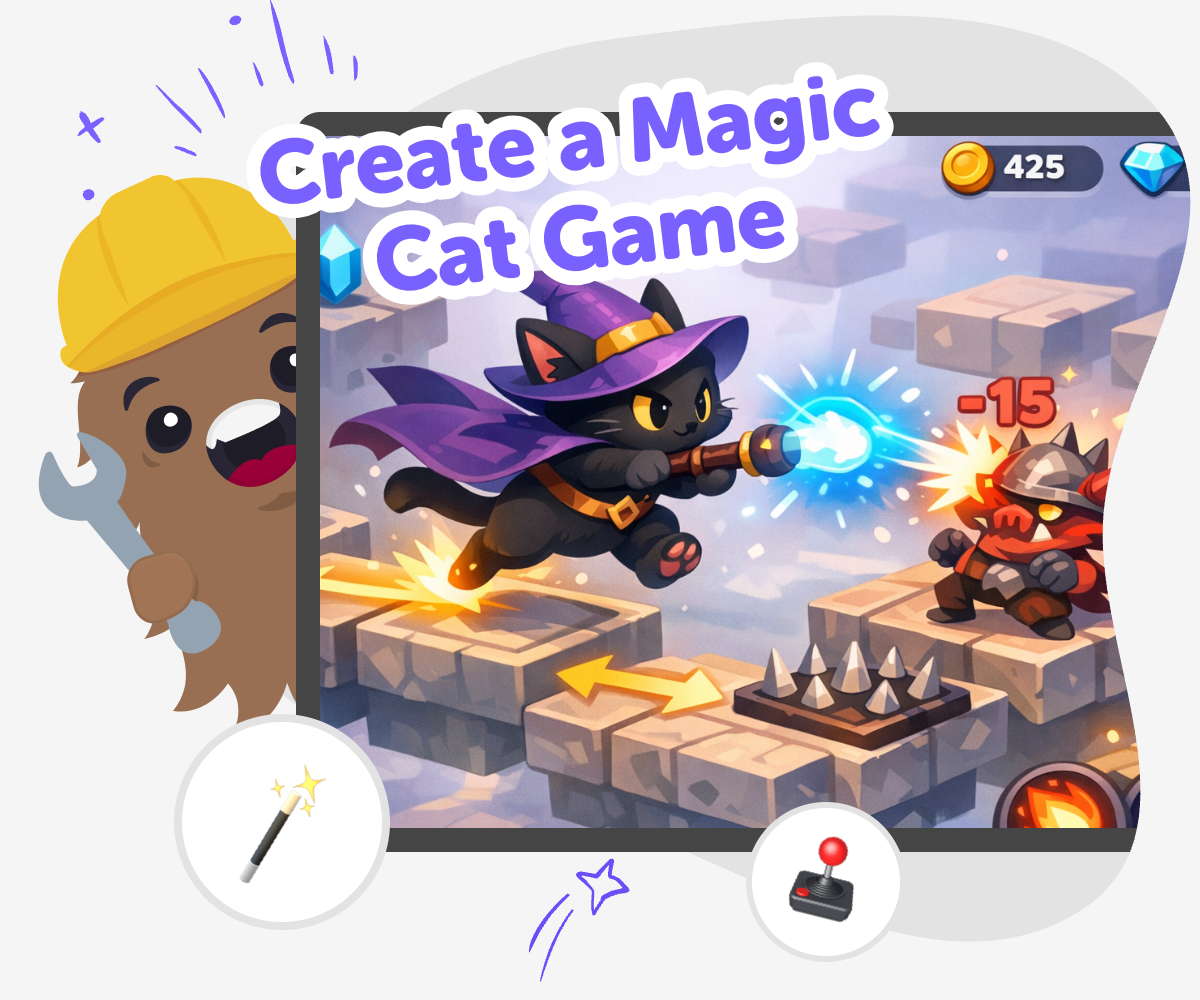
A magic cat game is a playful project where kids imagine a cat with special powers, a fun world, and simple challenges to explore. When kids create a magic cat game, they practice storytelling, game design, and problem-solving while turning an idea into something interactive.
The idea matters because it gives kids a clear way to turn imagination into action. They can start with a cat, add one magical twist, and build a small game that feels personal and fun.
Vibe Coding helps kids explore a magic cat game by turning rough ideas into step-by-step making. Kids can describe the cat, test how the game should work, and improve the project with guided coding support while still staying in charge of the creative choices.
That makes the process safer and easier for beginners, because kids can experiment without having to know everything at once. They learn by trying, adjusting, and making the game better each time they play it.
Step by step
- 1
Pick your cat
Choose what your magic cat looks like, where it lives, and one special thing that makes it memorable.
- 2
Choose the magic
Add a simple power, like glowing paws, a cloud jump, or a tiny spell that helps the cat reach its goal.
- 3
Build and test
Use guided coding help to make a first version, then play it to see if the cat, power, and goal are easy to understand.
- 4
Make the most of testing
Try a new version Change one part of the game, like the cat's speed or a magical power, and play again to see what feels better.
Watch what players do Notice where the game feels easy, tricky, or confusing so you can tell which part needs a small fix.
Tweak the idea Keep the parts that work and adjust one detail at a time so the game stays clear, playful, and age-friendly.
Save and share safely Keep your favourite version and show it to a trusted person who can give kind feedback about what made it fun.
What makes a magic cat game special?
A magic cat game is special because it mixes a familiar animal with something surprising. Cats already feel playful, curious, and a little mysterious, so they are a great starting point for a game idea. When kids add magic, the game becomes a story with choices, goals, and fun rules. That could mean a cat that glows in the dark, hides treasures, or uses spells to solve tiny problems. The magic does not have to be complicated. In fact, simple ideas are often the easiest to build and the most fun to play. What matters most is that the game feels like it came from the child's own imagination. That is why this topic works well for creative coding: kids can turn a pet idea into a small world they can shape, test, and improve while learning how games work.
Why do kids learn from making one?
When kids create a magic cat game, they are doing more than picking fun colours or cute sounds. They are practicing how to think through a problem, choose a rule, and see what happens when something changes. If the cat moves too fast, they can slow it down. If a power feels confusing, they can simplify it. That back-and-forth process builds problem-solving skills and confidence. It also helps kids understand that making something is often a series of small improvements, not one perfect attempt. A game like this also supports storytelling, because kids need to decide who the cat is, what it wants, and how players can help. Those choices help young makers learn creative technology skills in a way that feels playful, safe, and meaningful.
How can kids keep it safe and age-friendly?
A good magic cat game should feel friendly, clear, and easy to understand. For younger kids, that means using simple goals, gentle challenges, and characters that are kind rather than scary. It also helps to keep the rules easy to follow so the game can be played by others without lots of explanation. If kids are making the game with Vibe Coding, they can build step by step and keep checking whether the project still feels manageable. That kind of guided making is helpful because it lets kids explore technology without rushing into something too complex. Parents and educators can feel good about a project where kids are learning, experimenting, and revising with support. Safe, age-friendly game making is about keeping the experience positive, creative, and easy to revisit.
How can kids make the game feel like theirs?
The best magic cat game is one that sounds like the child who made it. Kids can make it personal by choosing details that match their own taste, like a cat with rainbow whiskers, a secret forest map, or a power that fits a joke they like. They can also decide what the player does, whether that means collecting stars, finding hidden treats, or helping the cat reach a cosy home. Personal choices help a game feel original, even if the structure is simple. This is also where experimentation matters most. A child might try one version, notice that it is too hard or not exciting enough, and then make it better. That process teaches creative confidence. It shows kids that their ideas matter, and that they can change a project until it feels right.
Need help?
What is a magic cat game?
A magic cat game is a simple interactive project where a cat character has special powers and players help it do something fun. It can be a story game, a chase game, a puzzle, or a tiny adventure.
How do kids start making one?
Kids usually start by choosing the cat, deciding on one magic power, and picking a small goal for the player. Then they build a first version and test it to see what feels fun.
Do magic cat games need to be complicated?
No. Simple games are often better for kids because they are easier to understand, test, and improve. A clear idea with one fun rule can be enough to make a great project.
What kind of cat can I choose?
Kids can make any kind of cat they imagine, from a sleepy moon cat to a brave sky cat or a silly sparkle cat. The important thing is that the character feels fun to play with.
What powers work well in a cat game?
Powers that are easy to understand work best, like jumping, glowing, teleporting, or casting a tiny spell. The power should match the game goal so players know what to do.
Can kids change the game after trying it?
Yes. Testing and changing the project is part of making it. Kids can adjust the cat, the rules, the challenge, or the look until the game feels better.
Is this kind of game good for beginners?
Yes. A magic cat game is a friendly way to start because it uses a character kids already understand and gives them a clear place to add creativity. Guided tools like Vibe Coding can help beginners build step by step.
How can a child share the game safely?
Kids should share their game with a trusted adult, teacher, or classmate in a safe setting. They can ask for feedback about what was fun, what was confusing, and what could be improved next.