Create a Cat Stacker Game
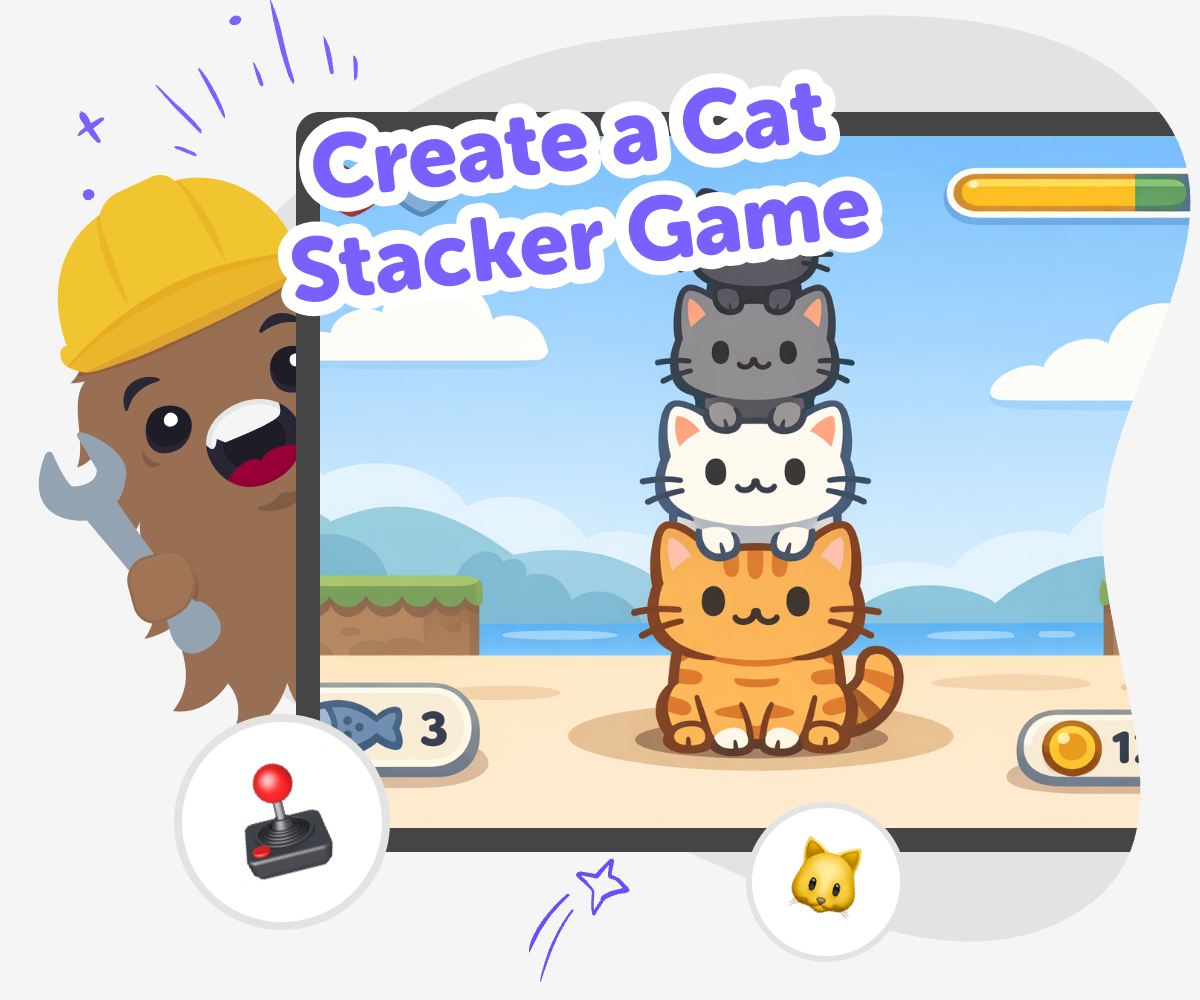
Create a cat stacker game and turn a simple idea into a playful challenge kids can build, test, and improve step by step. This topic helps young makers think about game rules, timing, and balance while they create something fun and interactive.
About this tutorial
Create a cat stacker game by turning a playful idea into a simple challenge kids can understand, test, and improve. It helps young makers think about balance, timing, and clear rules while they build something interactive.
That matters because games teach kids how small choices change the whole experience. When they try, notice, and adjust, they build confidence and learn that making is a process.
Vibe Coding gives kids a guided place to shape a cat stacker game step by step. They can describe the game they want, build a first version, test what happens, and make changes without losing control of their own idea.
The tool supports safe experimentation and creative problem-solving, so kids stay focused on learning by doing. It helps them explore how a game works while keeping the topic, the choices, and the fun in their hands.
Step by step
- 1
Start with the cat idea
Think about what kind of cat stacker game you want to make. Choose the cats, the stack shape, and what makes the game tricky or silly.
- 2
Set the game rules
Decide how a player stacks the cats, what counts as a win, and what makes the stack fall. Keep the rules simple so the game is easy to understand.
- 3
Build and test it
Use guided coding support to make the first version of your game. Then play it, notice what works, and change the parts that feel too hard or too easy.
- 4
Make the most of testing
Try a new version Change one part of the game, like cat size, speed, or scoring, so you can see how the play feels different.
Check the balance Play again and notice whether the stack is fair, funny, and easy to understand for the age group you want.
Improve the experience Fix any confusing parts, add helpful clues, and make the game clearer so players know what to do next.
Share your best version Save the version you like most and invite someone to try it so you can keep learning from each test.
What makes a cat stacker game fun?
A cat stacker game is fun when it feels easy to understand but still needs careful timing and a little practice. Kids usually enjoy games like this because every try feels different, and each round gives a new chance to do better. The fun comes from the challenge of balancing cats, watching the stack grow, and seeing what happens when the pieces wobble or fall. That mix of surprise and control helps kids stay curious and keep trying. It also makes a good starter project for young makers because the idea is simple, but there are lots of small choices to explore. Kids can change the number of cats, the speed, the score, or the way the stack reacts, which helps them learn how game design works one step at a time.
Why is this a good project for kids?
This project is a good fit for kids because it combines creativity with clear rules. A cat stacker game lets them practice planning, problem-solving, and decision-making without needing a huge or complicated project. They can start with one simple version and then improve it as they go, which is a strong way to learn coding and game design. Kids also get to think about what makes a game fair, funny, or exciting for other players. That kind of thinking helps them build confidence, because they are not just following steps; they are making choices and seeing the results. For parents and educators, it is a useful activity because it supports patience, testing, and creative technology skills in a safe, hands-on way.
How does guided coding help here?
Guided coding helps kids because it turns a big idea into smaller, easier steps. Instead of trying to build everything at once, they can make one part, test it, and then improve it. That makes the process feel less frustrating and more playful. If a cat falls too quickly or the game is hard to understand, kids can change one thing at a time and see what happens. This kind of experimenting teaches iteration, which means trying, learning, and revising. It also helps kids understand that coding is not only about getting the right answer on the first try. With support, they can keep exploring until their game feels like something they made themselves, which is a great way to build coding confidence.
What can kids learn while making one?
While making a cat stacker game, kids can learn several important skills at once. They practice sequencing by deciding what happens first, next, and last in the game. They use problem-solving when they figure out why a stack is too easy, too hard, or not working the way they imagined. They also learn creative technology skills by turning an idea into an interactive project. Another important lesson is iteration, which means improving something little by little instead of expecting it to be perfect right away. That can be a powerful confidence builder for kids, because they see that changes are part of making. The project also encourages safe experimentation, since kids can test different versions, compare results, and choose what makes the game more fun and clear.
Need help?
What is a cat stacker game?
A cat stacker game is a playful game where the goal is to stack cats in a way that stays balanced or reaches a target. It can be digital or physical, but on this page it is treated as a creative coding project kids can build and play with. The main idea is simple: place, balance, and keep the stack going as long as you can.
Why do kids like stacking games?
Kids often like stacking games because they are easy to understand and give quick feedback. Every move matters, so players can see right away whether their choice helped or hurt the stack. That makes the game exciting, and it also makes each new try feel worth it.
Is this a good first coding project?
Yes, it can be a great first project because the idea is clear and the game can grow step by step. Kids can begin with a simple version and then add more features as they feel ready. That makes it easier to learn without feeling overwhelmed.
Can kids make their own rules for the game?
Yes, making your own rules is one of the best parts. Kids can decide how cats stack, what ends the round, how points work, and what makes the game harder or sillier. Changing the rules helps them understand how games are designed.
What if the game feels too hard or too easy?
That is normal, and it is part of making a good game. Kids can test different versions and adjust things like speed, size, score, or timing. Small changes can make the game feel more fair and more fun.
How does this help with learning?
This project supports problem-solving, patience, and creative thinking. Kids learn to plan an idea, test it, notice what happens, and improve it. Those are useful skills for coding and for making almost anything else.
Is it safe for younger kids?
It can be safe when the project stays age-appropriate, guided, and moderated. Kids should use a tool that keeps the building process simple and supportive. Adult help is useful for younger makers who may need help reading, testing, or making choices.
Can kids keep improving the game after the first version?
Yes, and that is encouraged. A first version is just the beginning, and kids can keep trying new ideas to make the game clearer, more fun, or more challenging. Improving a project over time helps kids build confidence and learn how making works.