Coding for Middle School
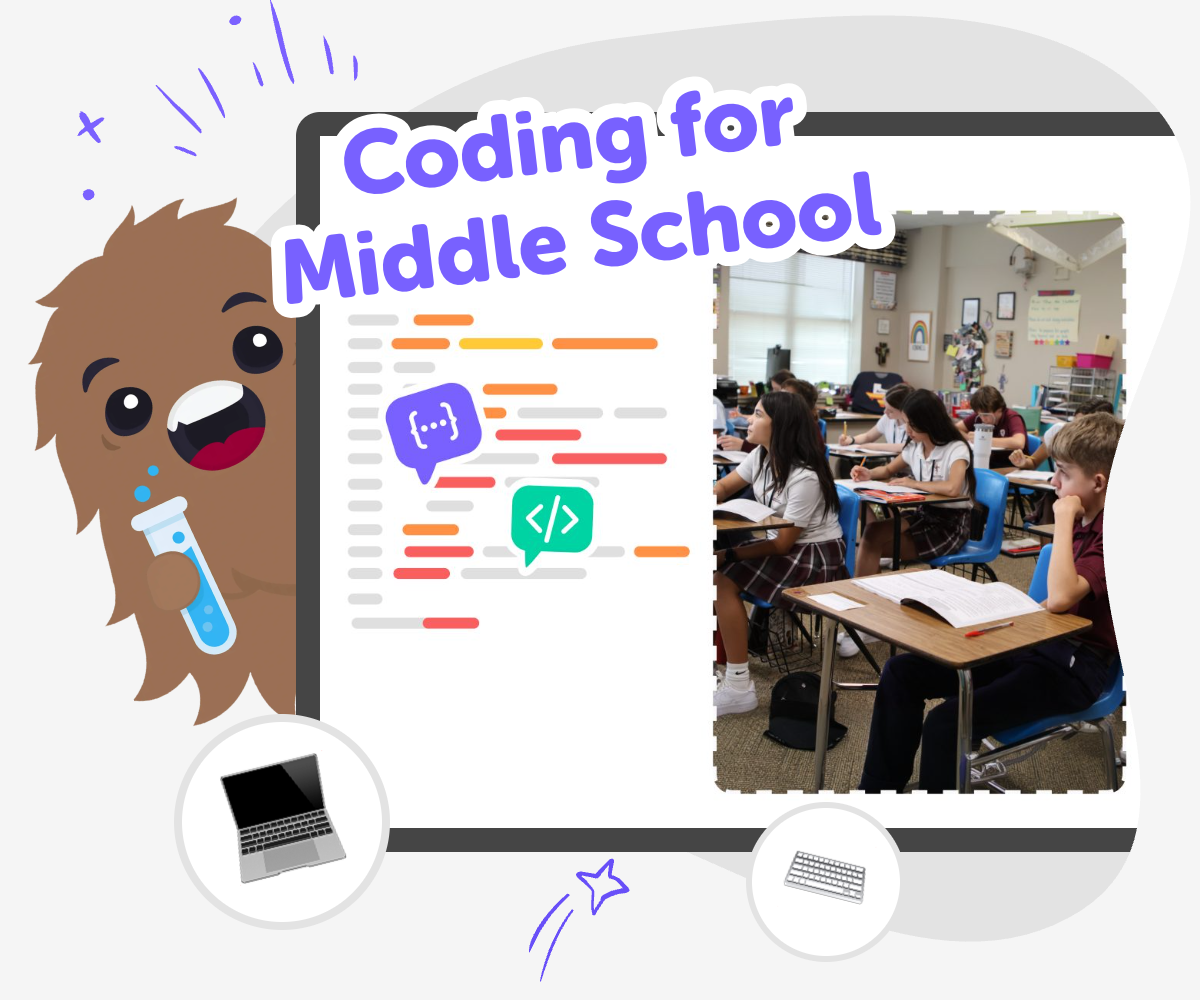
Coding for middle school helps kids move from simple ideas to interactive projects they can build, test, and improve. It supports creativity, problem-solving, and confidence as learners make games, stories, quizzes, and other digital creations step by step.
Build with Code
Coding for middle school gives kids a chance to turn ideas into games, stories, and other interactive projects. It matters because coding builds problem-solving, creativity, and confidence while helping learners see how small steps can become something real. As kids practice, they learn that mistakes are part of making. Testing and improving a project helps them understand how code works and how their own ideas can grow.
Vibe Coding supports this kind of learning by giving kids a guided, hands-on way to explore coding for middle school through safe experimentation. Kids can describe a game, app, story, or invention they want to make, then build, test, and improve it step by step. The tool keeps the focus on doing, not just reading about code. That makes it easier for kids to try new ideas, stay creative, and build confidence as they learn.
What does coding for middle school mean?
Coding for middle school usually means learning how to create simple digital projects while becoming more confident with problem-solving. Kids at this stage often start moving beyond very basic block-by-block practice and begin thinking about how a project works, what it should do, and how to fix it when something does not behave the way they expected. That makes coding feel less like memorizing answers and more like building something real. It can include games, stories, animations, quizzes, or tools that react to a user’s choices. The best part is that middle school coding can grow with the learner, so a first project may be small and simple while later projects become more creative and detailed. This helps kids see coding as a skill they can use, not just a subject they study.
Why is coding a good fit for middle schoolers?
Middle school is a strong time to learn coding because kids are ready to think in steps, test ideas, and notice patterns. They are also old enough to care about making something that feels personal, which gives coding a creative purpose. When kids code during these years, they practice patience and persistence because projects rarely work perfectly on the first try. They learn to break a big goal into smaller parts, which is useful in school and everyday life. Coding can also help kids feel proud of their ideas, especially when they build something that others can use or play. For many learners, this stage is where coding starts to feel meaningful because they can connect it to their own interests, whether that is games, music, stories, sports, or solving problems they notice around them.
How does guided coding help kids learn?
Guided coding helps kids learn by giving them support without doing all the thinking for them. That matters because learners can stay active in the process: they decide what they want to make, see how their choices change the project, and then make improvements. This kind of learning is powerful because kids get to experiment safely. If something does not work, they can try again instead of feeling stuck. Guided support can also make coding feel less intimidating, especially for kids who are just starting or who have had trouble with technology before. Over time, kids begin to understand common coding ideas like sequence, choices, repetition, and testing. Even more importantly, they build confidence by seeing that a project can improve through practice, not just talent.
What kinds of projects can kids make?
Kids can make many different projects with coding, and that variety is part of what keeps it exciting. A middle school learner might build a quiz with fun questions, a game with scores or levels, a story with choices, or a simple app that helps with a daily routine. They can also make creative tools, like a music mixer, a pet tracker, or an invention that responds to clicks and keys. These projects are useful because they help kids practice both logic and imagination at the same time. Instead of coding feeling separate from their interests, the project becomes a way to explore what they already enjoy. As kids build more, they can add new features, change the design, and test different versions. That kind of making helps them understand that coding is not only about following rules; it is also about creating, revising, and sharing ideas.
How to Start Coding
Choose an idea
Pick something fun to build, like a game, quiz, story, or simple tool. A clear idea helps kids know what they are making before they start coding.
Describe the project
Type a short description of what the project should do, who it is for, and what makes it fun. This helps turn a big idea into something the coding tool can help shape.
Test and adjust
Try the project, notice what works, and change the parts that feel confusing or unfinished. Small edits help kids learn how coding can improve a project over time.
Make the most of practice
Try a new version Change one part at a time so you can see how each update affects the project. Small experiments help kids learn what code does and how different choices change the result. Look for helpful feedback Test your project with a fresh pair of eyes and notice where someone pauses or gets confused. That makes it easier to spot places to improve without guessing. Keep your ideas safe and kind Choose age-appropriate themes, clear words, and friendly interactions so the project feels welcoming to other kids. Safe design helps creative projects feel fun to build and share. Build again with confidence Save your favorite version, then try a fresh remix with a new rule, sound, color, or challenge. Repeating the process helps kids feel stronger with each project they make.
Frequently asked questions
What is coding for middle school?
Coding for middle school is a way for kids to learn programming while making projects that feel useful or fun. It often includes games, stories, quizzes, and simple apps that kids can build step by step.
Is coding hard for middle schoolers?
It can feel tricky at first, but coding becomes easier when kids start with small steps and practice often. A guided tool like Vibe Coding can help by making it easier to test ideas and learn from each change.
What can kids make with coding?
Kids can make interactive projects like games, quizzes, animations, stories, and creative tools. They can also add their own ideas, like themes, characters, colors, and challenges.
How does coding help with problem-solving?
Coding helps kids solve problems by teaching them to break a big task into smaller parts. When something does not work, they learn to check, test, and try again until the project improves.
Can kids create their own game ideas?
Yes, kids can start with their own ideas and turn them into simple games or interactive projects. That makes coding feel more creative because the project comes from something they imagined.
Is coding safe for younger middle school kids?
Coding is safest when projects stay age-appropriate, use friendly language, and focus on creative making. A guided space like Vibe Coding can help kids explore ideas in a structured, kid-friendly way.
How do kids get better at coding over time?
Kids get better by building, testing, noticing what changes, and improving their projects again and again. Each new version teaches them something useful about how code works.
Can coding be creative too?
Yes, coding can be very creative because kids choose what they want to make and how it should feel. They can use code to tell stories, design games, and build projects that show their own style.
More tools
Alternatives to Code.org
Alternatives to code.org help kids learn coding in ways that feel creative, gentle, and hands-on. This page explains the topic for families and shows how kids can explore it by making interactive projects with guided support.
Alternatives to CodeCombat
Explore alternatives to CodeCombat and find a kid-friendly way to start coding with creativity, safety, and hands-on practice using Vibe Coding.
Alternatives to CodeMonkey
Explore alternatives to codemonkey with kid-friendly ways to learn coding by making games, stories, quizzes, and interactive projects. Kids can build step by step, test ideas, and grow confidence while creating something they can call their own.
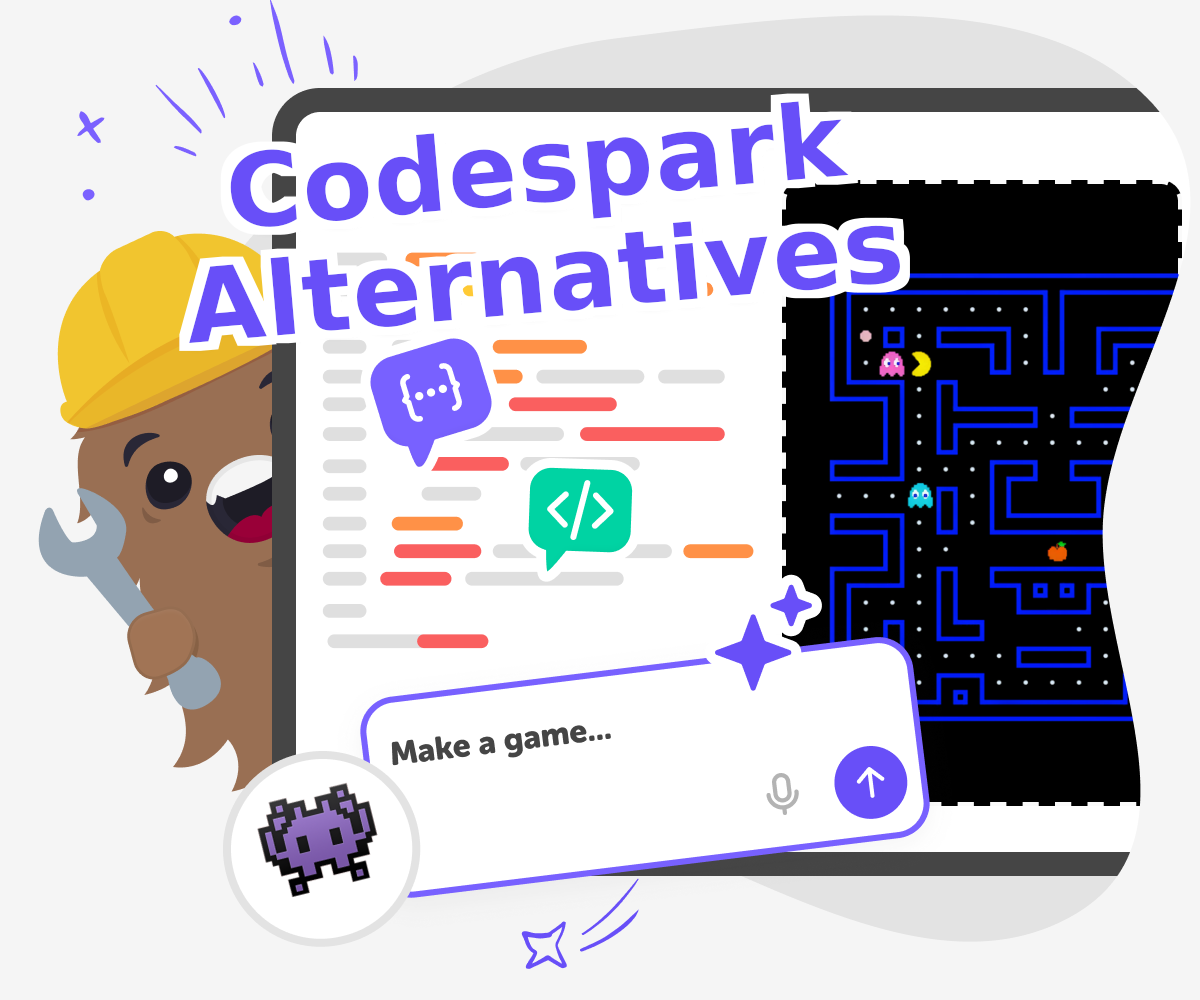
Alternatives to CodeSpark
Explore alternatives to codespark for kids who want to learn by making, testing, and improving creative projects. With Vibe Coding, kids can turn ideas for games, apps, stories, and inventions into guided hands-on builds that grow confidence and problem-solving skills.
Ready to start creating?
Join hundreds of thousands of kids already building cool stuff on DIY.ORG.
Your first game is on us.
Describe a game below - no sign-up needed to try.
Powered by AstroSafe
Make real games - not just chat