Build Preschool Games
Build preschool games with kid-friendly creative coding tools that help children turn simple ideas into interactive play. Make learning games, matching games, and counting challenges while exploring creativity, safety, and confidence through hands-on making.
About this tutorial
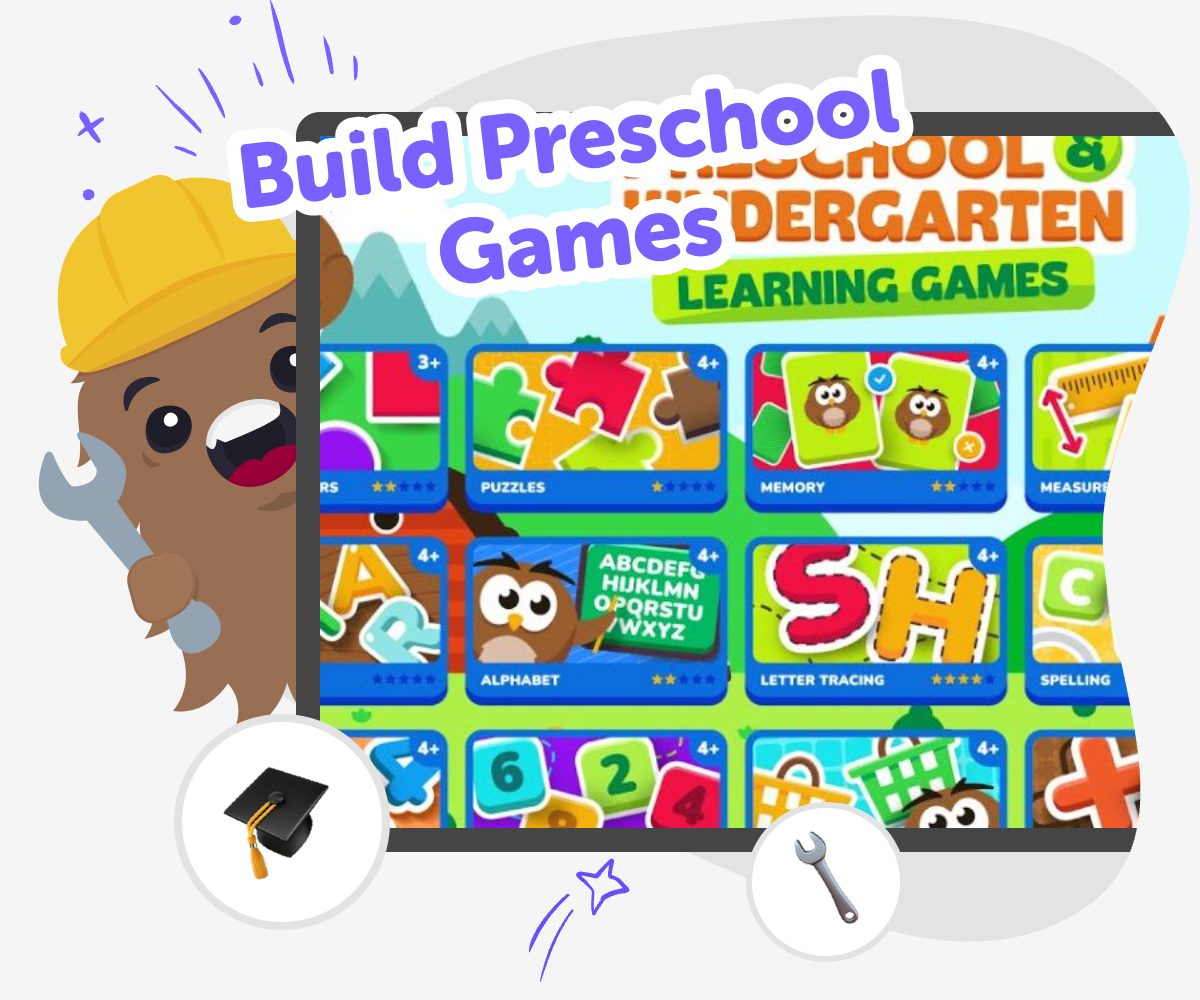
Build preschool games by starting with a simple idea a young child can understand, like matching shapes, counting animals, or choosing the right sound. These games matter because they turn early learning into play, helping kids practice attention, memory, language, and problem-solving in a way that feels fun and hands-on.
When kids make their own game, they learn that ideas can become something real. They also get to decide what is fair, colorful, playful, and easy to use for younger players.
Vibe Coding gives kids a guided way to shape a preschool game step by step. Kids can describe what they imagine, then build, test, and improve it with support that keeps the process creative, safe, and manageable.
That makes it easier to experiment, fix mistakes, and keep learning as they go, so the final game feels truly made by them.
Step by step
- 1
Choose a simple idea
Pick one preschool-friendly game idea, such as matching colors, counting objects, or tapping the correct picture.
- 2
Plan the play
Decide what the player will do first, what happens when they get it right, and how the game should feel for younger kids.
- 3
Build and test
Use guided coding help to put the game together, then try it yourself to check if the instructions, buttons, and feedback make sense.
- 4
Make the most of testing
Try a remix Change one part of the game, like the colours, sounds, or difficulty, and see how it feels.
Watch what players notice See where younger kids pause, tap, or get confused so you can make the game easier to follow.
Fix one thing at a time Adjust a single part, then test again to learn what really improved the game.
Keep your favourite version Save the version that feels clearest and most fun, then come back later with a new idea to try.
Why do preschool games work so well for learning?
Preschool games work well because young children learn best when they can see, touch, repeat, and respond. A simple game can help them practice important skills without feeling like a lesson. Matching, counting, sorting, and choosing the right answer all build early thinking skills, but they also build patience and confidence. When a game gives gentle feedback, like a sound, a color change, or a happy result, kids can understand what happened right away. That immediate response helps them connect actions with outcomes, which is a big part of early learning. Making the game themselves adds even more value because kids are not just playing; they are deciding what the player should do and how the game should help them learn.
What makes a preschool game kid-friendly?
A kid-friendly preschool game is simple, clear, and easy to try again. It usually has one goal at a time, large buttons or obvious choices, and very little reading so younger players can join in. The best games for preschoolers often use bright pictures, familiar objects, and short steps that feel safe and understandable. They also avoid confusing rules and pressure, because preschool kids need time to explore. When older kids build these games, they learn to think carefully about what younger players need. That means they practice empathy, design, and clear communication. A good preschool game does not try to do too much. It gives children a small challenge, a chance to succeed, and a reason to smile when they get it right.
How does making a game build confidence?
Making a game helps kids build confidence because they get to solve real problems and see their ideas change over time. At first, a game might be rough, too hard, or missing a rule. That is normal. When kids test it, notice what is not working, and improve it, they learn that mistakes are useful information. This kind of practice builds problem-solving skills and a stronger sense of capability. It also teaches iteration, which means making something, checking it, and making it better. For many kids, that is a powerful moment: they realize they can create technology, not just use it. Even a small game can help a child feel proud of finishing something they designed themselves.
How can kids keep game-making safe and creative?
Safe and creative game-making starts with simple choices and supportive guidance. Kids do best when the game idea is age-appropriate, the instructions are clear, and the focus stays on building, testing, and improving instead of rushing to perfection. Creative tools can help by giving structure without taking over the ideas, so kids still feel ownership of their project. Vibe Coding supports that process by letting children describe what they want, then shape the project with guided help. That means they can experiment in a manageable way, try different versions, and learn what works for younger players. Safety also includes making thoughtful content choices, keeping the experience positive, and building something that feels welcoming to kids who are just starting to learn.
Need help?
What is a preschool game?
A preschool game is a simple game made for young children, usually with easy choices, bright visuals, and one clear goal. It often helps with early skills like counting, matching, memory, colors, or listening.
What kinds of games can kids make for preschoolers?
Kids can make matching games, counting games, shape games, sound games, and simple choice games. The best ideas are short, easy to understand, and fun to try again.
Why should a game for preschoolers be simple?
A simple game is easier for young children to understand and enjoy. Preschoolers learn best when there is one clear task, few distractions, and gentle feedback that shows what happened.
Can older kids make their own preschool games?
Yes. Older kids can make games for younger children by thinking carefully about what preschoolers can see, hear, and do. It is a great way to practice design, empathy, and problem-solving.
How do you test a game for young children?
You can test it by trying the game yourself and watching whether the steps are easy to follow. If something feels confusing, slow, or too hard, you can change it and test again.
What should a preschool game teach?
A preschool game can teach early skills like colors, shapes, counting, matching, memory, and listening. It can also help children practice taking turns, making choices, and trying again.
Is it okay if the first version is not perfect?
Yes. The first version is just a starting point. Making games usually takes several rounds of testing and improving, and that is how kids learn what makes a game fun and easy to use.
How can Vibe Coding help with preschool game ideas?
Vibe Coding helps kids turn a preschool game idea into something they can build step by step. Kids can describe what they want, test it, and improve it with guided support while still staying in control of the creative choices.