Build Math Games For 8th Grade
Build math games for 8th grade with playful challenges that help kids practice algebra, ratios, geometry, and problem-solving. Use Vibe Coding to design, test, and improve an interactive game step by step.
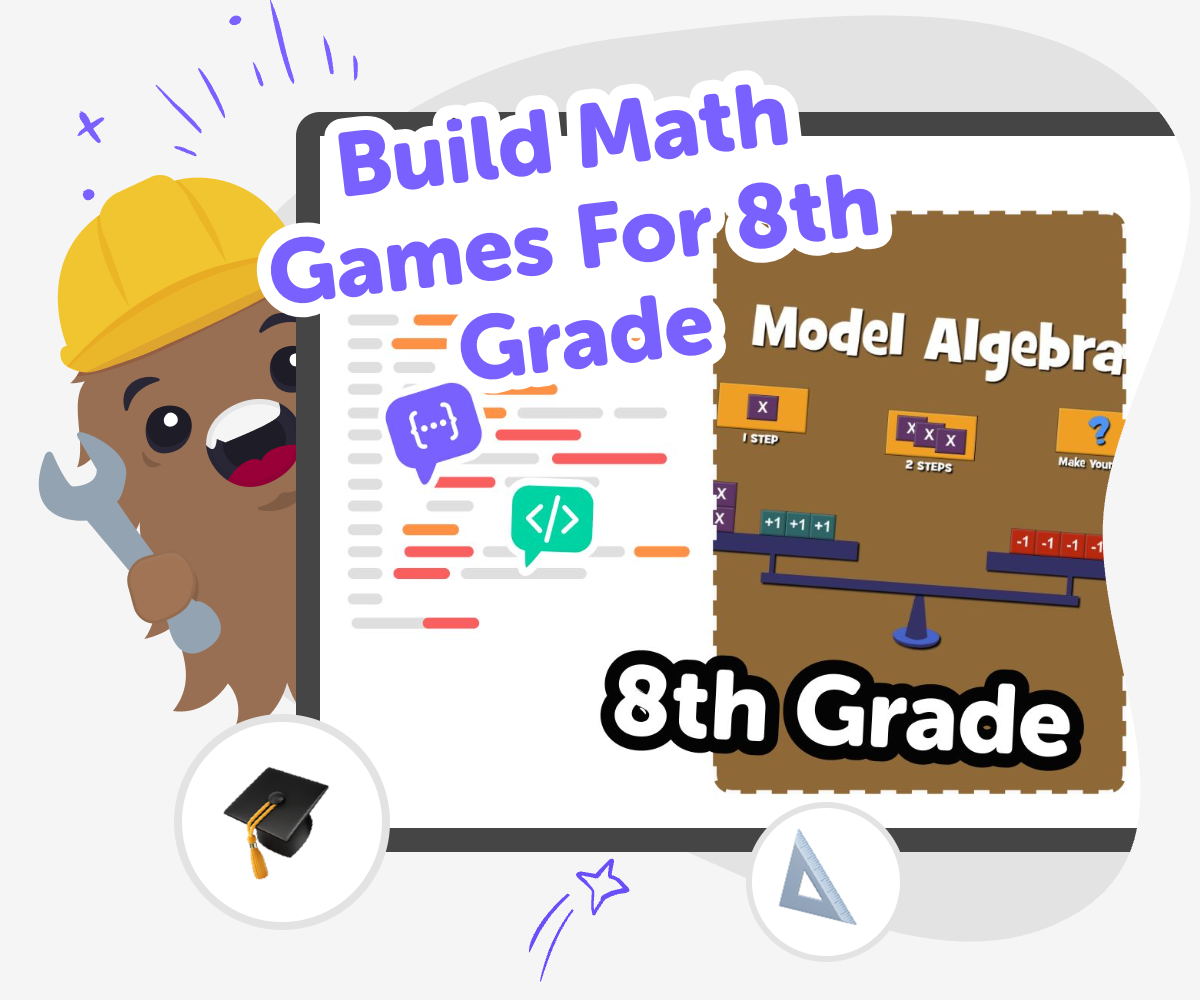
Make Math Games That Teach
Build math games for 8th grade by turning school skills into something kids can play, test, and improve. This kind of project can make practice feel more active because kids are using logic, patterns, and quick thinking while they create a game that others can enjoy. It also matters because making a game helps kids see math in action. Instead of only solving problems on paper, they think about rules, levels, scoring, and challenge, which builds confidence and creative problem-solving at the same time.
Vibe Coding gives kids a guided place to shape a math game idea into a real interactive project. Kids can describe what they want, try it out, change the rules, and keep improving the game as they learn, so the tool supports experimentation without pretending the work is already done. That makes the page feel safe and creative for kids, while still giving parents and educators a clear learning purpose: kids are practicing coding confidence, testing ideas, and making a math game that feels like theirs.
Build the Game
Step 1 - Pick one math idea
Choose one 8th grade math skill, like ratios, equations, or geometry, and decide how players will use it in your game.
Step 2 - Map the rules
Write the goal, how points work, and what players do on each turn so the game stays easy to follow.
Step 3 - Build and try it
Use Vibe Coding to turn your idea into a playable project, then test it and change any parts that feel confusing or slow.
Step 4 - Make the most of testing
Try one change at a time Change one rule, question, or level so you can see how it affects the game. Small edits help you notice what makes the math clearer and what makes play feel more fun. Watch a fresh player Ask someone new to try the game and look for places where they hesitate or need help. Their reactions can show you which instructions need simpler words or better examples. Compare two versions Keep your original version and a revised version so you can compare speed, challenge, and clarity. This helps you choose the version that feels fair and easy to replay. Finish with a replay test Play the game again after your edits and see if it still works from start to finish. If it feels smooth, clear, and interesting, you know your math game is ready to share.
Why do math games help 8th graders learn?
Games also give kids a reason to think carefully about how math works. If the rules are not balanced, the game may be too easy or too frustrating, so kids learn to test, notice patterns, and improve their ideas. That process builds confidence because mistakes become part of making, not just part of being graded.
What math topics work well in a game?
The best topics for games are usually the ones with small, checkable steps. That helps players know whether they are doing well right away. Kids can also mix topics together, like using geometry clues in a mystery game or equations in a treasure hunt, as long as the rules stay easy to follow and the math stays accurate.
How does making a game build confidence?
Confidence grows again when the game is tested and improved. A first version does not have to be perfect. If a rule is confusing or a question is too hard, kids can fix it and try again. That teaches a strong lesson: learning improves with revision, and mistakes are useful clues.
How can kids keep it safe and fun?
Kids can also keep the project safe by sharing only what is needed for the game and by testing it with trusted people first. Vibe Coding supports that kind of careful making because kids can build, check, and improve their work step by step. That helps them stay in control while they learn how creative technology works.
Frequently Asked Questions
Why 500,000 families trust DIY

Martin
Dad to 2 DIYers
My son loves DIY! He always finds fun projects to do, and we enjoy making things together. It’s a great way to learn, create, and have fun at the same time!

Pearl
DIYer from USA
DIY is such a great app with really sweet people and moderators who always make sure this app is super safe. You can learn to create things or learn drawing techniques - honestly there is so much to do.

Elaine W.
Middle school teacher
I love logging onto DIY every day - not just for projects but to also look at the comments my kids share about each other's work. It's a brilliant way to foster healthy support systems!

Jenn L.
Mom to 3 DIYers
We absolutely love the DIY platform and its endless river of creative adventures and projects! We always have the best time together participating, learning and creating!
