Build Creative Games
Build Creative Games helps kids explore how ideas become playable projects. With Vibe Coding, kids can shape a game step by step, test what happens, and keep improving their work as they learn to think like makers.
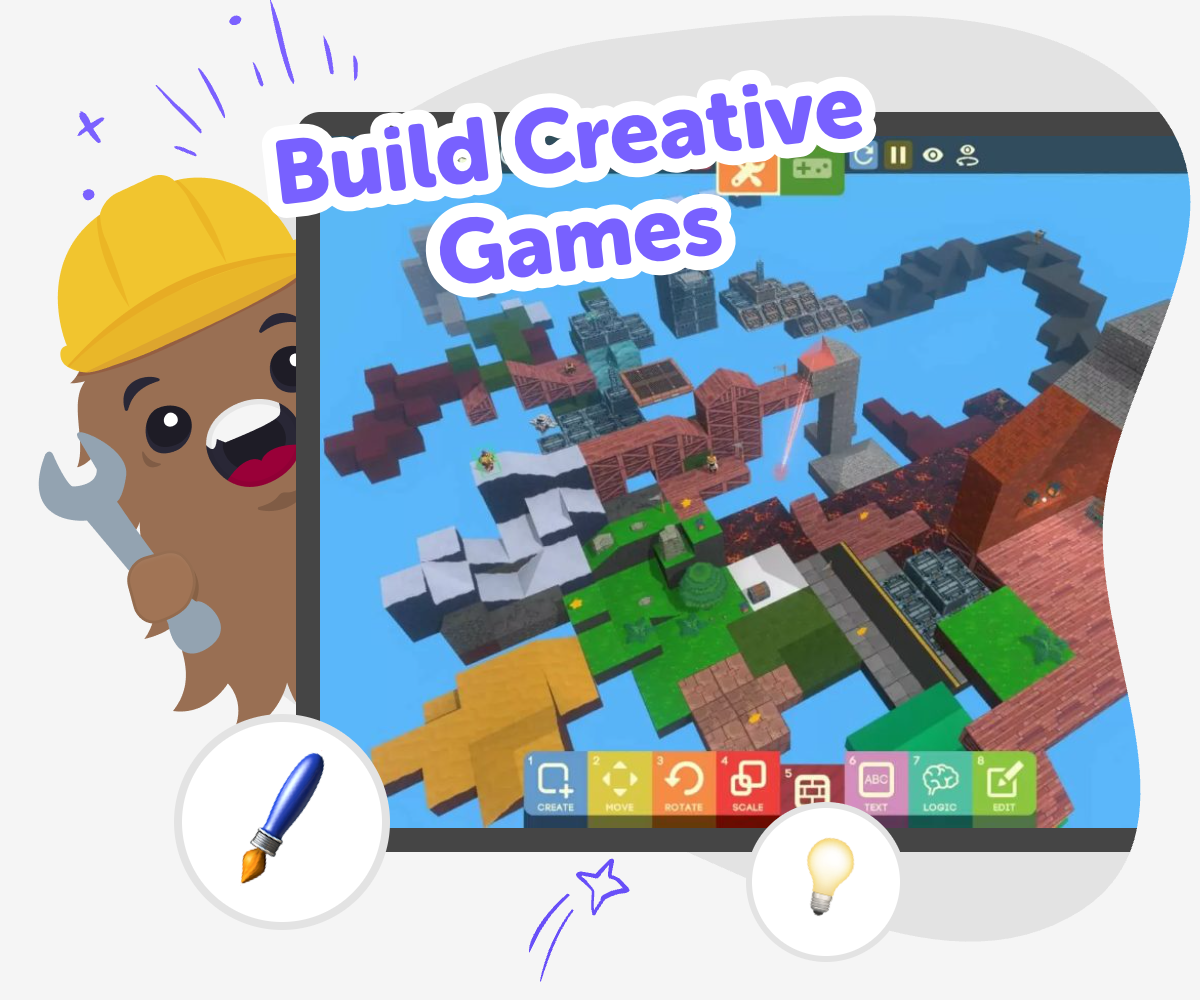
About this tutorial
Build creative games by starting with a simple idea and turning it into something people can play. Kids learn how rules, actions, and goals work together, and they see that a game can grow through testing, changing, and trying again.
This kind of making helps children build confidence, solve problems, and express their own interests in a playful way. It also shows that creative projects do not need to be perfect at the start to be worth building.
Vibe Coding gives kids a guided place to explore build creative games in a hands-on way. They can describe a game, app, story, or invention they want to make, then build it step by step, test what happens, and improve it as they learn.
The tool keeps the process active and supportive, so kids stay focused on making and experimenting instead of guessing alone. That makes it easier to explore ideas safely, learn coding habits, and keep the project fun while they shape it over time.
Step by step
- 1
Pick an idea
Choose a game idea you would like to make, such as a quiz, a chase game, or a simple adventure.
- 2
Describe the project
Type a clear description of what the game should do, who it is for, and what makes it fun.
- 3
Build and test
Use guided coding help to add parts of the game, then try it out to see what works and what needs changing.
- 4
Make the most of testing
Try a remix Change one part of the game, like the score, speed, or colours, so you can see how small edits change the play experience.
Check the flow Play through the game from start to finish and notice where it feels confusing, slow, or too easy for the player.
Improve with care Make one change at a time, then test again so you can learn which ideas help your game feel clearer and more fun.
Keep building Save your favourite version, come back with a fresh idea, and keep improving the game as your skills grow.
What does it mean to build creative games?
To build creative games means turning an idea into something people can play. Instead of only imagining a game, kids get to make choices about the rules, the challenge, the look, and the feeling of the project. That makes game-making a mix of art, design, and problem-solving. A creative game can be simple or complex, but it always starts with an idea the maker cares about. Kids learn that games do not have to be perfect on the first try. They can begin with a small version, then add more pieces as they go. This is a great way to practice patience, decision-making, and confidence. It also helps kids see that making is a process, not a single moment. Each test gives useful feedback, and each change helps the game become more fun, clear, and personal.
Why is game-making good for kids?
Game-making is a strong way for kids to learn because it blends creativity with logic. When kids build a game, they have to think about goals, rules, timing, and what happens when someone clicks, moves, or scores. That means they are practicing planning and problem-solving while still making something playful. It also gives them room to try ideas without fear of getting everything right the first time. Kids can notice what works, what feels confusing, and what needs another try. That kind of experimentation builds resilience and creative confidence. Making games can also help kids express their interests, whether they like stories, science, sports, jokes, animals, or adventures. The result is often more meaningful than a worksheet because the child can see their own choices inside the project. Over time, that helps them feel capable with technology and proud of their ideas.
How can kids keep games safe and friendly?
Safe and friendly games are important because kids often share their creations with family, classmates, or trusted communities. A good game should feel welcoming, age-appropriate, and easy to understand. Kids can keep things safe by using simple language, avoiding private information, and making sure the challenge is fair instead of frustrating. It also helps to test the game with another player, because a fresh set of eyes can show where instructions are unclear or where a part needs adjustment. Creative game-making is not only about the final result. It is also about learning how to make choices that respect other players. That includes using positive themes, clear directions, and gentle competition. When kids practice this early, they build habits that make them better makers. They learn that good design cares about how someone else will feel while playing.
How does Vibe Coding support the process?
Vibe Coding supports build creative games by giving kids a guided place to turn an idea into a working project. Kids can describe what they want to make, then shape the game step by step instead of trying to solve everything at once. That makes the process feel more manageable, especially for beginners who are still learning how interactive projects work. The tool supports experimentation, so kids can test their ideas, change parts that do not work, and keep improving their game over time. This is useful because making digital projects usually takes revision, and revision is where a lot of learning happens. Vibe Coding keeps the focus on doing, not just dreaming. Kids stay active as makers while building coding confidence, problem-solving skills, and creative technology habits. It helps them experience the fun of creating something original while still learning in a supported, approachable way.
Need help?
What does it mean to build creative games?
It means making a game from an idea, then shaping the rules, look, and play so other people can enjoy it.
Do kids need to be experts to make a game?
No. Kids can start with a small idea and learn as they go by testing and improving each part.
What kinds of games can kids make?
Kids can make quiz games, adventure games, reaction games, puzzle games, and many other simple interactive projects.
Why is testing important in game-making?
Testing shows what feels fun, what feels confusing, and what needs a change before the game is shared.
How do kids make a game feel original?
They can use their own interests, like animals, space, sports, stories, or jokes, to shape the theme and challenge.
Can kids make their games safe for others to play?
Yes. They can use clear words, friendly themes, and simple rules, and avoid sharing private information.
How does guided coding help when making games?
Guided coding helps kids build step by step, try ideas, and improve their work without feeling stuck.
Can kids keep improving one game over time?
Yes. They can return to the same game, make small changes, and learn from each new version.