Build an Olaf Game
Build an Olaf game with playful ideas, simple choices, and creative coding practice. Kids can imagine a snowman adventure, shape how it works, and keep testing it until it feels fun, clear, and their own.
About this tutorial
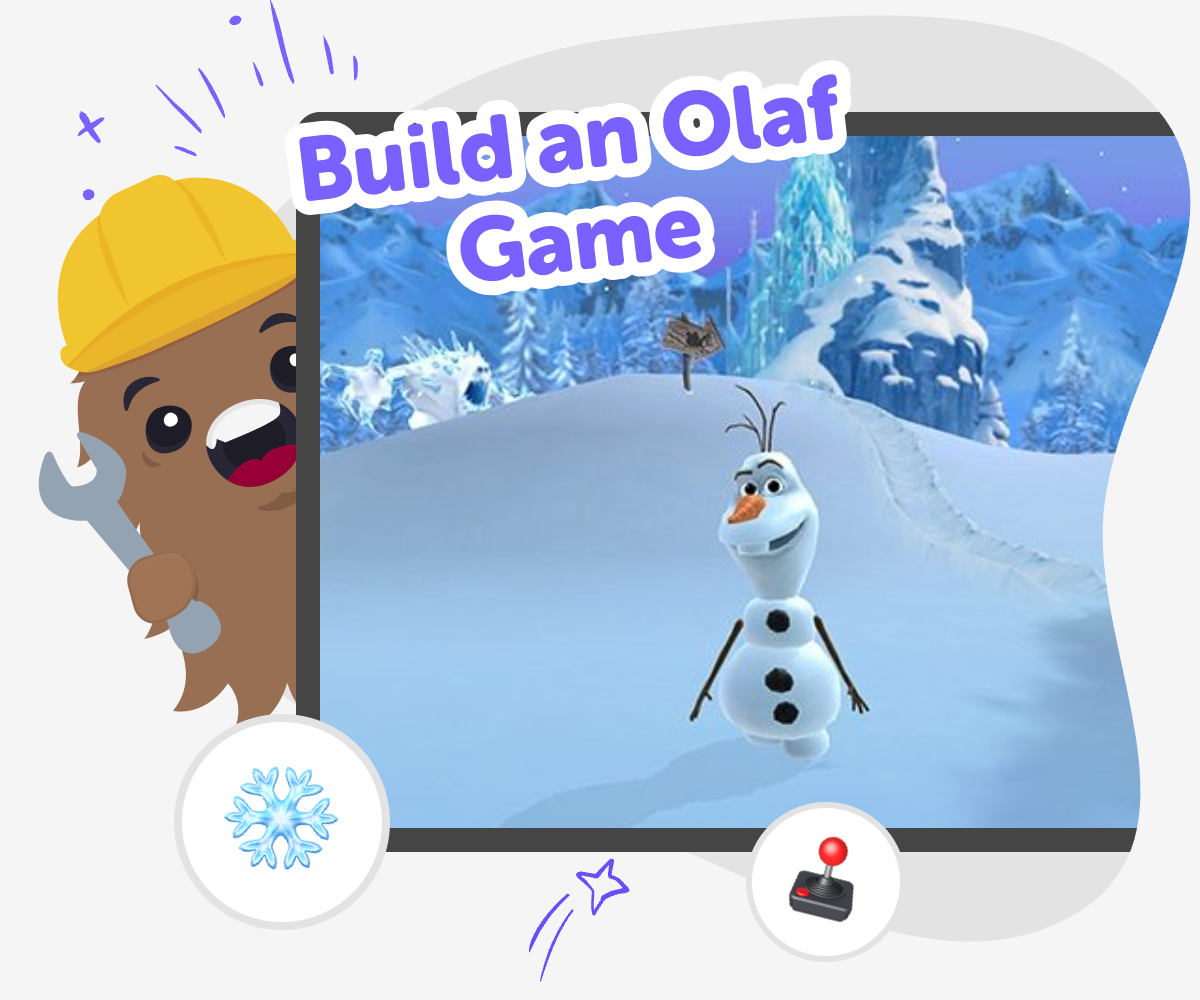
Build an Olaf game by turning a simple snow day idea into something interactive. Kids can imagine how Olaf moves, what he collects, and what makes the game fun, which helps them practice creativity, planning, and problem-solving while making a project they can understand.
This kind of project matters because it teaches kids how small choices shape a game. When they think about goals, movement, and challenge, they learn to test ideas, notice what works, and keep improving their own work.
Vibe Coding gives kids a guided place to explore build an olaf game safely, one step at a time. They can describe their game, shape how it plays, test it, and make changes as they learn, so the topic stays hands-on and approachable without feeling too hard or too technical.
The tool stays focused on making, not just imagining. Kids can experiment with different versions, try playful changes, and build confidence as they see their idea become a game they can play and improve.
Step by step
- 1
Start the snow day idea
Choose the kind of Olaf game you want to make, like a runner, a puzzle, or a collecting game. Decide what Olaf does, what the player tries to do, and what makes the game feel snowy and cheerful.
- 2
Set the first game pieces
Add the main character, a simple background, and one action such as moving, jumping, or grabbing snowflakes. Keep the first version small so it is easy to understand and test.
- 3
Try and improve the play
Play your game, notice what feels confusing or too easy, and change one part at a time. Small edits help you learn how game design works and make the project stronger.
- 4
Make the most of testing
Keep exploring new versions Try a different challenge, new snow objects, or another way for Olaf to move so you can see what changes the game feel.
Check what players notice Ask if the goal is clear, if the controls feel easy, and if anything should be slower, faster, or easier to spot.
Pick your favourite version Save the build that feels the most fun, then keep a copy for more experimenting later if you want to remix the idea.
Share and play safely Show your game to a trusted grown-up or friend, and use their feedback to make the game clearer, kinder, and more fun to replay.
What makes an Olaf game fun?
A fun Olaf game usually has a clear goal, a simple way to move, and one playful idea that matches the snowy character. Kids often enjoy games more when they can understand what to do right away, like collecting snowflakes, helping Olaf reach a finish line, or avoiding silly obstacles. The best part is that fun does not have to mean complicated. A game can be exciting with just one character, one background, and one challenge if the actions feel easy to follow. When kids build a game like this, they are learning how to turn a small idea into something people can actually play. That is an important creative skill because it teaches planning, testing, and making improvements instead of waiting for a perfect first try.
Why is game-building good practice for kids?
Making a game helps kids practice more than coding. They also learn how to solve problems, make choices, and notice what happens when something changes. If a character moves too fast, the game may feel hard. If the goal is unclear, players may not know what to do next. These are useful lessons because kids see cause and effect in a real project. Game-building can also build confidence. When a child fixes a problem or improves a game, they get to see their own progress. That feeling matters because it teaches them that creativity grows through revision. A project like this is a safe place to experiment, try again, and learn that mistakes are part of making something better.
How can kids keep a game safe and friendly?
A kid-made game works best when it stays simple, clear, and kind. That means choosing age-appropriate ideas, using easy words, and making sure the game does not rely on scary, rude, or confusing content. Safety also means sharing carefully and asking a trusted grown-up before publishing or showing a project to others online. Kids can make a stronger game when they think about the player’s experience too. Is the game easy to understand? Are the buttons clear? Can someone try again without getting stuck? These questions help children design with care. A friendly game is not just safer; it is also more fun because players feel welcomed and ready to keep going.
What can kids learn from changing their game?
Every time kids change a game, they learn something about how design works. Maybe a new obstacle makes the level more exciting, or a smaller target makes the challenge feel more fair. Even tiny changes can have a big effect, and that teaches children to pay attention to details. This kind of experimenting is one of the best parts of making a game. It shows that creative work is not only about the first idea. It is also about shaping, testing, and improving that idea until it feels right. With guided support from Vibe Coding, kids can try these changes in a friendly way and build confidence as they go. Over time, they start to think like makers who can adjust, revise, and keep learning.
Need help?
What is Build an Olaf Game?
It is a creative project where kids make a snowy game inspired by Olaf, then shape how it plays by choosing actions, goals, and challenges.
What kind of game can kids make?
Kids can make a runner, a collecting game, a puzzle, or a simple adventure as long as it feels playful and easy to follow.
Do kids need coding experience first?
No. Kids can start with a simple idea and learn as they build, test, and improve the game step by step.
Is this a good project for younger kids?
Yes. Younger kids can keep the game simple, while older kids can add more detail, levels, or choices.
How does Vibe Coding help with this project?
Vibe Coding gives guided support while kids describe their idea, build it, test it, and make changes so they can keep learning by doing.
Can kids change the game after they start?
Yes. Changing the game is part of the process, and it helps kids learn how small edits can improve how a game feels.
Is it okay to share the game with others?
Yes, as long as a trusted grown-up helps with sharing and the game stays age-appropriate, kind, and safe.
What skills do kids build by making a game like this?
They practice coding confidence, problem-solving, creativity, and the habit of improving their work through testing and revision.