Build an Ice Cream Clicker Game
Build an ice cream clicker game and learn how simple game ideas can become fun interactive projects. Kids can explore tapping, scoring, upgrades, and playful rewards while practicing creativity, problem-solving, and coding confidence.
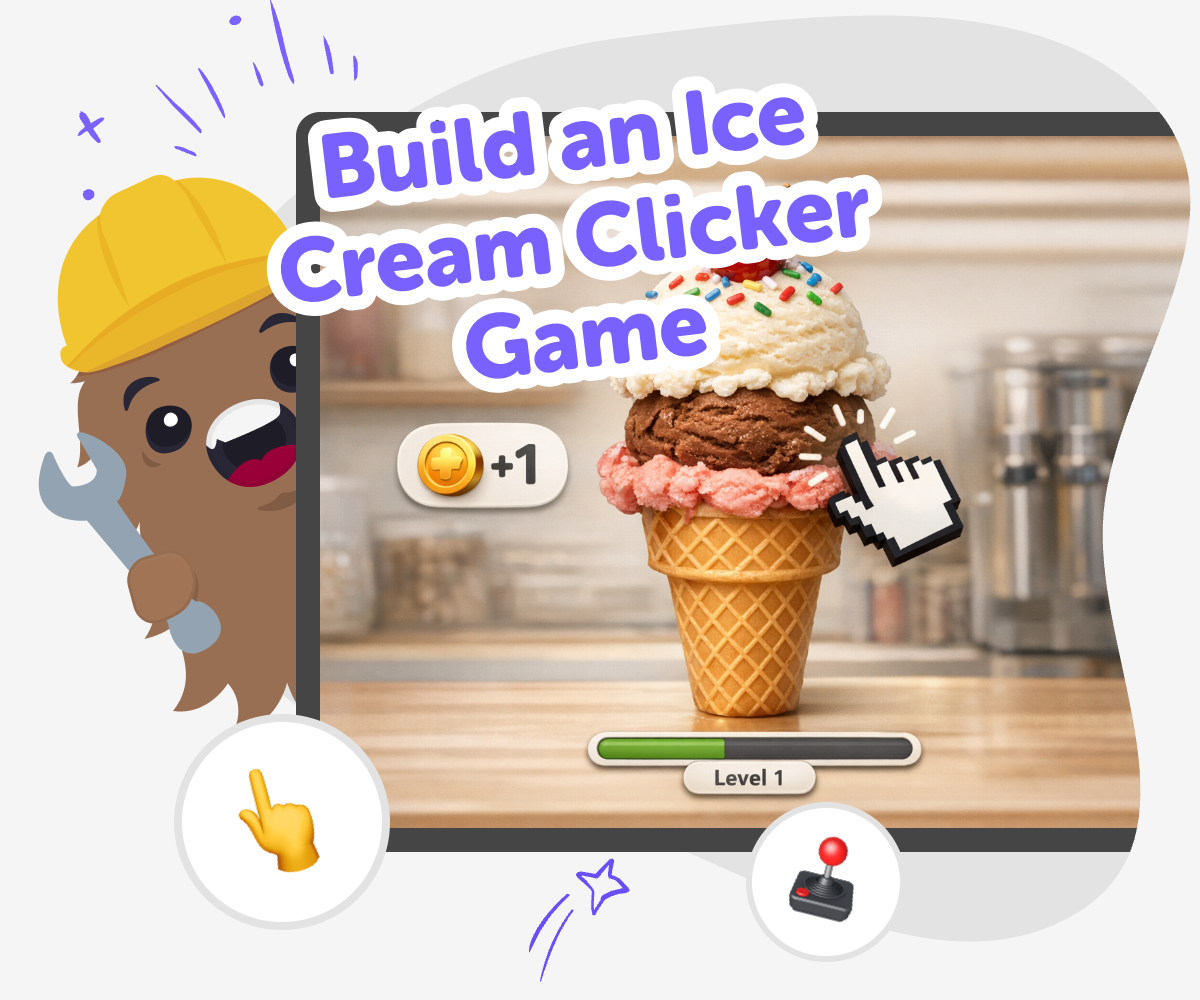
Ice Cream Clicker Game
Build an ice cream clicker game by turning a sweet idea into a simple project kids can tap, test, and improve. Clicker games matter because they teach how small actions can lead to points, upgrades, and playful feedback that make a game easy to understand and fun to keep playing. When kids make one themselves, they learn to shape rules, rewards, and timing in a way that matches their idea. That kind of making builds confidence because each change can be tried, noticed, and improved step by step.
Vibe Coding gives kids a guided place to work on an ice cream clicker game without needing to know everything at once. They can describe what they want, build a first version, test how it feels, and make changes as they go. That keeps the project creative, safe, and hands-on. The tool stays in the background as support, while the main focus stays on the game idea, the choices kids make, and the things they learn by experimenting.
How to make it
Step 1 - Start with the ice cream idea
Choose a simple game goal, like tapping to scoop ice cream, earn coins, or unlock new flavors. Keep the first version easy so the game is fun to build and easy to test.
Step 2 - Add the click action
Set up the main tap so every click gives a reward. Make the score, scoop count, or treat meter change in a clear way that kids can see right away.
Step 3 - Add upgrades and surprises
Create small extras such as faster scoops, new cones, or special toppings that appear after enough taps. These changes make the game feel like it grows as you play.
Step 4 - Make the most of testing
Try a remix Change one part of the game, like the speed of clicks or the reward amount, so you can see how it affects play. Small changes help you learn what makes the game feel fun and fair. Check the flow Play through the whole game from the first tap to the last upgrade, and notice where it feels confusing or too slow. Fix those spots so younger players can understand what to do next. Improve the rewards Adjust sounds, colours, or score goals so each tap feels satisfying without making the game too hard. Better rewards can make the game more exciting while still keeping it simple. Save your best version Keep testing, compare your favorite changes, and choose the version that feels smoothest and most fun. This is how builders make a game feel polished while still learning as they go.
What makes a clicker game fun?
Why is this a good way to learn coding?
How can kids keep it creative?
How does Vibe Coding support the project safely?
Frequently Asked Questions
Why 500,000 families trust DIY

Martin
Dad to 2 DIYers
My son loves DIY! He always finds fun projects to do, and we enjoy making things together. It’s a great way to learn, create, and have fun at the same time!

Pearl
DIYer from USA
DIY is such a great app with really sweet people and moderators who always make sure this app is super safe. You can learn to create things or learn drawing techniques - honestly there is so much to do.

Elaine W.
Middle school teacher
I love logging onto DIY every day - not just for projects but to also look at the comments my kids share about each other's work. It's a brilliant way to foster healthy support systems!

Jenn L.
Mom to 3 DIYers
We absolutely love the DIY platform and its endless river of creative adventures and projects! We always have the best time together participating, learning and creating!
