Build an Emoji Soundboard
Build an emoji soundboard and turn simple symbols into playful sounds kids can tap, test, and share. This hands-on project helps kids think about moods, jokes, reactions, and interactive design while they create a small digital tool that feels fun and personal.
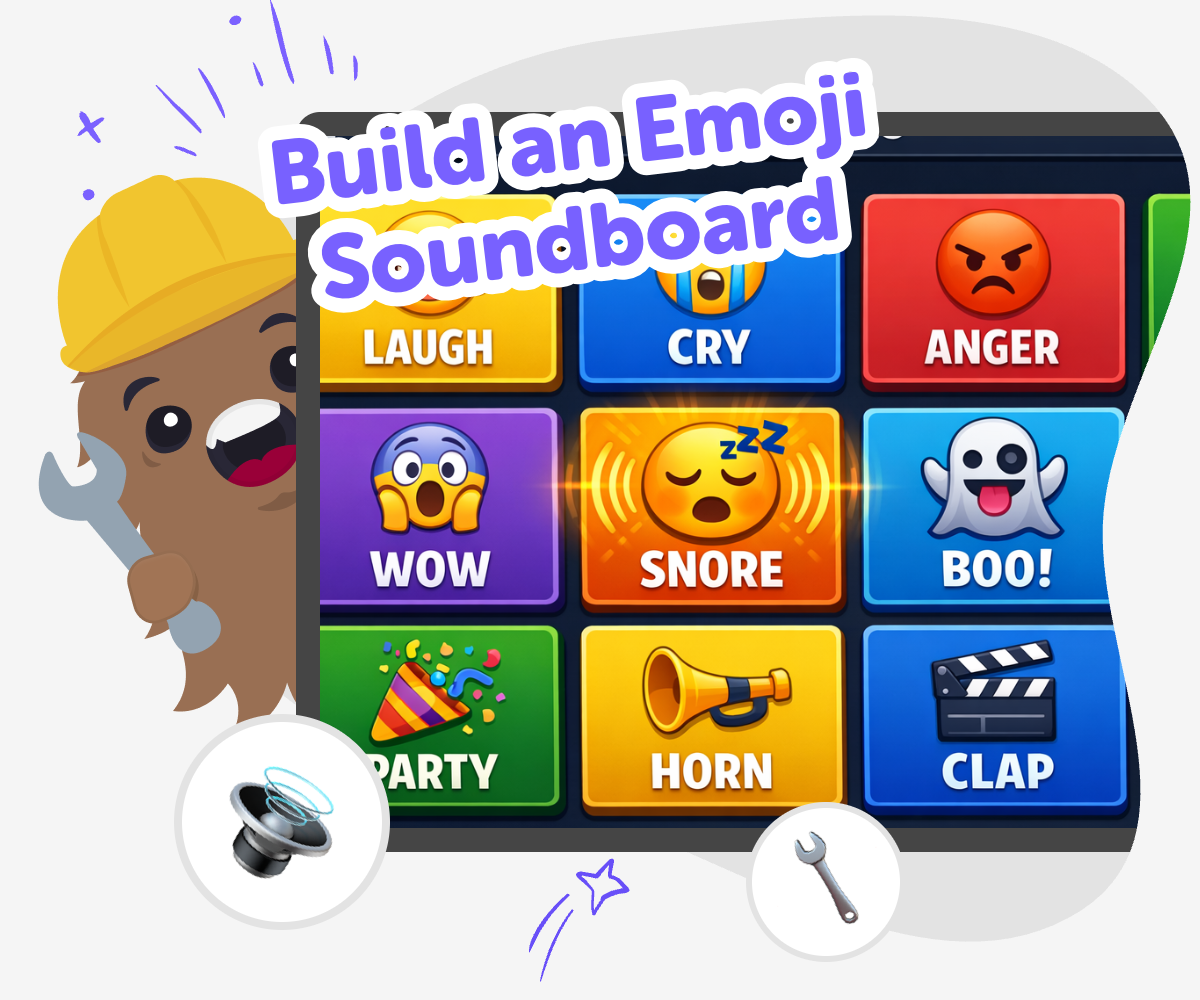
Emoji Soundboard Basics
Build an emoji soundboard by pairing emojis with sounds, reactions, and simple tap controls. It is a creative way for kids to explore how symbols can communicate feelings, jokes, and ideas in a tiny interactive project that is easy to understand and fun to improve. This kind of project matters because it helps kids practice choosing, testing, and changing small details until the board feels clear and playful.
Vibe Coding gives kids a guided place to shape that idea step by step. They can describe the soundboard they want, try different sound choices, and test how each button feels as they build. That makes the topic feel safe and creative, because kids stay in control of the ideas while getting help to make, improve, and learn from each version.
What is an emoji soundboard?
An emoji soundboard is a small interactive project where each emoji plays a sound when someone taps it. It can be silly, musical, expressive, or themed around a mood, like excitement, surprise, or calm. Kids often like soundboards because they are easy to understand, but still let them make creative choices. The emojis help people guess what kind of sound is coming, and the sounds help make the emojis feel alive. This mix of symbols and audio is a great way to practice matching ideas, building a clear layout, and thinking about how users will experience a project. It is a simple start, but it can still feel very personal and original.
Why do kids enjoy making one?
Kids enjoy making an emoji soundboard because it turns ideas into something interactive right away. Instead of only looking at emojis, they get to decide what each one does and how it should feel. That gives them a chance to be playful, make jokes, and test different choices without needing a huge project. It also helps them notice cause and effect: if they change a sound, the whole reaction changes. That kind of experimenting builds confidence. Children can start with just a few buttons and still make something that feels complete. Because the project is small, they can focus on creativity and learning without getting overwhelmed by too many parts at once.
How does it support learning?
Building an emoji soundboard supports learning in a hands-on way. Kids practice problem-solving when they decide which emoji and sound go together, and they practice iteration when they change a choice after testing it. They also build early coding confidence by making a project that responds to taps and actions. That matters because children learn best when they can try, notice, and improve. The process also encourages design thinking: the board should be clear, friendly, and easy to use. Even simple decisions, like button size, order, and sound length, help kids think like makers. Over time, they learn that creative technology is not just about getting the answer right. It is about building, checking, and making it better.
Is it safe and age-appropriate?
Yes, an emoji soundboard can be a safe and age-appropriate creative project when the sounds, labels, and themes are chosen carefully. Kids should use friendly or neutral emojis and keep the sounds suitable for their age group. It is also helpful to make the board easy to understand, with simple choices and no confusing controls. That keeps the project fun instead of frustrating. A safe project can still be imaginative: kids can make a cheerful board, a sleepy board, a weather board, or a joke board that stays kind. With guided support, children can explore interactive ideas while parents and educators feel confident that the activity is focused on making, learning, and respectful sharing.
How to make it
Choose your emojis
Pick a few emojis with clear feelings or moods, like happy, silly, surprised, or sleepy. Start with a small set so each button is easy to recognize and tap.
Match sounds
Give each emoji a sound that fits its meaning, such as a laugh, cheer, beep, drum hit, or pop. Test the pairs to see if the sound helps people guess the feeling quickly.
Build the board
Arrange the emojis into a simple layout with big buttons and clear labels if needed. Keep the design neat so the soundboard is easy for kids to use and explore.
Make the most of testing
Try a remix Swap one sound or emoji at a time so you can see what makes the board clearer, funnier, or more fun to tap. Check the flow Tap every button in different orders and notice whether the sounds are easy to hear, quick to use, and matched well to each emoji. Improve the choices Change anything that feels confusing, too loud, or too similar so the soundboard stays simple and enjoyable for other kids. Try sharing safely Show your finished version to a trusted person, get feedback, and keep editing until the board feels like your own creative project.
Frequently asked questions
What is an emoji soundboard used for?
An emoji soundboard is used to make emojis interactive. Each emoji can play a sound, which makes the project feel more playful, expressive, and easy to explore.
How many emojis should a child start with?
It is usually best to start with three to five emojis. A small set makes the project easier to test, easier to understand, and easier to improve.
What kinds of sounds work best?
Short sounds usually work best, like a pop, chime, laugh, click, or drum hit. Short sounds are easier to match to emojis and keep the soundboard fun to tap again and again.
Can kids make their own emoji themes?
Yes. Kids can build themes around feelings, animals, weather, space, or jokes. Choosing a theme helps the soundboard feel connected and makes it easier to pick matching emojis and sounds.
How do kids make the board easy to use?
Kids can use big buttons, clear spacing, and a small number of choices. It also helps to test the board several times and change anything that feels hard to tap or confusing to follow.
Is building an emoji soundboard safe for kids?
It can be very safe when the project uses age-appropriate emojis and sounds. A guided creative tool like Vibe Coding also helps kids build step by step, test ideas, and keep the project friendly and manageable.
What do kids learn while making one?
Kids learn coding confidence, problem-solving, and how to improve a project through testing. They also practice creative thinking by deciding how sounds and emojis work together.
Can kids keep improving their soundboard later?
Yes. They can always swap sounds, reorder buttons, change the theme, or simplify the layout. That makes the project a good example of learning by doing, because each new version can be a little better than the last.
More tools
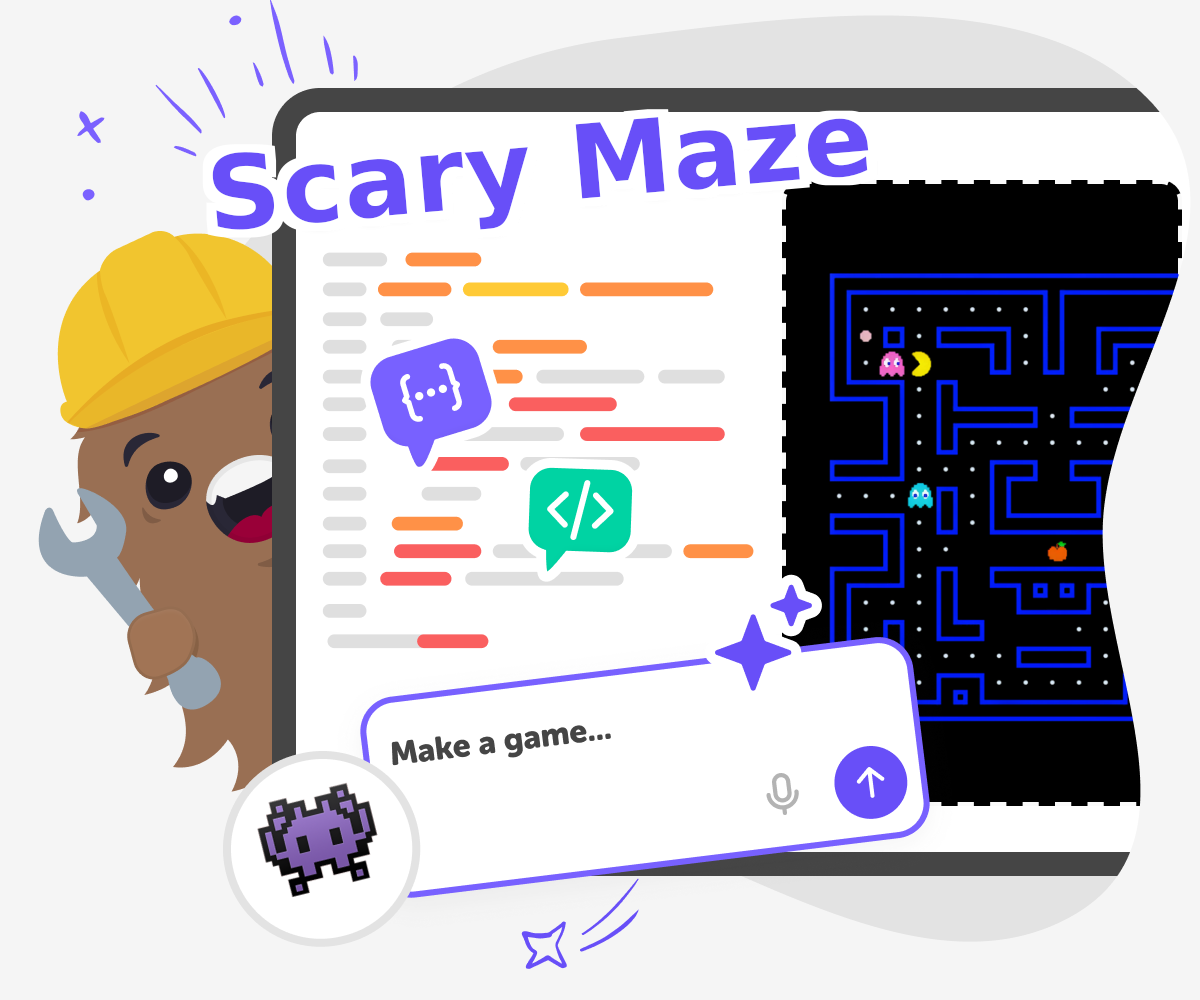
Create Scary Maze Game
Create scary maze game ideas with a kid-friendly coding studio that helps you build a spooky challenge step by step. Kids can design the maze, add surprises, test how it feels, and keep improving it until it is fun, clear, and just the right amount of scary.
Create Stabfish IO Game
Create stabfish io game ideas with guided, hands-on building that helps kids turn a game concept into something they can test, change, and improve. This kid-first page explains the idea in a simple way and shows how creative coding can make game making feel fun, safe, and possible.
Create Tickle Monster Game
Create Tickle Monster Game is a playful kids activity where imagination turns into an interactive project. Kids can build a silly game idea, test what makes it fun, and keep improving it step by step while learning creative technology skills.
Create V Bucks Generator
Create V Bucks Generator is a kid-friendly topic about designing a fun, fake in-game currency idea and exploring how game systems can work. Kids can learn what a currency does in a game, why players collect it, and how a simple reward loop can make play feel exciting. With guided help from Vibe Coding, kids can turn that idea into an interactive project they build, test, and improve step by step.
Ready to start creating?
Join hundreds of thousands of kids already building cool stuff on DIY.ORG.
Your first game is on us.
Describe a game below - no sign-up needed to try.
Powered by AstroSafe
Make real games - not just chat