Build an Elsa Game
Build an Elsa game with kid-friendly coding practice that turns a snowy idea into a real interactive project. Kids can make a winter adventure, add clear goals and challenges, and improve the game as they test what works best.
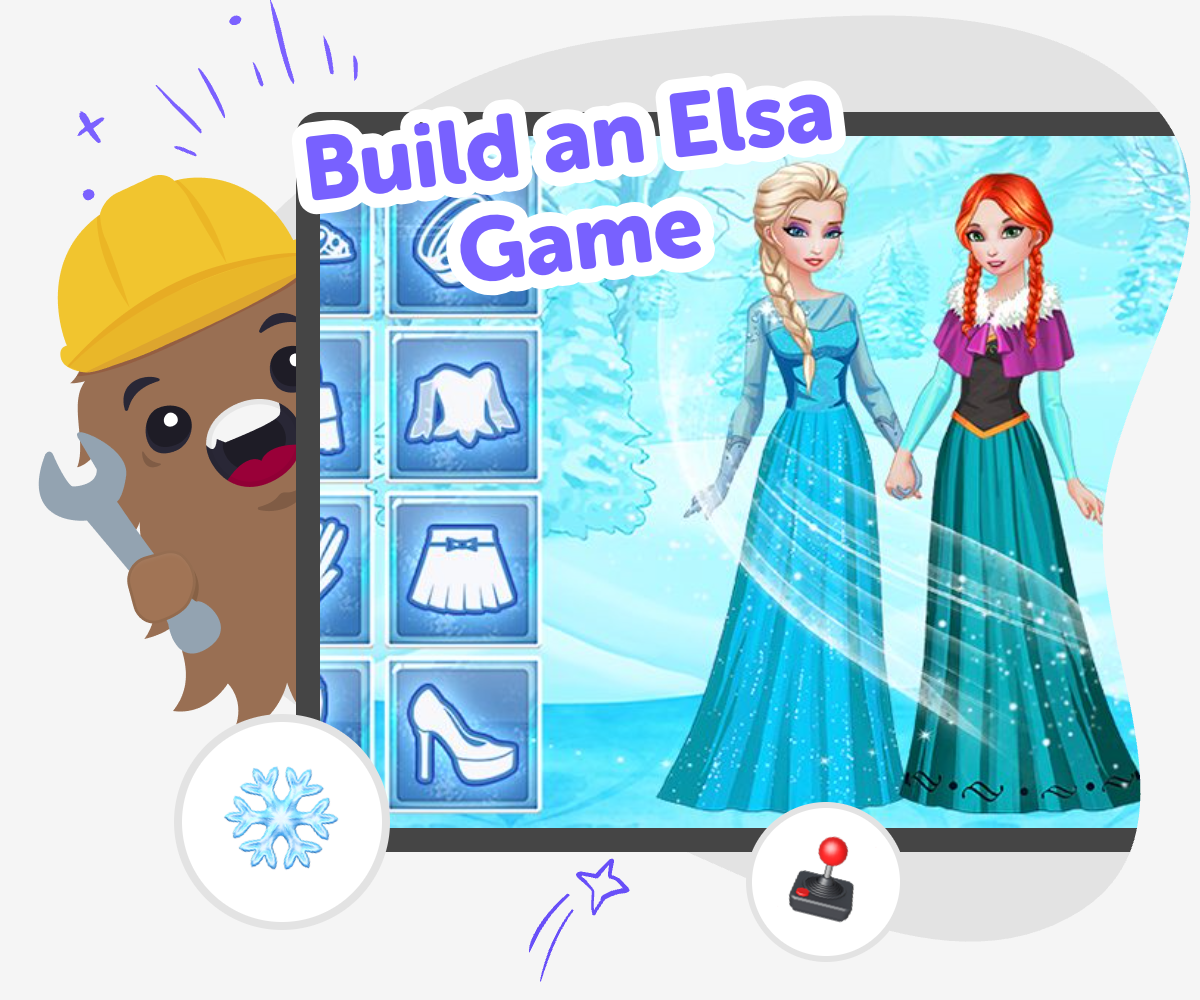
Create a Snowy Game
Build an elsa game to turn a snowy idea into a real interactive project. Kids can imagine a winter world, choose what happens when the game starts, and shape simple actions that make play feel clear and exciting. Making a game like this helps kids practice creativity, problem-solving, and confidence. It also shows how stories, choices, and game rules fit together when they build something of their own.
Vibe Coding helps kids explore the topic by guiding them as they describe the game they want, test it, and improve it step by step. It keeps the process hands-on, so kids stay active makers while they experiment with characters, movement, and simple goals. The tool supports safe, creative learning without turning the project into instant finished software. Kids can try ideas, notice what works, and keep refining their game in a calm, supported way.
Make the game
Step 1 - Choose your game idea
Pick one snowy game goal, like guiding a character through ice, collecting snowflakes, or reaching a castle.
Step 2 - Set the scene
Add the winter world, main character, and one or two simple actions so the game feels easy to follow.
Step 3 - Add the challenge
Build one clear rule or obstacle, then try it to see if the game is fun and understandable.
Step 4 - Make the most of testing
Check what feels smooth Play the game from the start and notice where it feels clear, slow, or confusing. Keep track of the part that makes players smile, pause, or try again. Change one thing at a time Adjust a single detail, like speed, timing, or obstacle size, so you can tell what helped. Small changes make it easier to learn from each test. Try a fresh version Run the game again after every change and compare how it feels. If something is better, keep it; if not, swap it for a new idea. Save your favorite remix Choose the version you like best and give it one last playful touch. You might add a new level, a different ending, or a surprise that makes the game feel more your own.
What makes an Elsa game feel fun?
Why do kids learn from making one?
How can kids keep it safe and age-appropriate?
How does Vibe Coding help the idea grow?
Frequently Asked Questions
Why 500,000 families trust DIY

Martin
Dad to 2 DIYers
My son loves DIY! He always finds fun projects to do, and we enjoy making things together. It’s a great way to learn, create, and have fun at the same time!

Pearl
DIYer from USA
DIY is such a great app with really sweet people and moderators who always make sure this app is super safe. You can learn to create things or learn drawing techniques - honestly there is so much to do.

Elaine W.
Middle school teacher
I love logging onto DIY every day - not just for projects but to also look at the comments my kids share about each other's work. It's a brilliant way to foster healthy support systems!

Jenn L.
Mom to 3 DIYers
We absolutely love the DIY platform and its endless river of creative adventures and projects! We always have the best time together participating, learning and creating!
