Build an Earth Day Game
Build an earth day game that helps kids explore recycling, nature, and simple climate-friendly choices through play. With a hands-on creative tool, kids can imagine, make, test, and improve an interactive project that turns Earth Day ideas into something fun to use and learn from.
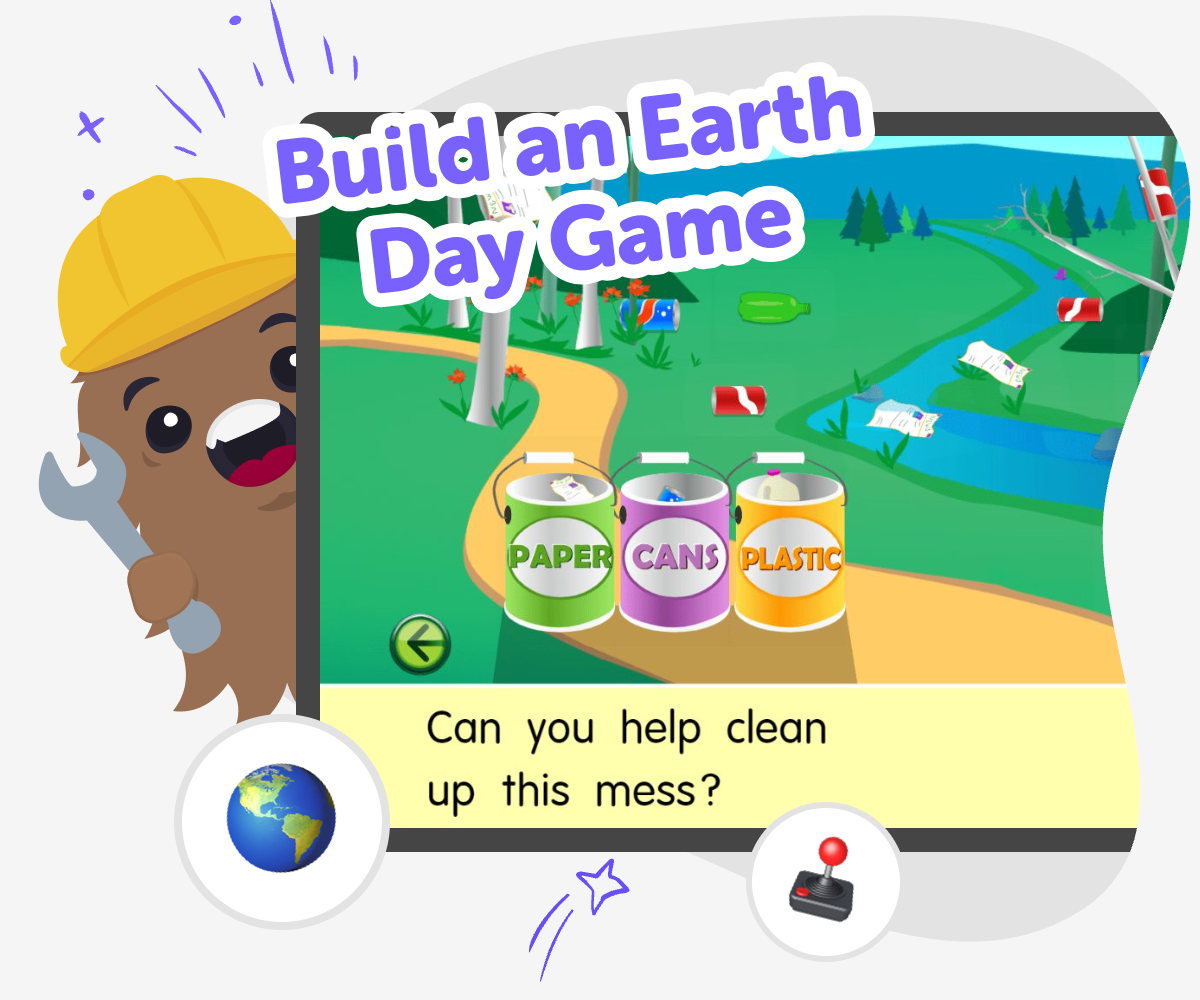
About this tutorial
Build an earth day game to help kids learn about recycling, nature, and simple climate-friendly choices in a playful way. A game can turn Earth Day into something active, where children practice making choices, spotting patterns, and understanding how everyday actions affect the world around them.
That matters because kids learn best when they can try ideas, see results, and improve what they made. A game gives them a clear goal, a creative challenge, and a chance to feel proud of turning a good idea into something others can play.
Vibe Coding gives kids a guided way to shape an Earth Day game into a hands-on project. Kids can describe the game they want, then build, test, and improve it step by step with support that keeps the work clear, safe, and creative.
The tool stays focused on making and learning, not on instant results. That helps kids explore ideas like recycling, planting, and caring for nature while they practice confidence, experimentation, and problem-solving.
Step by step
- 1
Choose your Earth Day idea
Pick one simple theme for your game, like sorting trash, planting trees, saving water, or protecting animals. Decide what players should do first so the game has a clear goal.
- 2
Build the first level
Use guided coding help to turn the idea into a playable scene with buttons, choices, or movement. Keep the first version simple so you can see how the game works right away.
- 3
Test and improve the challenge
Play your game and notice what feels too easy, too hard, or confusing. Change the rules, add points, or adjust the timing so the game teaches your idea more clearly.
- 4
Make the most of replaying
Try a new theme Swap recycling for planting, water saving, or animal care so the game teaches a fresh Earth Day idea while keeping the same playful style.
Check what works best Play through every choice, see where players slow down, and fix anything that feels unclear so the game stays friendly for kids.
Share your favourite version Save the version you like most, then show it to a parent, teacher, or friend and ask what Earth Day idea they noticed first.
Keep experimenting Make one small change at a time, such as a new score, sound, or level, so you can keep learning how games improve with practice.
Why make an Earth Day game?
An Earth Day game helps kids learn by doing. Instead of only reading about recycling or nature, they get to make choices, see results, and connect ideas to actions. That makes the topic easier to remember and more fun to explore. A game can also turn a big subject into a small challenge that feels possible, which is important for younger makers. Kids may not fix the whole planet in one project, but they can practice thinking like helpers, problem-solvers, and careful observers. When they build a game about Earth Day, they are also learning how technology can support good ideas, not just entertain. That mix of creativity and purpose can make the project feel meaningful.
What makes it kid-friendly?
A kid-friendly Earth Day game is simple, clear, and safe to explore. It usually has one main goal, easy choices, and bright ideas that kids already understand, like sorting paper from plastic or helping a garden grow. The best versions do not need complicated rules to be interesting. Instead, they invite kids to test ideas, notice what happens, and make small improvements. That kind of project is great for ages 5 to 15 because younger kids can focus on simple actions while older kids can add more detail, story, or challenge. The point is not to make something perfect on the first try. The point is to make something playful that helps kids feel confident using their own ideas.
How does game-making help learning?
When kids build a game, they practice more than coding. They also learn how to plan, solve problems, and keep going after something does not work the first time. Those are useful skills in school and in everyday life. For an Earth Day game, kids can think about cause and effect, sorting, sequences, and decision-making. They may also learn how to explain an idea clearly, because a game only works if other people can understand how to play it. That is why making a game is such a strong learning activity: it blends creativity with thinking skills. Each small change teaches something, whether the project gets better at teaching Earth Day ideas or becomes easier and more fun to play.
Can kids keep improving it?
Yes. A good game usually gets better after testing. Kids can play their own Earth Day game, notice what feels confusing, and then make changes one by one. They might rename a button, simplify a rule, or add a clearer score so players understand the goal faster. This is called iteration, and it helps kids learn that creative work does not have to be perfect on the first try. In Vibe Coding, kids can use guided support to build, test, and revise without feeling stuck. That makes it easier to stay curious and keep experimenting. Over time, the project can grow from a simple idea into something that feels personal, polished, and proudly their own.
Need help?
What is an Earth Day game?
An Earth Day game is a fun activity that teaches ideas about helping the planet, like recycling, saving water, planting trees, or caring for animals. Kids can play it, make choices in it, and learn by seeing what happens next.
What can kids include in an Earth Day game?
Kids can include simple challenges, pictures, points, choices, or short stories about nature. Good game ideas are easy to understand and connect to real Earth Day habits, such as sorting waste or choosing eco-friendly actions.
Is making an Earth Day game good for beginners?
Yes. A beginner can start with one small idea and build from there. Simple games are a great way to practice planning, testing, and improving without needing to know everything at once.
How do kids make the game fun and clear?
They can choose one main goal, use easy instructions, and test the game with someone else. If players get confused, the maker can change the rules or wording until the game feels smooth.
Can an Earth Day game teach real lessons?
Yes. A game can teach how choices affect the environment and why small actions matter. When kids make the game themselves, they remember the lesson more deeply because they built it through practice.
Is it okay if the first version is simple?
Absolutely. Many great projects start small. A simple first version helps kids see what works, then they can add more detail later if they want to.
How does Vibe Coding help with this project?
Vibe Coding gives kids guided support while they build, test, and improve their Earth Day game. It helps the project feel doable, creative, and safe without doing all the work for them.
Can kids share the game with others?
Yes, if a parent or educator says it is okay. Sharing a finished or in-progress game can be a nice way to talk about Earth Day ideas and celebrate the work they made.