Build an Apple Clicker Game
Build an apple clicker game and learn how simple game ideas become something you can tap, test, and improve. This kids-first project helps you turn a playful concept into an interactive game while building confidence with coding, problem-solving, and creative design.
About this tutorial
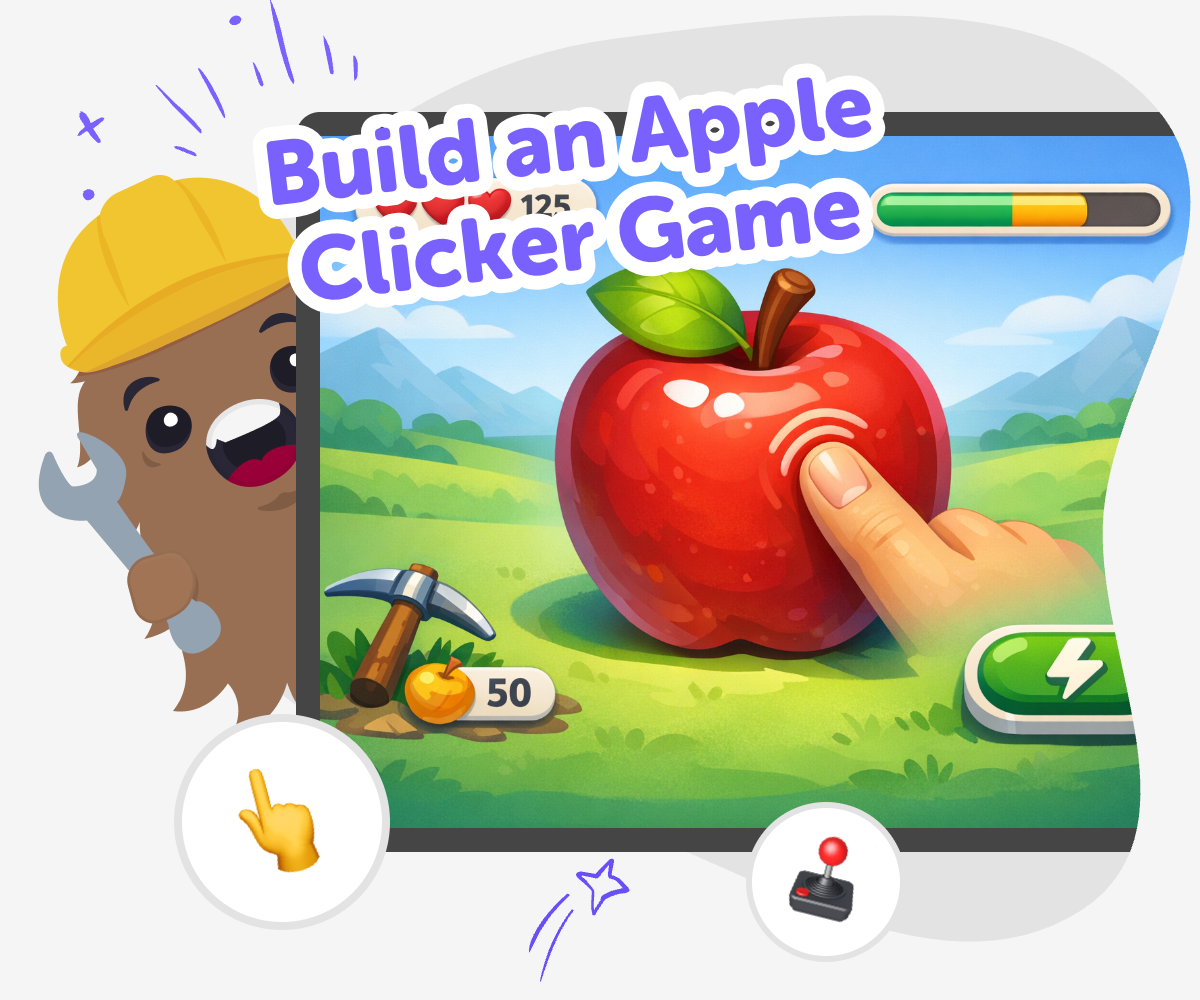
Build an apple clicker game to understand how a small idea can become a playful project. When kids make the tap, score, and screen changes work together, they learn how simple choices can shape a game that feels clear, fun, and rewarding.
This kind of project matters because it helps kids practice cause and effect, creative thinking, and problem-solving in a way that feels easy to try. A small game can still teach big ideas about how games are planned, tested, and improved.
Vibe Coding gives kids a guided place to explore the idea step by step. They can describe the game they want, build it with support, test what happens, and make changes as they learn.
That keeps the focus on hands-on making, safety, and confidence. Kids stay active in the process while they experiment with the apple clicker game and shape it into something that feels like their own.
Step by step
- 1
Pick the apple idea
Start with a simple game goal, like tapping apples to earn points. Decide what the player should see first and what makes the game fun to keep playing.
- 2
Add the click action
Set up the apple so each tap changes the score. Keep the interaction clear so kids can understand how one action leads to one result.
- 3
Test the score
Play the game and check whether points go up the way you expect. If anything feels slow or confusing, adjust it and try again.
- 4
Make the most of replaying
Try a remix Change the apple, score style, or background so the game feels different while still keeping the same tap-and-score idea.
Check the flow Play from start to finish and make sure the tapping is easy to understand, quick to use, and fun for younger players.
Share safely Keep the game friendly and age-appropriate so it is comfortable to show to family, classmates, or a trusted adult.
Keep improving Save your best version, test a new idea, and keep refining the game until it feels smooth, playful, and truly yours.
What is an apple clicker game?
An apple clicker game is a simple kind of game where the player taps apples to make something happen, usually to earn points or collect items. The idea is easy to understand, which makes it a great starting point for kids who are learning how games work. Even though the idea is simple, it still uses important game-making skills like timing, feedback, and clear goals. A player wants to know what happens when they tap, how to get a better score, and what makes the game feel rewarding. That is why clicker games are useful for beginners: they help kids focus on one small interaction and build confidence before trying bigger games with more parts.
Why do clicker games help kids learn coding?
Clicker games are helpful because they show how one action can create one result. When a player taps an apple and the score changes, kids begin to understand cause and effect, which is a big idea in coding. They also practice solving small problems, like making sure the score updates correctly or deciding what should happen after each tap. These little steps can feel manageable, even for younger makers. As kids improve the game, they learn that coding is not just about getting everything right on the first try. It is about testing, noticing what works, and making changes. That habit builds confidence and helps kids feel ready to create more kinds of interactive projects later.
How can kids make the game feel creative?
Creativity matters in a clicker game because even a simple idea can have a personal style. Kids can choose the apple’s look, the background, the score display, and the feel of the game. They might make the apples look shiny, funny, magical, or seasonal. They can also decide whether the game is calm, fast, or silly. Those choices help the game feel like it belongs to the maker, not just the template. Creative choices are also useful because they teach kids that design is part of coding. When the game is easy to understand and pleasant to play, the player has a better experience. That is a skill kids can use again in stories, quizzes, and other interactive projects.
How does guided building support safe experimenting?
Guided building helps kids try ideas without feeling stuck. Instead of needing to know everything at once, they can make one small change, test it, and then decide what to do next. That process is safe and learning-focused because it encourages experiments that are easy to understand and easy to fix. If the score does not behave the way they expected, they can adjust it and keep going. This teaches patience and problem-solving in a friendly way. It also helps kids learn that making mistakes is part of building. With a guided tool like Vibe Coding, kids stay active in the process by choosing what to make, testing what happens, and improving their project step by step.
Need help?
What is an apple clicker game?
It is a simple game where tapping apples causes an action, usually earning points or making something change on screen.
Is a clicker game good for beginners?
Yes. The idea is easy to understand, so beginners can focus on one action, one result, and one score.
What do kids learn from making one?
Kids practice coding confidence, problem-solving, testing, and creative design while building a game they can understand.
Can kids make the game their own?
Yes. They can change the apple, colours, score style, sounds, and the way the game feels when played.
Do clicker games need lots of code?
Not always. A small clicker game can start simple and grow as kids add more details and ideas.
How does testing help the game?
Testing shows whether taps count correctly and whether the game feels clear and fun to play.
Is this kind of project safe for kids?
Yes, when it is built in a kid-friendly, moderated space and the game stays age-appropriate and simple to share.
Can kids improve the game after they finish it?
Yes. They can replay it, tweak the design, and keep changing little pieces until it feels better.