Build an Akinator Game
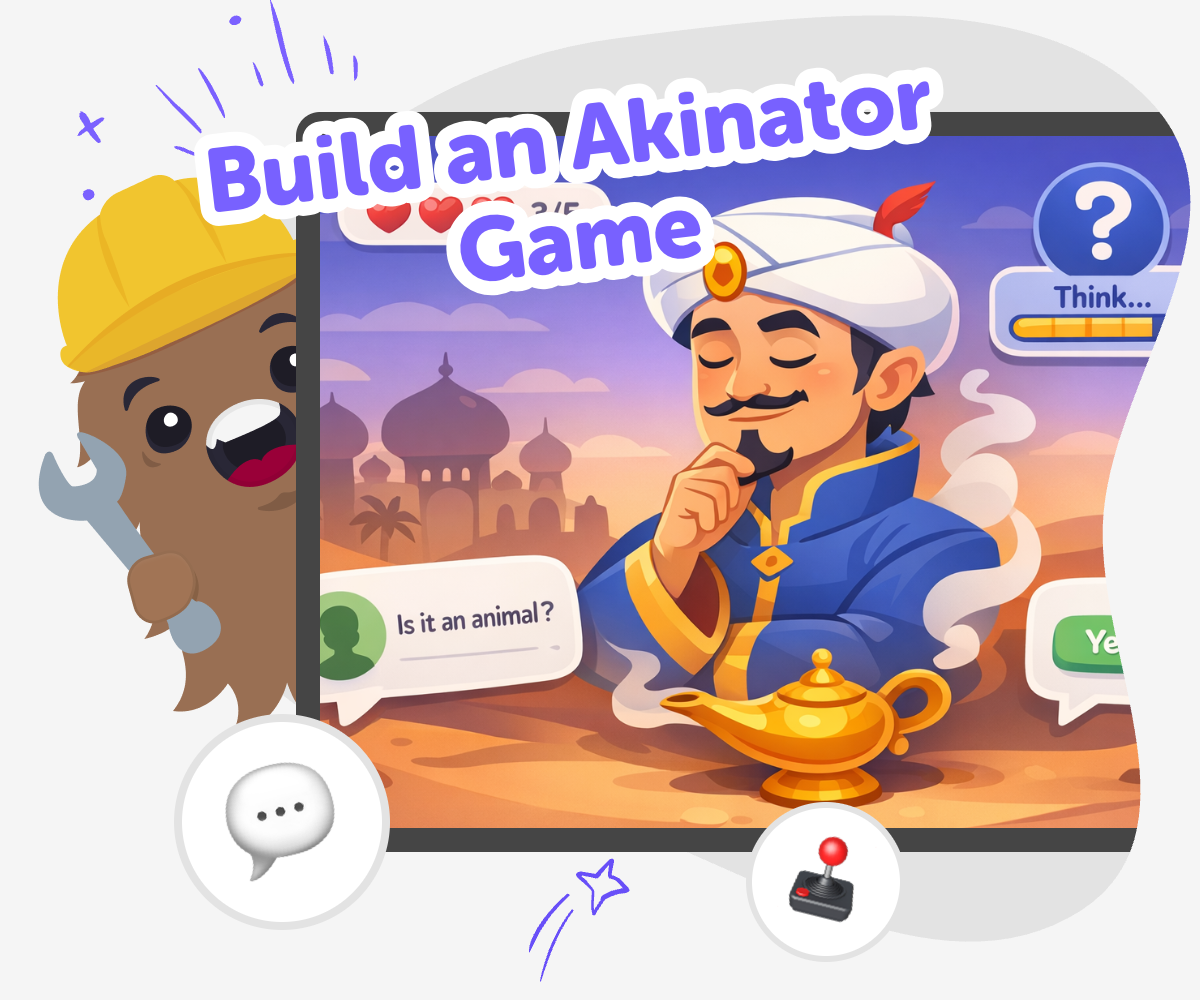
Build an akinator game by making a kid-friendly guessing game where players answer questions and try to find the right character, creature, or object. This page explains the idea, why it is fun to make, and how kids can explore it through guided, hands-on creation with Vibe Coding.
About this tutorial
Build an akinator game by making a guessing game that uses questions to narrow down the answer. Kids can choose a topic like animals, characters, foods, or silly inventions, then think about which clues help the game ask smarter questions. This kind of project matters because it turns logic, creativity, and language into something playful and easy to test.
A good guessing game also teaches patience and revision. Kids learn that if a question is confusing or not helpful, they can change it, try again, and make the game better.
Vibe Coding gives kids a guided way to explore the topic by helping them shape their idea into an interactive project. They can describe the game they imagine, then build it, test it, and improve it with support along the way.
That makes the topic feel safe, creative, and achievable. Kids stay in control of the idea while practicing coding confidence, problem-solving, and iteration as they make it more fun to play.
Step by step
- 1
Pick a theme
Choose a guessing-game topic that feels fun, such as animals, movie characters, snacks, or made-up creatures. A clear theme makes it easier to think of clues and answers.
- 2
Plan the questions
Write questions that help players narrow choices, like asking about size, colour, powers, or habits. Good questions should split the options into smaller groups.
- 3
Build and test
Use guided coding help to turn your idea into a playable game. Try it with a few example answers so you can see whether the questions lead to the right result.
- 4
Make the most of testing
Try a remix Swap one question or answer so the game becomes clearer and more fun to play, while still keeping the same theme.
Check the flow Play through the guessing game from start to finish and notice where players might get stuck or confused.
Improve the clues Change any question that does not help enough, and add a new clue if the game needs a better way to narrow choices.
Keep building Save your favourite version, test a new idea, and keep adjusting until the game feels smooth, playful, and easy to replay.
What makes an Akinator-style game work?
An Akinator-style game works by asking questions that slowly reduce the number of possible answers. Instead of guessing everything at once, the game uses clues such as colour, size, category, personality, or special features. Each answer helps move the player closer to one choice. That is why the order of the questions matters. A strong game starts with broad questions and becomes more specific over time. Kids can think like puzzle makers when they build this kind of project, because they are not just choosing answers. They are designing the path that leads to the final guess. This makes the game feel clever, fair, and fun to replay.
Why is it a good project for kids?
This project is a good fit for kids because it mixes imagination with simple logic. Kids can make a game about things they already love, like animals, heroes, books, or funny inventions, and then turn those ideas into a playable challenge. They practice writing clear questions, spotting patterns, and testing whether the game gives useful clues. If something does not work, they can improve it. That kind of trying again helps kids build confidence, because they learn that creative technology is something they can shape step by step. It is also a friendly way to practice making decisions and explaining ideas clearly.
How does testing help the game get better?
Testing helps a guessing game become clearer and more fun. When kids play their own game, they can notice whether the questions make sense, whether the clues are too easy or too hard, and whether the answer appears at the right moment. If players can guess too quickly, the game may need harder questions. If they get stuck, the game may need better clues or a smaller set of choices. Testing also helps kids learn to look at their work like a player, not only like a maker. That shift is important, because it teaches them to improve projects by paying attention to how other people experience them.
How can kids make it creative and safe?
Kids can make an Akinator-style game creative by choosing fun themes, playful characters, or surprising categories that feel original. They can also keep the game safe by using age-appropriate ideas and avoiding anything scary, rude, or personal. A good kid-made game should feel welcoming and easy to understand. That is one reason a guided studio like Vibe Coding can help. It gives kids a structured place to build, test, and improve their game without needing to figure out everything alone. The result is a project that feels imaginative and practical at the same time, with room to experiment and learn through making.
Need help?
What is an Akinator-style game?
It is a guessing game that asks questions to figure out what the player is thinking of. The game gets closer to the answer by using clues that narrow the choices one step at a time.
Can kids make their own guessing game?
Yes. Kids can make a simple version with a small set of choices, clear questions, and one answer at the end. Starting small helps the game feel easier to build and easier to test.
What should I choose for the game topic?
Pick something with several options that can be compared, like animals, characters, food, or fantasy creatures. A topic works best when the choices have different clues, such as size, colour, or special traits.
How many questions does the game need?
A small game can work with just a few good questions. More questions can make the game feel smarter, but only if each one helps narrow the answer in a useful way.
How do I make the questions better?
Ask questions that split the choices clearly. Good questions are easy to understand and help the player move closer to the answer without guessing too early.
What if the game is too easy or too hard?
If it is too easy, add questions that separate similar choices. If it is too hard, use clearer clues or fewer options so players can follow the game more smoothly.
Is this kind of project safe for younger kids?
Yes, as long as the topic is age-appropriate and the choices stay friendly, simple, and non-personal. A guided building tool like Vibe Coding can help kids create in a safe, hands-on way.
Why does testing matter so much?
Testing shows whether the questions lead to the right answer and whether the game feels fun to play. It helps kids improve their project by noticing what works and what needs another try.