Build a Wormate Game
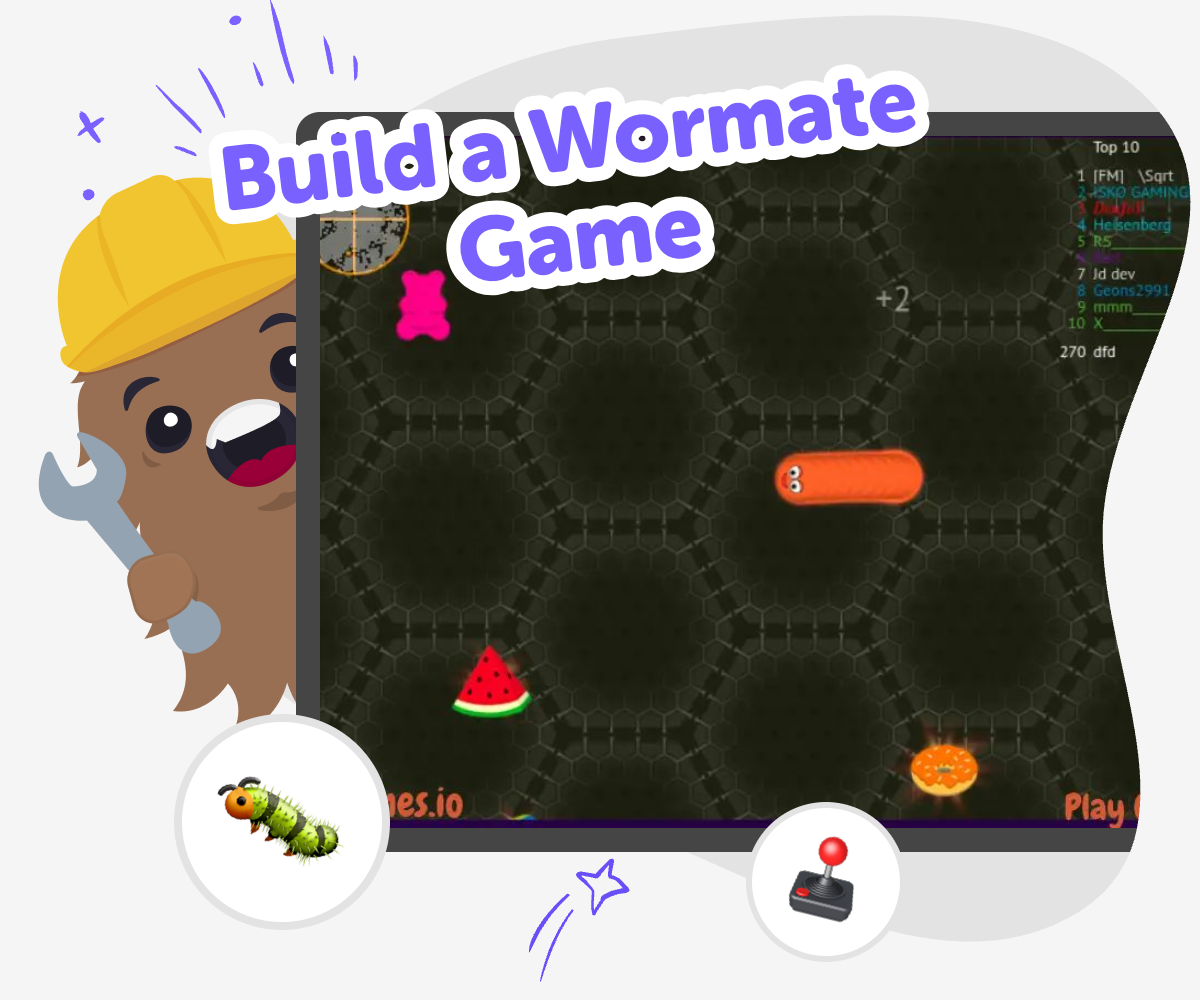
Build a wormate game by turning a simple idea into a playful, moving challenge kids can shape, test, and improve. This topic helps kids think about game rules, movement, timing, and safe creative choices while they make something that feels fun to play.
About this tutorial
A build a wormate game project helps kids turn a simple game idea into something interactive they can play, test, and improve. It is a playful way to learn how movement, rules, and timing work together while kids build something they can keep changing.
This kind of project matters because kids learn by trying ideas, noticing what happens, and making small fixes. Each round of play teaches something new about game design, and that helps kids build confidence as makers.
Vibe Coding gives kids a guided place to explore a wormate game step by step. They can describe the game they want, shape the first version with support, and test changes as they go, which keeps the process hands-on and creative.
It also helps the project stay safe and age-appropriate because kids stay focused on making, improving, and playing inside a learning space. The tool supports experimentation without turning the game into a shortcut, so kids still practice thinking, choosing, and revising for themselves.
Step by step
- 1
Choose your game idea
Start with a simple wormate game idea, like a worm that grows, chases food, or avoids danger. Decide what makes the game fun so you have a clear goal before you begin.
- 2
Set the first rules
Make a basic plan for movement, points, and what ends the game. Small rules help the game feel fair and give you something easy to test first.
- 3
Build and test
Use guided coding help to create your first version, then play it yourself to see what works. Notice what feels too fast, too slow, or confusing, and change one part at a time.
- 4
Make the most of replaying
Try a new challenge Change one rule, speed, or score idea so the game feels different while still being easy to understand.
Watch what happens Play your version a few times and notice where the worm gets stuck, where the challenge feels fair, and where the game is most fun.
Improve little by little Adjust one piece at a time so the game becomes smoother, clearer, and more exciting without losing your original idea.
Share safely Show your game to a trusted adult or friend and ask what they notice, then use their feedback to make one more round of changes.
What makes a wormate game fun?
A wormate game is fun because it mixes simple movement with small challenges. Kids can make a worm grow, add food to collect, or create obstacles that change the path. The best versions are easy to understand but still give players a reason to keep trying. When kids build this kind of game, they learn that fun does not come from making everything complicated. It often comes from one clear idea that works well and can be played again and again. A good wormate game also leaves room for choice, like choosing where to move or how to avoid danger. That helps kids practice game design in a way that feels playful and manageable.
Why does testing matter while making a game?
Testing matters because games usually get better when kids actually play them, not just imagine them. A wormate game may seem clear in your head, but once you try it, you might notice the worm moves too quickly, the food is too hard to reach, or the rules are not easy to follow. That is normal. Testing helps kids see what other players will experience and gives them a safe way to improve their work. Each test teaches something useful, like how to make controls smoother or how to balance challenge and success. Learning to test and revise builds confidence because kids see that making games is a process, not a perfect first try.
How does coding help kids think creatively?
Coding helps kids be creative because it gives them a way to turn an idea into something that responds, moves, and changes. In a wormate game, that could mean making the worm grow after it eats, adding points for good choices, or changing the game when a player makes a mistake. Those choices are creative, not just technical. Kids decide what the game should feel like and what should happen next. That kind of making supports problem-solving too, because every idea needs to work inside the game rules. Over time, kids start to see coding as a building tool, like blocks or art supplies, that helps them shape their own inventions.
How can kids stay safe while sharing a game?
Kids can stay safe by keeping their game simple, friendly, and shared with trusted people. A wormate game is a good place to practice thoughtful design because the focus stays on the game itself, not on personal information. Kids should avoid using real names, private details, or anything that would make a project less safe to show. It also helps to ask an adult or teacher to preview the game before sharing it widely. When kids use a guided creative tool like Vibe Coding, they can focus on making, testing, and improving while staying in a supervised learning space. That makes sharing feel positive, calm, and age-appropriate.
Need help?
What is a wormate game?
A wormate game is a game where a worm moves around, collects items, grows, and tries to avoid problems. Kids can make it simple or add extra rules, like obstacles, points, or levels.
Why do kids like making worm games?
Kids often like worm games because the idea is easy to understand, but there is still room to be creative. They can decide how the worm moves, what it collects, and what makes the game exciting.
What should a first wormate game include?
A first version should include movement, one main goal, and one clear rule for what counts as success or failure. Keeping it simple makes it easier to test and improve.
Can kids make their own version of this game?
Yes. Kids can make their own version by changing the look, the rules, the speed, or the challenge. Personal choices are what make the game feel original.
Is building a wormate game good for beginners?
Yes. It is a good beginner project because it starts with a clear idea and lets kids learn one step at a time. They can build, test, and change things without needing to know everything at once.
How does Vibe Coding help with this project?
Vibe Coding gives kids a guided place to describe their game idea, build a first version, and keep improving it. It supports hands-on making, but kids still do the thinking, testing, and deciding.
What if the game does not work right away?
That is part of making games. Kids can test what happened, change one thing, and try again. Small fixes are how many good projects get better.
Can kids share their game with family or classmates?
Yes, if they share it in a safe, trusted setting. It is a good idea to keep the game age-appropriate and ask an adult to help before showing it to a wider audience.