Build a This or That Game
Build a this or that game to help kids make quick choices, share opinions, and turn simple ideas into a fun interactive project. With guided creative coding, kids can design questions, test answers, and improve their game step by step while building confidence and problem-solving skills.
About this tutorial
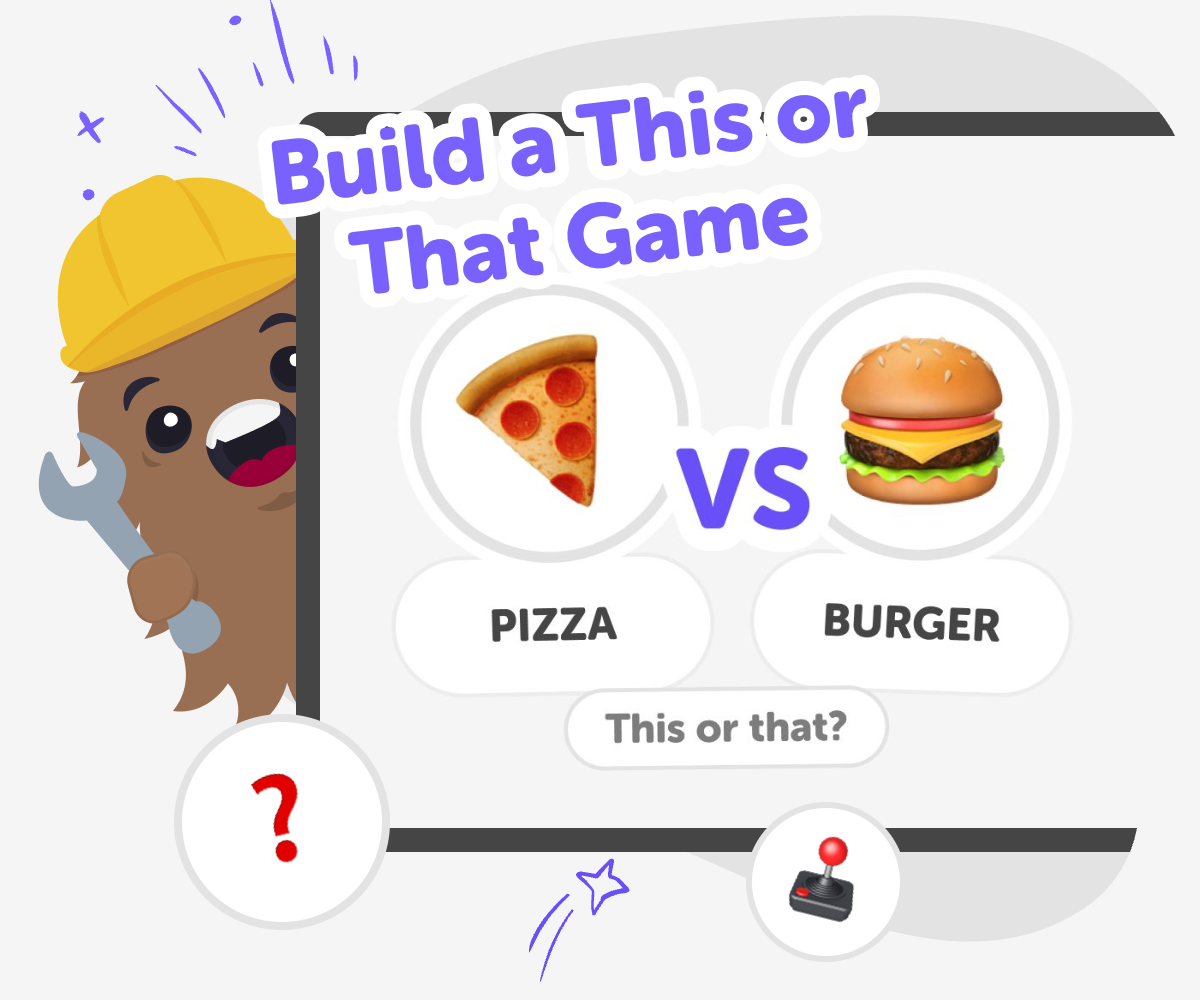
A build a this or that game is a simple way for kids to turn favorite comparisons into an interactive project. It helps them practice clear thinking, playful decision-making, and creative expression while learning how a small game can invite someone to respond and keep playing.
Making one also builds confidence because kids can start with easy ideas, test what feels fun, and improve the game one choice at a time. That makes the project feel approachable, useful, and satisfying to finish.
Vibe Coding helps kids shape a this or that game step by step by guiding them as they describe their idea, try it out, and make changes. It keeps the process hands-on, so kids stay in charge of the choices, the theme, and the way the game works.
As they build, test, and improve, kids can explore safely and creatively without needing to figure everything out at once. The tool supports learning by doing, which makes it easier to keep the game clear, friendly, and fun to share.
Step by step
- 1
Pick your choices
Choose a simple topic and write pairs of options that are fun to compare, like summer or winter, robots or dinosaurs, or chocolate or vanilla.
- 2
Set up the game
Create a screen or question card for each choice and make sure the player can clearly see the two answers they are comparing.
- 3
Test the choices
Play through a few rounds and check whether the options are easy to read, the questions make sense, and the game feels fun to answer.
- 4
Make the most of testing
Try a remix Change one pair of choices and see how it affects the mood or joke of the game. This helps you notice which ideas are most fun to play with.
Check the flow Go through the game from start to finish and fix anything confusing so younger players can follow the choices without getting stuck.
Share safely Keep the topics friendly and age-appropriate so the game feels welcoming for classmates, family, and friends.
Keep improving Save a version you like, then make another one with new questions, new style, or a different theme so you can compare your ideas and get better each time.
What makes a this or that game fun?
A this or that game is fun because it is fast to understand and easy to play. Kids only need to compare two choices and pick the one they like best, which keeps the game moving and helps everyone join in right away. That simple structure also leaves room for personality. The questions can be silly, thoughtful, surprising, or themed around animals, foods, hobbies, or favorites from everyday life. Because the game is built from pairs of choices, kids can focus on making the questions clever and clear instead of worrying about lots of rules. That makes it a good first project for learning how interactive ideas work.
Why do kids learn from making one?
When kids build a this or that game, they practice more than just coming up with ideas. They learn how to make a choice clear, how to think about what players see first, and how to test whether a question works the way they planned. If a question feels confusing, they can change it and try again. That kind of revising is an important part of making with technology. It teaches kids that a project does not have to be perfect the first time. Instead, they can improve it by noticing what works, what does not, and what feels fun for other people to play.
How can kids keep it safe and friendly?
A good this or that game should feel welcoming. Kids can choose topics that are familiar, positive, and age-appropriate so the game stays safe for classmates, siblings, and friends. It helps to avoid choices that might embarrass people, hurt feelings, or ask for private information. Instead, the best questions are the ones that invite playful opinions, like favorite snacks, seasons, pets, or imaginary adventures. This makes the game more comfortable to share and easier for adults to trust. It also gives kids practice making thoughtful creative decisions, which is an important part of building responsibly online and in school projects.
How does testing make the game better?
Testing is what turns a simple idea into a stronger project. When kids play their own game, they can see whether the questions are too long, too similar, or not exciting enough. They may notice that some choices need clearer wording or that a theme would feel stronger with matching colors or a new order. Each test gives useful clues. That process teaches kids how to spot problems, make small changes, and try again without giving up. Testing also builds confidence because kids can see their own improvements happen over time. The game becomes more polished because they kept exploring, not because they got it right all at once.
Need help?
What is a this or that game?
A this or that game is a simple choice game where players pick one option from two answers. It works well because the rules are easy, the pace is quick, and the questions can be playful or thoughtful.
What kinds of choices work best?
The best choices are clear, familiar, and fun to compare. Kids often use favorite foods, animals, seasons, hobbies, colors, or imaginary ideas because those topics are easy to understand and easy to answer.
Can kids make their own version?
Yes. Kids can make their own version by choosing a theme, writing their own pairs of options, and testing the game with friends or family. A simple format makes it easy to add personal ideas.
How many questions should a first game have?
A first game can be short. Six to ten questions is often enough for a beginner project because it is easy to finish, test, and improve without feeling too big.
Is it okay to make the questions silly?
Yes. Silly questions can make the game more fun as long as they stay friendly and easy to understand. Humor works best when everyone can enjoy the joke and answer without feeling left out.
How can kids make the game easier to play?
Kids can use short wording, simple choices, and a clear theme. It also helps to keep the same style across the game so players know what to expect from one question to the next.
What should kids avoid in a choice game?
Kids should avoid private questions, mean jokes, and topics that might make someone uncomfortable. Friendly, age-appropriate choices make the game safer and more enjoyable for everyone.
Can this kind of game help with coding?
Yes. Making a this or that game helps kids practice coding confidence, problem-solving, and iteration. They learn how to build something interactive, test it, and improve it step by step.