Build a Taco Clicker Game
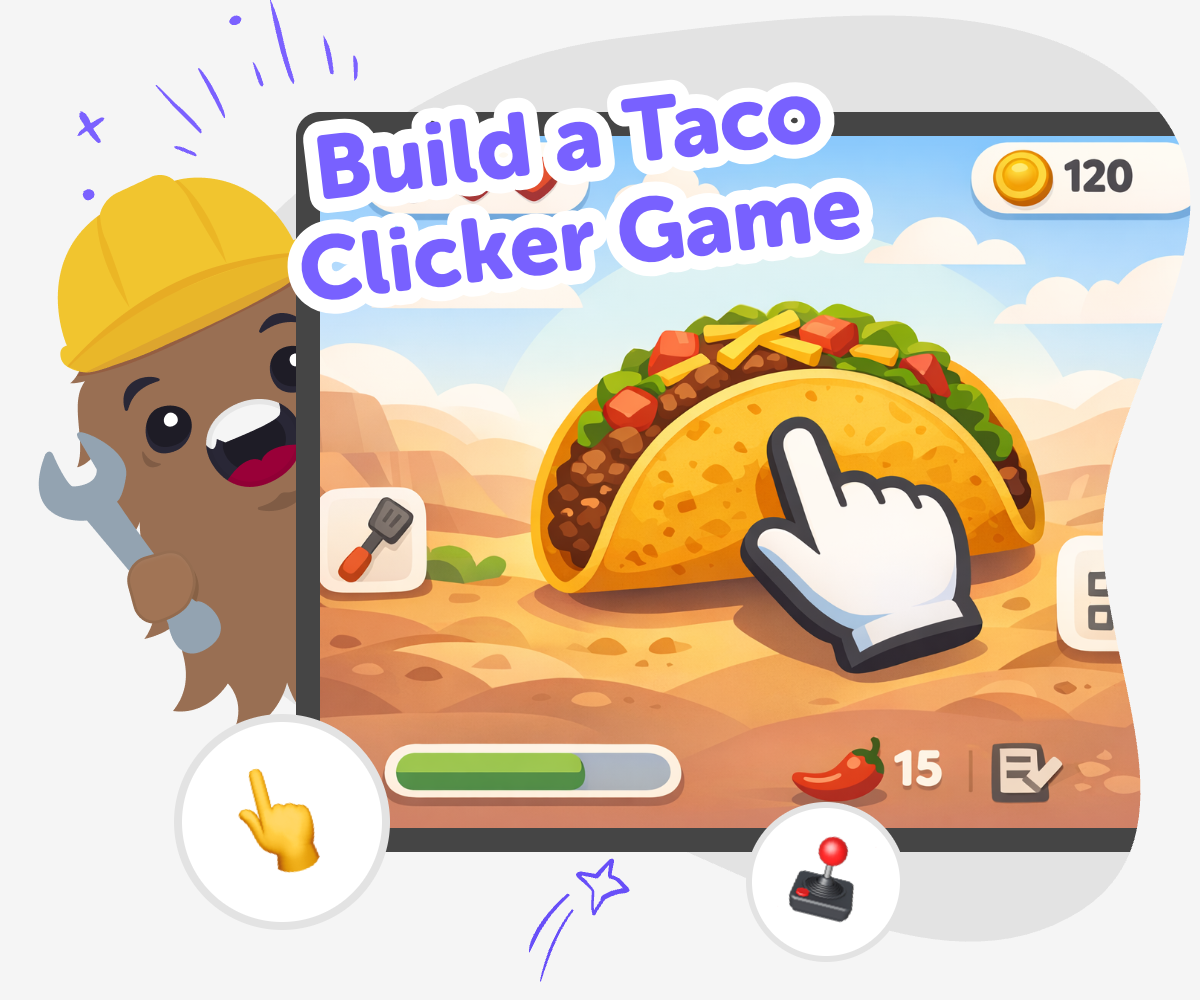
Build a taco clicker game and learn how simple game ideas turn into interactive projects. Kids can explore clicking, scoring, and playful design while building confidence through step-by-step making.
About this tutorial
A build a taco clicker game project helps kids understand how a simple game can feel exciting. By making a game that reacts to each click, they can see how points, sounds, and small rewards work together to keep play moving.
This kind of project matters because it turns a fun idea into a lesson about design, timing, and feedback. Kids learn that even a tiny game can teach big skills when they build it step by step and test what happens.
Vibe Coding gives kids a guided place to explore a taco clicker game without having to figure out everything alone. They can describe what they want, build a first version, and improve it with support that keeps the process creative and manageable.
It helps kids try ideas safely, notice what changes the game, and keep adjusting until the clicker feels clear, playful, and their own.
Step by step
- 1
Plan your taco idea
Choose what players will click for, such as tacos, toppings, or a busy taco stand, and decide what makes the game funny or rewarding.
- 2
Create the click action
Set up one clear button or tap spot that adds points, shows a taco, or changes the screen when a player clicks.
- 3
Add progress and feedback
Make the game feel alive by showing a score, changing images, or unlocking a small surprise after enough clicks.
- 4
Make the most of testing
Try a remix Swap one taco detail, sound, or colour so the game feels fresh while still keeping the main clicking idea easy to notice.
Check the flow Play through the game from the start and see whether the score, button, and taco reactions make sense without extra help.
Fix what feels slow If a click feels confusing or boring, change the timing, the feedback, or the reward so the game responds more clearly.
Keep improving Save a version you like, test a new idea, and keep adjusting until the taco clicker feels smooth, playful, and ready to share.
Why do clicker games feel fun?
Clicker games feel fun because they give players quick feedback. Each tap or click makes something happen right away, so the game feels alive and easy to understand. That instant response helps younger kids see the connection between an action and a result, which is an important part of game design. A taco clicker game can use this idea in a playful way, like making tacos appear, adding points, or showing a silly reaction after every click. The best clicker games are simple at first, then slowly add more choices or rewards. That keeps the game from feeling flat. Kids also learn that a small idea can still be interesting when the timing, sounds, and visuals are carefully built and tested.
What can kids learn from making one?
When kids build a taco clicker game, they practice more than just game ideas. They learn how to solve small problems, like making sure a score changes correctly or deciding what should happen after a click. They also learn to test their ideas, notice what feels confusing, and improve the project step by step. That process builds coding confidence because kids see that mistakes are part of making. A game like this also encourages creativity. Kids can choose the taco style, the toppings, the background, and even the jokes or rewards. The result is not just a game about food. It becomes a project where kids practice planning, experimenting, and making changes with purpose.
How can a taco theme help creativity?
A taco theme is bright, familiar, and easy to remix, which makes it a good starting point for young makers. Kids do not have to begin with a very serious idea. They can think about toppings, colors, sounds, silly characters, or a score that grows as the taco stand gets busier. That freedom helps kids build confidence because there is no single correct version. One child might make a fast food dash game, while another makes a cozy taco shop with friendly faces and gentle music. The theme also helps kids practice turning an everyday idea into something interactive. That is a key creative technology skill: taking a simple concept and making it respond when people play with it.
How does guided coding support safe experimenting?
Guided coding helps kids try ideas without feeling stuck. Instead of needing to know everything at once, they can build a small piece, test it, and change it if needed. That makes experimentation feel normal and safe. If a button does not behave the way they expected, they can fix it and keep going. This is useful for kids because it teaches patience and problem-solving in a calm way. A taco clicker game is a good project for this kind of learning because the parts are easy to test one at a time. Kids can see what their changes do right away and decide whether to keep them. Over time, that steady practice helps them feel more comfortable with coding and more willing to try new ideas.
Need help?
What is a taco clicker game?
A taco clicker game is a simple game where clicking causes something to happen, like earning points, making tacos appear, or unlocking new toppings. The main idea is usually easy to understand, which makes it a friendly starting point for kids who are learning how games work.
Is this a good first game for kids?
Yes. A taco clicker game is a good first project because it uses a clear goal and a simple action. Kids can focus on one part at a time, which makes it easier to learn basic game design, practice problem-solving, and feel proud of what they build.
What should my game do when someone clicks?
A click can add points, show a taco, play a sound, or change part of the screen. The best choice is something that is easy to notice and makes the player feel rewarded. Kids can start simple and improve the game after testing it.
How can I make the game more exciting?
You can make it more exciting by adding new toppings, changing the score speed, or unlocking small surprises as the player keeps clicking. Even tiny changes can make a clicker game feel more playful and keep players interested.
Do I need to know a lot of coding first?
No. This kind of project works well when kids start small and build as they go. Guided tools like Vibe Coding help kids shape the idea, try it, and improve it step by step, so beginners can learn without feeling overwhelmed.
Can I make my taco game funny or silly?
Yes. A taco clicker game is a great place for friendly jokes, bright colors, and fun reactions. Kids can make tacos dance, add funny topping names, or create a cheerful score screen as long as the game stays kind and easy to play.
How do I know if my game is working well?
A good sign is that players understand what to do quickly and can see the result of each click. If people feel confused, the game may need clearer buttons, simpler scoring, or better feedback. Testing helps kids spot what to improve.
Can I change my game after I try it?
Yes, and that is one of the best parts of making games. Kids can test a version, notice what they want to adjust, and try again. Changing the game is not failing. It is how makers turn a first idea into something better.