Build a Sus Soundboard
Build a sus soundboard with kid-friendly creative coding and turn a funny idea into an interactive project you can make, test, and improve. Kids can explore sound choice, timing, and button design while building something playful and easy to try.
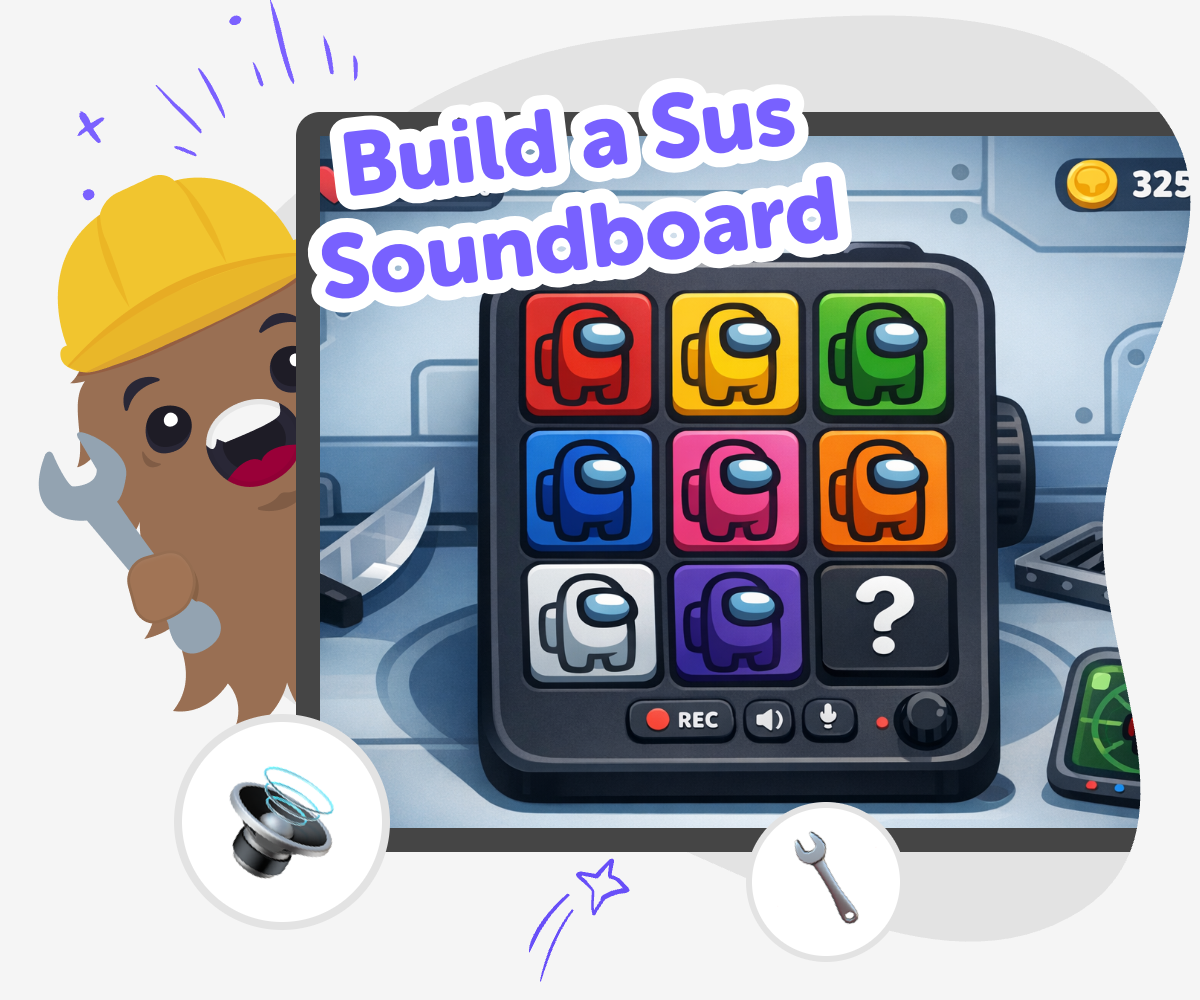
Make a Sus Soundboard
A build a sus soundboard is a playful project where kids make buttons that trigger funny, suspicious, or surprising sounds. It helps kids explore timing, cause and effect, and how a tiny reaction can make a joke or game feel more alive. The idea matters because it teaches kids to plan a simple interactive experience, not just pick random sounds. They learn how each choice changes the mood, which builds creativity and confidence as they make something other people can try.
Vibe Coding helps kids build a sus soundboard step by step, with guided support as they choose sounds, arrange buttons, and test how each tap feels. Kids stay in control of the idea while the tool helps them make changes, compare versions, and improve the project safely. That kind of making keeps the topic fun and age-appropriate. It encourages kids to experiment, notice what works, and shape a soundboard that feels clear, playful, and easy to use.
What makes a soundboard feel funny?
A funny soundboard usually depends on surprise, timing, and contrast. A quiet button followed by a dramatic sound can be more surprising than a loud sound by itself. Kids often discover that the order of the buttons matters just as much as the sounds they choose. If every button feels the same, the joke gets weaker. If each tap has a clear purpose, the board feels more fun to use. That is why making a sus soundboard is a useful creative project: it teaches kids how small changes can change the reaction. They are not only picking sounds. They are shaping a playful experience for someone else. That is a maker skill they can use in games, apps, and stories too.
Why do kids learn from making one?
When kids build a soundboard, they practice problem-solving in a simple, friendly way. They have to decide which sound belongs on which button, how to keep things organized, and what to change when something does not feel right. That kind of work builds coding confidence because it shows that projects get better through testing and revision. A soundboard is also a good first interactive project because it does not need a huge story or a complicated game. Kids can start small, make one idea at a time, and see results quickly. That helps them trust their own choices and keep going when something needs fixing. Making and improving a project step by step is a real part of creative technology, and it matters in many kinds of digital making.
How can kids keep the humor safe?
Safe humor is important when making anything meant to be funny. A sus soundboard should stay playful, not mean. Kids can keep the joke light by using sounds that suggest surprise, mystery, or silliness instead of anything that targets a person or group. It also helps to think about the audience: younger kids may enjoy simple joke sounds, while older kids may want a more dramatic style. Parents and educators can look for projects that are easy to understand, easy to control, and free from rude or upsetting content. Vibe Coding supports that process by giving kids a guided place to build and test their idea without turning it into something risky. Good creative projects can be funny and kind at the same time.
What can kids make next?
Once kids understand how to build a sus soundboard, they can turn the same skills into other interactive projects. They might make a quiz with sound effects, a joke button set, a mini game with reactions, or a simple app that plays different audio choices. The important part is not the soundboard itself. It is the way kids learn to plan an idea, test it, and improve it until it feels right. That habit helps with all kinds of creative technology. A child who has made one playful tool can start to notice patterns in how buttons work, how users respond, and how to make projects easier to use. Those are strong foundations for coding confidence and future making.
Build it step by step
Pick a sound theme
Choose the kind of funny mood you want, like sneaky, silly, or dramatic. Keep the theme simple so every button feels connected.
Choose your sounds
Match short sound clips to each button, such as a gasp, a record scratch, or a tiny pop. Use sounds that are easy to tell apart.
Arrange the board
Put the buttons in a clear order and label each one so people can understand them fast. A tidy layout makes the soundboard easier to play.
Make the most of testing
Check the timing Tap every button and listen for sounds that are too long, too quiet, or too similar. Adjust the timing so each reaction lands clearly. Tighten the layout Look for labels that are hard to read or buttons that feel confusing. Move things around until the board is simple for other kids to use. Try a remix Swap one sound or colour so the project feels fresh and playful while still keeping the joke easy to notice. Keep improving Save your favourite version, test it again, and make small changes until the soundboard feels smooth, fun, and ready to share safely.
Frequently asked questions
What is a sus soundboard?
A sus soundboard is a playful set of buttons that plays funny, suspicious, or dramatic sounds when you tap them. Kids use it to make a joke, create reactions, or build a silly interactive project.
Is making one good for beginners?
Yes. A soundboard is a friendly beginner project because kids can start with just a few sounds and a few buttons. It teaches simple coding ideas like choosing, testing, and arranging parts.
What sounds work best?
Short sounds usually work best because they are easy to hear and quick to tap again. Clear reactions like a gasp, a pop, a scratch, or a silly voice sound can make the joke easy to understand.
Can kids make their own buttons?
Yes. Kids can name buttons, choose colors, and decide how the board is organized. That helps the project feel personal and makes it easier for others to use.
How do kids keep it age-appropriate?
Keep the sounds light, playful, and non-hurtful. Avoid rude, scary, or mean jokes, and choose reactions that are fun for kids and comfortable for adults too.
Why does testing matter?
Testing shows whether the board feels smooth and easy to use. Kids can notice if a sound is too loud, if two buttons feel confusing, or if the joke works better after a small change.
Can this become another project later?
Yes. The same ideas can be used for a quiz, a mini game, a story tool, or another interactive idea. Once kids learn to build and improve one project, they can reuse those skills in many ways.
How does Vibe Coding help with this?
Vibe Coding gives kids a guided way to make the project step by step. They can describe what they want, build it, test it, and keep improving it so the final result feels like their own.
More tools
Javascript for Kids | Learn JavaScript with Vibe Coder
Learn JavaScript through games and animations using Vibe Coder. A kid-safe, hands-on way to write real JavaScript and build fun projects.
Jokes for Kids | Make and Tell Your Own Jokes with KidsGPT
Use KidsGPT to find funny, age-appropriate jokes for kids, learn delivery tips, and invent your own kid-safe jokes together.
KidRex alternative – Safe Search Engine for Kids
A modern kid safe search engine, and a smarter alternative to KidRex search engine for kids.
Kids Coding
Kids coding is a hands-on way for children to make games, stories, quizzes, and simple tools with code. It helps kids learn problem-solving, creativity, and confidence by building something step by step and improving it through testing. On DIY.org, kids can explore coding through Vibe Coding, a guided creative studio that helps ideas become interactive projects without making the process feel overwhelming.
Ready to start creating?
Join hundreds of thousands of kids already building cool stuff on DIY.ORG.
Your first game is on us.
Describe a game below - no sign-up needed to try.
Powered by AstroSafe
Make real games - not just chat