Build a Sonic Game
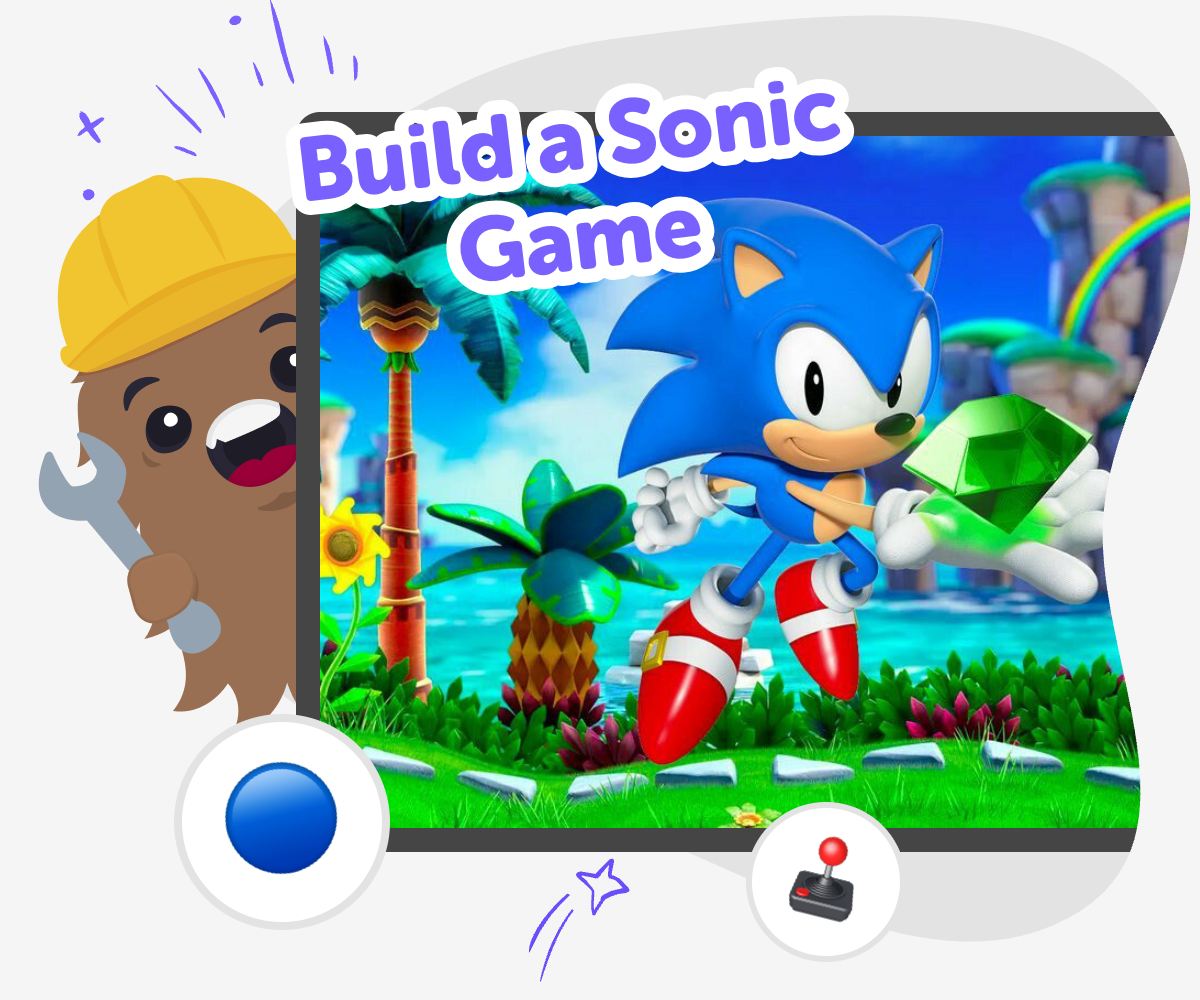
Build a sonic game by creating a fast, playful interactive project where kids can imagine levels, obstacles, characters, and sound as they learn by doing. This page explains the idea in a clear, kid-first way and shows how guided creative coding can help children turn a game concept into something they can test, change, and improve.
About this tutorial
Build a sonic game by starting with a simple idea for speed, movement, and challenge. Kids can think about how a character runs, jumps, dodges, and explores, then use those choices to shape a game that feels exciting and easy to play. This kind of project helps children practice creativity, problem-solving, and confidence while they see how small changes can make a big difference.
A Sonic-style game is more than a fast character. It is a chance to design levels, think about timing, and make play feel smooth and fun.
Vibe Coding gives kids a guided way to make that idea real. They can describe the game they want, build it step by step, test what happens, and improve it with support that keeps the process playful and approachable.
The result is not instant perfection. It is a safe, hands-on way to learn creative technology by experimenting, revising, and seeing their ideas come to life.
Step by step
- 1
Imagine the world
Choose the kind of Sonic-style world you want, like a bright track, a loop-filled tunnel, or a sky path with moving platforms.
- 2
Build the main action
Set up the player character, make them move fast, and add jumps, rings, or other challenge pieces that shape the game.
- 3
Test and adjust
Play the game, notice what feels too hard or too easy, and change the timing, obstacles, or level layout.
- 4
Make the most of replaying
Try a new route Play the level again with one change, like a different obstacle or sound, so you can see how the game feels in a fresh way.
Improve the challenge Adjust speed, jumps, or collectibles a little at a time. Small edits help you learn what makes the game fair, fun, and exciting.
Share what you made Show your project to a parent, teacher, or friend and ask what they notice first. Their ideas can help you spot places to make the game clearer or more playful.
Keep building your style Save your favourite version, then make a second version with a different theme, color set, or level shape so your game grows with your ideas.
What makes a Sonic-style game fun?
A Sonic-style game is fun because it mixes speed with control. Players want to feel quick, but they also need to understand where to go, when to jump, and how to avoid getting stuck. That balance makes the game exciting instead of confusing. A good version often has clear paths, bright clues, and rewards that encourage players to keep moving. Kids can learn a lot from designing that balance themselves. They discover that a game is not just about adding more things. It is about making each part work together, so the action feels smooth, the challenge feels fair, and the player wants to try again.
Why do kids learn from game building?
When kids build a game, they practice more than coding. They also plan, test, notice problems, and make changes based on what they see. That is called iteration, and it is one of the best ways to learn creative problem-solving. If a jump is too hard or a path is too long, kids can try a new idea and see what happens. This helps them grow confidence because mistakes become part of the process, not the end of it. A Sonic-style project is especially useful because speed, timing, and movement make it easy to notice how small design choices change the whole experience.
How can kids stay safe while creating?
A kid-friendly game project should feel playful, clear, and age-appropriate. That means making simple choices about what players see, hear, and do, and keeping the project focused on creativity rather than pressure. Kids should be encouraged to test with a trusted adult or teacher when they want feedback, especially if they are sharing their work. They can also think about comfort and kindness in their game design, like using friendly language and avoiding confusing or upsetting moments. Learning to make something fun and safe is part of becoming a thoughtful creator, and it helps kids build good habits for future projects too.
What can kids change to make it their own?
Kids can make a Sonic-style game personal in many ways. They can choose the world theme, such as a city, jungle, candy land, or space track. They can change colors, sounds, obstacles, collectibles, and character style to match their ideas. Even small changes can give a game a new feeling. A faster level can feel thrilling, while a slower level can help younger players practice. Kids can also add a story reason for the run, like collecting stars, rescuing a pet, or reaching a finish line before time runs out. These choices help children see that games are creative projects, not just things to copy. Their ideas matter, and each version can teach them something new.
Need help?
What is a Sonic-style game?
It is a fast game about running, jumping, dodging, and exploring a level. The fun comes from movement, timing, and learning the path as you play.
Can kids make their own Sonic-style game?
Yes. Kids can start with a simple idea, then build a level, test it, and improve it step by step. A guided creative tool can help keep the process clear and playful.
What should a beginner add first?
Start with the player character and one simple level. After that, add a few obstacles, a goal, and something to collect so the game has a clear start and finish.
How do you make a game feel fast but not confusing?
Use clear paths, obvious jumps, and clues that show where to go next. Speed feels better when players can understand the level quickly.
What skills do kids learn from building a game like this?
Kids practice coding confidence, problem-solving, creativity, and iteration. They also learn how to test ideas and improve their work.
Is it okay if the first version is simple?
Yes. Simple first versions are helpful because they make it easier to test ideas. Kids can always add more details later.
How can adults help without taking over?
Adults can ask questions, give encouragement, and help kids notice what works well. That keeps the project child-led while still offering support.
Can a Sonic-style game be different from the original idea?
Yes. Kids can make their game about a different world, character, or goal while still using the same fast, playful feeling.