Build a Solar Smash Game
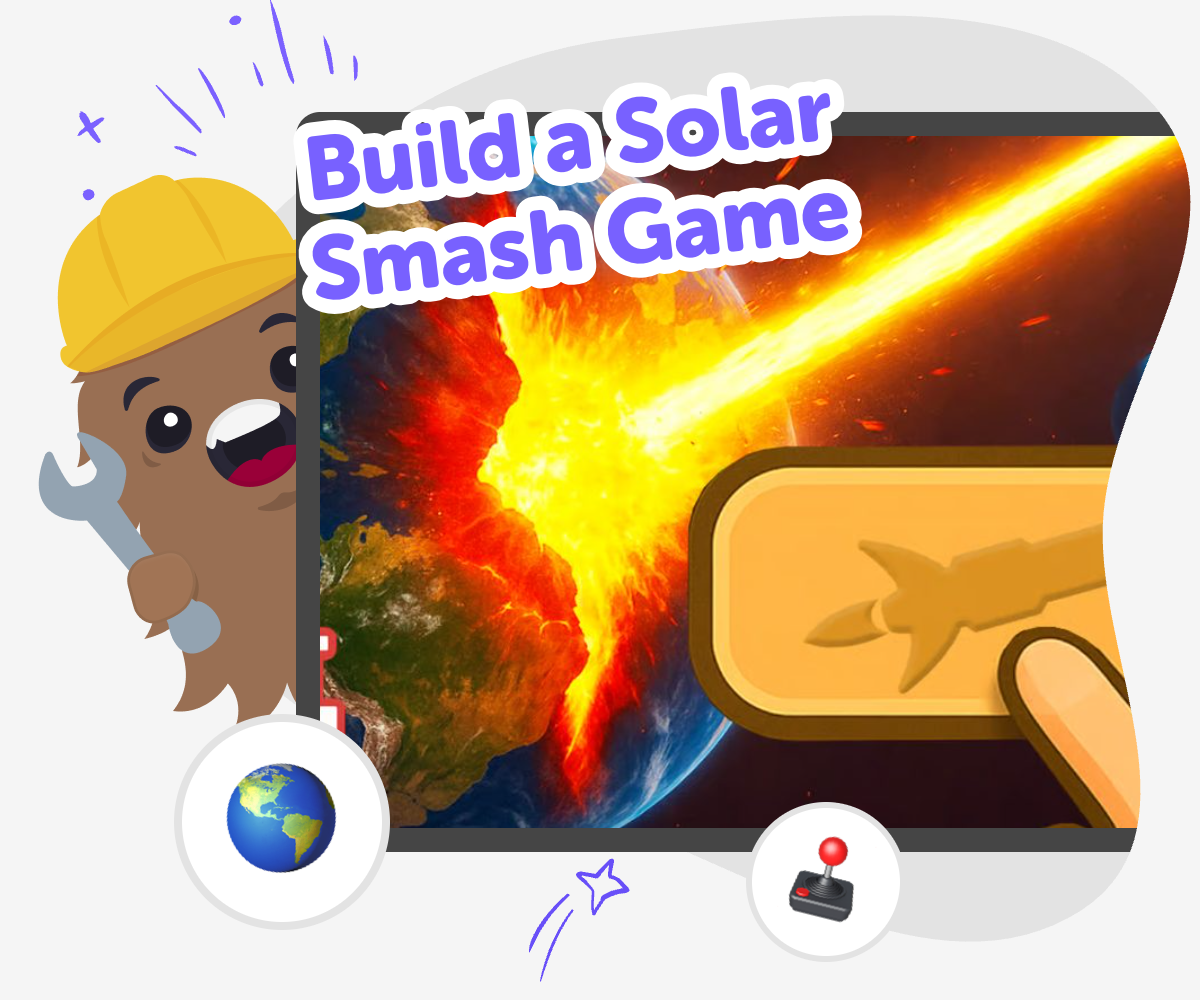
Build a solar smash game by turning space ideas into an interactive project where kids can imagine planets, test what happens, and improve their game step by step. It is a creative way to explore coding, science-inspired play, and problem-solving while making something fun and original.
About this tutorial
A build a solar smash game project lets kids turn a space idea into an interactive game where planets, effects, and reactions feel exciting to explore. It matters because kids practice creative thinking, small-step problem-solving, and the confidence that comes from making something playable themselves.
This kind of project is not just about watching space things happen. Kids get to choose what the game should do, test it, and make changes until it feels right.
Vibe Coding supports this kind of hands-on making by helping kids shape their idea, build it piece by piece, and keep improving it with guided support. That makes it easier to explore a solar smash game in a safe, creative way without needing to know everything at once.
Kids stay in control of the project while the tool helps them experiment, learn from results, and keep building with confidence.
Step by step
- 1
Choose your space idea
Pick the kind of solar smash game you want to make, such as a planet crash scene, a cosmic reaction game, or a space toy with simple controls.
- 2
Plan the game pieces
Decide what will appear on screen, what the player can click or drag, and what should happen when a planet gets hit or changed.
- 3
Build and test
Use guided coding support to create the first version, then play it to check whether the controls, visuals, and reactions feel clear.
- 4
Make the most of testing
Try a new effect Change one part of the game, like the planet size, color, or reaction, and see how it changes the experience.
Watch what feels fun Notice which moments are exciting, confusing, or too slow so you can keep the game easy to understand.
Fix one thing at a time Small changes help you learn what works best without making the project feel messy or hard to follow.
Save your favorite version Keep improving until your solar smash game feels playful, smooth, and ready to share with care.
What is a solar smash game?
A solar smash game is a space-themed game where kids imagine what happens when planets, stars, or other cosmic objects are changed, hit, or transformed. It can be silly, dramatic, or science-inspired, but the big idea is that players get to explore cause and effect in a fun way. That makes it a useful kind of project for creative coding because kids can connect a simple action to a visible result. They may change the size of a planet, add an effect, or make something react when it is clicked. The project can feel exciting because space gives kids a big setting with lots of room for imagination. It also teaches that games are built from choices, not just one big idea. Kids can start small, test what happens, and then shape the game into something that feels like their own version of a solar smash experience.
Why do kids like making space games?
Space games are popular because they feel huge, colorful, and full of possibility. Kids can imagine planets, rockets, explosions, lights, and strange reactions without needing the game to copy real life exactly. That freedom makes it easier to be creative and brave with ideas. A solar smash game is especially interesting because it lets kids explore action and reaction in a playful way. When they build it themselves, they also learn that a game can be changed many times before it feels right. That is an important maker skill. Instead of trying to make everything perfect on the first try, kids can experiment, notice what looks fun, and improve the game step by step. This kind of project can build confidence because each small success shows that coding is something they can learn through practice, not something that only experts can do.
How does this kind of project build confidence?
A solar smash game is a good confidence-building project because it gives kids clear, visible results. When they click a button, move an object, or change a planet, they can see immediately whether their idea worked. That makes learning feel practical and rewarding. If something does not work the first time, kids can adjust it and try again. That loop of test, notice, and improve is one of the strongest ways to learn coding and creative problem-solving. It teaches that mistakes are not the end of the project; they are part of the process. Kids also get to make choices about style, effects, and gameplay, which helps them feel ownership over the result. A project like this can be a first step toward bigger creative technology skills because it shows that building interactive things is something they can understand one piece at a time.
How can kids stay safe while making it?
Kids stay safest when the project stays age-appropriate, creative, and guided. A solar smash game should be about playful space reactions, not scary or harmful content. It helps to keep the design simple, choose friendly visuals, and test the game with a parent, teacher, or trusted helper nearby if needed. Safe making also means building with clear steps so the project does not become confusing or overwhelming. That is one reason guided tools can be helpful: they help kids focus on what they want to create instead of getting stuck on every detail at once. When kids make a space game this way, they can learn to improve their work while keeping the experience positive. The goal is to explore, experiment, and create something fun that feels comfortable to play and share in a kid-friendly setting.
Need help?
What is a solar smash game for kids?
It is a space-themed game idea where kids build playful reactions with planets, stars, and other cosmic objects. The fun comes from seeing what happens when they interact with the game and change different parts of it.
Is building a solar smash game hard?
It can be simple to start if kids begin with a small idea and add more later. A first version might only need one planet, one action, and one reaction before it grows into a bigger game.
What do kids learn from making one?
Kids practice coding confidence, problem-solving, and iteration. They also learn how to turn a creative idea into something interactive by testing and improving it step by step.
Do I need to know coding before I start?
No, beginners can start with a basic idea and learn as they go. Guided support can help kids build, test, and change the game without needing to know everything first.
Can kids make their own space effects?
Yes, kids can design their own planet looks, reactions, and space-style effects. That is one reason this project feels creative: there are many ways to make it feel personal.
Is this project safe for younger kids?
It can be, as long as the content stays kid-friendly and the project is kept simple and positive. A parent or educator can help younger children choose age-appropriate ideas and test the game together.
How do kids make the game more fun?
They can try different colors, sizes, actions, and timing to see what feels exciting. Testing one change at a time helps them learn what makes the game more playful.
Can Vibe Coding help with this project?
Yes, Vibe Coding can help kids turn their space idea into a real interactive project by giving guided support while they build, test, and improve it. It works best when kids keep making choices and shaping the game themselves.