Build a Slither IO Game
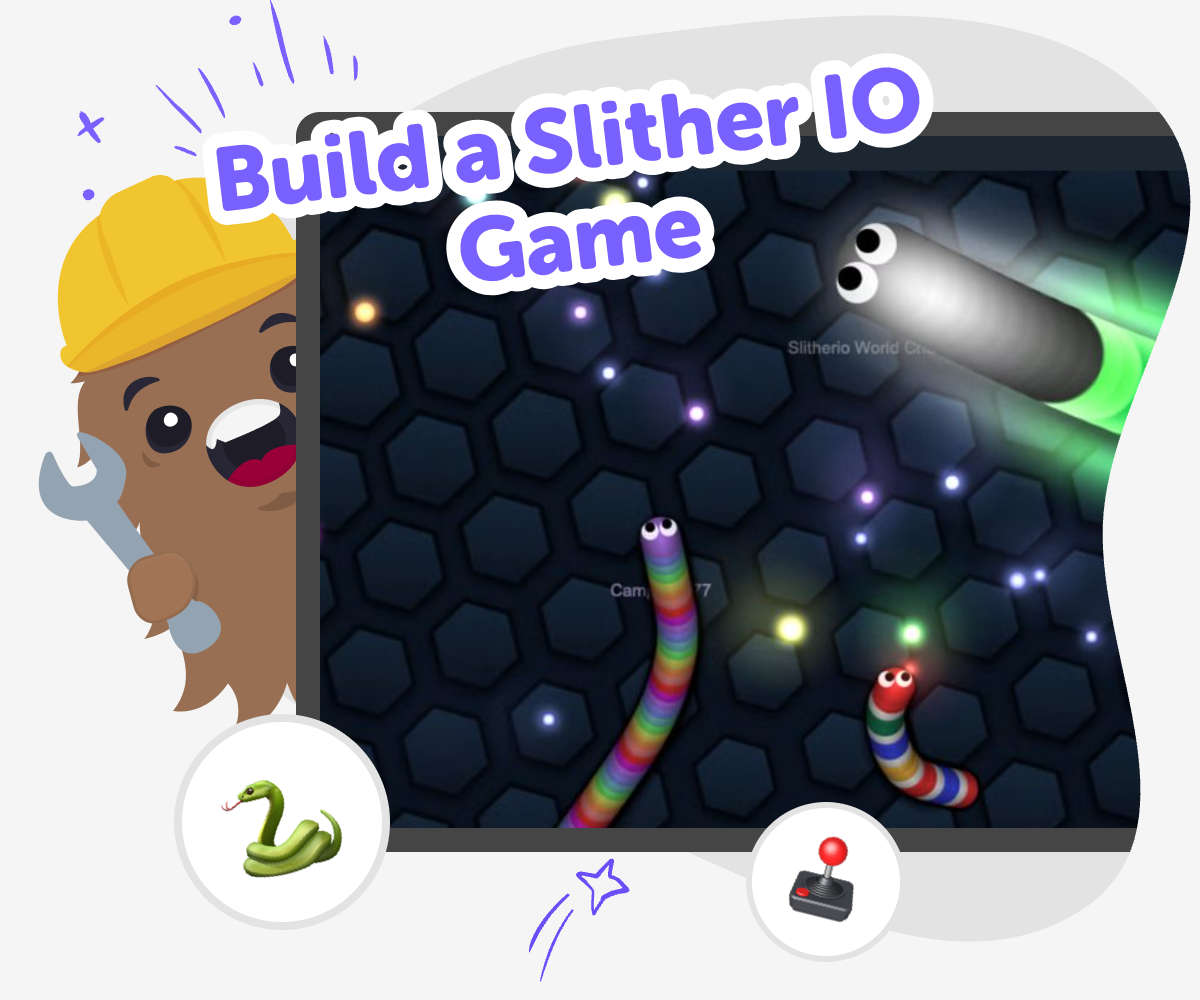
Build a slither io game by exploring how movement, timing, and simple rules can turn a snake-style idea into a fun interactive project. Kids can learn what makes this kind of game exciting, then use Vibe Coding to shape, test, and improve their own version step by step.
About this tutorial
A build a slither io game project helps kids understand how a snake-style game works, from moving one step at a time to growing bigger as you play. It is a fun way to learn that games are built from simple rules, clear feedback, and lots of testing, not just one big idea.
Kids can use that idea to notice how small design choices change the whole experience. A tiny rule, a new speed, or a different score can make the game feel easier, trickier, or more exciting.
Vibe Coding gives kids a guided place to explore this topic by describing the game they want, then building, trying, and improving it with support. That keeps the process creative and manageable while kids stay in charge of the ideas.
It also helps kids test safely, notice what works, and make changes step by step. That way they build confidence as they learn how a simple game becomes something fun to play and improve.
Step by step
- 1
Choose your game idea
Start with a simple snake game idea. Decide how the snake should move, what makes it grow, and what the player should avoid.
- 2
Build the movement
Set up the basic controls so the snake can turn and travel around the screen. Keep the first version simple so it is easy to test.
- 3
Add game rules
Create the food, scoring, and game-over rules. Then try the game and see if the actions feel clear and fair.
- 4
Make the most of testing
Try a remix Change one rule, colour, or speed setting so the game feels different while still staying easy to play.
Check the flow Play several rounds and notice where the snake feels too fast, too slow, or hard to control. Fix the parts that confuse players so the game stays smooth.
Share carefully Show your version to a parent, teacher, or friend and ask what feels fun and what could be clearer. Keep the game friendly, simple, and safe for the people playing it.
Keep improving Save your favourite version, test a new idea, and keep adjusting the game until it feels balanced, playful, and uniquely yours.
What makes a snake-style game fun?
A snake-style game is fun because it is easy to understand but still gives you a challenge. The player usually moves one character around a space, tries to collect items, and avoids crashes. That simple pattern makes every round feel active and clear. Kids can see how game design works through movement, timing, and feedback. A small change, like making the snake faster or the play area tighter, can change the whole feeling of the game. When kids build this kind of project, they learn that good games are not only about graphics. They are about rules that make sense, choices that feel fair, and small moments that keep the player curious enough to try again.
Why do kids learn from making one?
When kids build a game like this, they practice more than coding. They learn how to break a big idea into smaller parts, such as movement, scoring, and losing. That helps them think like problem-solvers. If something does not work, they can test it again and change one part at a time. This kind of iteration teaches patience and confidence because mistakes become part of learning. It also helps kids notice how players experience a game. Is the snake easy to control? Is the goal clear? Is the game too hard or too easy? These questions help kids improve their own work and understand how digital projects are made step by step.
How can kids keep it safe and age-appropriate?
A kid-made snake game should stay simple, friendly, and easy to understand. That means using clear shapes, safe colours, and game rules that do not depend on anything scary or confusing. Kids can focus on the fun parts of design, like movement and points, instead of adding features they do not need yet. With guided support, they can make choices that match their age and skill level. Vibe Coding helps by giving a structured place to experiment without making the process feel overwhelming. Kids can try an idea, see what happens, and improve it in small steps. That keeps the project creative while also helping parents and educators feel comfortable with the learning experience.
What can kids try after the first version?
After the first version works, kids can make the game more interesting by changing one thing at a time. They might try a bigger play area, a faster snake, new food items, or a different scoring system. They could also add sound, a timer, or a high score challenge if the project is ready for more. Each change helps them see how game design choices affect play. This is a great way to build creative technology skills because kids are not just following instructions. They are making decisions, testing them, and learning from the results. Over time, that process can turn a simple game idea into a project the child feels proud to share.
Need help?
What is a slither io style game?
A slither io style game is a snake-like game where you move around, collect items, and try not to crash. The fun comes from simple rules, quick reactions, and watching your character grow or change as you play.
Can kids make their own version?
Yes. Kids can make a simple version with guided help by starting with movement, then adding food, scoring, and game-over rules. A tool like Vibe Coding can support the process while kids still do the thinking and building.
What do kids learn from this project?
Kids learn coding confidence, problem-solving, and how to improve an idea through testing. They also learn that games are built from small pieces that work together, which is a useful skill for many creative projects.
Is it better to start simple?
Yes. Starting simple makes the project easier to understand and fix. A basic version helps kids focus on one part at a time, which is a good way to learn and avoid feeling stuck.
How can a child make the game more fun?
A child can make the game more fun by changing the speed, adding clearer rules, or trying a new look for the snake and food. Small changes can make the game feel fresh without making it too hard to play.
What if the game does not work right away?
That is normal. Testing, finding problems, and trying again are all part of making a game. Kids can change one thing at a time and see what improves, which helps them learn how builders solve problems.
Is this kind of project safe for younger kids?
It can be, especially when the game stays simple and age-appropriate. Kids should work with clear guidance, friendly content, and careful testing so the project stays focused on making and learning.
Can this idea turn into other games later?
Yes. Once kids understand the basic pattern, they can use the same skills for other projects like mazes, racing games, or collection games. The important part is learning how to build, test, and improve one step at a time.