Build a Slime Clicker Game
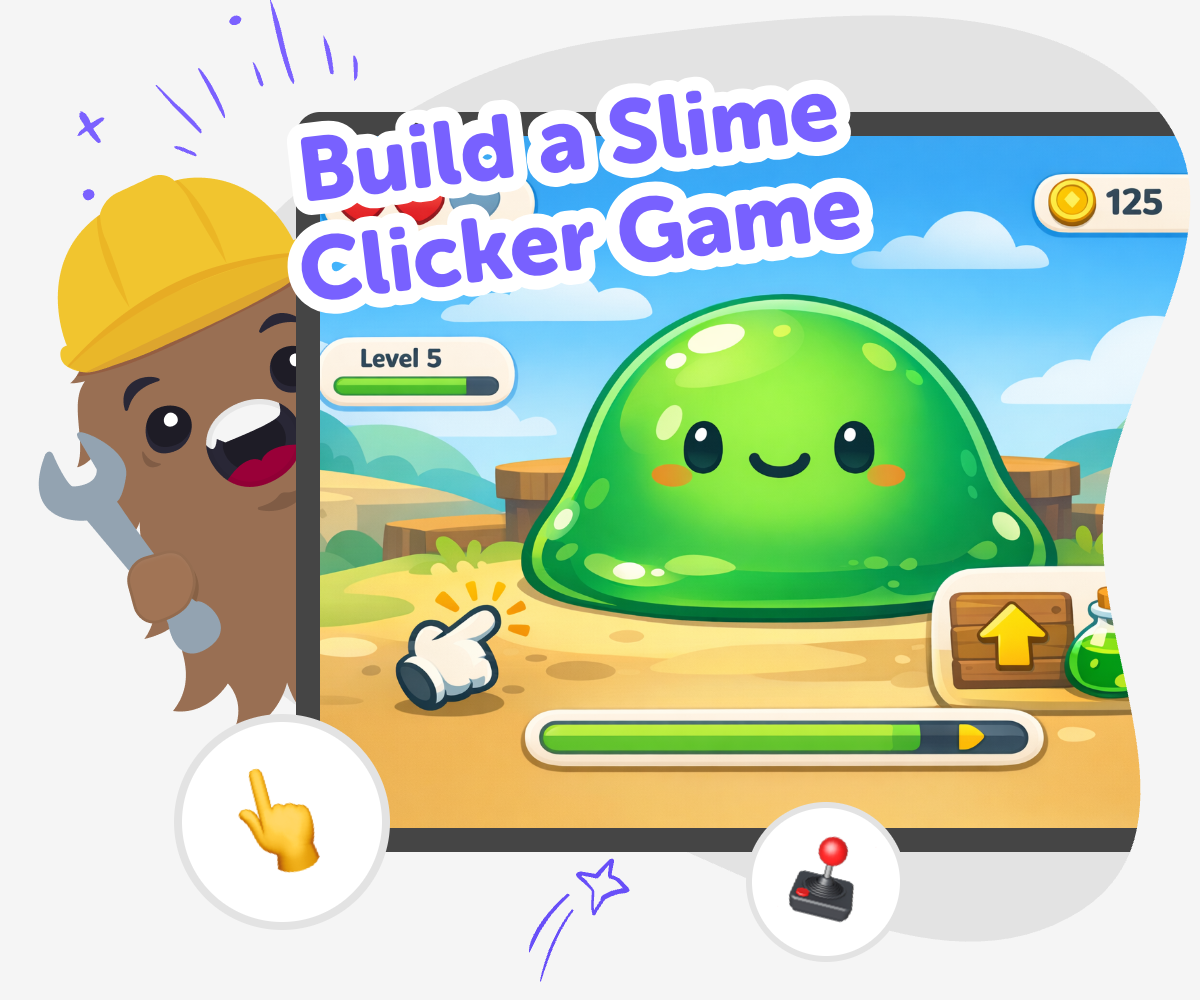
Build a slime clicker game and turn a squishy idea into an interactive project kids can test, change, and improve. This page helps young makers understand the game concept, explore why it is fun to build, and start creating with guided support through Vibe Coding.
About this tutorial
A build a slime clicker game project is a simple way for kids to learn how clicking games work. Players tap to earn points, unlock slime upgrades, and watch a small idea grow into something playful, which makes it a great starting point for coding confidence and creative problem-solving.
It matters because kids get to practice making choices, testing ideas, and improving their game step by step. That kind of build-and-try process helps young creators understand that game design is something they can shape themselves.
Vibe Coding gives kids a guided way to explore the idea by turning their slime game plan into an interactive project they can keep building. Kids can describe what they want, test their game, adjust the fun parts, and make changes as they learn, all in a kid-friendly creative coding studio.
The tool supports experimentation, safe creative play, and steady progress, so the topic stays centered on making the game while the technology stays easy to approach. It is designed to help kids build with confidence, not to skip the learning.
Step by step
- 1
Choose your slime
Pick the kind of slime your game will use, like sparkly, stretchy, spooky, or gooey. Decide what players tap and what kind of reward grows with each click.
- 2
Make the first tap
Create one button that gives points, bubbles, or slime when a player taps it. Add quick feedback so the game feels clear and fun right away.
- 3
Add slime upgrades
Build a few unlocks that change the game, such as new colours, faster clicks, or silly slime helpers. Try each upgrade to see if it makes the game easier to play and more exciting to keep clicking.
- 4
Make the most of testing
Check what feels fun Try the game several times and notice which taps, sounds, or rewards feel exciting and which parts slow players down.
Improve one thing at a time Change a single detail, then test again so you can see what got better and what still needs work.
Ask a friend to play Watch where they pause or smile, and listen for any parts that need clearer words or simpler choices.
Save your best version Keep the version that feels smoothest, then remix it with new slime ideas, better balance, or a fresh look.
What makes a clicker game fun?
A clicker game is fun when each tap feels like it matters. Players usually start with a small action, then watch points, coins, slime, or other rewards grow over time. That steady progress gives kids a clear goal and a reason to keep playing. In a slime version, the fun can come from gooey sounds, bright colors, bouncing animations, and silly upgrades that make the slime feel more alive. The best clicker games are simple to understand but still have choices, like what to unlock first or how to improve the clicking speed. When kids build one, they learn how games use feedback, rewards, and small changes to keep players interested. It is a friendly way to practice design thinking because every tap can teach something about cause and effect. A good slime clicker game is playful, easy to test, and full of tiny improvements that add up over time.
Why do kids learn from building one?
When kids build a slime clicker game, they practice more than game making. They learn how to break a big idea into smaller parts, like tapping, scoring, upgrades, and endings. That helps them think like problem-solvers. If one part does not work, they can test it, notice what happened, and try a new version. This kind of learning builds confidence because mistakes are not the end of the project; they are part of the process. Kids also practice creative technology skills by making decisions about color, sound, speed, and style. Those choices help them understand that coding is not only about rules. It is also about creativity. A slime clicker game is a good starter project because it is easy to picture, easy to play, and easy to improve. It shows kids that they can turn a simple idea into something interactive with patience and practice.
Is a slime game good for creative coding?
Yes, a slime game is a strong choice for creative coding because it leaves room for imagination while still having clear game rules. Kids can make the slime look cute, messy, magical, or funny, and they can change the way it grows with each click. That balance of freedom and structure is helpful for beginners. The structure gives the game a clear shape, while the creativity makes it feel personal. Kids can experiment with different sounds, colors, rewards, and challenges to see what works best. They do not need to build everything at once. They can start small, then add more pieces as they go. This makes the project feel less overwhelming and more playful. A slime clicker game also shows how design choices affect the player experience. That is a useful lesson for any future game, app, or interactive project a child wants to make.
How can kids keep it safe and friendly?
A slime clicker game should feel safe, friendly, and age-appropriate from the start. That means keeping the language simple, the actions clear, and the visuals playful instead of scary or confusing. Kids can avoid heavy competition and instead focus on cheerful rewards, soft humor, and easy-to-follow rules. If they share their project, they should use kind words and make sure the game is okay for their age group. Safe making also means testing carefully and asking a parent, teacher, or trusted helper when needed. Guided tools like Vibe Coding can help with that by supporting step-by-step creation instead of rushing to a finished result. Kids still make the important choices, but they get help while they build and improve. That keeps the process creative without feeling too hard. A friendly slime game is one where players can understand what to do, enjoy the taps, and feel good while playing.
Need help?
What is a slime clicker game?
A slime clicker game is a game where players tap to earn points, slime, or rewards. As they keep clicking, they can unlock upgrades and make the game grow in fun ways.
Why do kids like clicker games?
Kids like clicker games because they are easy to start, fun to repeat, and exciting to improve. Each tap can give quick feedback, which makes progress feel clear and rewarding.
What should go in a good slime game?
A good slime game usually has a clear tap action, a score or reward, fun upgrades, and a playful look. It helps if the game is simple enough for kids to understand right away.
Can beginners build one?
Yes, beginners can build a simple version first and add more features later. Starting with one tap action and one reward is a great way to learn without feeling overwhelmed.
How does a slime game help kids learn?
It helps kids learn by showing how small changes affect a game. They practice problem-solving, testing, and creative thinking as they build and improve their project.
Can kids make their own version?
Yes, kids can make their own version by choosing the slime style, colors, sounds, and upgrades they like. Personal choices make the game feel more creative and more theirs.
Is it okay to keep the game simple?
Yes, a simple game is often the best place to start. A small, clear version is easier to test, easier to understand, and easier to improve later.
How can Vibe Coding help with a slime clicker game?
Vibe Coding can help kids turn their slime game idea into a real project by giving guided support as they build, test, and improve it. Kids still make the choices, but they get help along the way.