Build a Shark Clicker Game
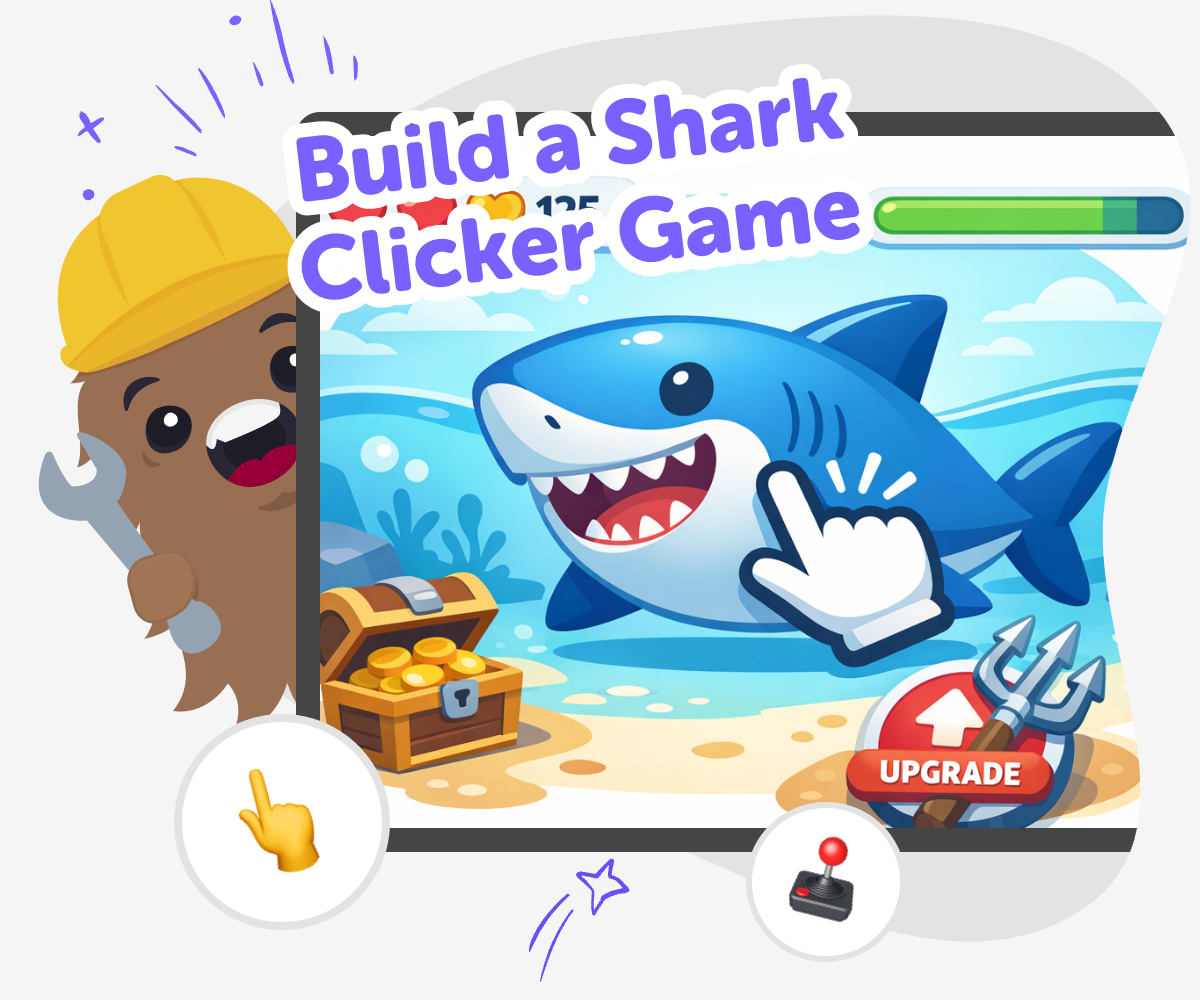
Build a shark clicker game and turn a simple idea into a playful interactive project. Kids can design the game, test how it feels, and improve it step by step with guided creative coding support.
About this tutorial
A build a shark clicker game project helps kids understand how simple games are made and why they feel fun. Each click can add points, trigger a playful reaction, or move the game closer to a goal, which teaches cause and effect in a hands-on way.
This kind of project matters because it gives kids a clear place to practice creativity, problem-solving, and game design. They can start small, test what happens, and learn how tiny changes can make a game easier to play and more exciting.
Vibe Coding helps kids explore a shark clicker game by guiding them as they describe an idea, build it, test it, and improve it step by step. That makes the topic feel creative and manageable, with room to experiment safely and learn by doing.
Kids can use the tool to adjust the score, change the shark theme, or try a new reward and see how the game feels. It keeps the focus on making and refining, so children stay active in the process instead of expecting the game to appear finished right away.
Step by step
- 1
Choose your shark idea
Pick the kind of shark game you want to make, such as feeding a shark, collecting coins, or helping a sea creature grow. Keep the goal simple so the game has one clear idea to build around.
- 2
Create the click action
Add one main button or tap target that does something every time it is used. Make the game respond with points, motion, colour, or a small surprise so players can see the click worked.
- 3
Add rewards and upgrades
Build a few things the player can unlock as they keep clicking. Try new sharks, score boosts, or ocean backgrounds so the game feels like it is growing.
- 4
Make the most of testing
Check what feels fun Play your game a few times and notice which parts are easy to understand and which parts need work. Small tests help you see the game like a player does.
Tweak one thing at a time Change one rule, sound, or reward, then try the game again. This makes it easier to tell which change helped and which one made the game less clear.
Invite kind feedback Ask a friend or grown-up what they noticed first and what confused them. Friendly feedback can help you make the shark game smoother and more fun.
Keep your favourite version Save the version you like best, then come back later with a new idea. Each round of play can help your game feel stronger, clearer, and more creative.
What makes a clicker game fun?
A clicker game is fun when it gives players a clear action and a quick reward. In a shark clicker game, that might mean every tap adds points, makes a splash, or unlocks a new shark surprise. The game does not need to be big to feel exciting. What matters is that players can understand it right away and want to keep clicking to see what happens next. Kids learn that games are built from simple pieces that work together, like buttons, points, sounds, and upgrades. This kind of project is a good way to practice thinking about cause and effect, because every click should do something the player can notice. It also shows that small design choices can change how a game feels. A bright colour, a funny sound, or a faster reward can make the whole game feel more lively and playful without making it harder to use.
Why do shark themes work so well?
Sharks are a strong game theme because they are easy to imagine and full of action. They can feel big, fast, funny, or even a little silly, which gives kids lots of room to be creative. A shark clicker game can be about feeding a baby shark, helping a shark swim through treasure, or building a whole sea world around one character. The theme matters because it gives the game a mood and helps players understand what the game is about before they even start. Kids can use the shark idea to practice storytelling too. Is the shark friendly? Is it hungry? Does it get stronger as you click? Those choices help shape the project. A theme like this also makes it easier to invent visual details, sounds, and rewards that match the game. That can help a simple project feel more personal and memorable.
How does making one help kids learn?
When kids build a shark clicker game, they practice coding confidence in a friendly way. They do not need to solve everything at once. Instead, they try one piece, test it, and adjust it if needed. That process teaches problem-solving and iteration, which means improving a project little by little. Kids also learn to notice what players need, like clear buttons, readable scores, and rewards that make sense. Those are useful creative technology skills because they help children think about how people use what they make. The project also encourages patience. If something does not work the first time, it is not a mistake to fear. It is part of making. That mindset can help kids feel braver about trying new ideas in coding, art, and other projects too. A small game can become a strong learning experience when kids stay curious and keep experimenting.
How can kids keep it safe and creative?
A shark clicker game is a good project for kids because it can stay simple, playful, and age-appropriate. The best versions focus on fun actions, cheerful challenges, and easy-to-understand goals. Kids can make choices about colours, sounds, and game rules without needing anything scary or complicated. Creative safety also means building in a calm way, with guidance that helps kids test ideas one step at a time. That kind of support keeps the project approachable and lets kids learn at their own pace. The most helpful part is that there is room to explore. Children can change a shark, add a new reward, or try a different score system and see what happens. This turns the game into a safe space for experimenting. When kids feel supported, they can take creative risks, fix problems, and end up with a project that feels like their own.
Need help?
What is a shark clicker game?
A shark clicker game is a simple game where players tap or click to make something happen, like earning points, feeding a shark, or unlocking rewards. The fun comes from seeing the game change with each click.
Why do kids like clicker games?
Kids often like clicker games because the rules are easy to understand and the game reacts right away. That quick response makes it satisfying to play and also easy to turn into a creative project.
Can kids make their own version?
Yes. Kids can make their own version by choosing the shark idea, deciding what each click does, and adding rewards or sounds. A guided tool like Vibe Coding can help them build and improve it step by step.
What should a shark clicker game include?
A good shark clicker game usually includes a clear click action, a score or reward system, and a theme that makes it fun to play. Kids can also add upgrades, backgrounds, or a friendly shark character.
How do you make the game easy to play?
Keep the game simple at first. Use one main button, make the points easy to see, and choose rules that players can understand quickly. Then test it and change anything that feels confusing.
Can a clicker game teach coding?
Yes. Building a clicker game helps kids practice basic coding ideas like actions, feedback, variables, and testing. It also teaches them to improve a project instead of expecting it to be perfect right away.
Is it okay if the first version is simple?
Yes, that is normal. Many great projects start small. A simple first version gives kids something to test, and each new change can make the game better and more interesting.
How can kids make it more creative?
Kids can make it more creative by changing the shark character, adding ocean sounds, inventing funny upgrades, or making the game about a new goal. Creative changes help the project feel personal and original.