Build a Scary Games Game
Build a scary games game with creative coding, and turn spooky ideas into a playable project kids can shape, test, and improve step by step. This page helps kids understand the basics of making a game that feels eerie, fun, and age-appropriate while building confidence with hands-on creation.
About this tutorial
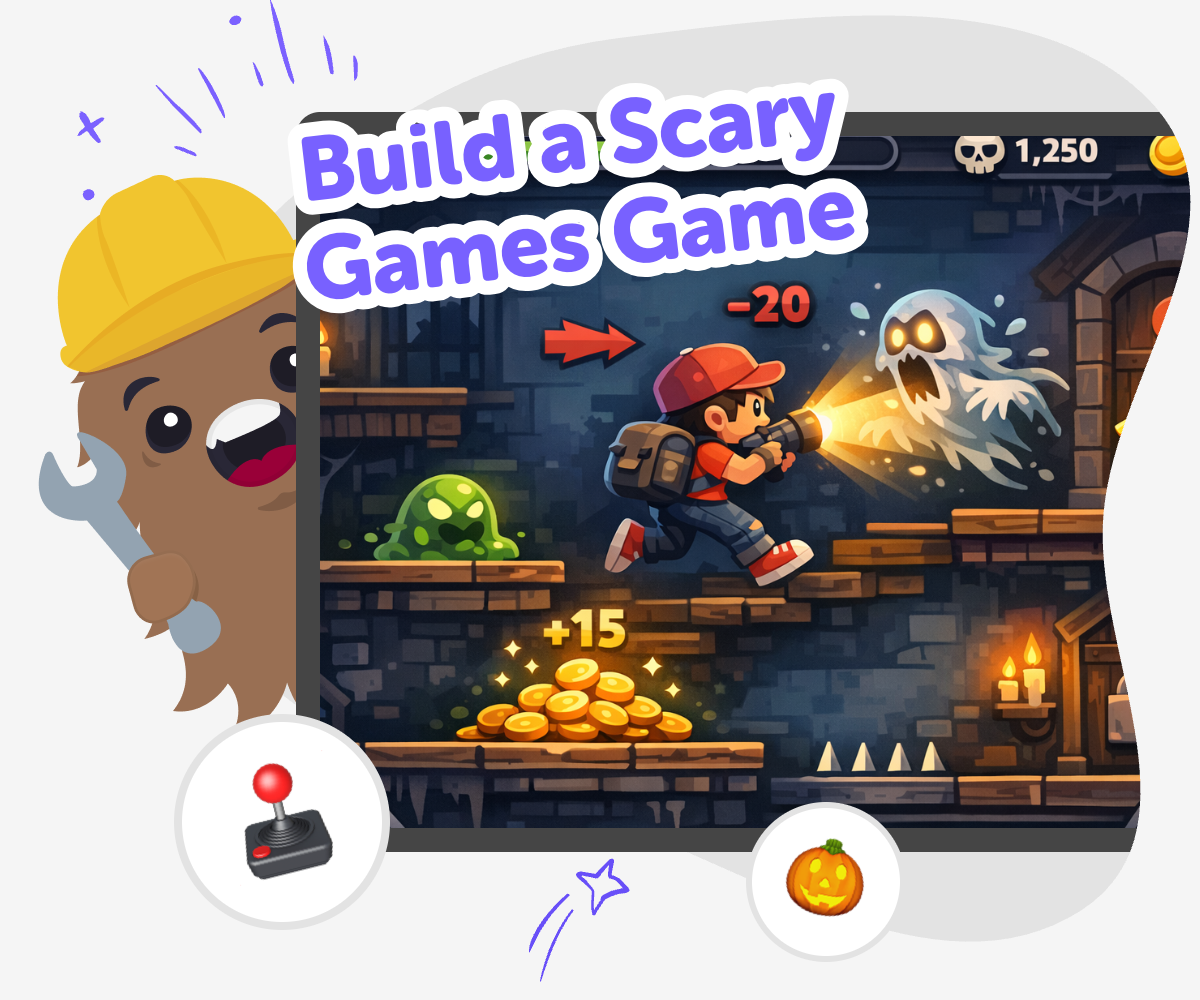
To build a scary games game, kids start with an idea that feels spooky but still fun, like a haunted maze, a mystery challenge, or a gentle jump-scare game. The goal is not to make something too intense. It is to learn how mood, sound, timing, and simple choices can create suspense and make a game feel exciting to play.
This kind of project matters because it helps kids use creativity with purpose. They learn to turn imagination into something interactive, practice problem-solving, and make choices about what feels playful, safe, and clear for other players.
Vibe Coding supports this topic by giving kids a guided place to shape a game step by step. Kids can describe what they imagine, build a first version, test it, and make changes until the game feels right.
That makes the process feel approachable, even for beginners. Instead of trying to make everything perfect at once, kids can experiment, compare ideas, and keep improving their spooky game with support that encourages learning by doing.
Step by step
- 1
Pick the scare idea
Choose a spooky game idea that feels fun for kids, such as a ghost hunt, a creepy room, or a silly monster chase.
- 2
Plan the player goal
Decide what the player should do, like collect clues, escape a maze, or survive for a short time.
- 3
Build the first version
Use guided coding to add the screen, simple rules, and one scary moment so the game can be played.
- 4
Make the most of testing
Try a remix Change one sound, colour, or character so the game feels a little different while still keeping the spooky mood.
Check the flow Play every part in order and fix anything that feels confusing, too hard, or too slow for a player to follow.
Share safely Keep the game age-appropriate, kind, and clear so the spooky feeling stays playful instead of upsetting.
Keep improving Save the version you like best, test new ideas, and keep adjusting until the game feels smoother and more fun.
What makes a scary game fun instead of too scary?
A scary game is usually most fun when it creates suspense without making players feel upset or overwhelmed. Kids can do this by using clues, shadows, mysterious sounds, and surprise moments that are quick and playful. The best spooky games often give players a goal, like finding a key or escaping a haunted hallway, so the challenge feels exciting instead of stressful. It also helps to keep the story simple and the visuals easy to understand. When kids think about what makes a game spooky, they learn that mood matters. A tiny sound, a flashing light, or a hidden path can change how a game feels. That is a great first lesson in game design and creative storytelling.
How do game makers create suspense?
Suspense is the feeling that something might happen soon. Game makers create it by slowing down a moment, hiding a surprise, or giving players a reason to wonder what is around the corner. Kids can experiment with this by adding footsteps, a flicker of light, a timer, or a door that opens only after a clue is found. Suspense works best when the player understands the rules, even if the outcome is uncertain. That is why simple design choices matter so much. A game does not need lots of complicated code to feel exciting. It just needs a clear idea, a few well-timed events, and a mood that fits the story. Learning this helps kids see how creativity and technology work together.
Why is testing important in a spooky game?
Testing is how kids find out whether a game is actually fun to play. A spooky game might sound great in your head, but when you try it, you may notice that a sound is too loud, a level is too dark, or a puzzle is too hard to finish. Testing helps turn guesses into improvements. Kids can play their game, notice what happens, and make changes one at a time. That process teaches patience and problem-solving. It also shows that making games is not about getting everything perfect on the first try. It is about trying, learning, and revising. For a scary game, testing is extra useful because it helps keep the game exciting, readable, and safe for the age group it is meant for.
How can kids make spooky games safely?
Safe spooky games are built with age-appropriate choices in mind. Kids can use mystery, imagination, and light suspense instead of anything graphic, mean, or distressing. A good rule is to keep the scare playful and make sure the player always has a way to understand what to do next. Clear instructions, gentle sound levels, and friendly visuals can help balance the spooky parts. Adults can also help younger kids choose the right style of game for their age. Tools like Vibe Coding make it easier to stay creative while learning good habits, because kids can build, test, and improve their ideas in a guided space. That way, the focus stays on making something clever, fun, and confidence-building.
Need help?
What is a scary games game?
A scary games game is a game that uses spooky ideas, suspense, and surprises to make play feel exciting. It might include ghosts, haunted places, mystery clues, or monsters, but it should still be clear and fun to play.
How do kids start making one?
Kids can start with one simple idea, like a haunted hallway or a monster chase. Then they choose the player’s goal, build a first version, and test it to see what feels fun and what needs changing.
Do scary games have to be violent?
No. Kids can make games that feel spooky without being violent. Mystery, sound, lighting, and surprise are often enough to create a scary mood that stays playful and age-appropriate.
What makes a spooky game work well?
A spooky game works well when the goal is clear, the controls are easy to understand, and the suspense builds at a steady pace. Small details like sound and timing can make a big difference.
Can younger kids make scary games too?
Yes, younger kids can make simple spooky games with help and guidance. It is best to keep the idea gentle, use simple rules, and focus on imagination rather than complicated coding.
How can kids test if their game is too scary?
Kids can play their game and notice how it feels. If the game is too dark, too loud, or too intense, they can change the sound, visuals, or timing until it feels more comfortable.
Why is creative coding useful for game making?
Creative coding helps kids turn ideas into interactive projects. It lets them build, test, and improve a game step by step, which builds confidence and problem-solving skills.
Can Vibe Coding help with a spooky game idea?
Yes. Vibe Coding gives kids a guided place to describe a spooky game idea, build a first version, and improve it over time. It supports the process without doing all the work for them.