Build a Salon Game
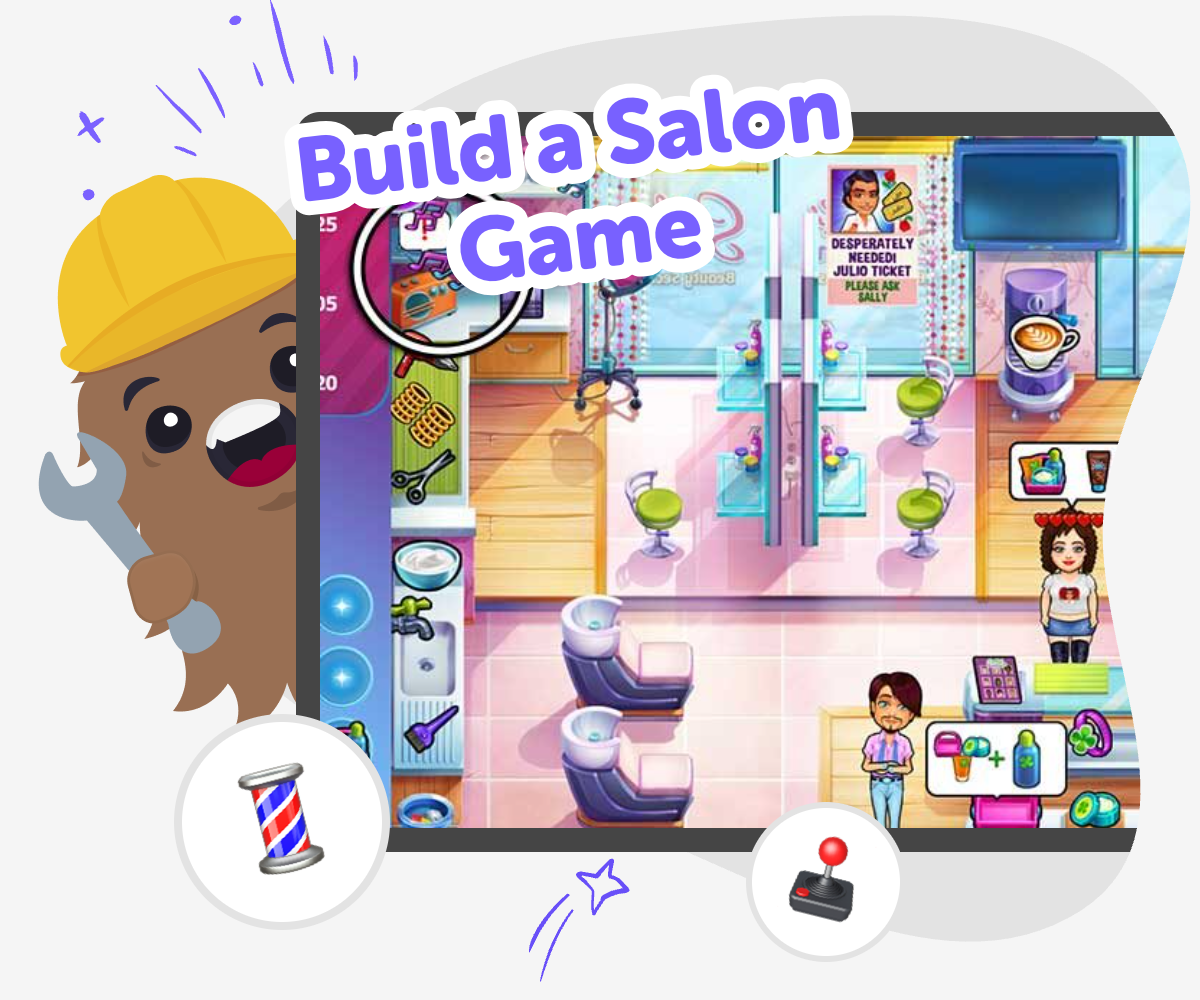
Build a salon game with Vibe Coding and turn your ideas into a playful interactive project. Kids can create salon customers, choose styles, test how the game works, and keep improving it step by step while learning coding confidence and creative problem-solving.
About this tutorial
A build a salon game project lets kids imagine a place where players can style hair, choose colors, and help customers get ready for a special day. It matters because it turns a fun idea into a real creative project, which helps kids practice planning, making choices, and thinking about how a game should work.
When kids build this kind of game, they learn that small design choices can change how the whole experience feels. That makes the project a fun way to practice creativity, logic, and confidence at the same time.
Vibe Coding gives kids a guided way to explore the idea safely and creatively. They can describe the salon game they want, shape the parts one step at a time, test what happens, and improve the project as they go while keeping the focus on learning by doing.
The tool supports kids as makers, not just watchers, so they can experiment with ideas, fix confusing parts, and keep the game simple and age-appropriate. That makes it easier to learn through making while staying in control of the project.
Step by step
- 1
Pick your salon idea
Choose the kind of salon you want to make, such as a hair salon, pet salon, or makeover studio. Think about who the players help and what makes the game fun.
- 2
Design the game choices
Plan the parts players can interact with, like hairstyles, colors, tools, customers, and outfits. Keep the choices simple enough that the game feels clear and fun to use.
- 3
Build and test it
Use Vibe Coding to turn your idea into a working project, then try it out to see what happens. Notice which buttons, screens, or choices need to be easier to understand.
- 4
Make the most of testing
Try a new hairstyle Change one style, color, or character detail and see how the game feels when players make different choices. Small changes can make the salon feel more playful and help you notice what works best.
Check the player flow Play from the start to the finish and look for anything confusing, slow, or missing. If a button name or screen order does not make sense, update it so the game is easier to follow.
Improve the salon vibe Add more personality with new customer ideas, friendly messages, or fun design details. Keep the game safe, kind, and age-appropriate so it feels welcoming to every player.
Save and remix Keep your favorite version, then make a new version with one fresh idea. Testing and remixing help you learn what makes your salon game more exciting and more your own.
What makes a salon game fun to build?
A salon game is fun to build because it gives kids a clear theme with lots of creative choices. Players can decide what kind of salon it is, who comes in for help, and what happens when a style is chosen. That makes the project easy to imagine and easy to change. Kids can add haircuts, makeovers, pet grooming, nail art, or fantasy styling, depending on what they want their game to feel like. The best part is that a salon game can be simple at first and still feel exciting. Even a small game with a few choices can teach planning, sequencing, and cause-and-effect. As kids build, they learn that a game does not have to be perfect right away. It can start as a playful idea and grow through testing, editing, and trying again until it feels just right.
Why does this project help kids learn coding?
A salon game teaches coding ideas in a way that feels creative instead of abstract. Kids have to think about order, choices, and what should happen when a player clicks or picks something. That means they are practicing logic without just doing worksheets or memorizing rules. They also learn that building something digital takes patience, because projects usually need adjustments after testing. If a button is confusing or a style does not appear the way they wanted, they can fix it and try again. That is an important part of coding confidence. When kids see their idea become interactive, they learn that technology can be something they shape, not just something they use. A salon game is especially useful because it mixes art, storytelling, and problem-solving all in one project.
How can kids keep a salon game safe and friendly?
A good salon game should feel welcoming, kind, and age-appropriate. Kids can make sure the customer choices are positive, the messages are friendly, and the game does not include anything scary or mean. It helps to choose simple themes that focus on creativity, like styles, colors, pets, or costumes, instead of content that might feel too grown-up. Kids can also keep the game easy to understand by using clear labels and one step at a time. Safety in game design is not only about privacy and moderation; it is also about emotional safety. A friendly game helps players feel included and comfortable. When kids build with Vibe Coding, they can explore ideas in a guided way, which makes it easier to stay focused on making something playful, safe, and suitable for younger creators and players.
What can kids change after they test their game?
Testing helps kids notice what needs improvement, and a salon game gives lots of chances to revise. They might change the order of screens, make button names clearer, add more style options, or adjust a design that feels crowded. They can also look at whether the game moves too quickly or if players need more guidance. These small edits are important because good games are usually built through many versions, not just one try. Kids learn that changing a project is not a mistake; it is part of making it better. That habit builds confidence, because it shows that ideas can grow. With guided support from Vibe Coding, kids can keep experimenting without feeling stuck. Each new version helps them understand their own creative choices and how to make the game more fun for other people to play.
Need help?
What is a salon game?
A salon game is a playful project where players help characters get styled, decorated, or ready for something special. It can include hair, makeup, pets, clothes, or other fun choices. Kids can make it simple or more detailed depending on how they want people to play.
Can kids build their own salon game?
Yes. Kids can build a salon game by planning what players will do, choosing the style options, and testing how the game feels. A guided tool like Vibe Coding can help them shape the idea step by step while they keep the creative decisions.
What should be inside a salon game?
A salon game usually needs a place to play, something for the player to choose, and a result that changes based on those choices. Kids might add customers, tools, colors, hairstyles, or a before-and-after look. The best games are clear, playful, and easy to understand.
How do I make my salon game easy for younger players?
Keep the steps simple, use clear labels, and avoid too many choices on one screen. Younger players do best when they can understand what to click right away. It also helps to use bright but calm design and friendly instructions.
Can a salon game be about pets or costumes?
Yes. A salon game does not have to be only about human hair or makeup. Kids can make a pet salon, a costume studio, a spa, or even a fantasy makeover game. Changing the theme is a great way to make the project feel personal.
What if my game idea changes while I build it?
That is normal. Many good projects change during building because testing helps kids see new ideas. You can swap colors, simplify a screen, or add a new character if the game feels better that way. Changing the plan is part of making.
How does Vibe Coding help with a salon game?
Vibe Coding gives kids a guided way to turn a salon idea into an interactive project. They can describe what they want, build a first version, test it, and improve it with support. It keeps the process playful and helps kids learn by doing.
Is a salon game good for beginners?
Yes. A salon game is a great beginner project because the theme is easy to imagine and the choices can stay simple. Kids do not need to build something huge to learn a lot. Starting small helps them feel successful and ready to try more later.