Build a Pumpkin Clicker Game
Build a pumpkin clicker game with Vibe Coding and turn a simple Halloween idea into a playful project kids can make, test, and improve. This kid-friendly page explains the concept, shows how clicker games work, and gives young makers a safe way to explore coding confidence through hands-on creation.
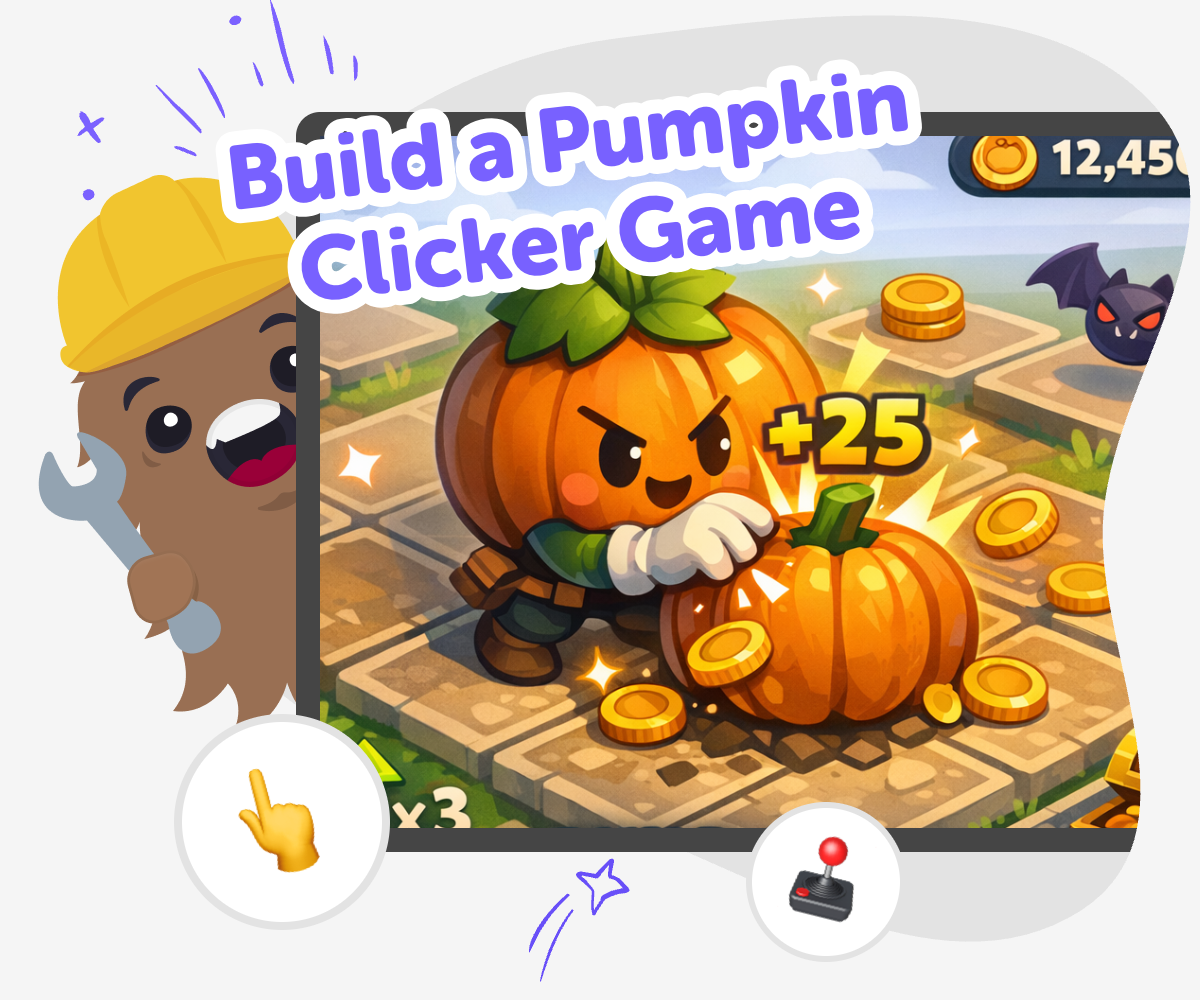
Pumpkin Clicker Game Guide
A build a pumpkin clicker game project is a fun way for kids to learn how simple games work. Players tap, click, or press a pumpkin to score points, and that basic loop helps children see how actions, rewards, and game rules connect in a clear and creative way. This kind of project matters because it turns a small idea into something interactive. Kids can practice problem-solving, try out new ideas, and build confidence by changing the game, testing it, and making it better over time.
Vibe Coding supports this topic by giving kids a guided place to turn their pumpkin game idea into a real project. They can describe what they want, shape the game step by step, and keep improving it with help that makes creative coding feel friendly and manageable. The tool stays focused on making, not just watching, so kids stay active as they build, test, and adjust their game. That makes the experience safe, hands-on, and useful for learning creative technology skills.
Build it step by step
Step 1 - Pick your pumpkin idea
Choose what kind of pumpkin game you want to make, like spooky, silly, or bright and friendly. Decide what happens when a player clicks the pumpkin.
Step 2 - Create the click action
Set up the pumpkin so one click adds a point or triggers a small surprise. Keep the first version simple so it is easy to test.
Step 3 - Add a fun reaction
Give the game a visual or sound response, such as a bounce, glow, sparkle, or sound effect. Make sure players can clearly see that their click worked.
Step 4 - Make the most of testing
Try a new version Play the game a few times and notice whether the pumpkin feels too small, too fast, or too quiet. Change one thing first so you can see what helps the game feel better. Watch a player Ask someone else to tap the pumpkin and listen for where they pause or get confused. Their reactions can help you spot what to fix next. Improve the game Adjust the score, timing, or visual style to match the feel you want. Small changes can make the game clearer, smoother, and more fun to replay. Save and remix Keep your favorite version, then test a new theme or challenge. A new color, sound, or goal can turn the same idea into a fresh game.
What is a pumpkin clicker game?
Kids can use this kind of project to practice creativity without needing a huge amount of code or complicated rules. They can make the pumpkin funny, spooky, friendly, or glowing. They can also decide whether the game is about speed, collecting points, or unlocking new pumpkins. That freedom helps kids see that coding is not just about instructions. It is also about making choices, testing ideas, and turning imagination into something playable.
Why are clicker games good for beginners?
This helps build confidence because every small success feels real. A child can make a score change, add a sound, or change the pumpkin picture and immediately see the result. That quick feedback encourages experimentation. If something does not work, kids can adjust it and try again. Learning to improve a game step by step is a strong foundation for coding, problem-solving, and creative thinking.
How does a kid make the game their own?
Making the game their own also means changing it after testing. A child may notice that the game feels too fast, too empty, or not exciting enough, then adjust it one step at a time. That process teaches iteration, which means improving something through repeated tests. With guided support from Vibe Coding, kids can stay focused on creating while still learning how to make smart changes. The result is a game that feels original, playful, and built by them.
How can kids stay safe while making games?
A helpful tool like Vibe Coding supports that safe approach by guiding kids through making, testing, and improving their game in a structured way. It encourages active creation instead of passive browsing, which keeps the experience practical and educational. Kids can experiment with game ideas while building confidence in a space designed for young makers. That balance of fun and guidance helps the project stay approachable for both kids and the adults supporting them.
Frequently Asked Questions
Why 500,000 families trust DIY

Martin
Dad to 2 DIYers
My son loves DIY! He always finds fun projects to do, and we enjoy making things together. It’s a great way to learn, create, and have fun at the same time!

Pearl
DIYer from USA
DIY is such a great app with really sweet people and moderators who always make sure this app is super safe. You can learn to create things or learn drawing techniques - honestly there is so much to do.

Elaine W.
Middle school teacher
I love logging onto DIY every day - not just for projects but to also look at the comments my kids share about each other's work. It's a brilliant way to foster healthy support systems!

Jenn L.
Mom to 3 DIYers
We absolutely love the DIY platform and its endless river of creative adventures and projects! We always have the best time together participating, learning and creating!
