Build a Prank Soundboard
Build a prank soundboard with playful sounds, clever buttons, and kid-safe jokes that make people laugh without being mean. This topic helps kids plan the sounds, shape the timing, and create a fun interactive board they can test and improve.
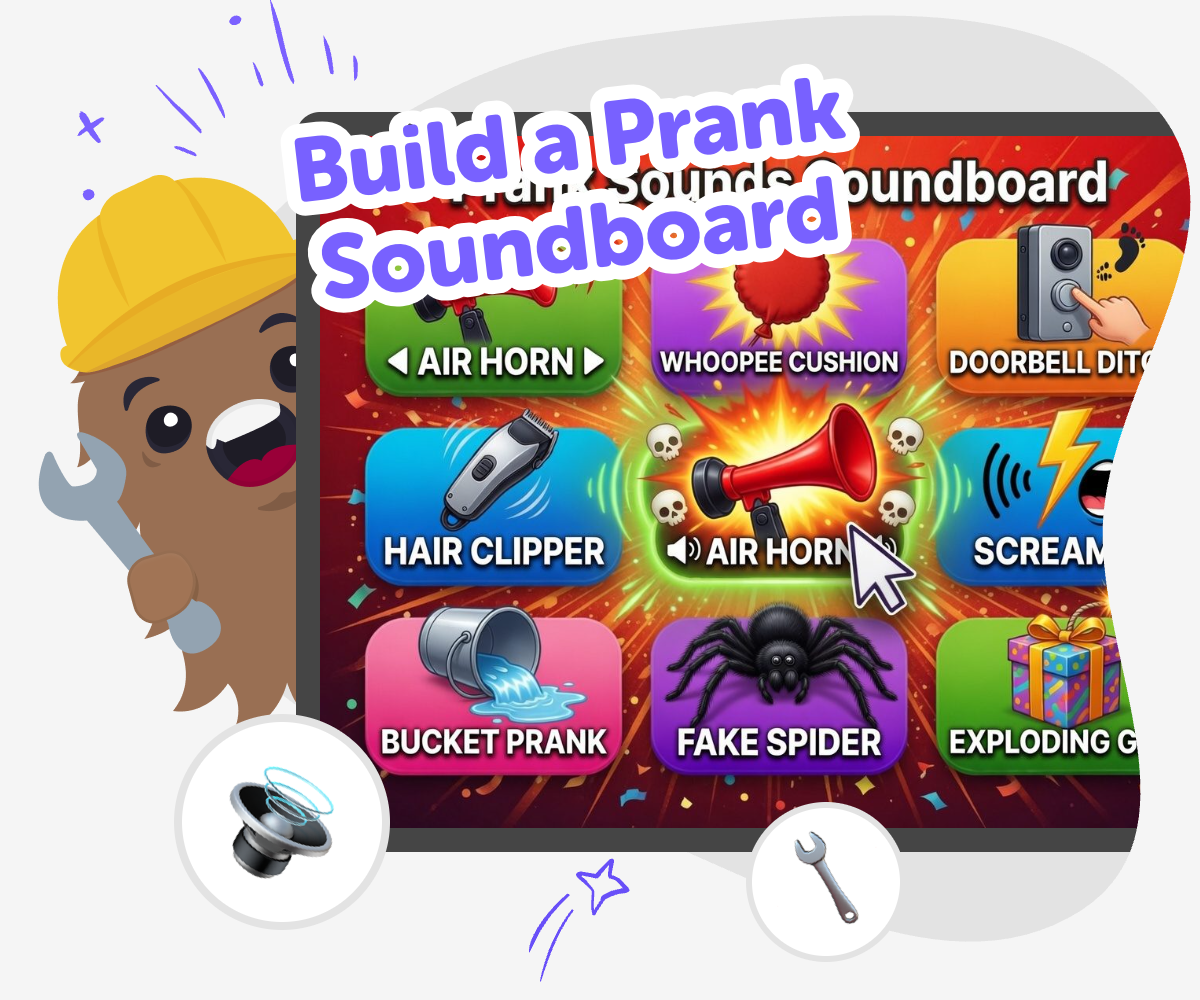
Soundboard Fun for Kids
A prank soundboard is a playful project where kids build a prank soundboard by matching sounds, buttons, and timing to create a funny reaction. It matters because kids learn how small choices can change how a joke feels, and they practice making humor that stays light, clear, and safe for others. This kind of project also helps kids think about what makes something playful instead of confusing. They can try ideas, notice what works, and build confidence by improving the soundboard step by step.
Vibe Coding gives kids a guided place to explore the idea without rushing the creative process. They can describe the soundboard they want, test each piece, and make changes as they go, so the project stays hands-on and easy to understand. That support helps kids experiment with sound, layout, and timing while keeping the focus on safe, age-appropriate making. It is a useful way to turn a funny idea into a real project they can build, check, and improve.
What makes a prank soundboard funny?
A prank soundboard is funny when the sound, the timing, and the situation work together. A tiny “boing” at the right moment can be sillier than a loud noise, and a quick robot voice can be funnier than a long clip. Kids learn that comedy is not only about being loud or surprising people. It is about choosing the right sound for the right moment. That means thinking like a maker: testing ideas, noticing what gets a laugh, and changing what does not work. A good prank soundboard should feel playful, not confusing or mean. When kids make those choices, they are also learning about rhythm, reaction, and how creative technology can help tell a joke in a smart way.
How can kids keep it safe and kind?
The safest prank soundboards are the ones everyone can laugh at together. Kids should choose sounds that are silly, not scary, and jokes that do not embarrass, trick, or upset someone. It helps to think about who will hear the soundboard, when it will be used, and whether the joke would still feel fun if the other person knew about it. That is a great habit for creative making because it teaches respect and self-control. In a kid-friendly project, the goal is to create a light surprise, not a bad feeling. Parents and educators often like this kind of project because it opens a conversation about kindness, boundaries, and making humor that includes people instead of pushing them away.
What can kids learn while building one?
When kids build a prank soundboard, they practice several useful skills at once. They make choices about sound, layout, and timing, then test those choices to see what happens. That is problem-solving in action. If a button is hard to find or a sound is too long, they can improve it and try again. This kind of repeat-and-fix process builds confidence because kids see that mistakes are part of making. It also supports creative technology skills, since kids learn how interactive projects work. Even a simple soundboard can teach cause and effect: press a button, get a sound, notice the reaction, and change the design. Those are strong maker skills that help in coding, game design, and other digital projects too.
Why use guided coding for this idea?
A guided coding studio helps kids turn a funny idea into something they can actually build, test, and improve. Instead of stopping at imagination, they can shape the soundboard step by step and see how their choices affect the result. Vibe Coding supports that process by making the building feel approachable, especially for kids who are new to coding or creative software. It does not do the thinking for them; it helps them keep making. That matters because creative confidence grows when kids learn they can revise, experiment, and finish a project on their own. For this topic, guided support is useful because it keeps the focus on playful invention, safe humor, and learning through hands-on creation.
How to Make It
Pick the joke idea
Choose a light, silly reaction you want the soundboard to create, and decide what kind of sounds fit that joke best.
Choose your sounds
Select short sound clips that are easy to tell apart, such as boings, pops, or robot voices, so each button feels clear.
Arrange the buttons
Place each sound in a simple order and connect it to the right button so the board is easy to press and understand.
Make the most of testing
Try every button Tap through the full board to hear whether the sounds are clear, quick, and fun to use. Change anything that feels confusing, too loud, or too long. Check the reaction Listen to how the soundboard feels when the sounds play in a row. If one sound does not fit, swap it for something that matches the joke better. Keep it kind Make sure the soundboard stays playful and does not sound scary, teasing, or annoying. Friendly humour helps more people enjoy the project. Improve and replay Save your favourite version, test a fresh mix, and keep adjusting the timing or layout until the soundboard feels smooth and ready to share safely.
Frequently asked questions
What is a prank soundboard?
A prank soundboard is a simple interactive project with funny sounds or sound buttons that create a playful reaction. Kids use it to make a joke feel quick, surprising, and easy to repeat.
What kinds of sounds work best?
Short, easy-to-recognize sounds usually work best because they are clear and quick. Silly effects like boings, pops, squeaks, or robot voices often fit the playful style of a soundboard.
How do I make it funny without being mean?
Keep the joke light and choose sounds that would make someone laugh instead of feel embarrassed, scared, or tricked. A good rule is to ask, “Would I still like this if it happened to me?”
Can younger kids build one too?
Yes. Younger kids can make a simple version with a small number of buttons and sounds, especially when an adult or guided tool helps them stay organized and safe.
What should I do if a sound is too loud or long?
Change the volume, shorten the clip, or swap it for a clearer sound. Testing and adjusting is part of the making process, and it helps the board feel easier to use.
How does this connect to coding?
A soundboard uses the same idea as many coding projects: an action causes a result. When kids connect a button to a sound, they are learning about cause and effect, logic, and interaction.
Can I share my soundboard with friends?
Yes, if the sounds are kind and age-appropriate and everyone knows it is meant to be a playful project. Sharing works best when the joke is safe and easy for others to understand.
Why do kids like making soundboards?
Kids often enjoy soundboards because they are active, funny, and easy to test right away. They get to hear their ideas come to life, then improve the project until it feels just right.
More tools
Jokes for Kids | Make and Tell Your Own Jokes with KidsGPT
Use KidsGPT to find funny, age-appropriate jokes for kids, learn delivery tips, and invent your own kid-safe jokes together.
KidRex alternative – Safe Search Engine for Kids
A modern kid safe search engine, and a smarter alternative to KidRex search engine for kids.
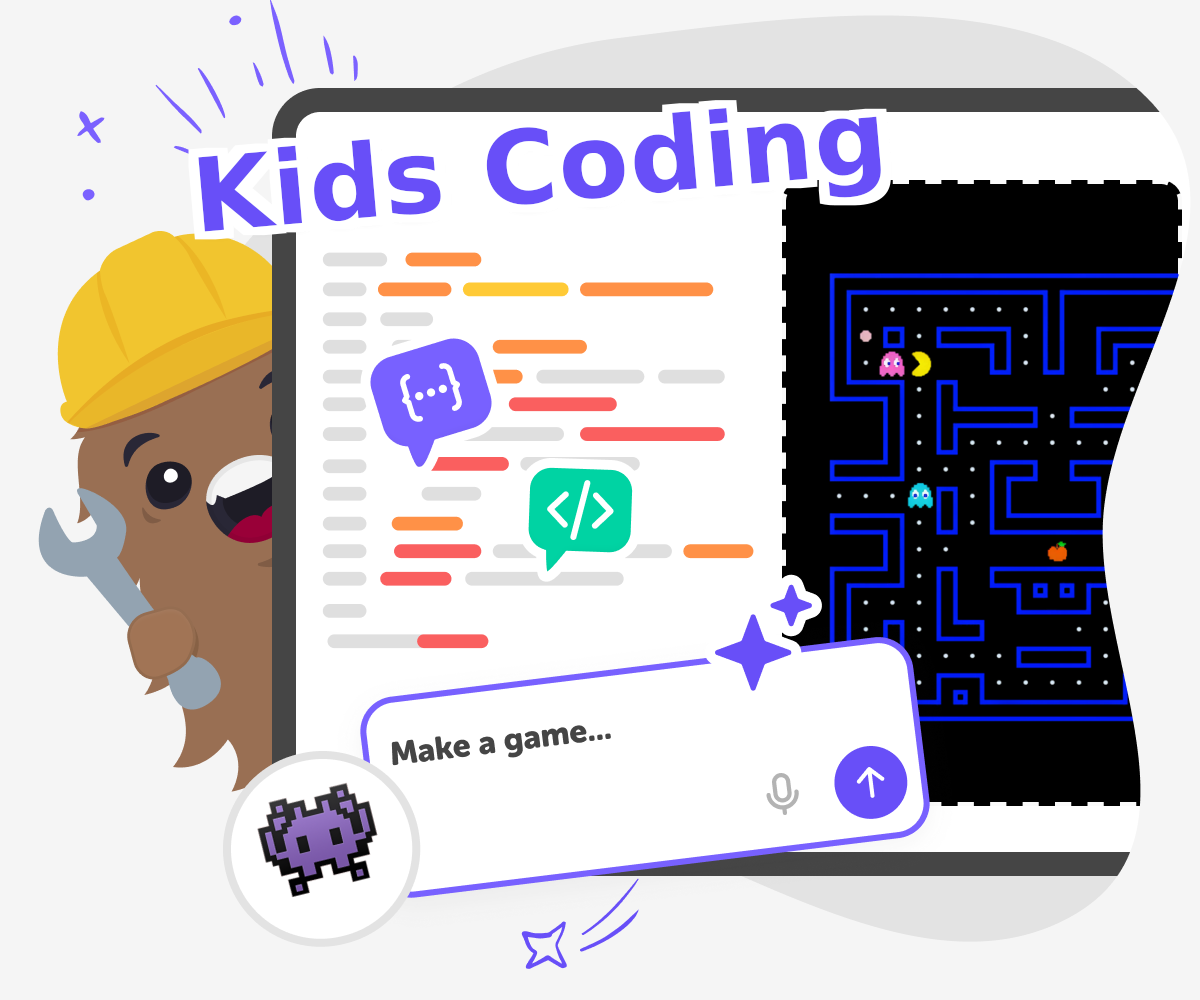
Kids Coding
Kids coding is a hands-on way for children to make games, stories, quizzes, and simple tools with code. It helps kids learn problem-solving, creativity, and confidence by building something step by step and improving it through testing. On DIY.org, kids can explore coding through Vibe Coding, a guided creative studio that helps ideas become interactive projects without making the process feel overwhelming.
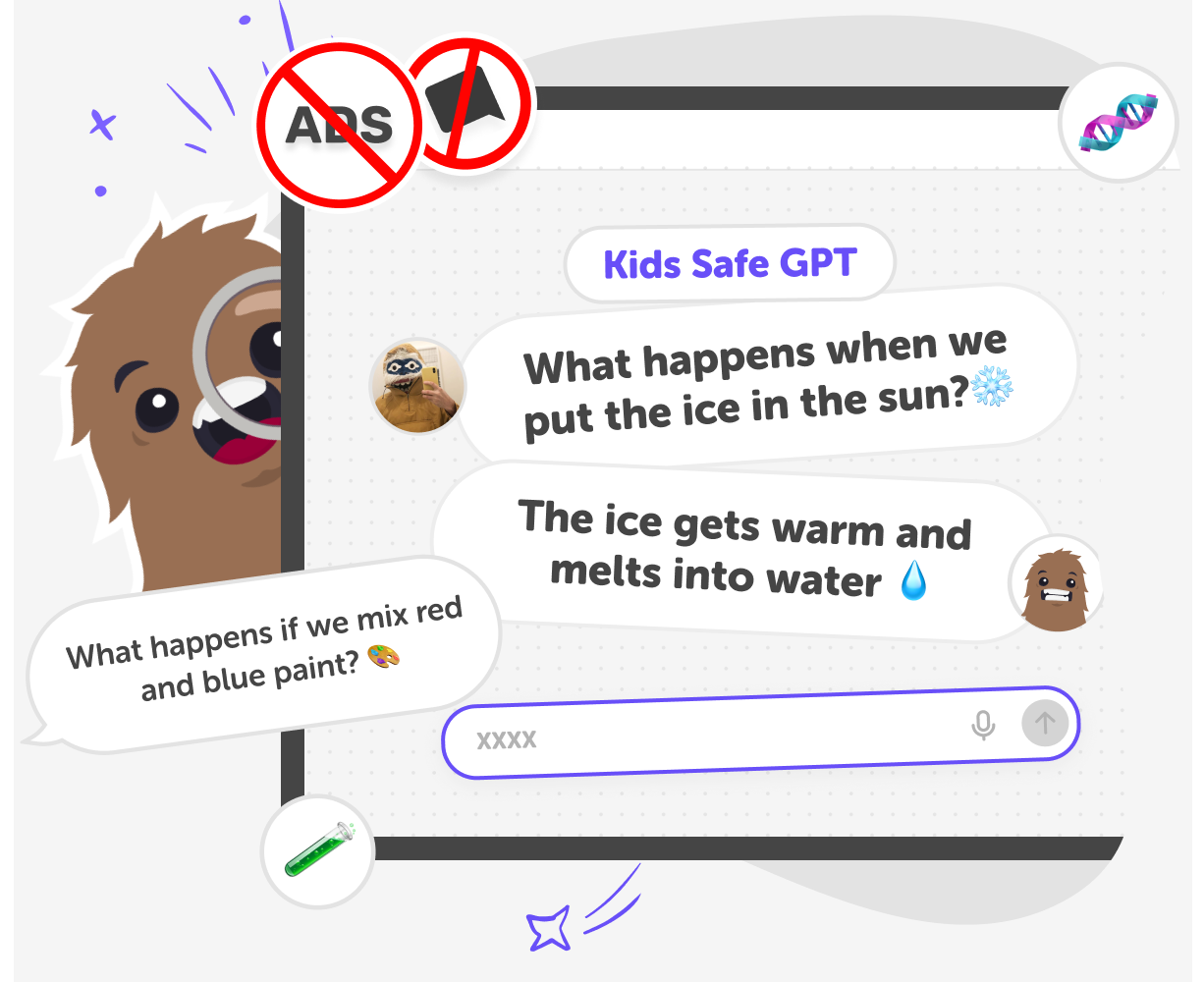
Kids GPT – Safe AI Chat for Kids
A kid-safe AI chat to ask questions, learn new things, and explore ideas with parental oversight and zero ads.
Ready to start creating?
Join hundreds of thousands of kids already building cool stuff on DIY.ORG.