Build a Platformer Game
Build a platformer game by turning a simple idea into a playable jumping challenge. Kids can plan levels, add movement, test obstacles, and improve the game step by step while building coding confidence and creative problem-solving skills.
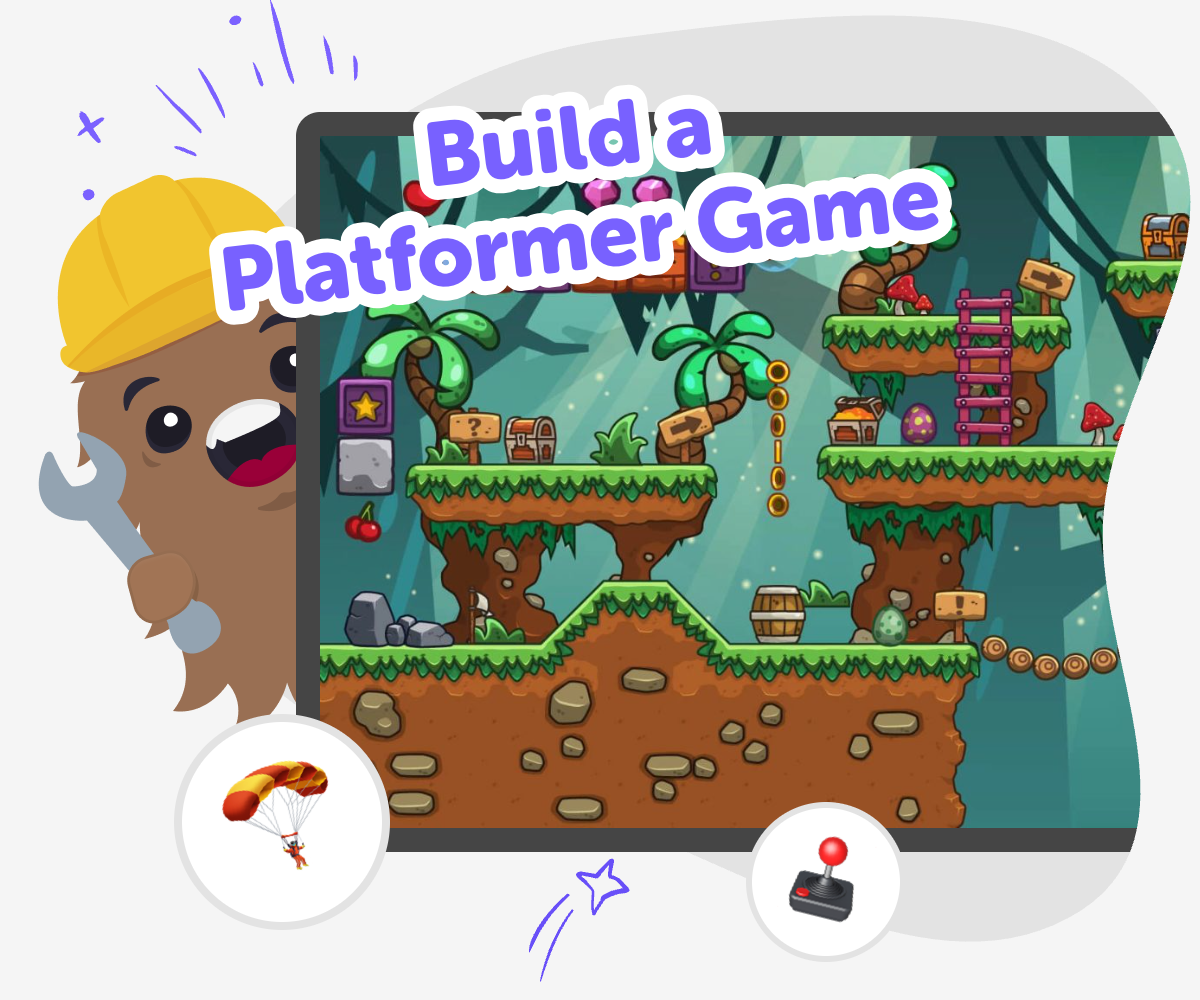
About this tutorial
To build a platformer game, kids design a world where a character moves, jumps, and tries to reach a goal. The game matters because it teaches planning, cause and effect, and how small design choices can change how a game feels to play.
A good platformer is not just about making things move. It is about thinking through challenge, timing, and fun so players want to keep trying again.
Vibe Coding gives kids a guided way to make a platformer game by helping them describe an idea, shape it into a playable project, and keep testing changes. Kids stay active in the process, choosing what to build, what to adjust, and what to improve next.
That makes the tool useful for safe experimentation, creative technology skills, and steady confidence as young makers learn by doing.
Step by step
- 1
Choose your game idea
Pick a simple platformer theme, like a space jump, jungle run, or lava escape, and decide what the player is trying to reach.
- 2
Plan the movement
Think about how the character should move, how high it should jump, and what the player should avoid.
- 3
Build and test
Use guided coding help to create the first version, then play it to see if the jumps, hazards, and goal feel fair.
- 4
Make the most of testing
Try a remix Change one level, obstacle, or jump height so the game feels different but still works smoothly.
Check the challenge Play from the beginning and notice where the game is too easy, too hard, or confusing for a new player.
Fix and improve Adjust the parts that need work, then test again to make the movement clearer and the level more fun.
Share safely Save your favorite version and show it to a trusted person so you can talk about what you made and what you want to build next.
What makes a platformer game a platformer?
A platformer game is a kind of game where the player moves across platforms, usually by walking, running, and jumping. The goal is often to reach the end of a level, collect something, or avoid obstacles along the way. What makes this type of game special is that the player has to think about timing and space, not just speed. A jump that is too short, too high, or too fast can change the whole level. That is why platformers are great for young makers: they are simple to understand, but they leave room for creativity. Kids can make a platformer feel playful, tricky, silly, or adventurous by changing the world, the challenge, and the character’s movement. It is a smart way to learn how game design works one step at a time.
Why do kids learn so much from making one?
When kids build a platformer game, they practice more than coding. They also practice planning, testing, and fixing mistakes. If a character keeps falling, the maker has to ask why and then try a new idea. That kind of thinking helps with problem-solving because kids learn to break a big challenge into smaller parts. It also builds confidence, since each test shows what to change next. Platformer games are useful for creative learning because they give instant feedback: the game either works or it does not, so kids can see the results of their choices right away. That makes learning feel active and clear. Instead of memorizing steps, kids get to make something, try it, improve it, and understand how their ideas can become a real interactive project.
How can a platformer stay fun and fair?
A fun platformer gives players a challenge they can understand. The jumps should be possible, the obstacles should make sense, and the goal should feel worth reaching. If a game is too hard, players may get frustrated. If it is too easy, they may get bored. Good game makers test their ideas again and again to find the right balance. Kids can learn to watch for places where a player might get stuck, miss a jump, or not know what to do next. They can then change the level, move a platform, or adjust the timing. This teaches careful design and empathy too, because the maker has to think about how another person will play. A fair game is often a more enjoyable game, and that is a lesson kids can use in many creative projects.
How does Vibe Coding help kids explore it?
Vibe Coding gives kids a guided place to explore platformer game ideas without having to know everything first. A child can start by describing the kind of game they want, then keep building it step by step with support that helps the project move forward. The tool is not about doing the work for them. It is about helping them make choices, test them, and improve the game as they go. That matters because kids learn best when they are active makers. They can experiment with movement, level ideas, and game goals while staying in a safe, creative space. For parents and educators, this also means the experience stays focused on learning, confidence, and thoughtful creation. The result is a playful way to turn imagination into a real project that can be changed, played, and improved.
Need help?
What is a platformer game?
A platformer game is a game where the player moves through a level by running and jumping across platforms. The player often tries to reach a goal while avoiding hazards or solving simple timing challenges.
Why do kids like platformer games?
Kids often like platformer games because they are easy to understand and fun to replay. Jumping, collecting items, and reaching the finish line can feel exciting, especially when the level has a clear challenge.
What should a first platformer include?
A first platformer should have a character, a few platforms, a goal, and one or two obstacles. Keeping the idea small makes it easier to test and improve.
How do you make a platformer fun?
A platformer is fun when the jumps feel fair, the level is easy to understand, and the challenge grows at a steady pace. Small surprises, clear goals, and good testing help a lot.
Can kids make their own platformer game?
Yes. Kids can make their own platformer game with guided support, especially when they start with a simple idea and build it step by step. The best learning comes from trying, testing, and changing the game as they go.
What do kids learn from building one?
Kids learn problem-solving, creative thinking, and coding confidence. They also practice checking what works, noticing mistakes, and improving their ideas after each test.
Is it okay if the game is not perfect at first?
Yes. Most games get better through many small changes. A rough first version is useful because it shows what needs work and helps the maker learn what to do next.
How can Vibe Coding support platformer ideas?
Vibe Coding helps kids turn a platformer idea into a project they can build, test, and improve with guided support. It keeps the process hands-on so kids stay involved in making the game themselves.