Build a Phonics Game
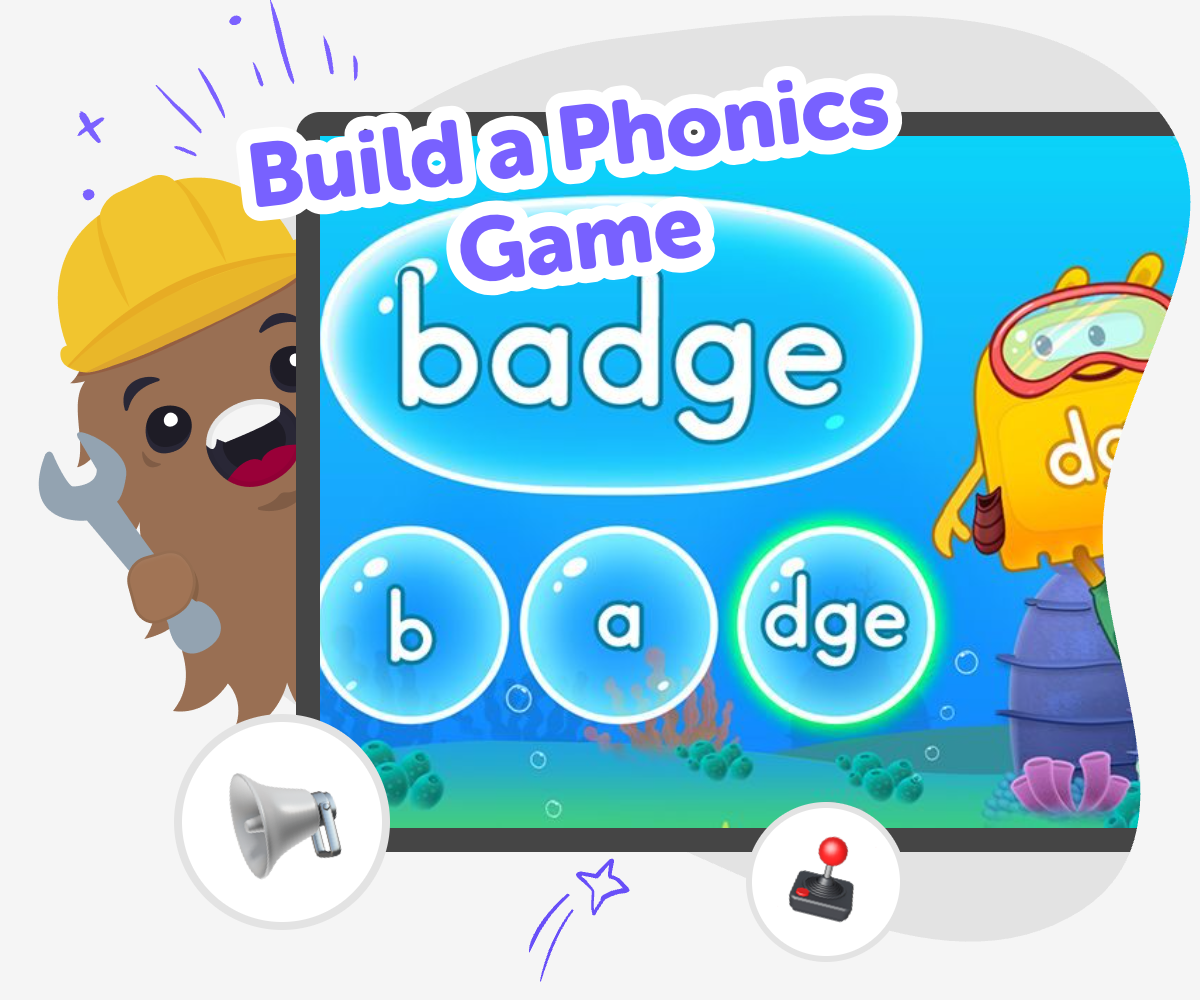
Build a phonics game and turn letter sounds, word practice, and simple play into a hands-on learning activity for kids. With guided creative coding support, kids can make a game they can test, change, and improve while building confidence with reading and technology.
About this tutorial
Build a phonics game to help kids practice letter sounds, simple words, and early reading in a playful way. It turns phonics into something active, so children can hear, match, and remember sounds while making choices and seeing what happens next.
This matters because reading confidence grows when kids get to try, repeat, and notice patterns for themselves. A game can make practice feel less like a quiz and more like a creative challenge.
Vibe Coding gives kids a safe, guided way to explore the topic by making their own game step by step. They can describe the kind of phonics game they want, shape the ideas, test what works, and improve the project as they go.
That hands-on process keeps the focus on learning through making. Kids stay in control of the creative choices while building coding confidence, problem-solving skills, and a stronger sense that they can create with technology.
Step by step
- 1
Pick your phonics skill
Choose one reading skill for your game, such as beginning sounds, letter matching, or simple word blending. Keep the goal narrow so players know exactly what to do.
- 2
Plan the game rules
Decide how a player wins, loses, or moves to the next round. Sketch the buttons, pictures, and sounds you want to include.
- 3
Build and try it
Use guided coding help to make the first version, then play it yourself. Watch for parts that feel confusing, too slow, or too easy.
- 4
Make the most of testing
Notice what players do first Watch for places where they pause or guess, and use that to improve the next version.
Try one change at a time Change a word, sound, or choice so you can tell exactly what makes the game better or harder.
Ask a friend to play See whether the instructions make sense to someone new, then simplify anything that causes confusion.
Save and remix Keep the version you like best, then try a fresh theme or new set of sounds while keeping the same reading skill.
What makes a phonics game helpful?
A phonics game helps kids practice reading sounds in a way that feels active and memorable. Instead of only looking at letters on a page, children can listen, match, choose, and get feedback right away. That kind of practice helps them notice how sounds and letters connect, which is a big step in early reading. Games also give kids a chance to repeat skills without feeling stuck on the same worksheet style. When the activity is playful, children are often more willing to try again after a mistake. That matters because phonics is about pattern spotting, and patterns become easier to learn with repetition, attention, and a little fun. A good game keeps the challenge clear and the goal simple so kids can focus on the sound work itself.
Why do kids learn by making games?
When kids build a phonics game, they are not just playing a lesson created by someone else. They are making decisions about what the game should do, which helps them think more carefully about the reading skill they want to practice. To build the game, a child has to choose sounds, words, images, and rules that fit together. That process strengthens problem-solving because they need to test ideas and notice what works. It also builds confidence, since the child can see that their choices change the game. Even small design decisions, like how a button looks or when a sound plays, help kids understand how interactive learning works. Making something useful can feel exciting, and that feeling can support steady practice over time.
How can phonics games stay safe and age-appropriate?
A phonics game is best when it stays clear, friendly, and simple to use. For younger children, that means short instructions, easy-to-read words, and enough repetition to build confidence without making the screen feel crowded. The game should focus on learning sounds and reading patterns, not on distractions that pull attention away from the task. It also helps when the content matches the child’s age and reading level, so they can succeed and then stretch a little further. If kids are building the game themselves, guided support can keep the project manageable and calm. Tools like Vibe Coding can help children make, test, and improve their idea in small steps, so the experience stays creative, safe, and focused on learning by doing.
What can kids add after the first version?
The first version of a phonics game does not need to be perfect. In fact, it is often better when it starts small, because then kids can improve it with real feedback. After testing, they might add more word choices, change the sounds, make the game easier or harder, or give the player a friendly message when they get an answer right. They could also try a different theme, such as animals, space, or colors, while keeping the same phonics skill underneath. This kind of revision teaches children that creative work grows through experiments. It also shows them that mistakes are part of making something better. With guided coding support, kids can keep adjusting one piece at a time until the game feels clear, fun, and ready to share.
Need help?
What is a phonics game?
A phonics game is a playful activity that helps kids practice letter sounds, word patterns, and early reading skills. It can use matching, choosing, listening, or simple movement to make learning feel active.
Why should kids build a phonics game instead of just play one?
When kids build their own phonics game, they think more deeply about how sounds and words fit together. They also learn problem-solving, because they have to plan rules, test ideas, and improve the game as they go.
What reading skills can a phonics game practice?
A phonics game can practice beginning sounds, ending sounds, letter recognition, blending simple sounds, and matching pictures to words. The exact skills depend on the game idea and the child’s reading level.
Can younger kids make a phonics game?
Yes. Younger kids can make a very simple phonics game with a clear goal, short words, and a few choices. With guided support, they can focus on the fun of making while still learning the reading skill.
How does Vibe Coding help with this topic?
Vibe Coding gives kids a guided way to turn a phonics idea into a real interactive project. They can describe their game, build it step by step, test it, and improve it without needing to know everything at once.
What if the first version of the game is too hard or too easy?
That is normal. Kids can change the words, sounds, or rules after testing to make the game fit better. Small changes can help the game feel fair, clear, and more fun to play.
Can a phonics game have a theme?
Yes. A phonics game can use themes like animals, vehicles, school, or space as long as the reading practice stays clear. A theme can make the game more exciting while still keeping the learning goal front and center.
How does making a game help with learning confidence?
Making a game shows kids that they can turn an idea into something real. Each test and improvement gives them more practice with reading, technology, and persistence, which can make new challenges feel less scary.