Build a Pet Game
Build a pet game by imagining a pet, giving it needs and personality, and turning those ideas into an interactive project kids can play, test, and improve. This page helps kids understand how game ideas become playful experiences while building confidence with creative coding.
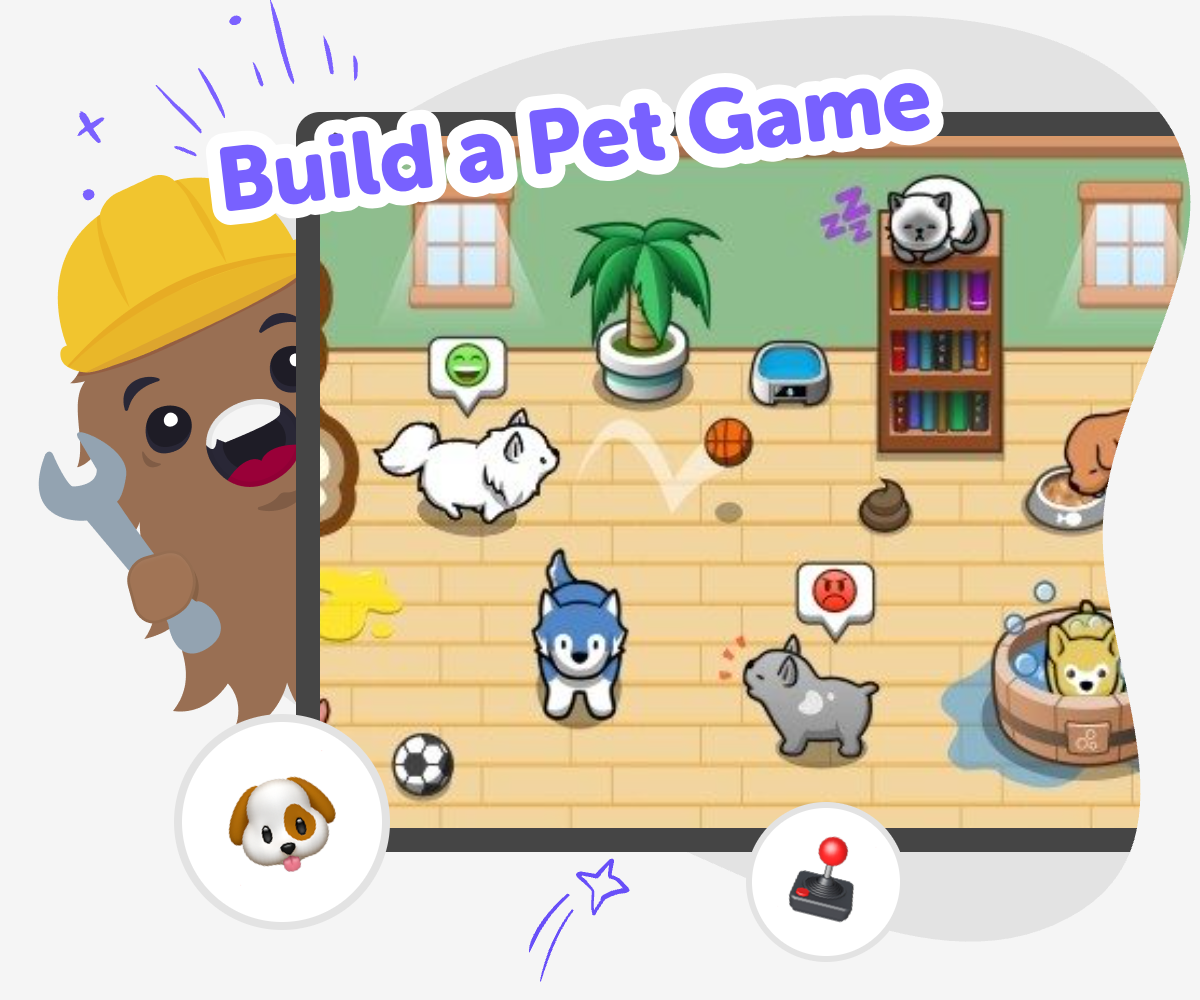
About this tutorial
A build a pet game project helps kids turn a pet idea into something interactive. They can imagine what the pet looks like, what it needs, and how a player cares for it, which makes game design feel clear and creative.
As kids shape the rules, they start thinking about how choices, feedback, and story work together. That mix of play and problem-solving helps them build confidence while learning how games are made.
With Vibe Coding, kids can explore a pet game through guided, hands-on making. They describe the pet they want, build it step by step, test what happens, and improve the project as they go.
The tool keeps the process creative and supportive, so kids stay focused on their own ideas while learning safely. It is a practical way to experiment with coding, try new versions, and make a game that feels personal.
Step by step
- 1
Choose your pet
Start with a pet idea kids can picture clearly, like a puppy, cat, dragon, or made-up creature. Give it a name, a look, and one special trait so the game has a friendly starting point.
- 2
Add pet needs
Decide what your pet wants to do, like eat, sleep, play, or get cleaned up. These simple needs become the game rules that help players understand what to take care of.
- 3
Build and test
Use guided coding help to turn the pet idea into an interactive project. Test what happens when a player clicks, chooses, or responds, then fix anything that feels confusing.
- 4
Make the most of playing
Try a new pet species Change one detail, like the pet's colour, sound, or favorite toy, to see how it changes the game. Small edits help kids learn that ideas can be improved one step at a time.
Check the rules Play through the game again and notice if the pet is too easy or too hard to care for. Clear rules make the game more fun, especially for younger players.
Share a safe version Keep the project friendly, age-appropriate, and easy to understand before showing it to someone else. A simple finished version is often the best way to learn what works.
Keep experimenting Save the version you like and then test one new idea at a time, like a new pet reaction or a new challenge. Replaying and refining helps build coding confidence and creative problem-solving.
Why do pet games feel fun to make?
Pet games are a fun place for kids to start because they mix imagination with simple choices. A pet can be cute, silly, magical, or realistic, and that makes it easy to invent a game that feels personal. Kids can decide what the pet likes, what makes it happy, and how a player helps it grow. That means the game is not just about pressing buttons. It is about caring, noticing changes, and making small decisions that matter. This helps kids think like builders, not just players. They begin to see how rules, reactions, and rewards work together to make a game feel alive. When kids build a pet game, they practice storytelling, logic, and design all at once, which makes the project both creative and easy to keep improving.
What should a pet game teach?
A good pet game can teach more than how to click through levels. It can show kids how games use needs, feedback, and choices to create a clear experience. For example, if a pet is hungry, the player has to feed it. If the pet is bored, the player may need to play with it. These simple cause-and-effect ideas help kids understand how game design works. They also learn that a game becomes better when the rules are easy to follow and the reactions make sense. This is great practice for problem-solving because kids must ask, What should happen next? and How will the player know what to do? With guided creative coding, they can test ideas safely and see how small changes improve the whole game.
How can kids keep it safe and age-friendly?
Safety in a pet game starts with keeping the idea friendly, clear, and easy to understand. Kids do best when the game has gentle goals, simple actions, and no scary or confusing parts. That means the pet can be kind, playful, and funny without being overwhelming. It also helps to use readable text, bright but not distracting visuals, and responses that are easy to predict. Parents and educators can look for projects that encourage care, patience, and positive play. When kids use Vibe Coding, they can work in a guided space that supports experimentation without asking them to build everything alone. That makes it easier to focus on creativity and learning while staying within a safe, supportive maker environment.
What skills do kids build along the way?
When kids build a pet game, they practice several important creative skills at the same time. They use coding confidence when they turn an idea into something interactive. They use problem-solving when they notice a feature does not work the way they expected and try again. They use iteration when they make a version, test it, and improve it with a new idea. They also build creative technology skills because they learn how digital tools can bring imagination to life. Even simple choices, like changing a pet's mood or adding a reward, help kids understand how software behaves. Over time, kids start to trust their own ideas more because they can see that making and revising are normal parts of building something new.
Need help?
What is a pet game?
A pet game is a game where the player takes care of an animal or creature by feeding it, playing with it, or helping it stay happy. Kids can make the pet realistic or imaginary, and they can choose simple rules that make the game easy to follow.
Why do kids like building pet games?
Kids like pet games because they can mix caring, creativity, and play. It feels fun to design a pet with a name, look, and personality, then decide how it reacts when the player helps it. That makes the game feel personal and playful.
What should a first pet game include?
A first pet game can be simple. It usually needs a pet, one or two things the pet needs, and a way for the player to respond. Clear choices and easy feedback help younger kids understand how the game works.
Can kids make their own pet characters?
Yes. Kids can invent their own pet characters instead of using a real animal. They might make a dragon, robot puppy, or tiny space cat. Creating a new character helps the game feel unique and gives kids more room to imagine.
How do kids make the game more interesting?
Kids can make the game more interesting by adding small changes that affect the pet's mood, sound, or behavior. They can also add new items, simple challenges, or different reactions. Testing each change helps them learn what makes the game feel better.
Is building a pet game good for learning?
Yes. Building a pet game helps kids practice problem-solving, creativity, and coding confidence. They learn how ideas turn into interactive projects and how to improve something by testing it more than once.
Can Vibe Coding help with a pet game?
Vibe Coding gives kids guided support while they build, test, and improve their pet game. Kids still make the choices, but the tool helps them explore ideas step by step so the project stays hands-on and understandable.
How can kids share a pet game safely?
Kids can share a safe pet game by keeping it friendly, readable, and age-appropriate. It helps to check that the actions are simple, the language is kind, and the project is easy for other kids to understand and enjoy.