Build a Penguin Clicker Game
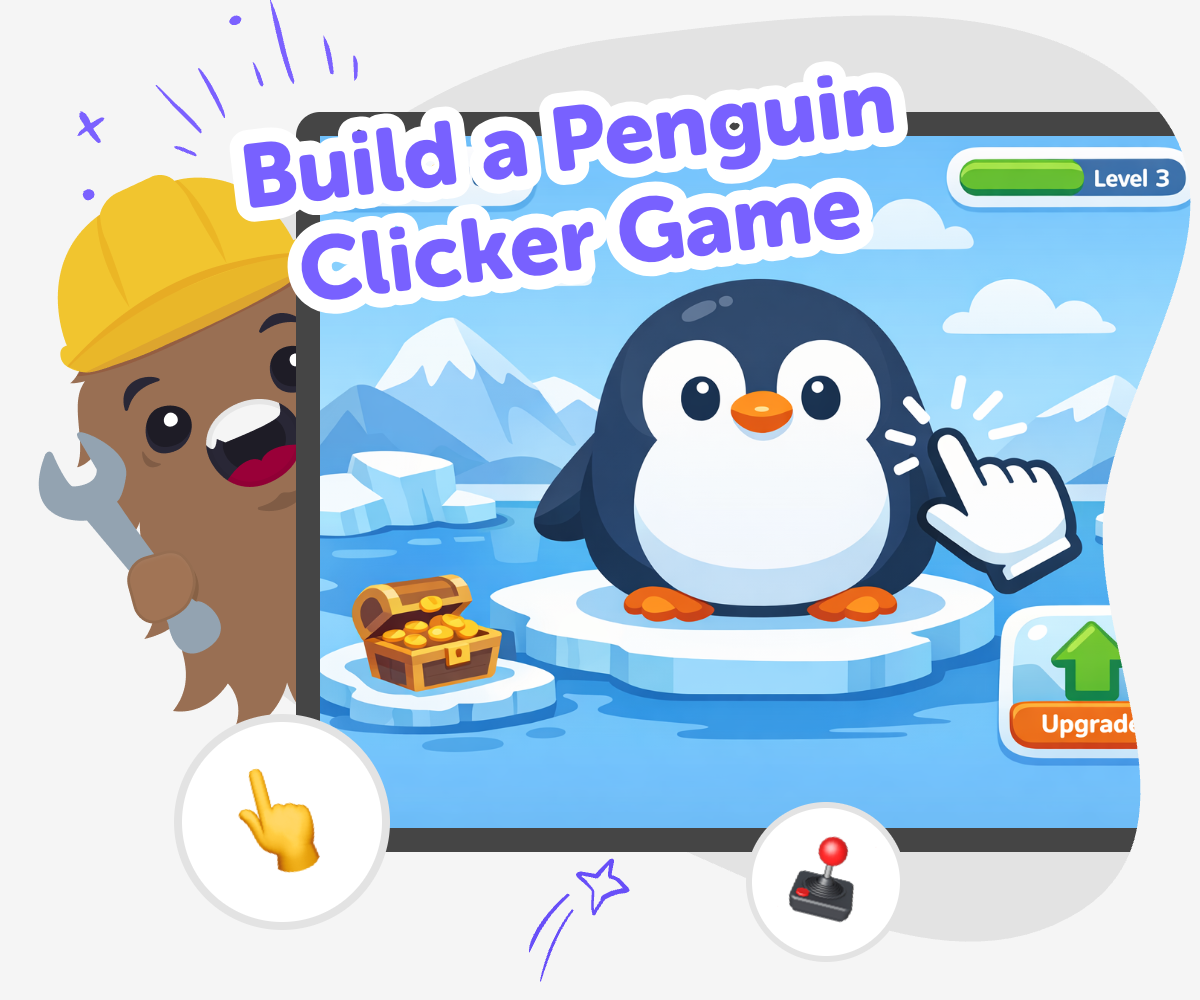
Build a penguin clicker game and turn a simple idea into a playful interactive project kids can make, test, and improve step by step. With guided support from Vibe Coding, young creators can explore coding confidence, creativity, and problem-solving while building something fun.
About this tutorial
A build a penguin clicker game project helps kids turn a simple game idea into something interactive. They can decide what happens when you click, how fast points grow, and what makes the penguin feel fun to play with. This kind of project matters because it teaches kids that games are built by trying ideas, testing them, and changing them when something does not work yet.
It also helps kids practice creative thinking and patient problem-solving. Instead of just playing a game, they get to make one, which can build confidence and show them that coding is a tool for expressing ideas.
Vibe Coding gives kids a guided way to explore the topic by building it piece by piece. They can describe the game they imagine, shape the clicker gameplay, test it, and improve it with support that keeps the process hands-on and approachable.
That makes the project feel safe, creative, and beginner-friendly. Kids stay focused on making and learning, while the tool helps them keep going when they want to try a new idea or fix a part of the game.
Step by step
- 1
Pick your penguin
Choose a penguin character and decide what makes it special in your clicker game.
- 2
Set up the click
Make each click do something clear, like adding points or showing a fun reaction.
- 3
Add the score
Create a score counter so players can see their progress as they keep clicking.
- 4
Make the most of testing
Try a new version Play your game from the start and notice what feels clear, fun, or confusing.
Tweak one thing Change one part at a time, like the score speed or penguin reaction, so you can see what helps.
Check the play feel Look for moments where the game feels too slow or too busy, then smooth those parts out.
Keep your best version Save the version you like most and play again to see how your changes make the game better.
What makes a clicker game fun?
A clicker game is fun when each click gives a clear reward. That reward might be points, a sound, a small animation, or a silly reaction from the penguin. Kids often enjoy clicker games because they are easy to understand, but they still leave room for smart choices about timing, design, and how fast the game grows. When building one, it helps to think about what makes players want to click again. A good clicker game feels simple at first, then gradually becomes more exciting as the score climbs. That mix of quick action and visible progress helps kids see how game design can keep people interested. It also teaches that small changes can make a big difference in how a game feels.
Why use a penguin theme?
Penguins are a great theme for a clicker game because they are friendly, familiar, and easy to make playful. A penguin can slip, wobble, dance, collect fish, or react in funny ways when the player clicks. That gives kids lots of room for creativity without needing complicated art or story ideas. A strong theme also helps the game feel more complete, because the pictures, sounds, and score can all match the same idea. When kids build with a clear theme, they learn how choices work together. The penguin becomes more than decoration; it helps shape the whole game. This is a simple way to practice creative technology skills while making something that feels personal and fun to share.
How does this help kids learn coding?
Building a clicker game helps kids learn coding in a practical way. They can see how a click changes a number, how a game reacts to input, and how small pieces of code work together to create one experience. Because clicker games are simple to start, kids can focus on one idea at a time instead of trying to understand everything at once. That makes it easier to build confidence. They also learn problem-solving by testing what happens, noticing mistakes, and improving their game step by step. Even when something does not work the first time, the process shows that making digital projects is about experimenting and adjusting. That mindset is useful for coding and for many other kinds of making too.
Is it safe and beginner-friendly?
A penguin clicker game is a good beginner project because it can stay simple, creative, and kid-focused. Kids can build with guidance, make choices that fit their age, and keep the project centered on play instead of complicated systems. A safe learning space matters because it helps young creators feel relaxed enough to try, fail, and try again. With guided support from Vibe Coding, kids can explore their ideas without needing to know everything in advance. They can describe what they want, test the result, and make changes as they go. That kind of support makes the process less intimidating and more encouraging. It helps kids feel like makers, not just users, which is an important step in learning to create with technology.
Need help?
What is a penguin clicker game?
A penguin clicker game is a simple game where players click on a penguin to earn points or trigger fun reactions. It is a beginner-friendly project because the idea is easy to understand, but kids can still make it feel unique with colours, sounds, and game rules.
What do kids need to make one?
Kids need a clear idea for the penguin, a click action, a score, and a way to make the game feel fun. They also need time to test and improve it so the game becomes easier to play and more exciting.
Why is this a good first coding project?
It is a good first project because it teaches one clear idea at a time. Kids can see how clicking changes the game, which makes coding feel real and understandable instead of abstract.
Can kids make their own version?
Yes. Kids can choose their own penguin look, sound effects, score goals, and special reactions. Making a personal version helps them practice creativity and gives them more ownership of the game.
How can I make the game more fun?
You can make it more fun by adding a silly sound, a small animation, or a goal that unlocks when the score grows. The best improvements are usually small changes that make each click feel more rewarding.
Is this project safe for younger kids?
Yes, when it is kept simple and guided. The focus stays on making, testing, and learning, which helps younger kids explore technology in a calm and age-appropriate way.
What if the game does not work the first time?
That is normal. Games often need several tries before they feel right. Kids can test what happened, change one part at a time, and keep improving until the game works the way they want.
Can this help kids learn more than coding?
Yes. It can also build patience, planning, and problem-solving. When kids improve the game step by step, they learn how to think through a project and keep going when something needs fixing.