Build a Parkour Game
Build a parkour game and turn jumping, timing, and level design into a fun creative project. Kids can design moving obstacles, test tricky paths, and keep improving their game until it feels exciting and fair to play.
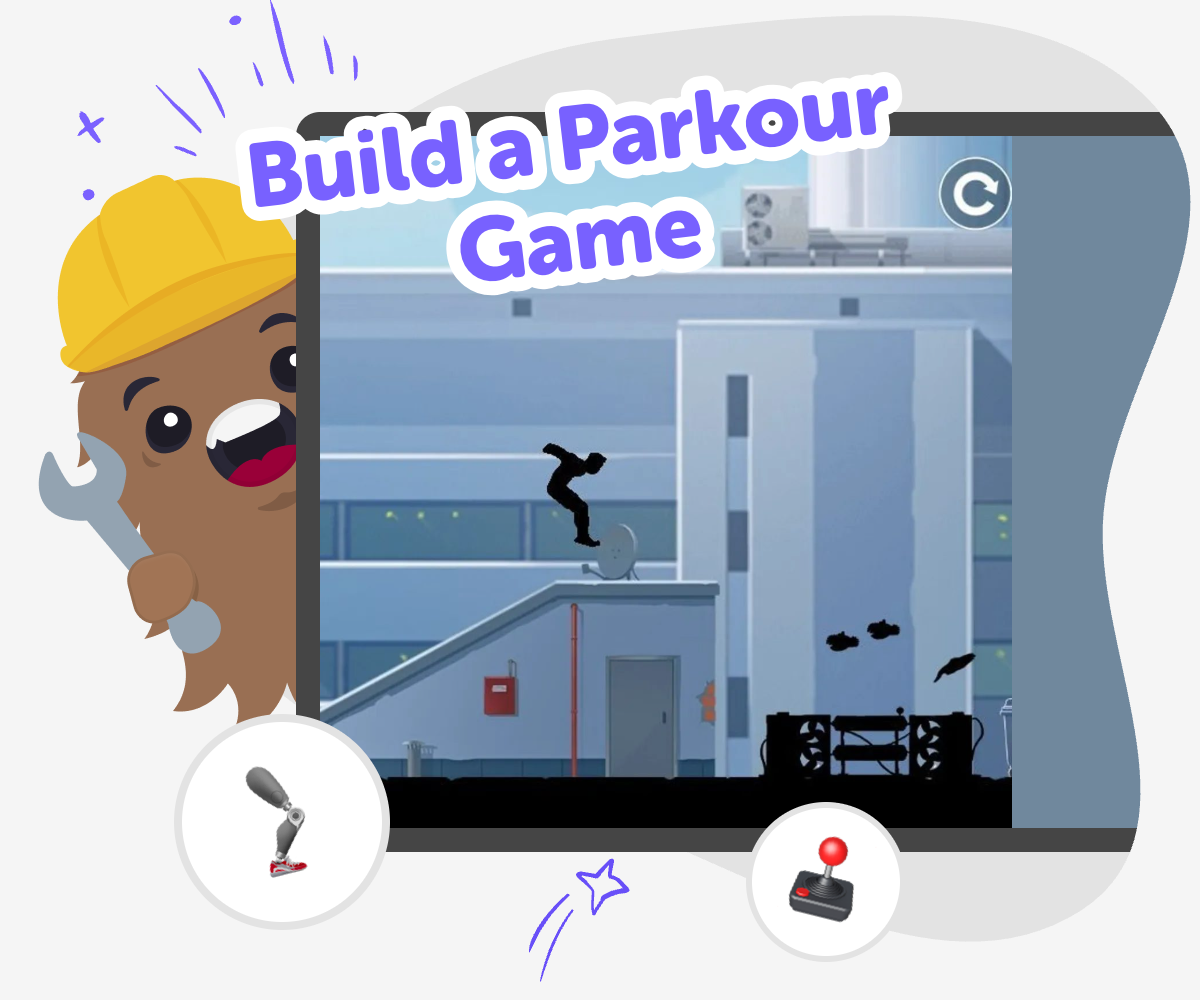
About this tutorial
Build a parkour game by designing jumps, platforms, and obstacles that players move through with timing and care. It matters because kids learn how game rules, level layout, and movement work together to make play exciting, fair, and fun.
When the course is clear and the challenge feels possible, the game becomes something players want to try again. That mix of creativity and problem-solving helps kids build confidence as they make and improve their own ideas.
Vibe Coding gives kids a guided place to explore the topic step by step. They can describe the game they want, build one part at a time, test what happens, and make changes based on what they see.
That keeps the process hands-on, safe, and creative while kids stay focused on the parkour game they are making.
Step by step
- 1
Choose your course
Pick the setting for your parkour game, like rooftops, clouds, blocks, or a space station, and decide what the player has to reach.
- 2
Add the jumps
Place platforms, gaps, and moving parts so the path has a clear challenge. Start with a simple route, then add one harder section at a time.
- 3
Test the timing
Play through the level and see where the jumps feel too easy or too hard. Change the spacing, speed, or order of obstacles until the flow feels right.
- 4
Make the most of replay
Try a remix Change one part of the course, like a moving platform or a new gap, so the game feels fresh while still matching your original idea.
Check the challenge Run the level again and notice where players slow down, fall, or succeed quickly. Small edits can make the game feel fairer and more fun.
Share the best version Keep the version that plays smoothly and feels exciting to complete. Save it, show it to someone, and invite them to try the course safely.
Keep improving Return later with a new idea, add another section, or make the route longer. Parkour games get better when kids test, learn, and adjust them over time.
What makes a parkour game fun?
A parkour game is fun when movement feels clear, timing matters, and each jump gives the player a small challenge to solve. Kids enjoy parkour games because they can design the course like a puzzle: where should the next platform go, how far should the gap be, and what happens if a player misses? The best games are not just hard. They feel possible, fair, and exciting to try again. That is why good level design is such an important part of the project. A simple course can still be a great game if the jumps are easy to understand and the goal is worth reaching. When kids build one, they are learning how to make play feel balanced and satisfying, not random.
Why do kids learn from making one?
When kids build a parkour game, they practice more than coding. They learn how to plan, test, notice problems, and make changes based on what they see. If a jump is too far, they can shorten it. If a platform is confusing, they can move it. This helps kids build confidence because they see that mistakes are part of making something better. Parkour games are especially useful for learning because they connect creative ideas with real problem-solving. A child can imagine the game first, then turn that idea into something playable. Each test shows them a little more about how games work. That kind of learning is active, hands-on, and easy to remember because the result is something they can actually play.
Is it good for different ages?
Yes. A parkour game can be simple enough for younger kids and flexible enough for older kids who want bigger challenges. Younger makers may start with a short path, large platforms, and one clear goal. Older kids may add moving pieces, faster timing, or more interesting level shapes. The nice part is that everyone can work at their own pace and still make something real. Kids do not need to get everything perfect on the first try. They can start small and add new ideas as they learn. That makes the project friendly for classrooms, home learning, clubs, and mixed-age groups. The topic also supports confidence because kids can see their own improvement as the game gets smoother and more fun.
How can kids keep it safe and fair?
A good parkour game should feel challenging, but not frustrating or confusing. Kids can help keep it fair by making the path easy to see, avoiding sudden surprises that do not make sense, and testing the level more than once. Safe game making also means keeping the content friendly for the age group, with clear goals and simple controls. If the game is shared with friends, it helps to let them try it and listen to their feedback. That way the builder can improve the course without making it too hard or too busy. Vibe Coding supports this process by helping kids explore ideas step by step, so they can experiment, learn from each test, and keep building a game that feels playful and thoughtful.
Need help?
What is a parkour game?
A parkour game is a game where the player moves through jumps, platforms, and obstacles to reach a goal. The fun comes from timing, movement, and solving the course one part at a time.
How do you start building one?
Start with a simple idea for the world, then make a short path with a few jumps. Once that works, add more pieces and test the level to see what needs changing.
Do parkour games need lots of levels?
No. A single well-made level can be a great project. If kids want, they can add more levels later or make the course longer after the first version feels good to play.
What makes a jump feel fair?
A fair jump is one the player can understand and try again. The gap should match the movement speed, the landing should be clear, and the challenge should feel possible with practice.
Can younger kids make one too?
Yes. Younger kids can start with a short, simple course and a clear goal. They can build with help, test the level, and change small details without needing a very complex game.
How do kids improve the game after testing?
They can watch where players miss a jump, where the path feels slow, or where the route is confusing. Then they can adjust spacing, layout, or timing and try again.
Is this a good project for learning coding?
Yes. A parkour game helps kids learn planning, cause and effect, debugging, and iteration. It is a hands-on way to practice creative technology skills while making something fun.
Can Vibe Coding help with the project?
Yes. Vibe Coding gives kids guided support as they build, test, and improve their game step by step. It helps the process feel approachable without taking away the fun of making it themselves.