Build a Panda Clicker Game
Build a panda clicker game with a kid-friendly creative coding studio that helps kids turn a playful idea into an interactive project. Learn how to make a simple game, test it, and improve it step by step while building coding confidence and creative thinking.
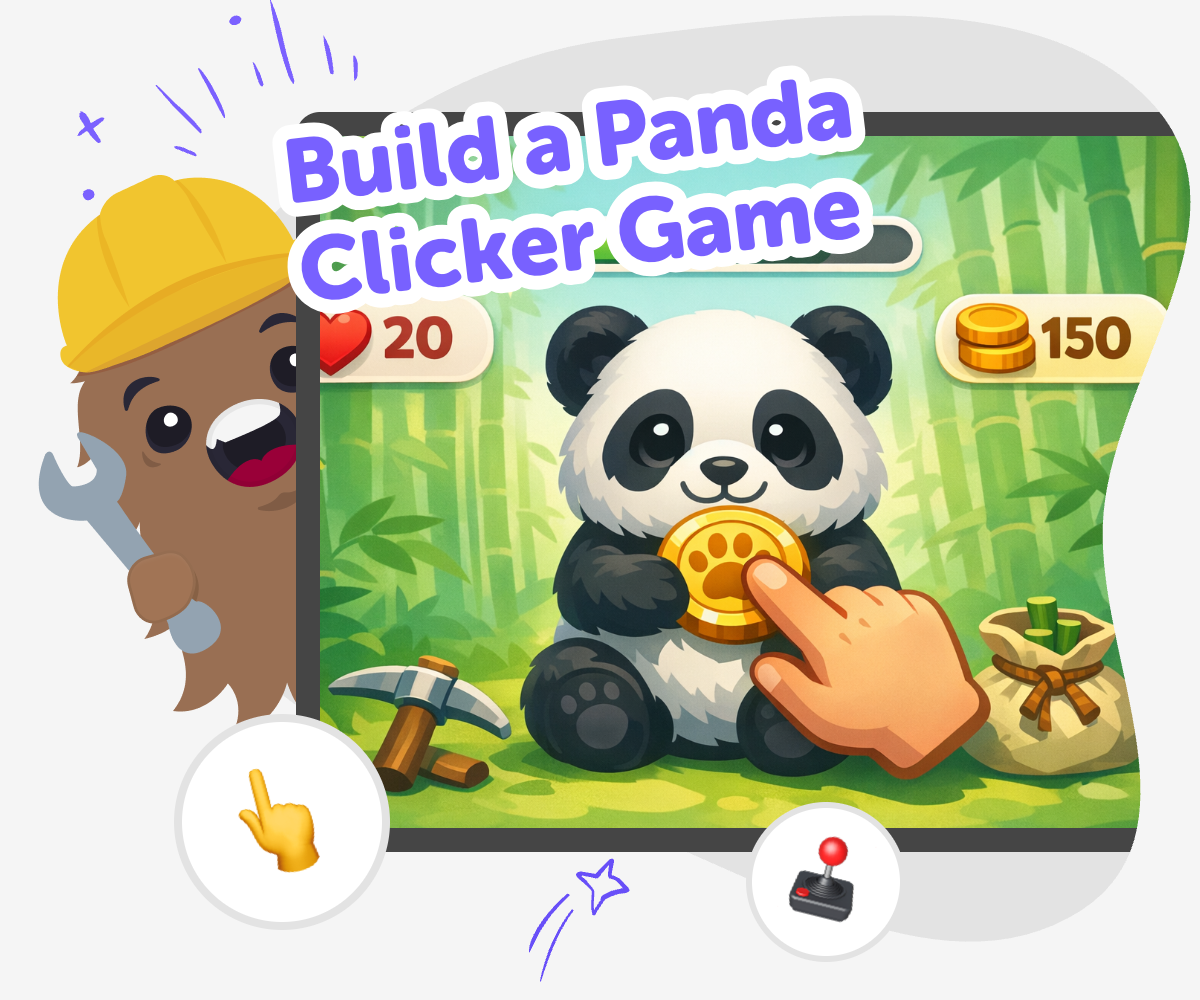
Make a Panda Clicker Game
A build a panda clicker game project helps kids learn how simple games work. Players tap, earn points, and watch the panda react, which makes the idea easy to understand and fun to improve. This kind of project matters because kids practice making, testing, and changing one small part at a time. That process builds confidence and shows that games grow through trying, not guessing.
Vibe Coding gives kids a guided place to explore the idea safely and creatively. They can describe their panda game, build it step by step, test what happens, and make changes as they learn. The tool stays focused on hands-on making, so kids keep control of the choices while getting support that helps the project feel clear, playful, and manageable.
How to Build It
Step 1 - Pick your panda idea
Choose what the panda does when players tap it, such as collecting bamboo, earning points, or making a cheerful face.
Step 2 - Build the click action
Set up the panda as the thing players click and make the score change each time it is tapped.
Step 3 - Add a fun reward
Give the game a small surprise, like a sound, a message, or a new panda reaction when the score grows.
Step 4 - Make the most of testing
Try your game with a fresh eye Play it several times and notice which parts feel too slow, too fast, or hard to tap. Fix one thing at a time Change a single part, then test again so you can see exactly what helped the game feel better. Ask a helper to play Let a friend or grown-up try the game and listen for anything confusing, because new players often spot simple problems. Save your best version Keep improving the panda, the score, and the rewards until the game feels smooth, clear, and fun to replay.
What makes a clicker game fun?
Why do kids learn from making one?
How can a panda theme help the idea?
How does guided coding support safe experimenting?
Frequently Asked Questions
Why 500,000 families trust DIY

Martin
Dad to 2 DIYers
My son loves DIY! He always finds fun projects to do, and we enjoy making things together. It’s a great way to learn, create, and have fun at the same time!

Pearl
DIYer from USA
DIY is such a great app with really sweet people and moderators who always make sure this app is super safe. You can learn to create things or learn drawing techniques - honestly there is so much to do.

Elaine W.
Middle school teacher
I love logging onto DIY every day - not just for projects but to also look at the comments my kids share about each other's work. It's a brilliant way to foster healthy support systems!

Jenn L.
Mom to 3 DIYers
We absolutely love the DIY platform and its endless river of creative adventures and projects! We always have the best time together participating, learning and creating!
