Build a Nugget Clicker Game
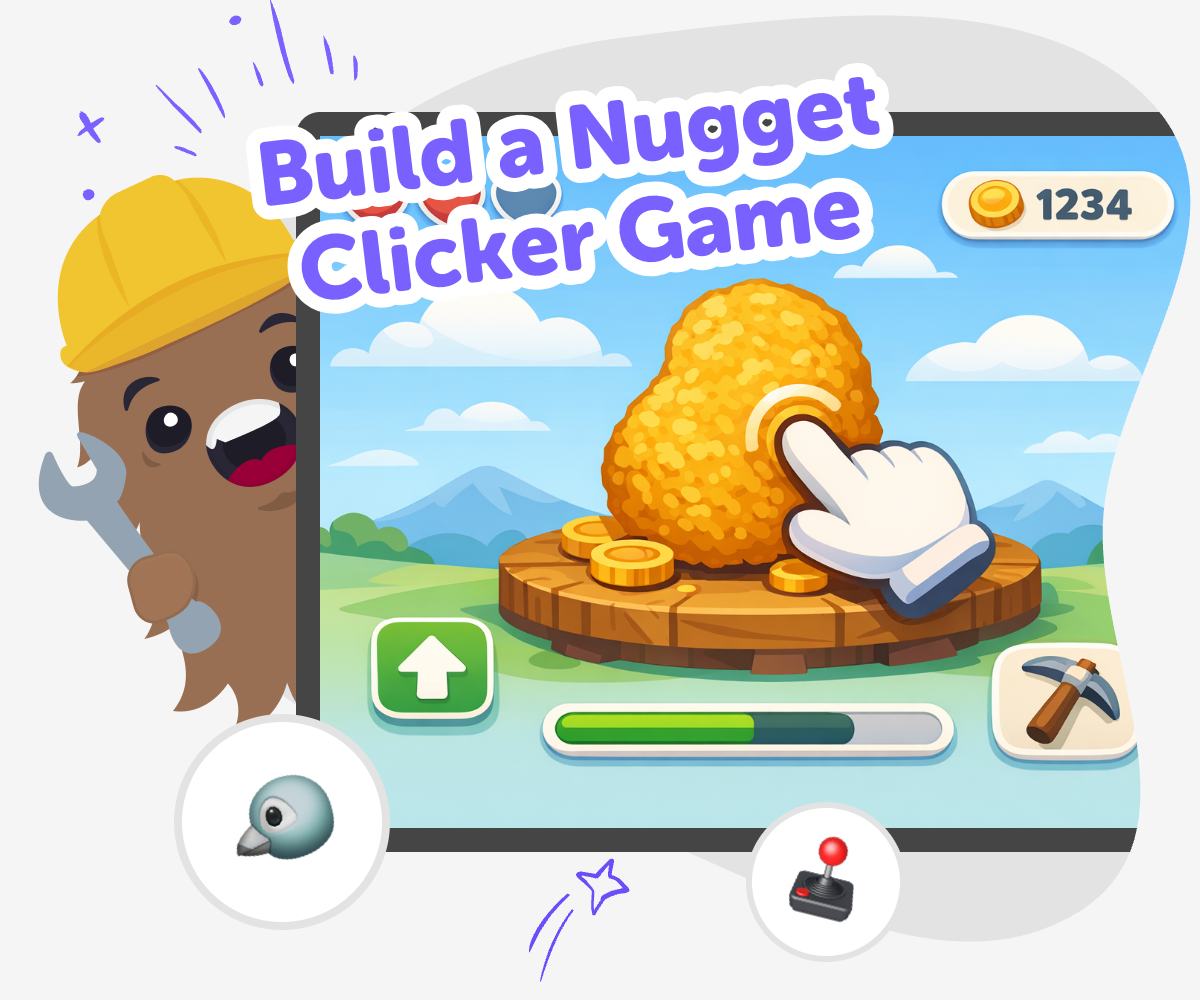
Build a nugget clicker game and turn a simple idea into a playful coding project. Kids can shape the clicks, points, and upgrades, then test and improve their game as they learn by doing with Vibe Coding.
About this tutorial
A build a nugget clicker game project is a fun way for kids to learn how simple games work. The idea is easy to follow: click the nugget, earn points, unlock changes, and keep improving the game. This helps kids build coding confidence, practice problem-solving, and see how small choices can change what a game feels like.
It also matters because kids learn that games are built through testing and revision. They can try an idea, notice what happens, and make the next version better.
Vibe Coding gives kids a safe, guided place to explore this topic through hands-on making. They can describe the game they want, then build the click loop, adjust the rewards, and improve the project step by step.
That keeps the focus on creativity and learning. Kids stay in charge of the idea while the tool helps them make it real, test it, and keep going with confidence.
Step by step
- 1
Choose the nugget idea
Decide what your nugget looks like and what should happen when a player clicks it.
- 2
Set points and rewards
Pick how many points each click gives and choose what new changes unlock as the score grows.
- 3
Add your game details
Write short labels, simple messages, and a few fun effects so the game feels clear and playful.
- 4
Make the most of testing
Try different versions Play your game and see which changes make the click loop feel smooth, clear, and fun.
Notice what works Look for parts that feel confusing, too slow, or not exciting enough so you know what to change next.
Improve one thing at a time Change the score, wording, or timing in small steps so you can see how each edit affects the game.
Keep building safely Share the project with a trusted adult or friend and use their feedback to make the game easier to understand and play.
What makes a nugget clicker game fun?
A nugget clicker game is fun because the rules are easy to understand and the reward happens right away. Players click on a nugget, watch the score rise, and see the game change as they keep going. That clear cause-and-effect loop is one reason clicker games are such a good fit for kids who are learning to make their own interactive projects. The game can be silly, shiny, calm, or fast, depending on the choices the kid makes. A child might turn the nugget into a gold piece, a snack, a space rock, or something made from their own imagination. Because the idea is simple, kids can spend more time being creative and improving the experience instead of getting lost in complicated rules. That makes the project friendly for beginners and still interesting enough to keep testing and changing.
Why do kids learn so much from a simple game?
A simple game can teach a lot because it shows how one small action can create a clear result. In a nugget clicker game, every click matters, so kids can see how rules, feedback, and timing affect the experience. That helps them practice planning and problem-solving in a way that feels concrete and playful. They learn to ask questions like: Is the game easy to understand? Does the reward feel exciting? Should the upgrade happen sooner or later? Those are real maker questions, and they help children think like designers. A simple game also lowers the pressure to be perfect. Kids can try an idea, notice what changes, and keep improving it. That builds confidence because the project grows through practice, not just one big attempt. It is a strong way to learn creative technology skills while making something they can actually play.
How can a clicker game stay safe and age-appropriate?
A kid-friendly clicker game should be clear, calm, and easy to follow. That means using readable text, friendly visuals, and rewards that are playful instead of scary or confusing. It also helps to keep the game loop small so kids can understand what is happening and focus on making good choices about the design. Safety matters not just in the content, but in the learning experience too. Kids do best when they can explore with guidance, ask questions, and make changes without feeling stuck. A tool like Vibe Coding supports that kind of making by helping children build step by step while staying centered on the project. That makes it easier for parents and educators to trust the process, because the game stays creative, age-appropriate, and built for learning through hands-on practice.
What can kids change to make the game their own?
Kids can make a nugget clicker game feel personal by changing the look, the sound, the point system, and the upgrades. They might make the nugget sparkle, bounce, or transform after certain clicks. They can also decide whether the game feels relaxing, funny, or fast-paced. These choices matter because they help children see that creative coding is not about copying a fixed idea. It is about shaping an interactive project until it matches their imagination. Each change gives kids a chance to test the result and improve it. Maybe one button label is too long. Maybe the score should grow faster. Maybe an upgrade needs a clearer name. That cycle of making, checking, and revising teaches iteration in a natural way. The final game becomes more than a practice activity. It becomes something that reflects the child’s own ideas and decisions.
Need help?
What is a nugget clicker game?
It is a simple game where players click a nugget to earn points, unlock changes, or trigger fun reactions. The idea is easy to understand, which makes it a good project for kids.
Is this a good first coding project?
Yes. A clicker game is a strong first project because it uses small steps, clear feedback, and easy rules. Kids can learn by building, testing, and improving one part at a time.
Can kids make their own version?
Yes. Kids can change the look of the nugget, the score rules, the upgrades, and the sound or color effects. That helps the game feel personal and creative.
What skills does this project build?
It helps with coding confidence, problem-solving, counting, planning, and iteration. Kids also practice making choices and seeing how those choices affect the game.
How can the game stay simple for younger kids?
Keep the rules easy to follow, the buttons clear, and the rewards straightforward. A simple game is often more fun for younger kids because it is easier to play and improve.
Can kids test and improve the game?
Yes. Testing is a big part of making games. Kids can play their own version, notice what feels confusing or too slow, and then make changes to improve it.
Is Vibe Coding helpful for this project?
Yes. Vibe Coding gives kids guided support while they build the game step by step, so they can stay focused on making and learning instead of getting stuck.
Can this idea lead to other projects?
Yes. Once kids understand a clicker game, they can try a quiz, an app, a story game, or another interactive idea with the same build-test-improve process.