Build a Minions Game
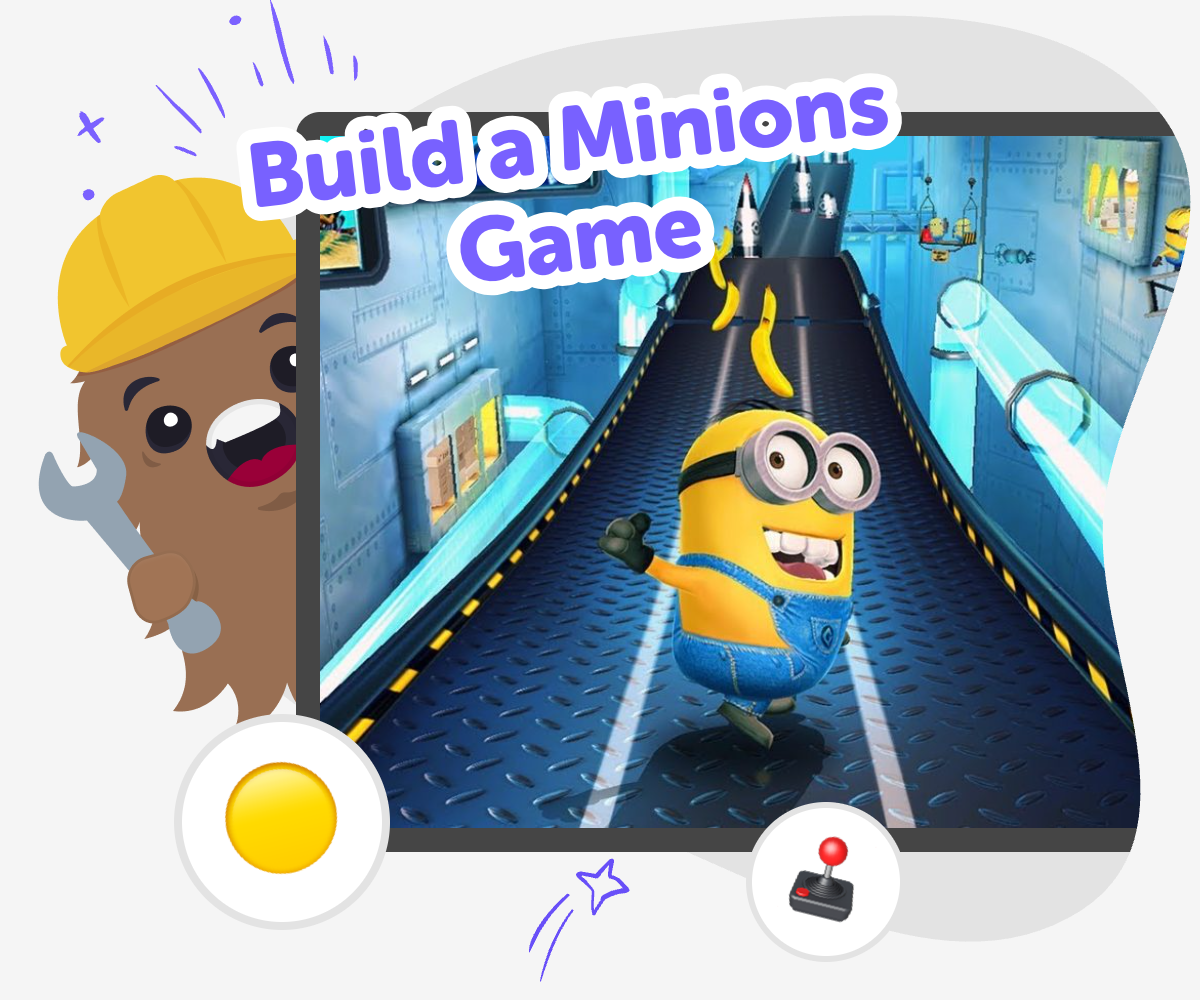
Build a Minions Game is a kid-friendly creative project where kids imagine a playful game idea and bring it to life step by step. With guided support, they can try out characters, actions, rules, and levels while learning how games are made. It is a fun way to practice creativity, problem-solving, and confidence through making.
About this tutorial
Build a minions game is a fun way for kids to turn a playful idea into an interactive project. Kids can think about characters, actions, challenges, and goals, then shape a game that feels funny, imaginative, and their own. Making a game like this helps kids practice planning, creativity, and problem-solving while they learn how ideas become something real.
It also gives kids a safe place to experiment. They can try a simple version, test what happens, and change parts that do not feel right yet. That kind of practice builds confidence because kids see that making is a process, not a test.
Vibe Coding supports this kind of making by giving kids a guided studio where they can build, test, and improve their game step by step. Kids can describe what they want, then keep shaping the project until it feels ready to play.
The tool stays focused on learning by doing, so kids stay active creators. That makes it a gentle way to explore creative technology, build coding confidence, and keep iterating with support.
Step by step
- 1
Choose your game idea
Start with a simple Minions-inspired game idea, such as a chase, a collecting game, or a silly challenge with points.
- 2
Set up the play
Decide who the player is, what they do, and what makes the game fun, like jumping, dodging, or gathering items.
- 3
Test a first version
Build a basic version, play it, and notice what works, what feels confusing, and what needs to change.
- 4
Make the most of testing
Try a new idea Change one part of the game, like speed, score, or level layout, so you can see how it affects the play.
Fix what feels tricky If something is hard to understand or not fun yet, adjust the rules, controls, or timing until it feels clearer.
Keep the game playful Add small details that make the project feel more like your own, such as a new challenge, a funny sound, or a fresh goal.
Play again and improve Run the game one more time, notice the difference, and keep changing it until the project feels smooth and fun to share.
What makes a Minions game fun?
A fun Minions game usually has a clear goal, a playful challenge, and a little bit of silliness. Kids often enjoy games that move fast, have simple rules, and make them laugh or think in a new way. That could mean collecting items, helping characters reach a goal, or avoiding obstacles. The best part is that the game does not need to be complicated to feel exciting. A strong idea with one or two good actions can be enough to make players want to try again. When kids build their own version, they get to decide what fun means in their game, which makes the project feel personal and creative.
Why is making a game a good learning project?
Making a game helps kids learn how to turn an idea into steps. They have to think about the player, the goal, the rules, and what happens when something goes right or wrong. That is real problem-solving, but it feels like play because the project is interactive. Kids also practice patience when they test something, notice a problem, and improve it. This kind of work builds coding confidence because kids see that mistakes are useful clues, not failures. Each small change helps them understand how games work and how creators make choices that affect the player experience. That mix of creativity and logic is one reason game making is such a strong learning activity.
How do kids keep the game safe and age-appropriate?
A kid-made game should stay friendly, clear, and easy to enjoy. That means using simple goals, gentle humor, and characters or actions that are fun without being scary or mean. Kids can focus on bright colors, playful sound effects, and easy controls instead of anything too intense. It also helps to keep the rules easy to understand so younger players can follow along. When children make games with guided support, they can explore ideas safely while staying in a creative space. This kind of project teaches kids how to make choices that work for their own age group and for other kids who may play it too.
What do kids learn when they keep improving their game?
When kids improve a game, they learn that creative projects grow through practice. A first version might be simple, but each new change can make the game clearer, funnier, or more interesting. Kids learn to compare versions, notice patterns, and decide what to keep or change. That habit is useful far beyond game making because it teaches flexible thinking and careful observation. It also shows kids that it is normal for creative work to change many times before it feels finished. With each test, they gain more confidence in their ideas and more skill in using technology as a tool for making, not just watching.
Need help?
What is a Minions game?
A Minions game is a playful project inspired by the funny, energetic style of the Minions characters. Kids can make their own version with simple goals, silly actions, and bright, easy-to-follow game play.
Can kids make their own Minions game?
Yes. Kids can make a simple version by choosing a game idea, building the rules, and testing it step by step. A guided creative coding tool like Vibe Coding can help them shape and improve the project as they go.
What kind of game should beginners start with?
Beginners usually do best with one clear goal, like collecting items, reaching a finish line, or dodging obstacles. Simple games are easier to understand, easier to test, and easier to improve.
How long does it take to build one?
It depends on how detailed the game is. A first version can be made quickly, and then kids can keep adding ideas, fixing problems, and making it more fun over time.
Do kids need to know coding first?
No. Kids can start with an idea and learn the coding parts as they build. Guided support helps them understand each step instead of expecting them to know everything at the start.
How can the game stay friendly for younger players?
Keep the rules simple, the actions playful, and the visuals easy to read. Friendly games avoid scary themes and focus on fun challenges that kids can understand quickly.
What if the game does not work at first?
That is normal. Kids can test it, notice what went wrong, and make small changes until it feels better. Fixing and improving is a big part of making games.
Why is game making a good creative activity?
Game making combines imagination, problem-solving, and technology. Kids get to build something active instead of just thinking about it, and that helps them grow confidence as makers.