Build a Minecraft Villager
Learn how to build a minecraft villager through a kid-friendly creative project that turns a simple idea into something you can shape, test, and improve. This page helps kids understand the topic, practice imaginative making, and explore game-style thinking with guided support.
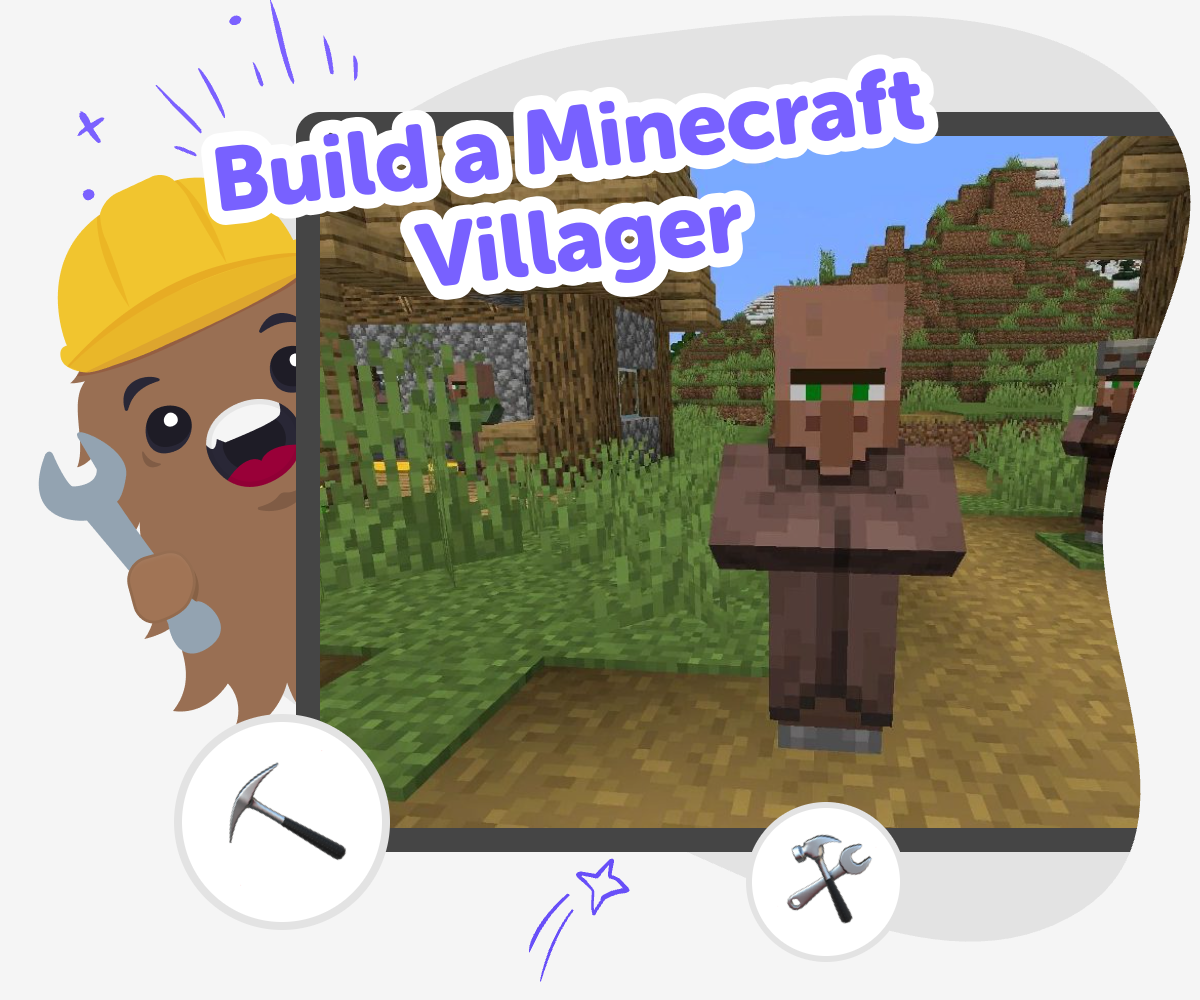
Build Your Villager Idea
When you build a minecraft villager, you turn a Minecraft idea into a character you can shape with purpose. A villager can be a helper, a shopkeeper, a friend, or a guide, and choosing those details helps kids practice creativity, problem-solving, and game design. Each choice teaches kids that a character can be more than a skin or a role. They learn how small design decisions change the way a villager looks, acts, and fits into a world.
Vibe Coding gives kids a guided way to explore the idea step by step. They can describe the villager they want, build it, test how it works, and improve it with simple changes as they go. That hands-on process keeps the focus on safe, creative making. Kids stay in control of the project while they experiment, learn from each try, and grow more confident with each version.
What is a Minecraft villager?
A Minecraft villager is a character that lives in the game world and often helps players in different ways. Villagers can have jobs, trade items, or act like part of the world’s daily life, which makes them more than just background characters. For kids, this is a great example of how game characters can have a purpose, a look, and a role in the story of a world. When you build a minecraft villager as a creative project, you are not only copying a character. You are learning how design choices make a character feel useful, friendly, or funny. That kind of thinking helps kids understand how games are made and how characters can support play.
Why do kids like making their own villager?
Kids like making their own villager because it gives them a chance to imagine a character that fits their own world. One child may want a baker who sells bread, while another may want a map maker, guard, or magic helper. This kind of choice matters because it helps kids practice decision-making and creative planning. It also shows them that a character can be built from small details: clothing, job, voice, and behavior. When kids build a minecraft villager, they get to try ideas, change them, and see what feels best. That process builds confidence because there is no single right answer. The best part is that each version can be different, which makes the project feel personal and playful.
How does making a villager help learning?
Making a villager can support learning because it uses the same skills kids use in coding, storytelling, and design. Kids think about what the villager should do, what problem it solves, and how the player will understand it. That means they are practicing problem-solving and iteration, which are important skills in creative technology. They also learn that ideas improve when you test them more than once. If the villager feels confusing, too plain, or not useful, kids can adjust it and try again. That mindset is valuable because it teaches patience and flexible thinking. A project like this also helps kids see that technology can be playful and imaginative, not just technical.
How can kids keep it safe and creative?
A good villager project stays safe, age-appropriate, and focused on making. Kids should build ideas they understand, share work only in trusted spaces, and keep their creations friendly and respectful. Safety matters because younger makers do best when they can explore without pressure. Creativity matters because the project should leave room for imagination, whether the villager is silly, helpful, or adventurous. Using Vibe Coding can support that process because kids work through guided steps, test what they made, and improve it at their own pace. That makes the experience feel manageable instead of overwhelming. It also keeps the focus on learning by doing, which helps kids grow more confident with creative coding over time.
How to Build It
Pick a villager idea
Choose what kind of villager you want to make, like a market helper, a farmer, or a friendly guide in a Minecraft-style world.
Add the details
Decide on the villager’s look, job, and personality so the character feels easy to recognize and fun to use in your project.
Test the interaction
Try out what happens when the player meets the villager, then notice whether the character feels clear, helpful, and interesting.
Make the most of testing
Try a remix Change one detail, like the villager’s job or dialogue, and see how it changes the character. Check what works Play through your project again and notice whether the villager is easy to understand and fun to meet. Improve the idea Adjust parts that feel confusing or unfinished so the villager becomes more useful, playful, and polished. Keep building Save your version, try a new idea, and keep experimenting until the project feels like your own.
Frequently asked questions
What does it mean to build a Minecraft villager?
It means designing your own version of a villager, including what they look like, what they do, and how they fit into a Minecraft-style world. Kids can treat it like a character-making project and choose details that make the villager feel useful or fun.
Can kids make their own villager ideas?
Yes. Kids can invent a villager with a job, a special role, or a funny personality. The best projects let them try ideas, test them, and change them until the character feels right.
Is this a good project for beginners?
Yes. It works well for beginners because they can start with one simple idea and build from there. They do not need to get everything perfect at once, and that makes the project feel friendly and doable.
What should a villager do in a game?
A villager can trade items, give hints, welcome players, or help move the story forward. The important part is choosing a role that makes the character useful and easy to understand.
How can I make my villager more interesting?
Add small details like a job, a voice, a favorite item, or a special behavior. Even one clear detail can help the villager feel more memorable.
Is it okay if my first version is simple?
Yes. Simple first versions are helpful because they make it easier to test ideas. Kids can always add more details later when they know what they want to improve.
Can this kind of project help with coding skills?
Yes. When kids design a villager, they practice planning, testing, and improving ideas, which are all part of coding thinking. Guided tools like Vibe Coding help them turn those ideas into an interactive project step by step.
How do I keep my project safe and kid-friendly?
Make characters that are friendly, respectful, and age-appropriate, and share your work only in trusted places. A safe project is one where kids can explore, create, and learn without pressure.
More tools
Build a Soup Clicker Game
Build a soup clicker game and turn a simple idea into a playful project with a clear goal, fun choices, and lots of room to test, change, and improve. Kids can imagine how the game works, add clicks, rewards, and upgrades, and learn by making something they can actually play.
Build a Space Bar Clicker Game
Build a space bar clicker game and learn how simple game ideas can turn into playful, interactive projects. Kids can explore timing, score-keeping, and fun feedback while making something they can test, improve, and share.
Build a Space Clicker Game
Build a space clicker game and turn a simple idea into an interactive project where kids can tap, score points, and learn how game choices shape the experience. This topic page helps young makers understand the basics of clicking games, space-themed design, and creative problem-solving while they build with confidence.
Build a Spaceball Clicker Game
Build a spaceball clicker game with a kid-friendly creative coding studio that helps kids make, test, and improve an interactive game idea step by step. It is a playful way to explore coding confidence, problem-solving, and creative technology skills while turning a space-themed idea into something they can actually play.
Ready to start creating?
Join hundreds of thousands of kids already building cool stuff on DIY.ORG.
Your first game is on us.
Describe a game below - no sign-up needed to try.
Powered by AstroSafe
Make real games - not just chat