Build a Meme Soundboard
Build a meme soundboard by choosing funny sounds, organizing buttons, and testing how each clip changes the mood of a joke. Kids can use it to learn how timing, choice, and repetition make humour work while practicing creative coding with guided support.
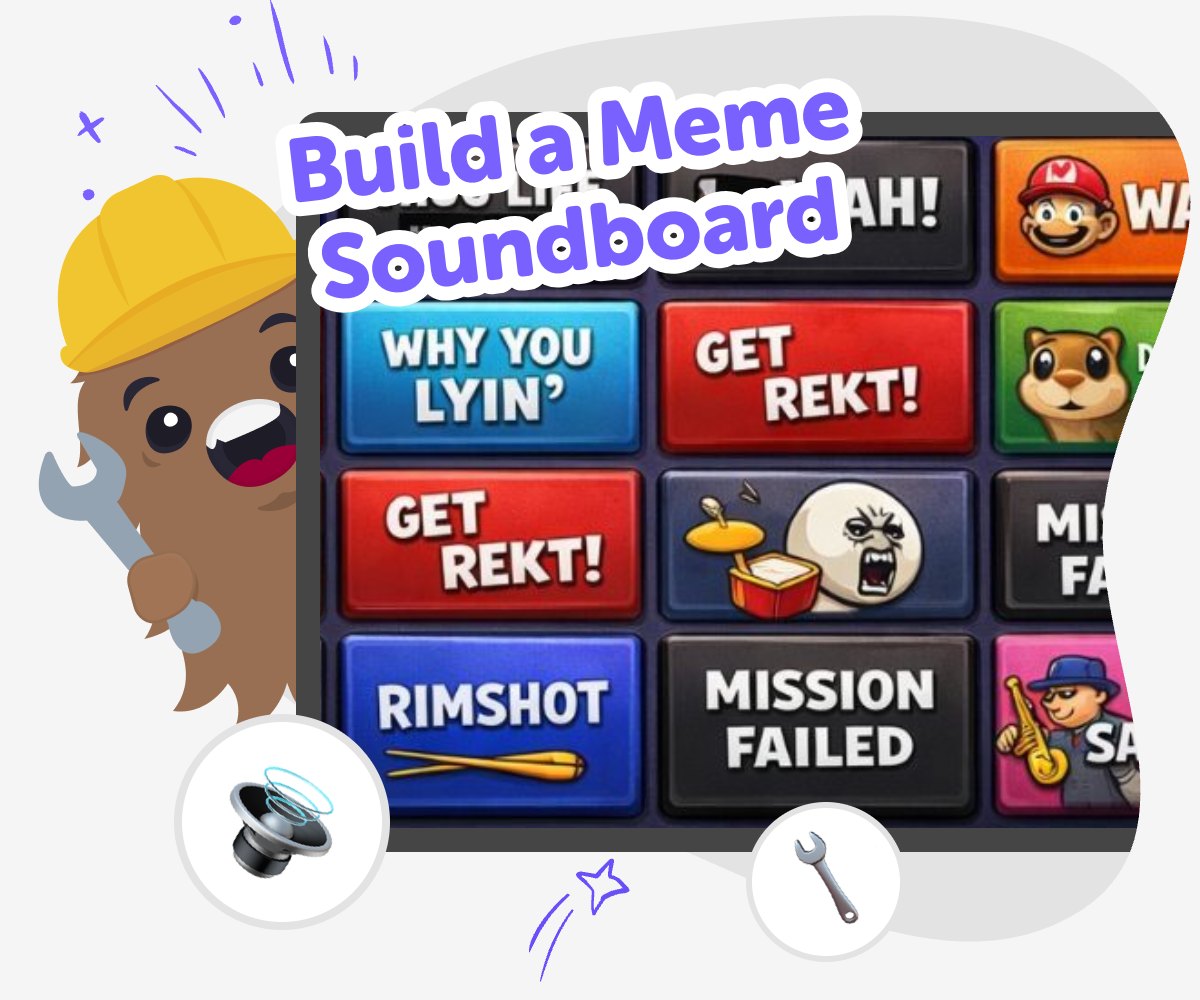
Make a Funny Soundboard
A build a meme soundboard project lets kids turn jokes into something interactive. Instead of only watching or sharing memes, they can choose sounds, arrange buttons, and learn how timing and surprise can make humour feel even funnier and more memorable. This kind of project matters because it helps kids practice creative thinking, simple design choices, and playful problem-solving. It also gives them a safe way to explore internet-style humour by making something they can test, change, and understand.
Vibe Coding supports this kind of making by giving kids a guided place to shape their idea step by step. They can build a playful soundboard, try out different versions, and improve the layout or timing as they go, which keeps the experience hands-on and confidence-building. The goal is not instant perfection. It is to help kids explore an idea, notice what works, and keep improving their own creation with support that feels clear and age-friendly.
What makes a meme soundboard fun?
A meme soundboard works because it turns a joke into something people can control. Instead of waiting for a punchline, kids can press a button and make the sound happen at just the right moment. That choice gives the joke extra energy. The fun comes from timing, surprise, and repetition, not just from the sound itself. A good soundboard also stays easy to understand, so each button does one clear thing. When kids build one, they start to notice how small design choices change the whole mood. A fast button can make a joke feel snappier, while a slower sound can make it feel dramatic or silly. That is why soundboards are a great mix of comedy and creative technology.
Why do kids learn from making one?
Making a meme soundboard teaches more than humour. Kids practice planning by deciding which sounds belong together, problem-solving by fixing buttons that do not feel right, and iteration by trying a version, noticing what happens, and changing it. Those skills are useful in coding, game design, and any project where an idea has to become something real. It also helps kids think about users. If the board is for younger friends or family, the labels need to be clear and the sounds need to be easy to reach. That kind of thinking builds confidence because kids see that their choices matter. They are not just picking funny clips; they are designing an experience other people can enjoy and understand.
How can kids keep it safe and kind?
A meme soundboard should be playful without being mean. Kids can choose sounds that are silly, surprising, or dramatic without making fun of real people. That keeps the project friendly for school, home, or group use. It is also smart to keep the soundboard simple and age-appropriate, with easy labels and a small number of buttons. If kids build it with Vibe Coding, they can test and revise their project in a guided space, which makes it easier to stay focused on making instead of just copying trends. Safe soundboards are the ones that help everyone laugh together. When kids learn to make humor that is light and clear, they also learn how to share creativity responsibly.
What can kids try after the first version?
After the first version works, kids can experiment with new themes. They might make a soundboard for a pet, a game character, a school moment, or a made-up robot. They can also test what happens when they change the order of sounds, use fewer buttons, or rename clips so the jokes are easier to follow. Another good next step is adding a theme, like space, sports, or cartoons, to make the project feel more personal. With Vibe Coding, kids can keep building, testing, and improving instead of stopping at the first idea. That matters because creative projects get better through revision. Each small change helps kids see that making things is a process, and that process is how confidence grows.
How to build it
Pick your sounds
Choose a small set of funny sounds, catchphrases, or reaction clips that fit the joke style you want. Keep the list short so the soundboard stays easy to use.
Arrange the buttons
Place each sound on its own button and give every button a clear label. This helps players find the right joke fast and keeps the board simple for kids to test.
Test the timing
Press the buttons in different orders and listen to how the sounds work together. Change any clip that feels too long, too quiet, or confusing.
Make the most of replay
Try a remix Swap one sound, label, or colour so the board feels fresh while still matching your joke idea. Check the flow Tap every button in order and fix anything that slows people down so the soundboard stays quick and easy to use. Share kindly Keep the humour light and age-appropriate so the board feels fun for classmates, friends, or family members. Keep improving Save your favourite version, test a new layout, and keep adjusting until the soundboard feels smoother, clearer, and more playful.
Frequently asked questions
What is a meme soundboard?
A meme soundboard is a small interactive project with buttons that play funny sounds, words, or reactions. People press a button to make a joke happen at the right time.
Why do kids like making one?
Kids like making one because it turns humour into something they can control and share. They get to choose the sounds, decide the order, and test what feels funniest.
Do I need coding experience to start?
No. A beginner can start with a simple idea, then build and improve it step by step. Guided tools like Vibe Coding can help kids shape the project as they learn.
How many sounds should I use at first?
It is best to start with a few clear sounds, usually just enough to make the board fun without feeling crowded. A small first version is easier to test and improve.
Can kids make their own version of it?
Yes. Kids can make a version that matches their own jokes, favourite characters, or interests. The best projects feel personal and easy to understand.
How do I keep the jokes age-appropriate?
Choose sounds that are silly, surprising, or dramatic instead of mean. If a joke might upset someone, it is better to swap it for a lighter idea.
What can I change after the first test?
You can change the button labels, the order of sounds, the number of clips, or the timing between presses. Small changes often make the board feel much better.
Can this be used for a class or club project?
Yes. A soundboard can be a fun group project because kids can work together on ideas, labels, and testing. It also gives everyone a chance to think about design and humour.
More tools
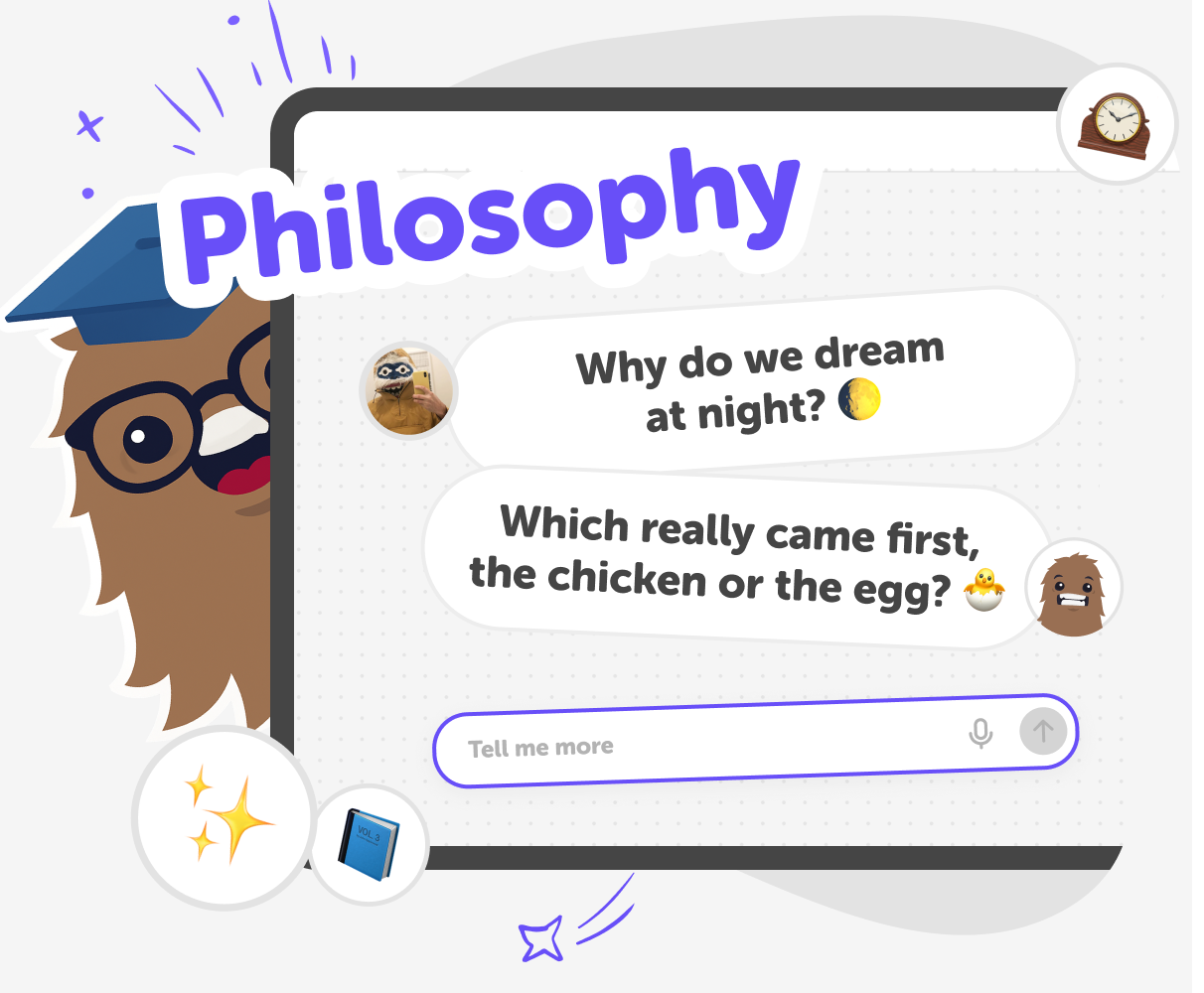
200 Philosophical Questions for Kids
A growing collection of thoughtful, fun, and kid-friendly philosophical questions — powered by KidsGPT.
photoshop-for-kids
Explore photoshop-for-kids with Drawing Tool on DIY.org — the creative platform kids love for learning, making, and sharing.
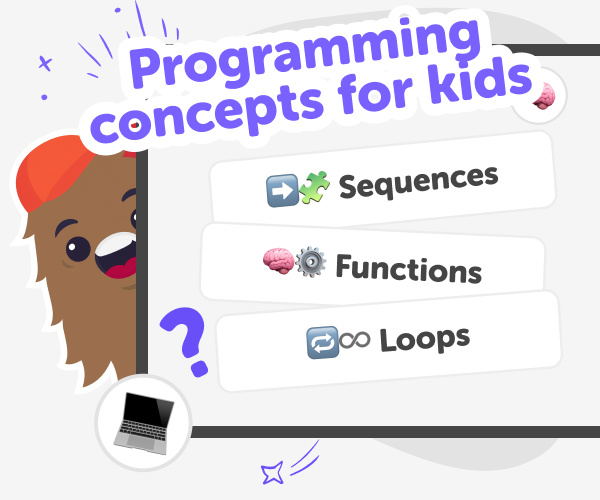
Programming Concepts | Learn with Vibe Coder
Use Vibe Coder to explore programming concepts with kid-safe examples. Learn algorithms, variables, and debugging by building games, apps, and simple robots.
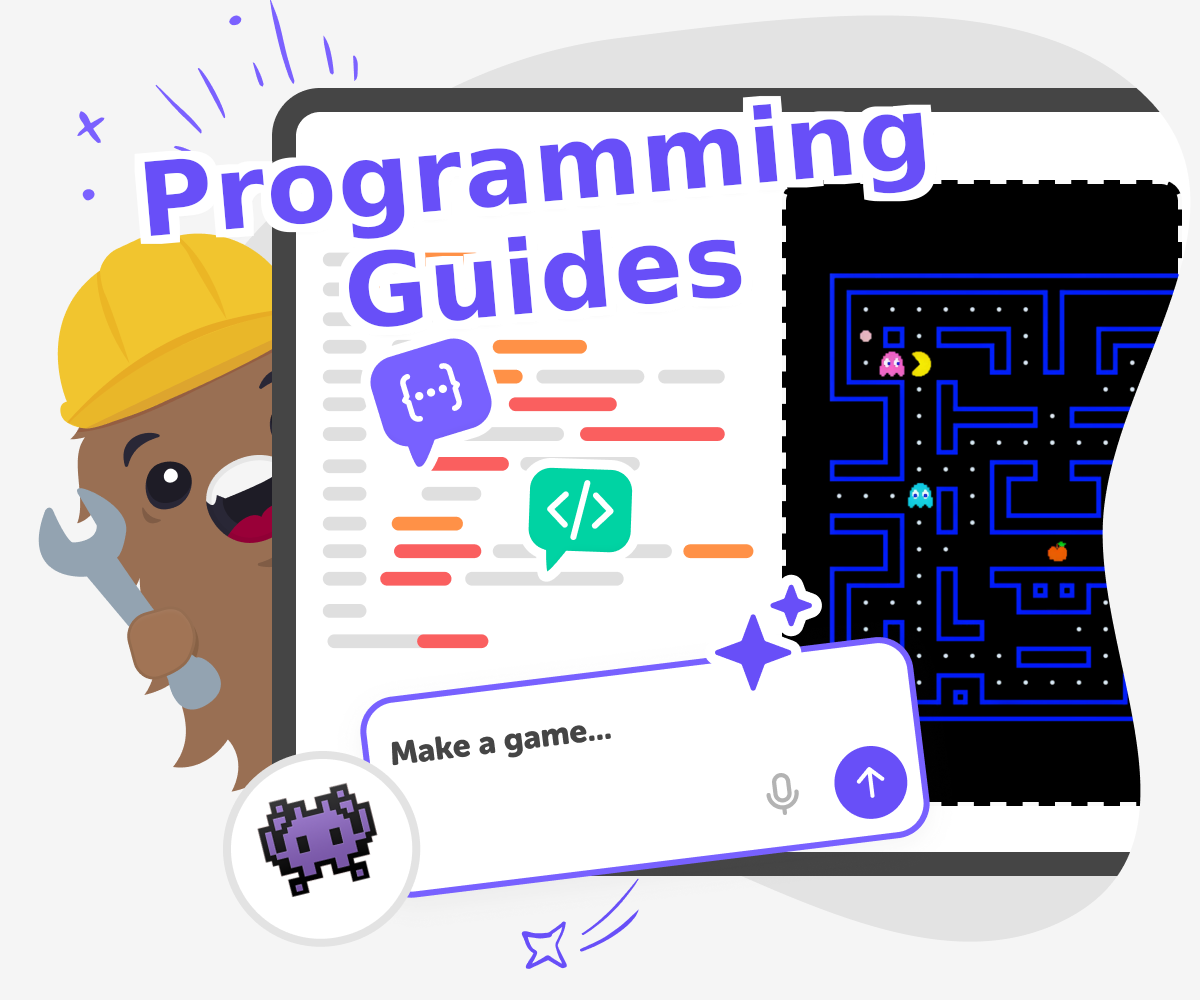
Programming Guides
Programming guides help kids learn how to turn ideas into interactive projects with clear steps, simple choices, and room to experiment. On this page, kids and families can understand what programming guides are, why they matter, and how Vibe Coding can help kids build with confidence by making, testing, and improving one step at a time.
Ready to start creating?
Join hundreds of thousands of kids already building cool stuff on DIY.ORG.
Your first game is on us.
Describe a game below - no sign-up needed to try.
Powered by AstroSafe
Make real games - not just chat