Build a Mean Soundboard

Build a mean soundboard with playful sound effects, simple buttons, and a joke-ready vibe that kids can shape, test, and improve. It is a creative way to explore how timing, sound, and interaction can make a project feel funny, surprising, and full of personality.
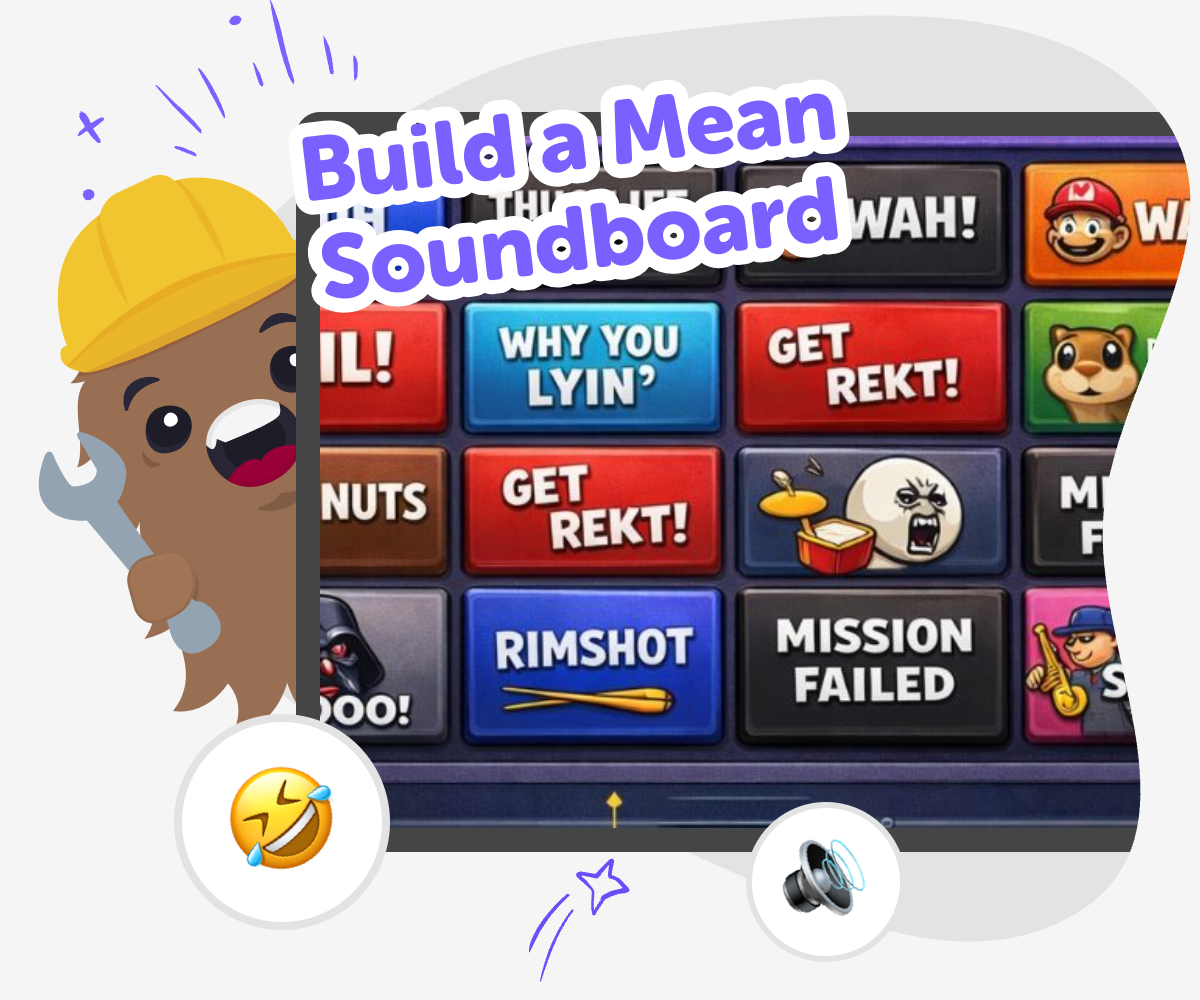
Build a Mean Soundboard hero

Soundboard Ideas for Kids

A build a mean soundboard project is a playful way to make a set of buttons that trigger funny, rude, or dramatic sounds without hurting anyone. Kids can explore how sound, timing, and surprise change the mood of a game or joke, and they can learn how simple interactive projects work while making something that feels personal and fun. This kind of project matters because it helps kids practice creativity with rules, which is a useful part of digital making. They get to try ideas, notice what makes a reaction sound clear, and improve their design until it works the way they want.

Vibe Coding supports this topic by giving kids a guided place to build and test their soundboard step by step. Kids can shape the idea, add sounds, adjust buttons, and keep improving the project while staying focused on safe, age-appropriate making. The tool keeps the experience hands-on, so kids learn by trying, changing, and listening. That makes the topic easier to understand and turns a funny idea into a real interactive project they helped create.

How to Make It

Step 1 - Choose the joke

Pick the kind of mean soundboard you want, like silly taunts, dramatic boos, or cartoon grumbles, and decide what feeling it should give.

Step 2 - Add your sounds

Choose or create the sounds you want for each button, then match each one to a clear idea so the board stays easy to use.

Step 3 - Test the buttons

Press each button and listen for timing, volume, and clarity, then fix anything that feels confusing or too similar.

Step 4 - Make the most of remixing

Try a new joke style Change one sound, label, or color to see how the mood of the board changes and to help the project feel more playful. Keep it clear Make sure every button is easy to understand, especially if younger kids are going to use it. Simple labels and quick reactions help the board feel smooth. Test safely Use sounds that are funny without being truly mean, and check that the project stays age-appropriate for your audience. Save and improve Keep your favorite version, try a second idea, and compare the two so you can learn which sounds and buttons work best.

What makes a soundboard funny?

A soundboard feels funny when the sound matches the moment and the reaction comes at just the right time. A short boo, gasp, or dramatic drum hit can be much funnier than a long noise because it is quick and easy to recognize. The best boards are usually simple: one button, one sound, one idea. That makes the joke clear and keeps the project easy to play. Kids also learn that comedy often comes from surprise, not from making something confusing. When a soundboard is built well, players know exactly what each button does and can enjoy the timing, rhythm, and repeat play. That mix of clarity and surprise is what makes the idea feel fun, not messy.

Why does structure matter?

Structure matters because a soundboard is an interactive tool, not just a pile of noises. If buttons are labeled clearly and grouped in a smart way, people can use it quickly without guessing. That helps the joke land at the right time. Kids can think about which sound should go first, which one should be louder, and which one should wait for a bigger reaction. This is a great way to practice planning and problem-solving. When something does not work, they can change it and test again. That kind of careful adjusting teaches iteration, which means improving a project little by little until it feels right. Structure makes the whole experience smoother and more creative.

How can kids keep it kind?

A mean soundboard should stay playful, not hurtful. That means using cartoon-style grumbles, playful boos, or exaggerated noises that feel more silly than upsetting. Kids can aim for a pretend attitude instead of real teasing, so the project works as a joke without making anyone feel left out. This is a good chance to talk about audience and tone: who is going to hear the sounds, and how will they feel? Making age-appropriate choices helps kids build confidence with creative technology while also learning good judgment. With the right sounds and a friendly setup, the board can still feel cheeky and fun while staying safe for home, classroom, or group play.

What do kids learn while making it?

Kids learn more than sound selection when they build a soundboard. They practice coding confidence by choosing actions that happen when a button is pressed. They learn problem-solving by fixing sounds that are too quiet, too long, or too similar. They also learn iteration by testing a version, noticing what could be better, and making changes. Those skills matter in many creative projects, not just soundboards. A kid who can make an interactive button board is also learning how digital tools respond to input and how design choices affect the experience. Even a funny project can build real skills when kids are encouraged to think, test, and improve it one step at a time.

Frequently Asked Questions

What is a mean soundboard?

Can kids make one without being expert coders?

What kinds of sounds work best?

How do you keep it age-appropriate?

Why is timing important?

Can kids change the board after they make it?

Is this a good project for younger kids?

How does Vibe Coding help with this idea?

Why 500,000 families trust DIY

User Avatar

Martin

Dad to 2 DIYers

My son loves DIY! He always finds fun projects to do, and we enjoy making things together. It’s a great way to learn, create, and have fun at the same time!

User Avatar

Pearl

DIYer from USA

DIY is such a great app with really sweet people and moderators who always make sure this app is super safe. You can learn to create things or learn drawing techniques - honestly there is so much to do.

User Avatar

Elaine W.

Middle school teacher

I love logging onto DIY every day - not just for projects but to also look at the comments my kids share about each other's work. It's a brilliant way to foster healthy support systems!

User Avatar

Jenn L.

Mom to 3 DIYers

We absolutely love the DIY platform and its endless river of creative adventures and projects! We always have the best time together participating, learning and creating!

Ready to create?

Drop Files here
Make

To create a safe space for kid creators worldwide!

Create

Vibe Coding

Kids GPT

All Tools

Kibu

Resources

Worksheets

SafeTube

Blog

FAQ

Account

Pricing

Log-in

Sign-up

Data Deletion

Company

About

Community Guidelines

Privacy Policy

Terms of Service

2025, URSOR LIMITED. All rights reserved. DIY is in no way affiliated with Minecraft™, Mojang, Microsoft, Roblox™ or YouTube. LEGO® is a trademark of the LEGO® Group which does not sponsor, endorse or authorize this website or event. Made with love in San Francisco.
