Build a Math Playground Game
Build a math playground game where kids turn numbers, movement, and play into something they can test and enjoy. With guided support from Vibe Coding, kids can explore simple game ideas, make them interactive, and improve them step by step while practicing confidence, problem-solving, and creative thinking.
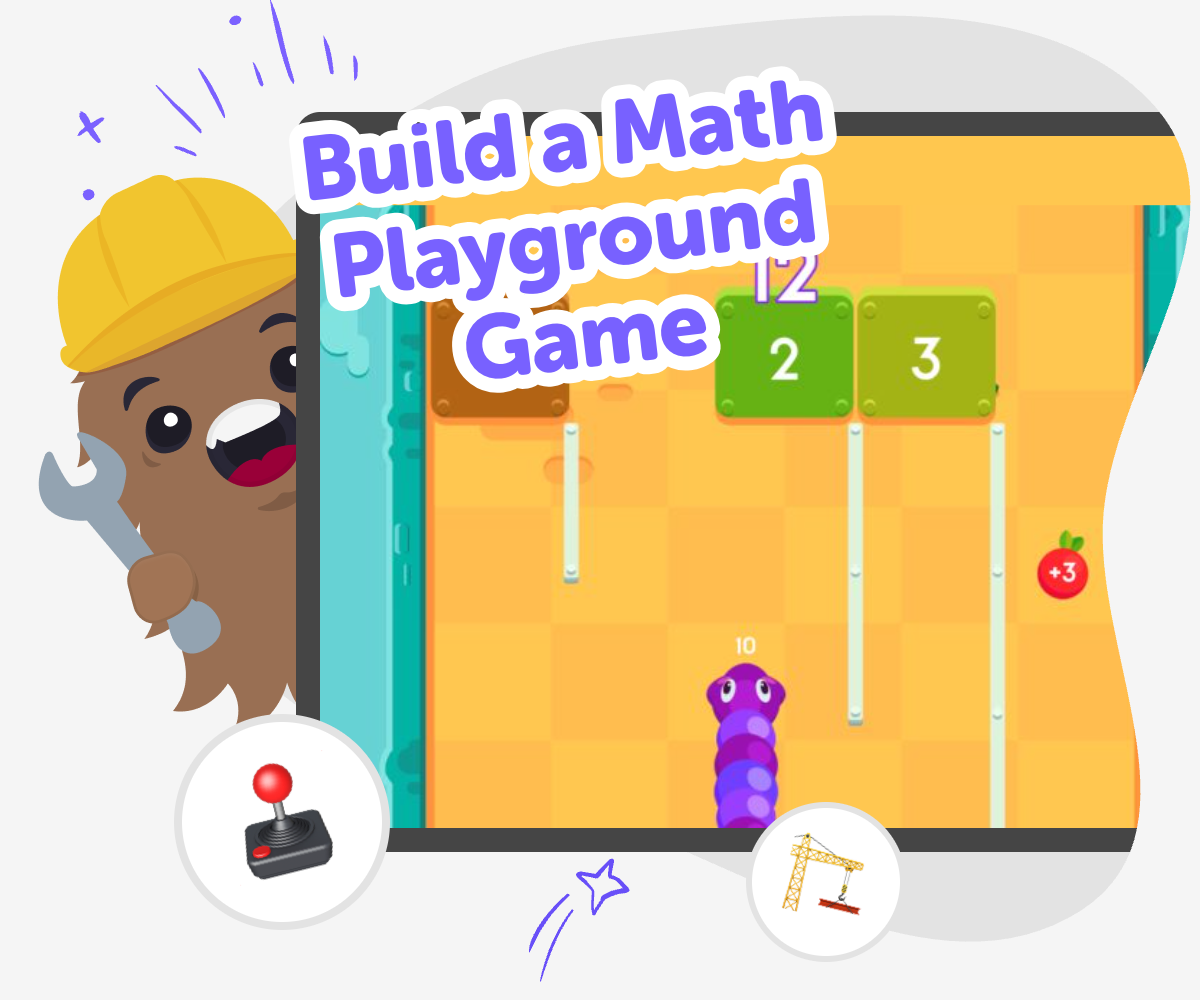
About this tutorial
A build a math playground game activity helps kids turn math into something active, playful, and easy to explore. Instead of only solving problems on paper, kids can use numbers, choices, and simple rules to make a game that asks them to think, test ideas, and notice patterns. That makes math feel more like creating than memorizing, which can build confidence and keep learning going.
When kids make the game themselves, they also learn how rules shape play. They can see how small changes in scoring, timing, or movement can make the game easier, trickier, or more fun.
Vibe Coding gives kids a guided way to shape their math playground game one step at a time. They can describe the game they want, build a first version, and test it while getting help that keeps the process hands-on and manageable.
That support lets kids stay focused on experimenting, fixing, and improving instead of getting stuck. It keeps the topic of math games at the center while making the making process safe, creative, and confidence-building.
Step by step
- 1
Pick the math idea
Choose one kind of math challenge for the game, like counting, adding, multiplying, or solving quick puzzles. Keep the first idea small so it is easier to build and test.
- 2
Choose the playground play
Decide how the game feels, such as jumping across numbers, collecting points, or reaching a goal after answering questions. A simple play style helps the math and the fun work together.
- 3
Build and test
Use guided coding support to create the first version of the game, then play it to see what happens. If something feels confusing or too easy, change it and test again.
- 4
Make the most of testing
Try a new challenge Add one more question, jump, or score rule so the game stays interesting and gives players a fresh way to practice the math.
Check the flow Play through the game from start to finish and fix any part that feels slow, unclear, or too hard to understand.
Make it yours Change the theme, colours, or characters so the math playground game feels personal, playful, and easy to share with others.
Keep improving Save your favourite version, then keep experimenting with new levels or rules so the game gets better each time you play it.
Why turn math into a game?
Math games can make practice feel more active because kids are not only reading answers, they are using ideas to move, choose, score, and solve. That gives math a clear purpose and helps learning feel less scary. When kids build a game, they also have to think about what makes a challenge fair, fun, and easy to understand. That is useful because real problem-solving is not just about getting one right answer; it is also about trying, noticing what works, and making changes. A math playground game can support counting, addition, subtraction, multiplication, patterns, and fast thinking, depending on the version a child creates. It also gives kids a chance to be the maker instead of only the player, which can boost confidence and curiosity at the same time.
What makes a good math playground game?
A good math playground game is simple to start, easy to play, and clear about the goal. Kids often do best when the game has one main math idea and one fun action, like collecting stars, moving across spaces, or unlocking a door after a correct answer. If there are too many rules, the game can feel confusing instead of exciting. A strong game also gives players feedback, so they can tell whether they are doing well. That might be a score, a sound, a change in the scene, or a message that helps them keep going. When kids make their own version, they learn that design choices matter. They can test what feels too hard, too slow, or too easy, then improve it until the game feels balanced and fun for real players.
How does guided coding help kids learn?
Guided coding helps kids take an idea and turn it into something they can actually test. That is important because many children have ideas for games, but they need support to make those ideas work step by step. With a tool like Vibe Coding, kids can start by describing the game they imagine, then build, check, and change it as they go. This process supports coding confidence because kids see that making digital projects is something they can learn. It also builds problem-solving skills, since bugs and confusing parts become chances to improve the project. Just as important, kids learn that good projects often change many times before they feel finished. That mindset helps them stay patient, creative, and curious while they build.
Is this kind of project safe and age-friendly?
A math playground game is a good fit for kids when the activity stays playful, age-appropriate, and guided. The best projects use simple ideas, clear goals, and safe creative choices, so kids can focus on learning instead of dealing with complicated tools. Parents and educators can look for projects that encourage testing, reading, counting, and decision-making without asking kids to handle advanced coding alone. Vibe Coding supports that kind of learning by helping kids move through the building process in a guided way, which makes the experience more approachable. The point is not to produce perfect software right away. The point is to let kids experiment, make changes, and enjoy the process of learning by doing while building something they understand and can be proud of.
Need help?
What is a math playground game?
It is a game that mixes math with play, movement, or game rules. Kids can use counting, addition, subtraction, multiplication, or patterns while they try to win, score points, or reach a goal.
Why do kids like making math games?
Kids often like making math games because they get to be creative and active, not just solve worksheets. They can design the challenge, choose the theme, and see their ideas turn into something playable.
What math skills can a game like this use?
A math playground game can use many skills, including counting, comparing numbers, solving sums, skip counting, multiplication, and recognizing patterns. The best choice depends on the age and comfort level of the child.
Can beginners build one?
Yes. Beginners can start with a very small version, like one question, one goal, or one simple rule. Guided support from Vibe Coding can help kids build, test, and improve it without needing to know everything at once.
How do I make it fun and not too hard?
Start with one math idea and one easy way to play. Then test the game and change anything that feels confusing, slow, or too tricky so players can keep going with confidence.
What should I do if my game feels boring?
Try adding a new challenge, a different theme, or a small reward like points or a fun message. Even one small change can make a math game feel more lively and interesting.
Can kids share a math game safely?
Yes, if sharing is done in a safe, age-appropriate space with help from a trusted adult or a moderated platform. Kids should keep personal information private and focus on sharing the game itself.
How does Vibe Coding help with this project?
Vibe Coding gives kids guided support as they turn a math game idea into something they can test and improve. It helps them work step by step, which makes creative coding feel more manageable and fun.