Build a Math Clicker
Build a math clicker to turn practice into a playful game where kids answer quick questions, earn points, and keep improving their ideas through hands-on making.
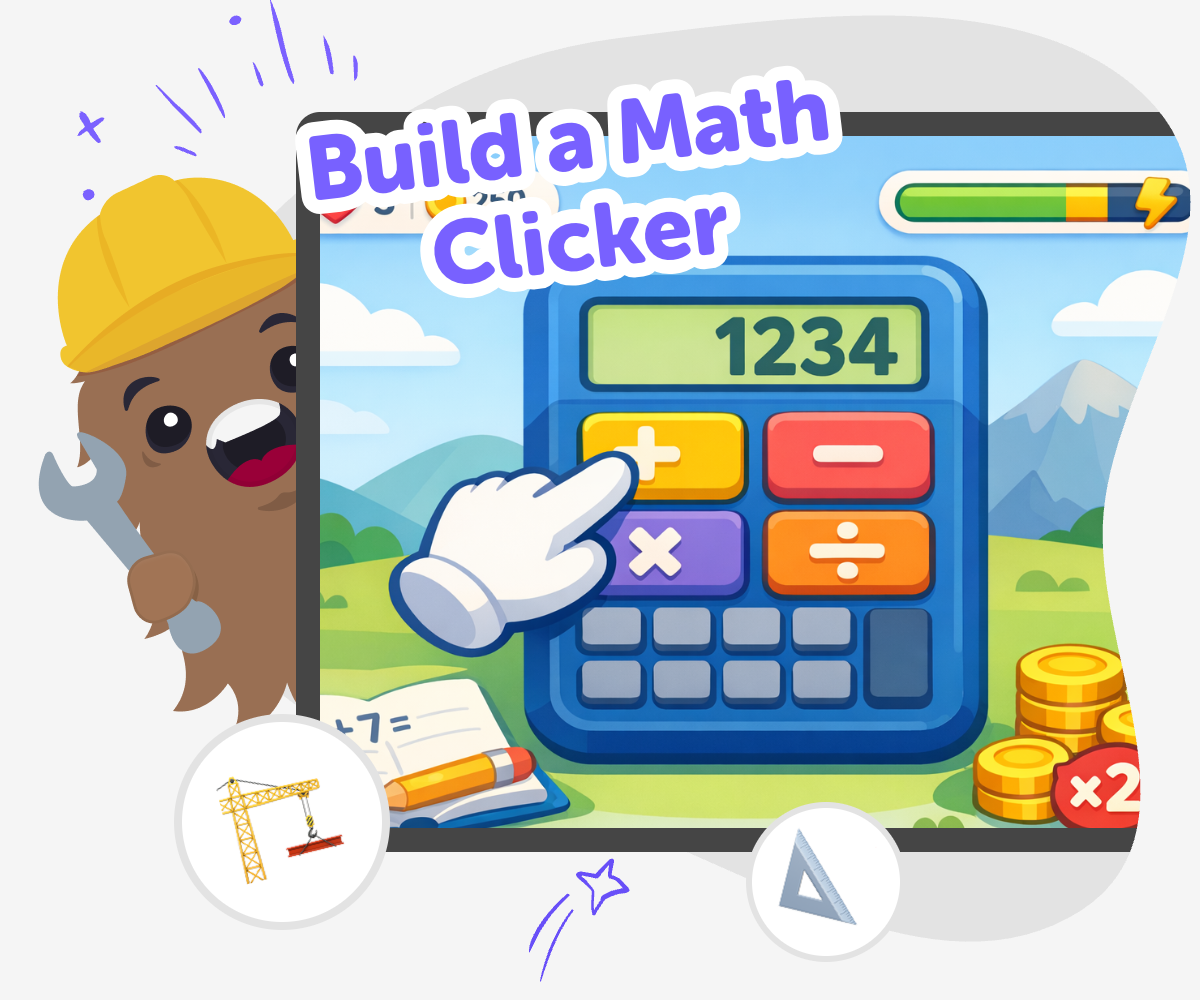
Make a Math Clicker
Build a math clicker to turn number practice into something kids can play, test, and improve. Instead of only solving worksheets, kids can make a simple interactive game that gives them a reason to answer quickly, think carefully, and notice how their choices change the result. This kind of project matters because it helps kids see math as something they can use and shape. It supports confidence, problem-solving, and creative thinking while keeping the experience active and hands-on.
Vibe Coding gives kids a guided way to explore the idea safely and creatively. They can describe the game they want, build it step by step, test what happens, and make changes until the clicker feels fun and clear. The tool stays in the background as support while kids stay in charge of the idea, the rules, and the way the project grows.
What is a math clicker?
A math clicker is a simple interactive game where kids answer math questions by clicking buttons, choosing answers, or earning points. The main idea is to make math feel active instead of passive. That can help younger learners stay focused because they are doing something with each question, not just reading a page. A clicker can use addition, subtraction, multiplication, counting, or shapes, depending on the player’s age and skill level. It can also include scores, timers, levels, or rewards, but it does not need to be complicated to be useful. What matters most is that the game gives kids a clear goal and a chance to practice while making choices. When kids build one themselves, they learn that math can be playful, changeable, and something they can improve over time with practice and creativity.
Why make math into a game?
Turning math into a game can make practice feel more welcoming. Many kids learn better when they can try, fail, and try again without pressure. A math clicker gives them small steps, quick feedback, and a chance to notice patterns. That matters because math confidence often grows when children see progress they can understand. Games also help kids stay engaged because there is a reason to keep going, not just an answer to finish and forget. When the game is made by the child, it becomes even more meaningful. They get to choose the style, the challenge, and the rules, which helps them feel ownership. That ownership can support creativity, problem-solving, and persistence. A good math game is not only about getting answers right. It is about learning how to keep going, make changes, and build something that works better each time they test it.
How can kids keep it safe and friendly?
A math clicker should feel safe, clear, and friendly for the age group that will use it. That means using simple language, avoiding scary or upsetting themes, and keeping the challenge appropriate for the player. Kids can make the game welcoming by choosing bright but readable colors, large buttons, and questions that match their level. It also helps to test the game with a friend, sibling, or parent to see whether anything is hard to understand. Safety is not only about content; it is also about comfort and trust. A calm, easy-to-follow game lets kids focus on learning and having fun. When children build with guided support, like Vibe Coding, they can explore their idea step by step while staying in a creative space that helps them make thoughtful choices. That builds confidence as well as care.
What skills do kids practice while building one?
Building a math clicker helps kids practice more than math. They also learn how to plan, test, and improve an idea. Those steps are important because making digital projects often involves trying something, noticing what happens, and adjusting it. That is how problem-solving works in real life too. Kids may also practice reading instructions, spotting patterns, and deciding which parts of a project matter most. If they change the score, the timer, or the button design, they are learning how small choices can change the whole experience. That kind of thinking supports coding confidence because kids see that they do not need everything to be perfect on the first try. They can experiment, revise, and keep going. Over time, that can make technology feel less mysterious and more like a tool they can shape with their own ideas.
How to build it
Choose the game idea
Pick the kind of math clicker you want to make, such as addition, subtraction, or quick number facts. Decide what players will click, what they will count, and what makes a correct answer.
Set the first challenge
Add a simple question and one clear action for the player. Keep the first version small so it is easy to understand and easy to test.
Test the clicks
Play your math clicker and see if the questions feel fair and the buttons are easy to use. Change anything that feels confusing, too fast, or too slow.
Make the most of testing
Try a remix Change one rule, number set, or reward so the game feels new while still teaching the same math skill. Check the play flow Make sure the question, click, and score all make sense in order so younger players can follow along without help. Invite careful feedback Ask someone else to try it and notice where they pause, guess, or smile. Use that feedback to make the game clearer and more fun. Keep improving Save your favorite version, try another round, and keep adjusting the pacing, difficulty, and look until the clicker feels ready to play again.
Frequently asked questions
What is a math clicker game?
A math clicker game is a simple game where players answer math problems or tap choices to move forward, earn points, or unlock the next round. It can use addition, subtraction, multiplication, counting, or other skills depending on the player’s age.
Why do kids make a math clicker instead of a worksheet?
A math clicker lets kids practice in a more active way. They can click, score points, test ideas, and see results right away, which can make learning feel more playful and easier to stick with.
What math skills can a clicker practice?
A math clicker can practice many skills, including counting, number recognition, addition, subtraction, multiplication, and comparing numbers. Kids can also make versions that focus on speed, accuracy, or solving patterns.
How hard should the game be?
The best version is one that matches the player’s age and level. Younger kids may need very simple questions and large buttons, while older kids can add faster rounds, bigger numbers, or more challenge.
Can kids make their own math game ideas?
Yes. Kids can choose the theme, colors, rewards, and question style. Making those choices helps them feel ownership and lets the game match what they enjoy most.
Is it okay if the first version is very simple?
Yes. A simple first version is often the best place to start. Kids can build a small game, test it, and then add new features once they know the basic idea works.
How does Vibe Coding help with building it?
Vibe Coding gives kids guided support as they build, test, and change their idea. It helps them turn a math game into something interactive without pretending the project is finished before they have explored it.
Can a math clicker be shared with family or classmates?
Yes, if it is kept age-appropriate and easy to use. Kids can ask family members or classmates to try it and give friendly feedback so they can improve the game together.
More tools
Build a Meme Sound Board
Build a meme sound board with playful sounds, simple buttons, and your own ideas. Kids can explore timing, jokes, and interactive design while making something fun to tap, test, and improve with Vibe Coding.
Build a Meme Soundboard
Build a meme soundboard by choosing funny sounds, organizing buttons, and testing how each clip changes the mood of a joke. Kids can use it to learn how timing, choice, and repetition make humour work while practicing creative coding with guided support.
Build a Memory Game
Build a memory game with guided support, creative choices, and lots of room to experiment. Kids can turn simple ideas into an interactive matching game while learning how games work, testing what feels fun, and improving their project step by step.
Build a Mickey Mouse Game
Build a Mickey Mouse Game by turning a fun idea into a real interactive project kids can play, test, and improve. With guided support, young makers can explore characters, simple rules, and playful challenges while building coding confidence step by step.
Ready to start creating?
Join hundreds of thousands of kids already building cool stuff on DIY.ORG.
Your first game is on us.
Describe a game below - no sign-up needed to try.
Powered by AstroSafe
Make real games - not just chat