Build a Kahoot Game
Build a kahoot game by turning a topic into a playful quiz kids can make, test, and improve. This page helps kids understand what a quiz game is, why making one builds confidence, and how guided creative coding can help them shape questions, answers, and feedback into something interactive and fun.
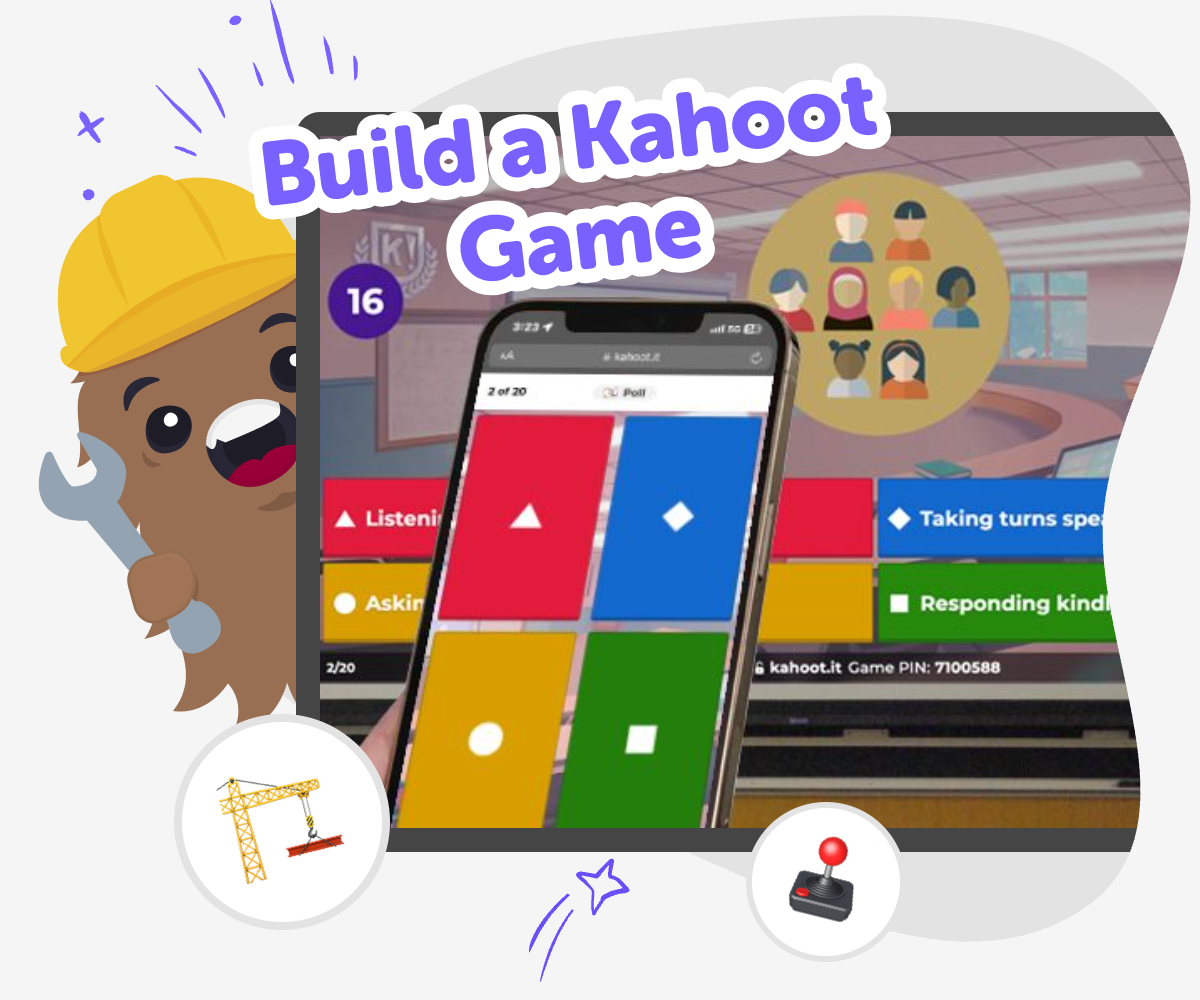
About this tutorial
A build a kahoot game project helps kids turn what they know into a playful quiz they can share with friends, family, or classmates. It matters because making the questions and answers helps kids think clearly, notice details, and understand how a game works from the inside.
As they build, kids practice planning, choosing words that make sense, and checking whether the challenge feels fair and fun. That kind of making builds confidence because each change is a chance to learn something new.
Vibe Coding gives kids a guided place to work on a build a kahoot game idea step by step. They can describe the quiz they want, try out different versions, and improve the game with support while still doing the thinking and making themselves.
The tool keeps the process hands-on and creative, so kids can experiment safely, fix confusing parts, and grow their ideas at a comfortable pace. It helps them learn by building, testing, and improving instead of expecting everything to work perfectly on the first try.
Step by step
- 1
Pick a topic
Choose something you already know or want to learn about, like animals, space, books, or history. A good quiz starts with a clear topic that is fun to answer.
- 2
Write your questions
Create a few short questions that match your topic and keep the wording simple. Add answer choices that are easy to read and not too similar.
- 3
Test the game
Play through your quiz and check whether the questions make sense, the answers are correct, and the game feels fair. If something is confusing, change it and try again.
- 4
Make the most of testing
Try a remix Change one question, answer choice, or score idea so the game feels a little different while still staying easy to play.
Play with a friend Watch someone else try your quiz so you can see where they get stuck, smile, or need more time to think.
Improve the flow Tweak the order, wording, or feedback so every round feels smoother and the game is easier for new players to follow.
Keep building Save your best version, then keep experimenting with new themes, harder questions, or playful twists to make the quiz your own.
What makes a quiz game fun to play?
A quiz game is fun when players can understand the rules quickly, think about the answers, and get instant feedback on how they did. Kids often enjoy quiz games because they can show what they know in a playful way, and each question feels like a tiny challenge. Clear topics, short questions, and balanced answer choices help the game feel fair instead of frustrating. It also helps when the quiz has a rhythm, so players can move from one question to the next without waiting too long. When kids make their own quiz, they get to decide what counts as a good challenge, which can make the whole game feel more personal and exciting.
Why does making one help kids learn?
When kids make a quiz game, they practice more than just game design. They think carefully about facts, choose how to explain ideas, and decide how to make an answer understandable for someone else. That kind of thinking builds problem-solving skills because kids have to notice what works, what feels unclear, and what needs to change. Making a quiz also supports confidence. A child who builds a game from their own interests learns that their ideas can become something real. If a question needs fixing, that is not a failure; it is part of learning. Each round of trying, testing, and improving helps kids become more flexible and curious creators.
How can kids keep a quiz game safe and kind?
A good kids-made quiz game should feel welcoming for everyone who plays it. That means choosing friendly topics, avoiding mean jokes, and making sure the questions do not embarrass or exclude other players. It is also smart to keep personal information out of the game, since quizzes should focus on ideas, not private details. Younger kids do best with simple language and age-appropriate topics they already know well. If friends or family are going to play, it helps to test the quiz first and check whether the directions are clear. Safe game design is not just about rules; it is about creating something that other people can enjoy comfortably.
What can kids do after their first quiz?
After making a first quiz, kids can keep going by changing the topic, making the questions trickier, or turning the game into a themed challenge. They might build a quiz about their favorite animal, a school subject, a holiday, or even a story they invented. Small changes can make a big difference, like adding a new style of question, rewriting a confusing clue, or improving the timing between turns. This is where creative technology skills grow, because kids learn that a project does not have to stay the same forever. A first version is just the beginning. By revising and replaying, kids learn how builders think: make, test, notice, improve.
Need help?
What is a quiz game?
A quiz game is a game where players answer questions and try to get the most correct answers. Kids can make one about almost any topic, from animals to superheroes to school subjects.
How do kids start building their own quiz?
Kids can start by choosing a topic they know well, then writing a few short questions and answer choices. It helps to test the quiz early so they can see what needs to be clearer.
What makes a good quiz question?
A good quiz question is short, easy to understand, and matches the topic. It should have one clear correct answer, with other choices that are believable but not too tricky.
Can kids make a quiz with their own ideas?
Yes. Kids can build a quiz about their favorite things, a class topic, or a story they made up. Making it personal often makes the game more fun to play and easier to remember.
How many questions should a first quiz have?
A first quiz can be small, with just a few questions. Starting with a short game makes it easier to finish, test, and improve before adding more.
Is making a quiz safe for younger kids?
Yes, as long as the quiz uses age-appropriate topics, simple language, and no private information. It is also a good idea to avoid mean jokes and check the game before sharing it.
What if my quiz is too easy or too hard?
That is normal. Kids can fix a quiz by changing the wording, adding more answer choices, or picking questions that are a little easier or harder for the people who will play.
How does Vibe Coding help with a quiz project?
Vibe Coding gives kids a guided place to shape a quiz step by step, test it, and improve it. It supports creative coding without pretending the game is finished instantly, so kids stay in charge of building it.