Build a Hurricane Simulator Game
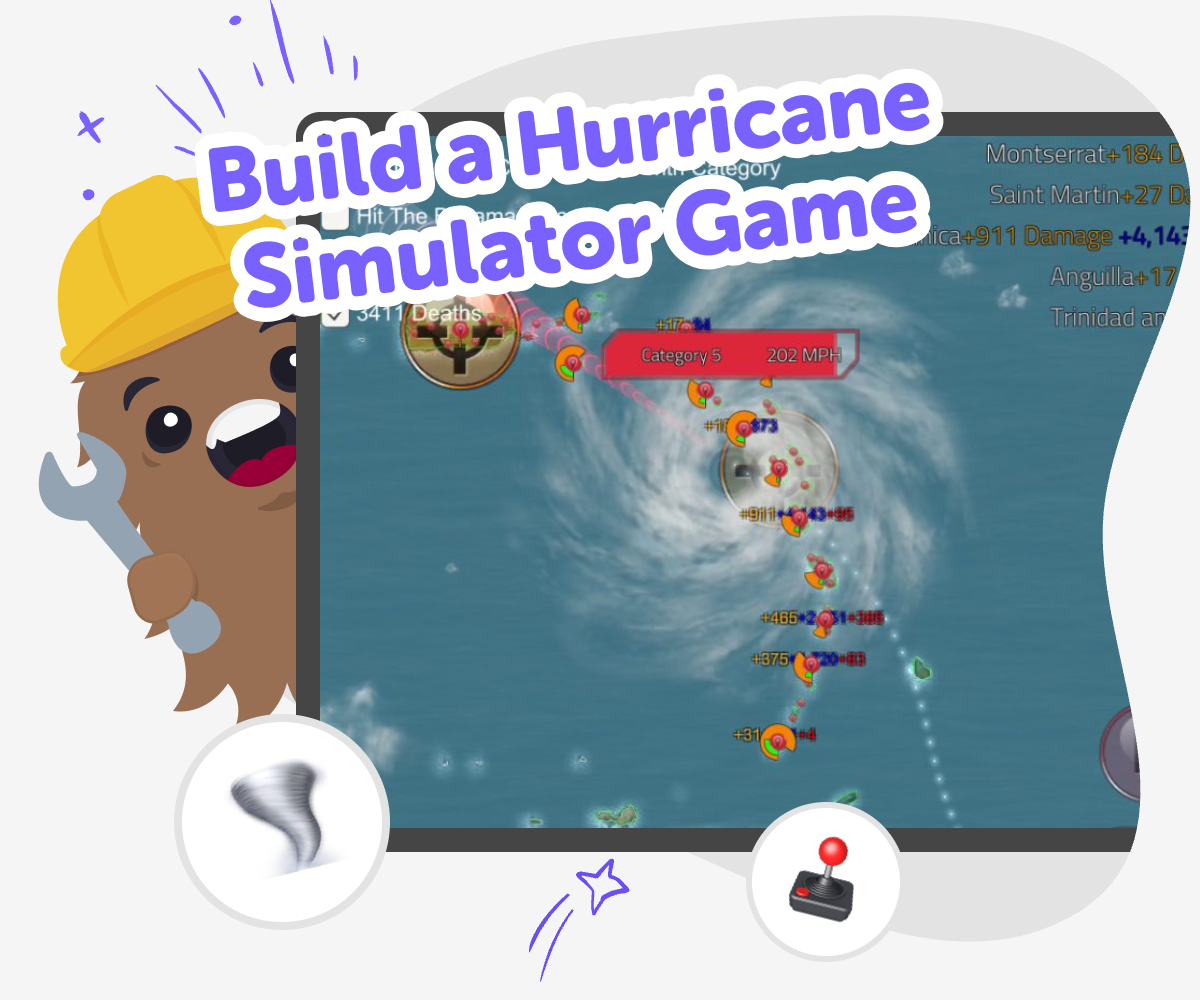
Build a hurricane simulator game and learn how storms move, change, and affect people. Kids can explore wind, speed, and safety ideas while creating an interactive project that turns weather science into a hands-on game.
Storm Game Builder
Build a hurricane simulator game to explore how storms form, move, and change as conditions shift. It is a fun way for kids to learn about weather science, practice problem-solving, and turn a big natural event into an interactive project they can understand and control. When kids make a game about a hurricane, they can see how different choices affect the storm and the world around it. That helps them connect science ideas like wind, rain, and safety to a creative project they can test and improve.
Vibe Coding gives kids a guided way to turn their storm idea into a playable project without making the process feel too hard. They can describe the game they want, build it step by step, try it out, and keep improving it as they learn. That makes the topic feel active, safe, and creative. Kids stay in charge of the ideas while the tool supports experimentation, confidence, and steady progress.
How to Make It
Step 1 - Choose your storm idea
Decide what your hurricane simulator game should do, such as showing wind strength, moving clouds, or warning players about danger zones. Keep the first version simple so you can focus on one clear weather idea.
Step 2 - Build the game scene
Use guided coding help to make the screen, the storm, and the places players will watch or protect. Add simple buttons, moving parts, or score changes so the game responds when something happens.
Step 3 - Test storm changes
Run the game and change one thing at a time, like wind speed, rain level, or storm path. Watch what happens so you can see which parts feel clear, fun, and realistic enough for your project.
Step 4 - Make the most of testing
Try a remix Swap a storm detail, like the size of the clouds or the speed of the wind, to see how it changes the game. Check the flow Play through the full simulator and make sure each part makes sense, especially any buttons, warnings, or score changes. Improve the challenge Adjust the storm so it is not too easy or too confusing, and keep the controls simple enough for younger players to follow. Share and refine Save your favorite version, try a new idea, and keep improving the game so it feels more exciting, clear, and fun to replay.
What is a hurricane simulator game?
The most useful part of a simulator is that it lets kids experiment safely. They can change speed, direction, rain, or warnings and then notice what happens next. This builds observation skills, because kids learn to look for patterns and compare results. It also helps them practice thinking ahead, since each choice in the game can lead to a different outcome. A good simulator does not need to be complex to be meaningful. Even a simple version can teach a lot about storms, cause and effect, and how weather can affect people and places.
Why do kids learn from making one?
Making the game also supports problem-solving. If the storm moves too fast, the game feels confusing. If nothing changes, it feels boring. Kids learn to notice problems, test a new idea, and try again. That process builds confidence because mistakes become part of the project, not the end of it. It also encourages creativity, since there is no single correct way to design the simulator. One child might make a rescue game, another might make a warning system, and another might make a storm tracker. Each version helps kids think like makers and learners at the same time.
How can storm games stay safe and thoughtful?
This is also a good chance to talk about age-appropriate design. Kids can focus on learning, planning, and testing instead of showing harm in a scary way. They can make the game exciting through choices and challenge, not through upsetting images or realistic danger. That keeps the project friendly for kids and reassuring for parents and educators. It also helps children understand that creative coding can be both fun and responsible. When a game treats weather with care, it becomes a stronger learning tool and a better creative project.
How does Vibe Coding help kids build it?
The tool works best when kids stay active in the process. They choose the idea, try it out, notice what happens, and decide what to change next. That supports coding confidence because kids see that making software is something they can learn through practice. It also supports iteration, which means improving a project little by little. For a weather game, that might mean clearer controls, better storm movement, or more helpful warnings. The result is not instant perfection. It is a creative project kids can understand, own, and keep developing as their skills grow.
Frequently Asked Questions
Why 500,000 families trust DIY

Martin
Dad to 2 DIYers
My son loves DIY! He always finds fun projects to do, and we enjoy making things together. It’s a great way to learn, create, and have fun at the same time!

Pearl
DIYer from USA
DIY is such a great app with really sweet people and moderators who always make sure this app is super safe. You can learn to create things or learn drawing techniques - honestly there is so much to do.

Elaine W.
Middle school teacher
I love logging onto DIY every day - not just for projects but to also look at the comments my kids share about each other's work. It's a brilliant way to foster healthy support systems!

Jenn L.
Mom to 3 DIYers
We absolutely love the DIY platform and its endless river of creative adventures and projects! We always have the best time together participating, learning and creating!
