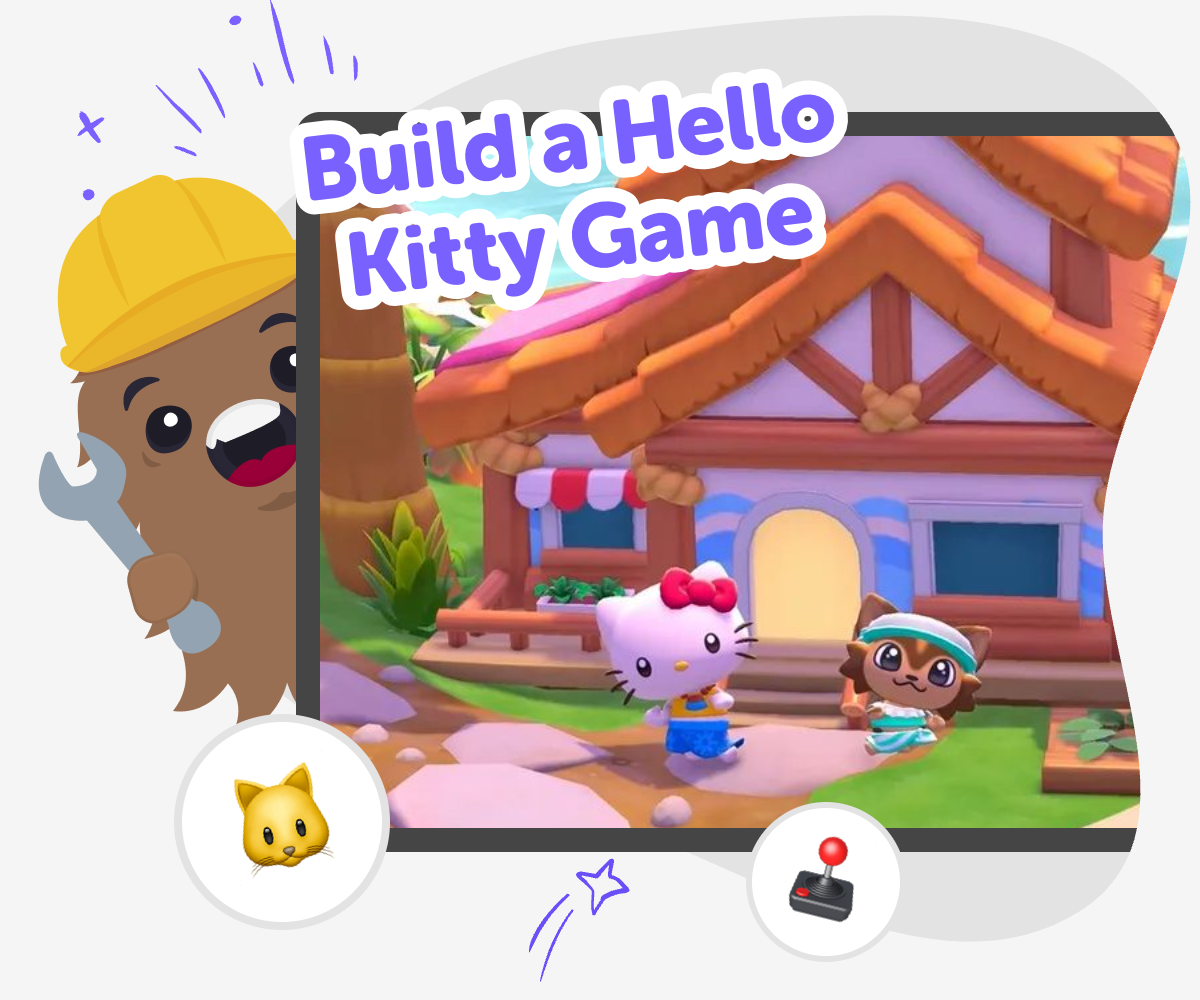
Build a Hello Kitty Game
Build a Hello Kitty Game is a kid-friendly creative project where kids imagine a gentle, playful game and bring it to life step by step. With guided support, they can design characters, choose simple actions, test ideas, and keep improving their game as they learn. It is a fun way to practice coding confidence, problem-solving, and creative thinking while making something personal and shareable.
About this tutorial
Build a Hello Kitty Game is a creative project where kids can imagine a friendly game and turn it into something they can actually play. It helps children learn how ideas become interactive experiences, while also building confidence, problem-solving, and patience through small steps and simple choices.
A first version does not need to be perfect. Kids can start small, test what happens, and then make changes that help the game feel clearer, calmer, and more fun.
Vibe Coding gives kids a guided way to explore the project by helping them shape the game, test it, and improve it over time. Kids stay in control of the idea, while the tool supports safe, hands-on making that feels playful and approachable rather than overwhelming.
It works best when kids describe what they want to build, then use the guided steps to try ideas, fix problems, and add details one by one. That makes the topic feel active and creative, with the tool supporting the making instead of replacing it.
Step by step
- 1
Pick the game idea
Choose a simple Hello Kitty game idea, like a catch game, a dress-up challenge, or a maze with a friendly goal. Keep the first version small so it is easier to build and test.
- 2
Add the main characters
Create Hello Kitty and any other parts of the game, such as stars, bows, treats, or obstacles. Decide what each character should do when a player taps, clicks, or moves near it.
- 3
Test the play
Run the game and try every action to see what feels clear, fun, and easy to understand. Change anything that is confusing, too fast, or not working the way you hoped.
- 4
Make the most of replaying
Try a new version Change one part of the game, like the score, the colors, or the challenge, and see how it changes the feeling of play.
Check what players notice Watch how quickly someone understands the goal and whether the buttons, sounds, and movements are easy to follow.
Keep it friendly and safe Use simple choices, gentle challenge, and positive feedback so the game stays welcoming for kids.
Save and improve Keep your favorite version, then return later to make a remix, add details, or polish the game even more.
What makes a Hello Kitty game fun for kids?
A good Hello Kitty game for kids is usually simple to understand, colorful, and friendly to play. The fun comes from making small, clear actions that feel rewarding, like collecting items, dressing up a character, or helping Hello Kitty reach a goal. Kids often enjoy games more when they can see progress right away and when the rules are easy to remember. That makes the game feel inviting instead of stressful. It also gives young makers a chance to think about what players will notice first, what keeps them going, and how to make each screen feel calm and playful. Building with that mindset helps kids design for real players, not just for themselves, which is an important creative skill.
Why is building a game a good learning project?
When kids build a game, they practice turning an idea into something real. That means they have to make choices, notice what works, and fix what does not. Those steps build problem-solving skills in a way that feels active and creative. A project like this also teaches iteration, which means trying something, testing it, and improving it. That is a useful habit in coding, art, and everyday life. Kids learn that a first version does not need to be perfect. It just needs to be enough to begin. As they keep working, they gain confidence because they can see their own progress. Making a Hello Kitty game can feel playful, but it also teaches planning, patience, and how to keep going when a project needs changes.
How can kids keep their game age-appropriate?
Kids can keep a Hello Kitty game age-appropriate by making it gentle, clear, and kind. That usually means choosing easy goals, friendly colors, and simple actions instead of difficult or rough gameplay. The best games for younger makers are usually the ones that feel safe to explore and easy to restart. It also helps to think about the words, sounds, and characters that appear in the game. If something feels confusing or too intense, kids can change it into something calmer. Parents and educators often like projects that let children make choices without pressure. This kind of game can still be exciting, but the excitement comes from creativity and play rather than competition or trickiness. That balance helps kids feel proud of what they made.
What can kids add after the first version works?
After the first version works, kids can make the game more interesting by adding small improvements one at a time. They might create new backgrounds, add sound effects, change the score, or make a character move in a new way. They can also make the game easier to understand by improving labels, spacing, or instructions. These changes matter because they help kids see how tiny edits can change the whole experience. That is one of the best parts of creative coding: the project keeps growing as the maker learns. With guided support from Vibe Coding, kids can keep experimenting without getting lost. They can try an idea, test it, and decide what to keep. That process helps them build confidence and learn how creative technology works.
Need help?
What is a Hello Kitty game?
A Hello Kitty game is a playful project or activity that uses Hello Kitty as part of the theme, characters, or style. Kids can imagine a game where Hello Kitty helps collect items, solve a simple puzzle, or complete a friendly challenge.
Can kids make their own Hello Kitty game?
Yes. Kids can make a simple Hello Kitty game by starting with a small idea and building it step by step. A guided creative coding tool like Vibe Coding can help them shape the idea, test it, and improve it as they go.
What kind of game should a beginner make first?
A beginner should start with something small, like a collecting game, a dress-up game, or a short maze. Simple games are easier to finish, easier to test, and easier to improve later.
Do kids need to know a lot of coding first?
No. Kids can begin with basic ideas and learn while they make. The most important part is trying, testing, and changing the game little by little.
How do kids make the game feel friendly?
Kids can make the game feel friendly by using soft colors, easy controls, and clear goals. Gentle music, happy feedback, and simple instructions can also help the game feel welcoming.
What should kids test while building?
Kids should test whether the game rules make sense, whether buttons work, and whether the player can understand what to do next. Testing helps them find small problems early and make the game better.
Can a Hello Kitty game be more than one level?
Yes. Kids can add more than one level if they want to, but it is smart to start with one level first. After that works, they can add new challenges or new scenes.
How does this help kids learn creative technology skills?
Building a Hello Kitty game helps kids learn how ideas become interactive projects. They practice planning, problem-solving, and making changes based on testing, which are useful creative technology skills for many other projects too.