Build a Hangman Game
Build a hangman game and turn a classic word puzzle into a hands-on coding project. Kids can explore guessing, letters, and game rules while making something interactive, testable, and fun to play.
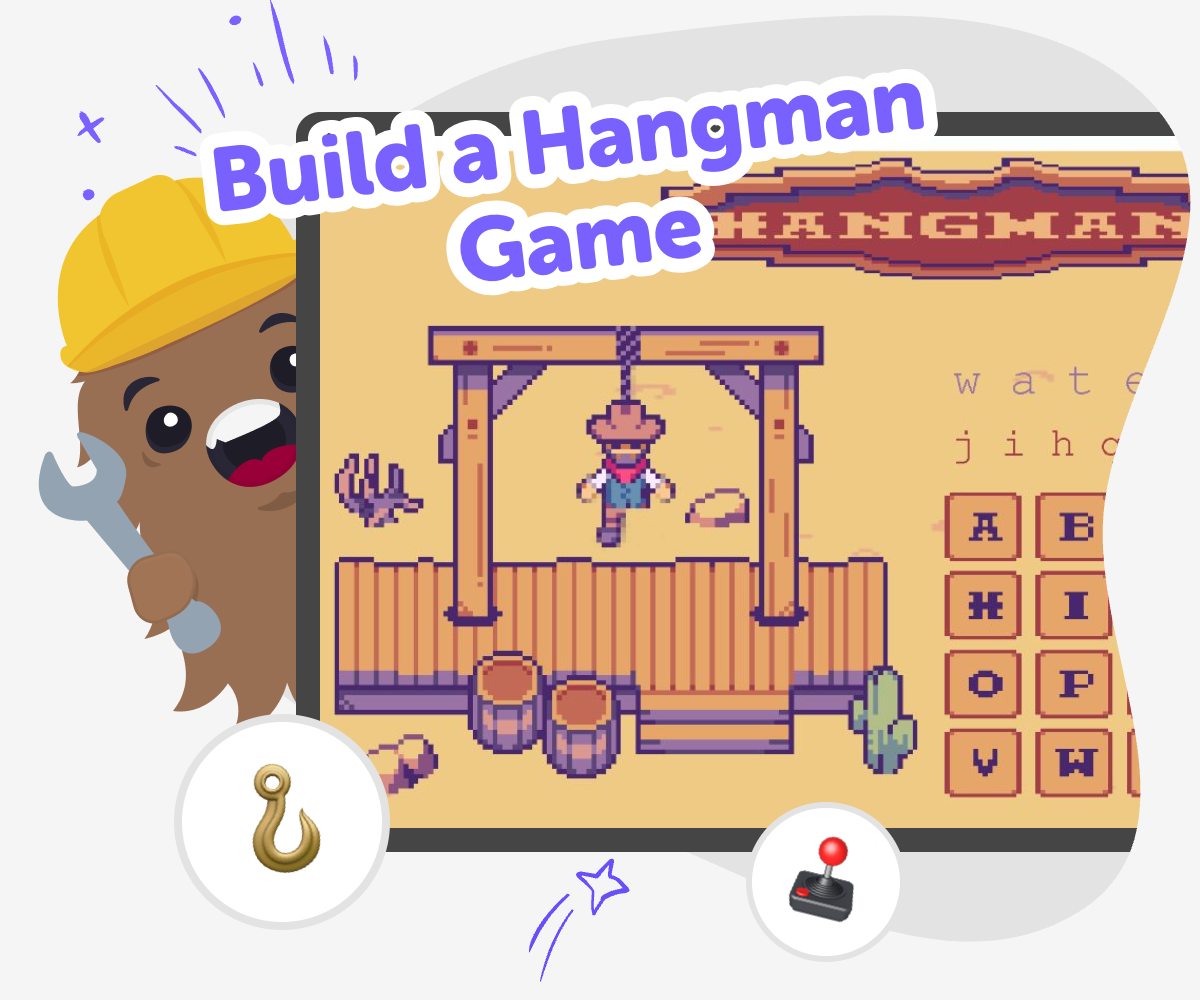
About this tutorial
A build a hangman game project helps kids see how letters, guesses, and rules fit together in one simple game. It turns word play into something they can build, test, and change, which makes the idea easier to understand and more fun to explore.
That matters because kids learn by doing. When they make the game themselves, they practice reading, problem-solving, and careful thinking in a safe, creative way.
Vibe Coding gives kids a guided place to make the game step by step. They can describe what they want, try out ideas, and improve the game as they go, while keeping the focus on learning and playful experimenting.
This kind of hands-on making helps kids build confidence because they are not only playing a game. They are shaping the rules, checking how the game responds, and learning how small changes can make a project better.
Step by step
- 1
Pick a word
Choose a secret word for the game and decide who will guess it first. Start with a word that is short and familiar so the game feels fair and easy to test.
- 2
Set the rules
Decide how many wrong guesses players get and what happens after each try. Make sure the game shows clear clues, like hidden letters or a simple body outline, so players can follow along.
- 3
Build and test
Use guided coding help to set up the game, then play it a few times to see what works. Change the word, the guess limit, or the messages if something feels confusing or too easy.
- 4
Make the most of replaying
Try a new word set Use a different theme, like animals, foods, or sports, so the game feels fresh and gives players new chances to guess.
Tighten the challenge Add or remove a few guesses, or choose longer words for older kids and shorter words for younger kids.
Improve the clues Test whether the game is clearer with extra hints, simpler buttons, or friendlier messages after each guess.
Play again safely Save your favourite version, invite someone to try it, and keep making small changes until the game feels fun, fair, and easy to understand.
Why do kids like hangman games?
Hangman games are popular because they mix mystery, word skills, and quick thinking in a simple format. Kids get to guess letters, watch clues appear, and feel the excitement of getting closer to the answer one step at a time. That makes the game easy to understand but still interesting to play again and again. It also supports reading and spelling in a playful way, because kids are noticing patterns in words instead of only memorizing them. When kids build their own version, they can choose themes they care about, such as animals, stories, or hobbies. That personal choice helps the game feel more meaningful and gives kids a reason to keep testing and improving it.
What skills can this project teach?
A hangman game project can teach several useful skills without feeling like schoolwork. Kids practice choosing words, setting rules, and thinking about what makes a game fair. They also learn to check what happens when a player guesses correctly or makes a mistake, which is a basic form of debugging and problem-solving. If they change the game after testing it, they are learning iteration, which means improving something little by little. These skills matter because they show kids that creative technology is not just about getting the answer right on the first try. It is about trying, noticing, and making smart changes. That process builds confidence and helps kids feel ready to take on bigger projects later.
How can kids keep it safe and friendly?
A kid-made hangman game should stay friendly, age-appropriate, and easy to understand. Good word choices are ones that are familiar, positive, and not upsetting for other players. It also helps to avoid tricky words that only one person knows, unless the game is meant for a small group that agrees on the theme. Clear rules are part of safety too, because players should know how many guesses they get and how the game ends. When kids build in a guided tool like Vibe Coding, they can test their game in a calm way and make changes if something feels confusing. That helps them practice responsible making while keeping the experience playful.
What makes a game feel fun to replay?
A replayable hangman game usually has clear rules, interesting word choices, and just the right level of challenge. If the game is too easy, it may end too quickly. If it is too hard, players may feel stuck. Kids can improve replay value by adding different word sets, changing the theme, or tweaking the number of guesses. Small design choices also matter, like using messages that feel encouraging instead of harsh. When kids test the game more than once, they can see which version keeps players curious. That is a strong lesson in creative design, because it shows how small changes can make a game more enjoyable for everyone.
Need help?
What is a hangman game?
A hangman game is a word puzzle where one player thinks of a secret word and another player guesses letters to try to solve it. Each wrong guess usually adds a new part to a drawing or uses up a turn. The fun comes from using clues, spotting patterns, and trying to solve the word before the game ends.
Can kids make their own hangman game?
Yes. Kids can make a hangman game by choosing a secret word, setting simple rules, and building a way for players to guess letters. With guided help, they can test the game, fix confusing parts, and change it until it plays the way they want.
Why is this a good coding project for beginners?
It is a good beginner project because the game has clear rules and a simple goal. Kids can focus on one part at a time, like choosing a word or checking guesses, instead of trying to build something huge right away. That makes it easier to learn coding step by step.
What kind of words work best?
Short, familiar words usually work best for younger kids, while older kids may enjoy longer or trickier words. Good choices are clear, age-appropriate, and fun to guess. A themed list, like animals or foods, can make the game more playful and easier to share.
How does Vibe Coding help with this project?
Vibe Coding gives kids a guided place to build and test their game piece by piece. They can describe the idea, make changes, and see how the game responds without needing to figure everything out alone. It supports experimenting and improving, which is useful for learning.
Can this game be played with friends?
Yes. Kids can make a version for one player or a small group. If friends are playing, it helps to keep the rules clear and choose words everyone can understand so the game stays fair and fun.
How can kids make the game more creative?
Kids can add a theme, choose a favorite kind of word, or write friendly messages for correct and incorrect guesses. They can also change how the clues look or how the game ends. Small creative choices make the project feel more personal.
What should kids do if the game feels too hard or too easy?
They can test it and then make small changes. If it feels too hard, they can use shorter words or give more guesses. If it feels too easy, they can try longer words or add a bigger challenge. Testing and improving is part of the fun.