Build a Hamster Clicker Game
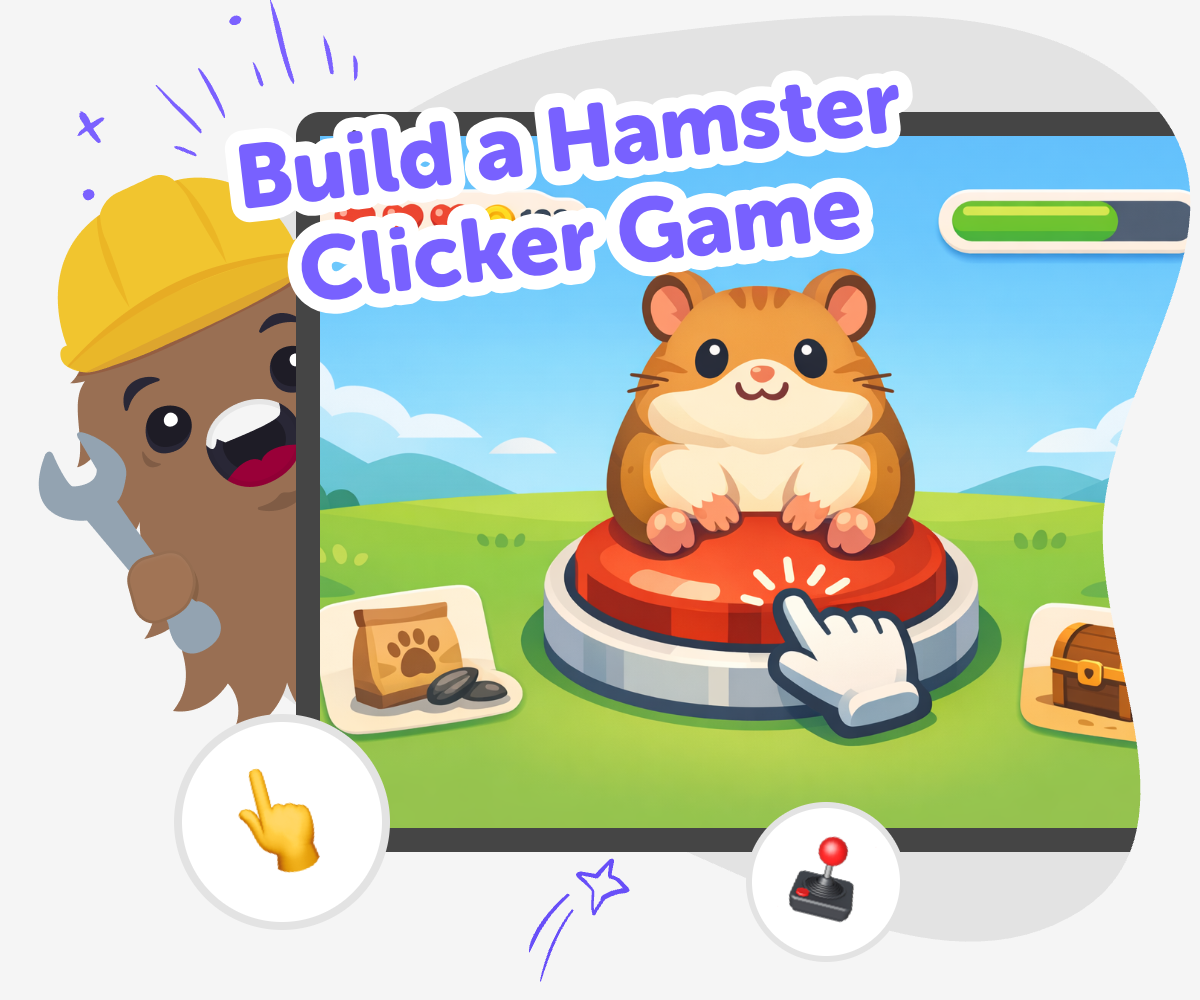
Build a hamster clicker game and learn how a simple idea can become a playful interactive project. Kids can design the hamster, shape the click action, test rewards, and improve the game step by step while building coding confidence.
About this tutorial
Build a hamster clicker game to turn a simple idea into a playful project kids can understand and improve. Start with a cute hamster, a clear click action, and a small reward, then use each change to learn how games become more fun and easier to play.
This kind of project matters because it helps kids practice planning, testing, and making choices that affect the game experience. It also shows that creative coding is something they can shape step by step, not something they have to get perfect on the first try.
Vibe Coding gives kids a guided place to explore a hamster clicker game in a safe, hands-on way. They can describe the game they want, build the first version, and then test and improve it as they go.
That support keeps the focus on making and learning. Kids stay in charge of the ideas while the tool helps them try changes, notice what works, and keep the game friendly, clear, and fun.
Step by step
- 1
Choose the hamster
Pick a hamster character and decide what it should look like when players click it. Keep the first version simple so you can see the idea clearly.
- 2
Set the click action
Make one tap or click change points, treats, or the hamster's mood. A clear action helps players understand the game right away.
- 3
Add a small reward
Choose a reward that appears after a few clicks, like a sound, a snack, or a new background. Rewards give the game a goal and make each click feel important.
- 4
Make the most of testing
Try it out Play the game from the beginning and notice whether the click is easy to find and the hamster responds in a way that feels clear.
Tune one part Change only one detail at a time, such as the score speed, the sound, or the reward timing. Small updates are easier to understand and compare.
Check for clarity Make sure the words, buttons, and feedback are simple enough for younger players to follow. If something looks crowded or confusing, clean it up and test again.
Keep improving Save your favourite version, then try a new idea and compare how it feels. Building, testing, and revising helps the game get better each time.
What makes a clicker game fun?
A clicker game is fun when players can do one simple action again and again and see a clear response every time. In a hamster clicker game, that might mean points going up, a treat appearing, or the hamster doing something silly after each click. The best clicker games start with an easy rule, then add small surprises that keep people curious.
That pattern is useful for kids because it shows how game design works in a hands-on way. They can test different speeds, rewards, sounds, and colors to see what changes the feeling of play. Instead of guessing, they get to notice what players enjoy and make the game better step by step. That is real maker thinking: build, test, and improve until the game feels just right.
Why start with a hamster?
A hamster is a strong choice for a first game character because it is cute, easy to draw, and naturally playful. Kids can imagine it running in a wheel, hiding in a tunnel, nibbling a snack, or popping out of a tiny house. Those ideas give the game personality without needing complicated art or complicated rules.
A friendly animal character also helps young makers think about the feeling of the game, not only the code behind it. When kids choose a character they like, they often stay interested longer and keep testing their ideas. That makes the project more than a button to press. It becomes a small world they can shape, which is a great way to build creativity and confidence at the same time.
How does building help kids learn?
When kids build a game themselves, they learn by trying something, noticing what happens, and making changes. If a click does not work the way they expected, they have a clear reason to fix it. If a reward feels too slow or too fast, they can adjust the idea and test again. That is how problem-solving grows.
This kind of project also teaches iteration, which means improving something little by little. Kids learn that creative technology is not just for experts. It is a set of choices they can explore and shape with practice. Each small improvement helps them see progress, and that builds confidence. Over time, they start to trust their ideas and feel ready to make the next version better.
How can kids keep it safe and friendly?
A kid-made game should be clear, kind, and easy to understand. That means keeping the hamster clicker game focused on friendly fun, simple goals, and words or buttons that younger players can follow. It also helps to avoid anything confusing, stressful, or too hard to use. A calm game is often a better game for children.
If kids want to share their project, they can check that the sounds, images, and messages are age-appropriate. Guided tools like Vibe Coding can support that process by helping kids build and test their own ideas while staying in charge. The important part is that the child remains the maker. They choose, try, revise, and learn in a safe creative space.
Need help?
What is a hamster clicker game?
A hamster clicker game is a simple game where players click or tap to make something happen, like earning points, feeding a hamster, or unlocking small surprises. The fun comes from repeating the action, watching the game respond, and trying to reach a goal.
Why are clicker games good for kids?
Clicker games are good for kids because the rules can be easy to understand, but there is still room to be creative. Kids can practice counting, timing, and testing changes while learning how a game becomes more fun through small improvements.
Can kids make their own hamster game?
Yes. Kids can make their own hamster game by starting with a simple idea and adding one piece at a time, such as the hamster, the click action, and a reward. Guided tools like Vibe Coding can help them build, test, and improve their project as they go.
What should I put in a clicker game?
A good clicker game usually has a main action, a clear goal, and a reward that makes players want to keep going. For a hamster game, that could be clicks, points, treats, sounds, and a few fun surprises that match the theme.
How do I make the game more fun?
You can make the game more fun by testing little changes, like how fast the points grow, what the hamster does after a click, or what happens when a goal is reached. Small changes often make a big difference in how the game feels.
Is a hamster game hard to build?
It does not have to be hard. Kids can begin with a very small version first, then add more details later. Starting simple helps the game feel manageable and makes it easier to fix problems as they appear.
What do kids learn from making one?
Kids learn coding confidence, problem-solving, and how to improve an idea through testing. They also learn creative technology skills, like turning a thought into an interactive project and making choices about how that project should work.
Can I change my game after I test it?
Yes, and that is one of the best parts. Testing helps kids notice what works and what feels confusing, then they can change the game and try again. That cycle of build, test, and improve is how many creative projects get better.