Build a Gacha Character
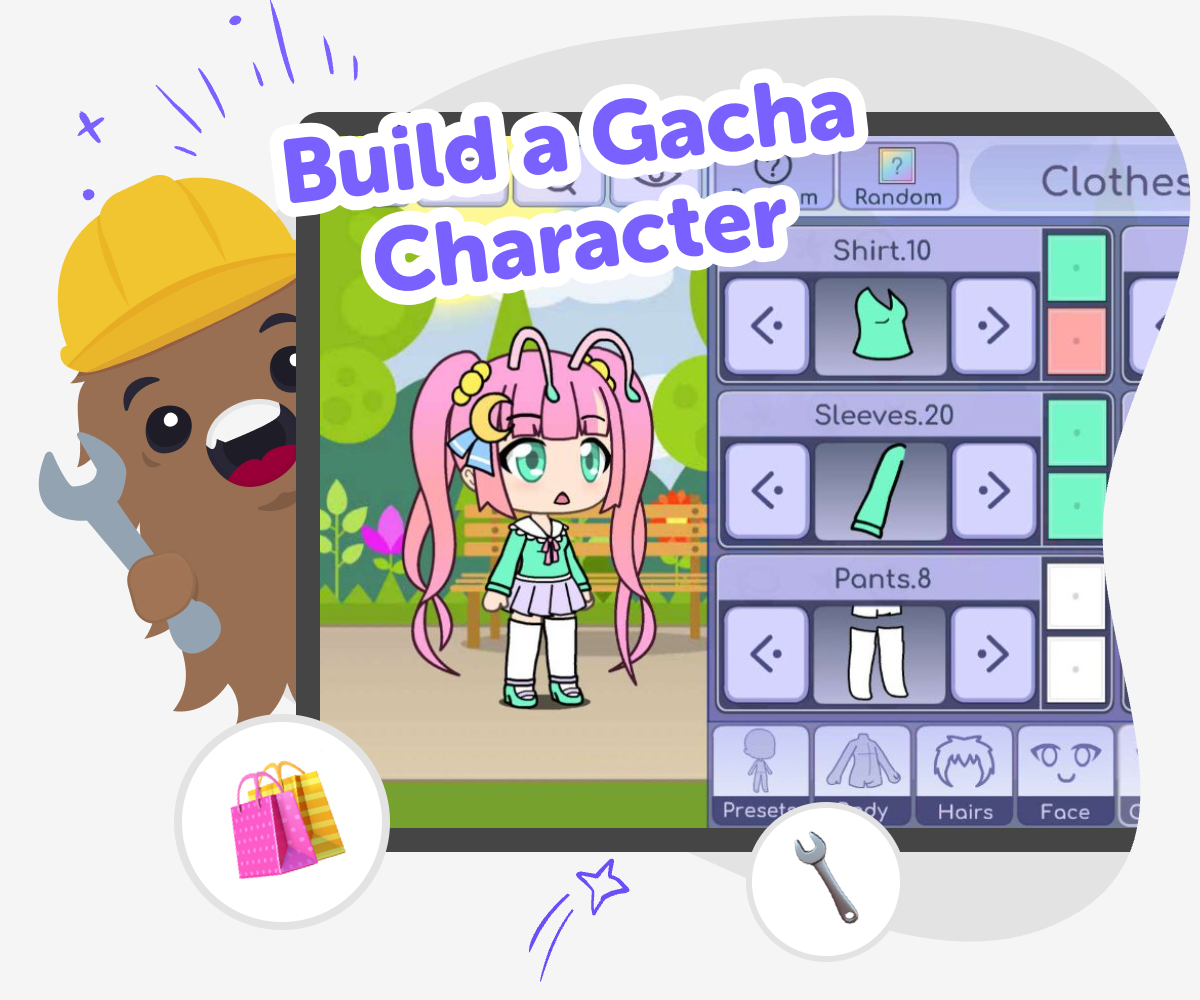
Build a gacha character by choosing a style, adding details, and making a character that feels unique, playful, and ready for stories, games, or art projects.
Create Your Character Idea
A build a gacha character activity lets kids make a character by choosing looks, clothes, colors, and personality details. It is a fun way to practice creativity because every choice changes how the character feels and tells a story. Kids can try a fantasy hero, a school friend, a spooky creature, or a silly original design, then notice how small changes create a new result. This kind of making matters because it helps kids think about design, style, and storytelling at the same time. They learn that characters are built from choices, and that making something personal can feel exciting and confidence-building.
Vibe Coding gives kids a guided place to shape character ideas step by step. They can describe what they want, make changes, test different choices, and keep improving the result until it feels right. The tool keeps the process playful and hands-on, so kids stay in control of their ideas while learning creative technology skills, problem-solving, and iteration.
What makes a gacha character interesting?
A gacha character becomes interesting when it feels like it has a clear style, a personality, or a story idea behind it. Kids usually notice characters that have one or two strong features, like bright hair, a special outfit, or a face that matches the character’s mood. Too many details can make a design hard to read, so choosing a few choices carefully often works better than adding everything at once. The fun part is that there is no single correct answer. A character can be cute, spooky, futuristic, magical, sporty, or anything else a kid imagines. When kids build their own version, they learn how design choices can show who a character is before the story even starts.
Why do kids like making original characters?
Kids like making original characters because they get to turn imagination into something visible. Instead of only thinking about a person or creature, they can choose colors, shapes, clothes, and personality details that match the idea in their head. This kind of making feels personal, because the character belongs to the child’s own creativity. It also helps kids practice decision-making: they learn to pick between options, compare ideas, and decide what feels right. Original characters can become part of stories, games, drawings, or role-play, which makes them useful for many kinds of creative projects. When kids make characters often, they usually become more confident about trying new ideas and changing them when needed.
How does character design teach problem-solving?
Character design teaches problem-solving because kids have to make choices that work together. A hairstyle might need to match the outfit, a color choice might need to fit the mood, and a personality idea might need details that show it clearly. If something looks crowded or confusing, the child has to think about what to simplify or change. That is a real design skill. It is also a good way to practice trying, noticing, and improving without pressure. Kids learn that creative work does not have to be perfect on the first try. They can test a version, see what feels off, and make it better. This helps build patience, flexibility, and confidence in making decisions.
How can kids stay safe and make age-appropriate characters?
Safety and age-appropriateness matter because kids should be able to enjoy character making in a calm, supportive space. A good character activity keeps the focus on creativity, self-expression, and playful design instead of upsetting or overly mature themes. Younger kids may enjoy simple, friendly characters with bright colors and easy-to-understand traits, while older kids can explore more detailed styles as long as they stay respectful and appropriate. It also helps when the tools guide kids to build one step at a time, so they are not overwhelmed by too many choices. With a guided studio like Vibe Coding, kids can experiment in a way that feels playful and manageable, while parents and educators can trust that the process supports learning, creativity, and thoughtful making.
Build It Step by Step
Pick your character idea
Start with one clear idea for your character, like a hero, monster, student, or magical friend.
Choose the look
Add hair, clothes, colors, and small details that help the character stand out.
Give them a personality
Decide how your character acts, what they like, and what kind of story they belong in.
Make the most of testing
See what stands out Check which features make your character easy to recognize and which parts feel too busy. Try small changes Swap a color, accessory, or hairstyle and notice how the whole character can feel different. Keep the best parts Hold on to the choices that match your idea and change anything that feels off. Share and improve Save your favourite version, then use it as a starting point for a new remix or story.
Frequently asked questions
What is a gacha character?
A gacha character is a made-up character with a style, personality, or story idea that a kid designs for creativity and play.
Can kids make their own gacha character?
Yes. Kids can make their own character by choosing looks, colors, clothes, and personality details that match their idea.
What should I start with first?
Start with one simple idea, like a hero, a friend, a creature, or a school character, and build from there.
How do I make a character feel unique?
Use a few details that stand out, like a special hairstyle, a favorite color, or an accessory that matches the character’s mood.
Is character design good for beginners?
Yes. It is a friendly way for beginners to practice choices, try ideas, and learn that creative work can be improved step by step.
Can I change my character after I make it?
Yes. Changing details is part of the fun, and it helps kids see how small edits can create a new feeling.
How does Vibe Coding help with this?
Vibe Coding gives kids a guided place to build, test, and improve their character ideas while learning through making.
What can I do with my character next?
You can use the character in a story, a game idea, a drawing, or another project that lets the character come to life.
More tools
Build a Toca Boca Dress Up Game
Build a Toca Boca dress up game with creative, kid-friendly steps that help kids design characters, pick outfits, and shape a playful game idea into something interactive. With guided support from Vibe Coding, kids can explore styling, choices, and simple game logic while they make and improve their own project.
Build a Tower Defense Game
Build a tower defense game by planning a path, placing defenders, and testing how each wave changes the challenge. Kids can learn game design, problem-solving, and creative coding by making a game that is fun to play and easy to improve.
Build a Trivia Game
Build a trivia game by turning facts, questions, and choices into a playful challenge kids can test, improve, and share. This page helps young makers understand what a trivia game is and how to create one with confidence, creativity, and guided support.
Build a Tycoon Game
Build a tycoon game by planning a fun theme, designing upgrades, and testing how players earn, spend, and grow their world. Kids can explore game ideas, make choices, and improve their game step by step with creative coding support.
Ready to start creating?
Join hundreds of thousands of kids already building cool stuff on DIY.ORG.
Your first game is on us.
Describe a game below - no sign-up needed to try.
KidsGPT has moved!
Log into ChatDino to access your chats
Powered by AstroSafe
Make real games - not just chat