Build a Doge Clicker Game
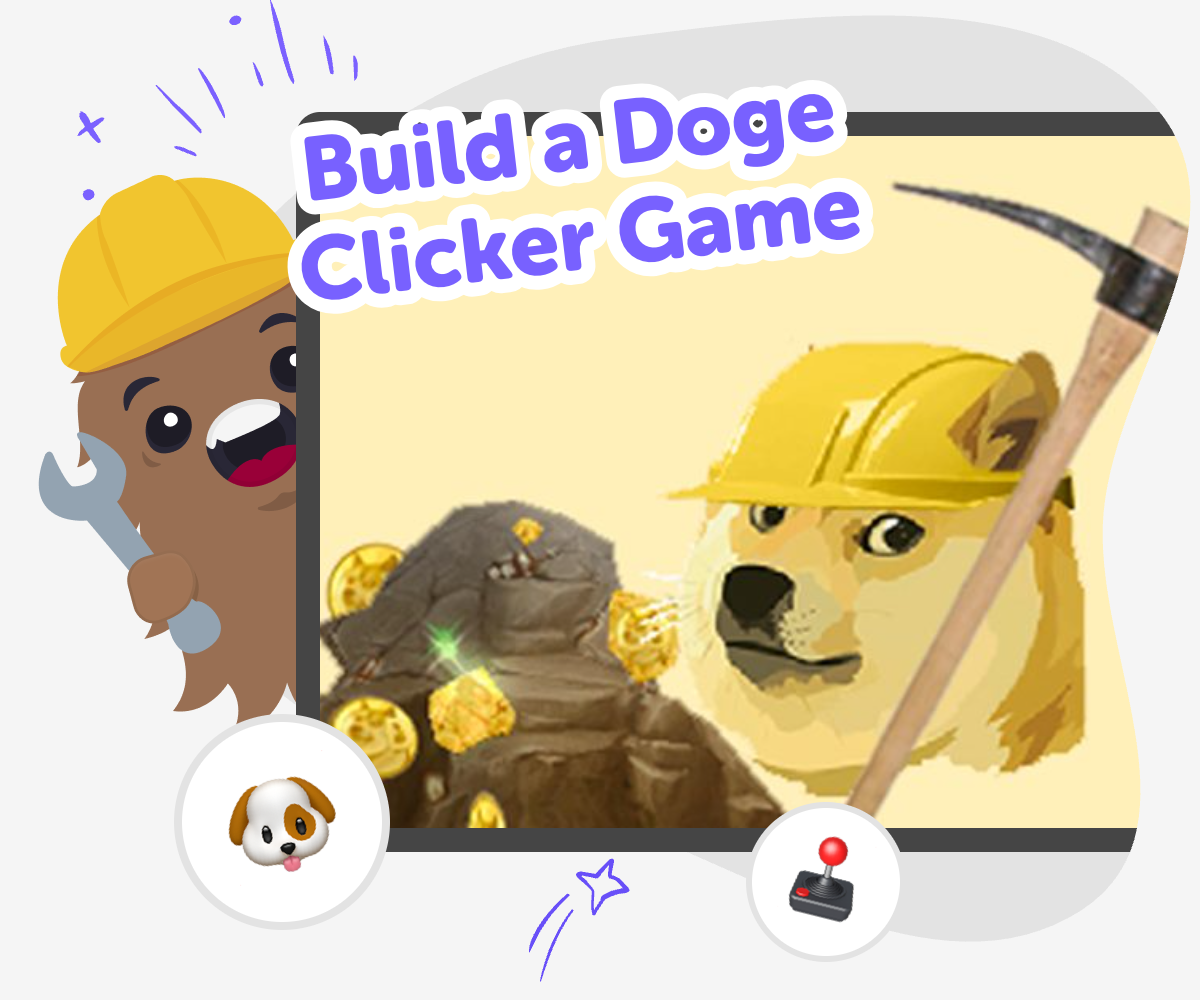
Build a doge clicker game with a kid-friendly creative coding tool that helps you turn a simple idea into a real interactive project. Kids can make, test, and improve their game step by step while learning coding confidence, problem-solving, and creative technology skills.
About this tutorial
A build a doge clicker game project is a fun way to learn how simple games work. Kids start with a playful idea, then add clicks, points, and upgrades so the game feels exciting and easy to understand.
This kind of project matters because it teaches planning, patience, and how small changes can make a game better. Kids get to see how a game grows from one simple action into something they can play, test, and share.
Vibe Coding gives kids a guided place to explore the idea safely and creatively. They can describe what they want their doge clicker game to do, then shape it, test it, and improve it with support that keeps the process hands-on.
That makes the topic less like reading about games and more like making one. Kids practice creative coding skills while staying in control of their own ideas and choices.
Step by step
- 1
Pick the doge click
Choose what happens when the player taps doge, such as a sound, a point, or a funny screen reaction.
- 2
Set the score
Add a number that increases with each click so players can see progress right away.
- 3
Create upgrades
Make small boosts like bigger points, faster clicks, or new looks that unlock as the score grows.
- 4
Make the most of testing
Play it again Tap through the game and notice what feels exciting, slow, or confusing so you know where to improve.
Fix one part Change one thing at a time, like the score amount or button size, so it is easier to tell what helped.
Try a new idea Swap in a different sound, image, or upgrade and see whether the game feels more fun and clear.
Keep refining Save your best version, test it with someone else, and adjust the parts that need a smoother or more playful feel.
What makes a clicker game fun?
A clicker game is fun because it gives players a tiny action that feels rewarding right away. One tap can change the score, unlock a new effect, or make something on the screen react. That quick response helps kids understand the game instantly, which is why clicker games are such a good first project for learning game design. A doge theme adds humor and personality, but the real magic is in the simple loop: click, earn, improve, repeat. Kids can experiment with what happens after each tap and discover how small changes make a big difference. That kind of playful testing builds confidence because every version teaches something new about how games work.
Why does a simple score matter?
A score gives the game a goal that players can follow without reading a lot of instructions. When kids build a doge clicker game, the score acts like a clear signal that their game is working. It also helps them learn how numbers, actions, and feedback connect in coding. If the score rises too slowly, the game can feel flat. If it rises too quickly, it can feel over in a second. By adjusting the score, kids practice balancing a game so it stays interesting. This is a useful maker skill because it shows that design is not just about how something looks. It is also about how it feels to use and play.
How do upgrades change the game?
Upgrades help a clicker game grow beyond one repeated action. In a doge clicker game, an upgrade might add extra points per tap, unlock a new background, or create a special sound when the player reaches a milestone. These changes give players a reason to keep going and make the game feel more alive. For kids, upgrades are a great way to learn iteration, which means improving something step by step. They can test one upgrade, see what happens, and decide whether it makes the game clearer or more exciting. This is a smart way to learn because it turns trial and error into part of the creative process instead of something to worry about.
How can kids keep game making safe and creative?
Kids learn best when they can make choices in a safe, guided space. A doge clicker game can stay friendly by using age-appropriate humor, simple mechanics, and ideas that are easy to understand. It helps to keep the project focused on building, testing, and improving rather than trying to make something perfect right away. Guided tools like Vibe Coding support that process by helping kids shape their ideas one step at a time while staying hands-on. That means kids are still the makers. They get to explore how games work, fix problems, and try new versions until the project feels like theirs. Safety, creativity, and confidence can all grow together when kids are encouraged to learn by doing.
Need help?
What is a doge clicker game?
A doge clicker game is a simple game where players tap a doge character or image to earn points, unlock rewards, or trigger fun reactions. It usually has one easy rule at first, then grows with upgrades or new effects. That makes it a strong beginner project for kids who want to learn how games work.
Why do kids like clicker games?
Kids often like clicker games because they are easy to start and give quick feedback. Every tap can make something happen on the screen, which feels exciting and understandable. The game can also be funny or cute, which makes it feel playful instead of complicated.
What do you need to make one?
You need a simple game idea, a character or image for doge, a score, and a way for the player to click or tap. After that, you can add sounds, upgrades, or extra scenes if you want. The most important thing is starting small and testing as you build.
Can beginners build this kind of game?
Yes. A doge clicker game is a good beginner project because it starts with basic actions and clear goals. Kids can learn one part at a time, then improve the game as they go. That makes it a friendly way to practice coding confidence.
How do upgrades make the game better?
Upgrades give players new reasons to keep clicking. They can make each tap worth more, add new visuals, or unlock fresh surprises. Good upgrades help the game feel like it is growing, which keeps the experience interesting without making it hard to understand.
Is building a clicker game safe for kids?
It can be very safe when the project stays kid-friendly, uses simple ideas, and is shared with guidance from trusted adults or a moderated creative platform. A good project focuses on making, testing, and learning rather than on public competition. That helps kids explore technology in a calm, supportive way.
How can kids make their game more creative?
Kids can make their game more creative by choosing a silly doge style, adding their own colors, changing the sounds, or inventing fun upgrade names. They can also test different ideas and keep the ones that feel best. Creativity grows when kids are allowed to experiment and revise.
How does Vibe Coding help with this project?
Vibe Coding gives kids a guided place to describe their idea, build it step by step, and improve it through testing. It supports the process of making a doge clicker game without turning it into a one-shot task. Kids stay in charge of the project while getting help that makes creative coding easier to learn.