Build a Cookieclicker Game
Build a cookieclicker game with playful coding, simple goals, and lots of chances to test, tweak, and improve. Kids can explore how clicking games work while practicing creativity, problem-solving, and confidence with guided support.
About this tutorial
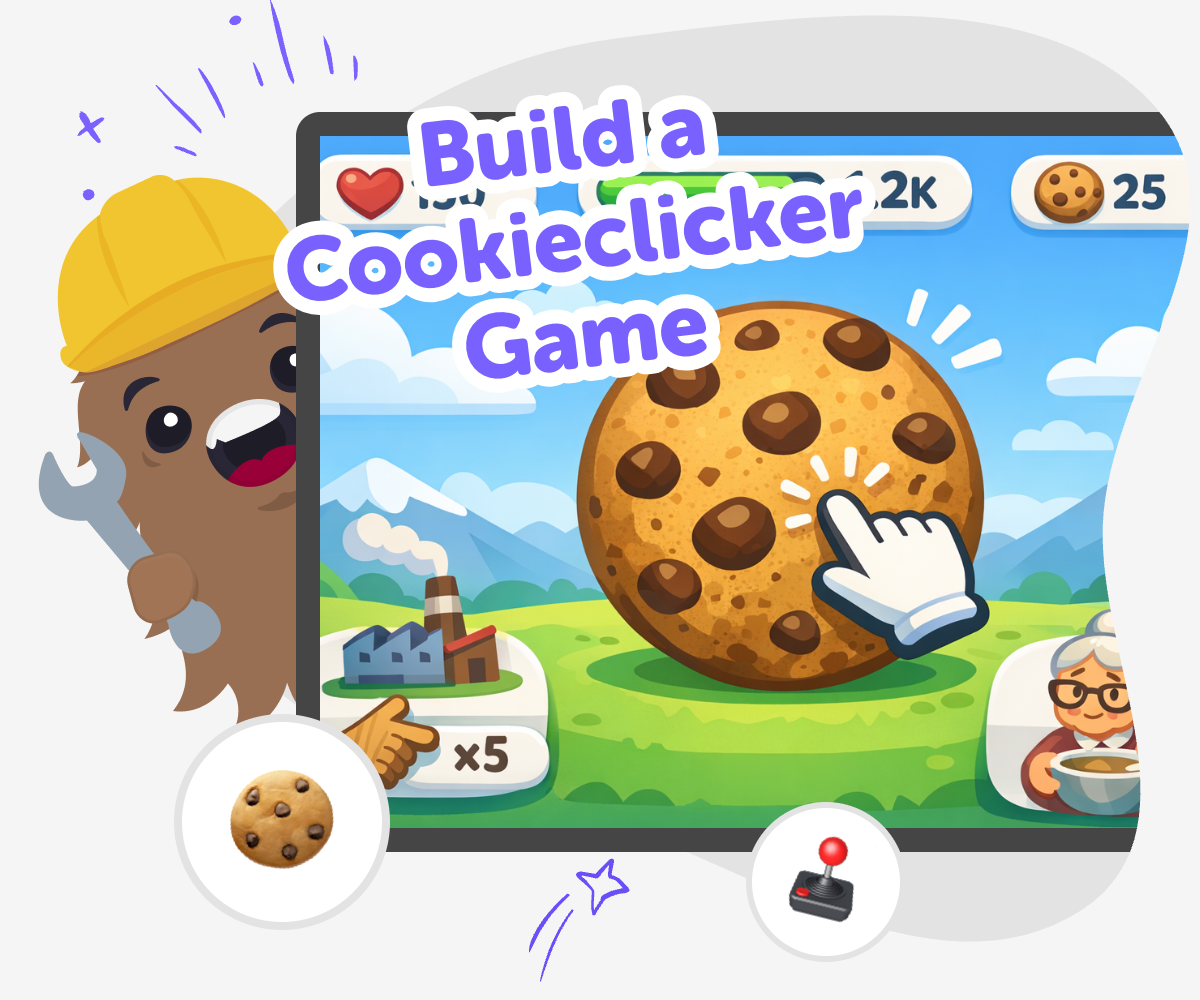
A build a cookieclicker game project helps kids learn how simple games work by mixing clicking, rewards, and small upgrades into one playful idea. It is a friendly way to practice planning, timing, and game logic while making something that feels fun to play and easy to change.
This kind of project matters because kids get to see how tiny choices can shape a game. They can start with a simple click, then add goals, points, and playful feedback as they learn by doing.
Vibe Coding gives kids a guided place to shape the game step by step. They can describe what they want, build it, test it, and improve it with support, which keeps the process creative, safe, and approachable.
That makes it easier to experiment without feeling stuck. Kids stay in charge of the idea while learning how to turn a rough concept into a real interactive project.
Step by step
- 1
Start the click
Think of a simple idea for your cookieclicker game, like clicking a cookie to earn points. Write down the main action and the reward so the game has one clear goal.
- 2
Add a goal
Choose what players are trying to collect, such as cookies, stars, or coins. Decide how many clicks it takes to earn something new and what should happen when they reach it.
- 3
Shape the upgrades
Plan one or two upgrades that make the game feel more exciting, like faster clicks or bigger rewards. Keep the first version small so it is easy to test and improve.
- 4
Make the most of testing
Try a remix Play your game and notice which parts feel fun, slow, or confusing. Change one thing at a time so you can see how each update affects the game.
Check the flow Tap through the game in order and look for places where players might get stuck or lose track of what to do next. Clear labels and simple choices help younger players follow along.
Keep improving Save one version, make a new change, and test again to compare results. Small updates can turn a rough clicker into a game that feels smoother, clearer, and more fun.
Share carefully If you show your game to someone else, ask what they noticed first and what made them want to click again. Use their ideas to guide your next round of building.
What makes a cookieclicker game fun?
A cookieclicker game is fun because the action is simple, but the progress keeps growing. Kids get to click, watch numbers change, and unlock small rewards that make the game feel alive. That steady loop of action and reward helps players stay curious about what happens next. It is also a good way to learn how games use clear goals and feedback. When something happens every time you click, players understand the rules quickly, which makes the game easier to enjoy and easier to build. The fun comes from seeing your own ideas work again and again. In a kid-made version, the game can be silly, cozy, colorful, or even themed around pets, planets, or dragons. The important part is that the player always knows what to do and why it matters. Simple games can still feel exciting when each click leads to a small surprise or a bigger result.
Why do small upgrades matter?
Small upgrades matter because they give players a reason to keep going. In a cookieclicker game, an upgrade might make each click stronger, add extra cookies over time, or unlock a new animation. These changes help kids learn about game balance and progression. If upgrades happen too fast, the game can feel over before it has time to build excitement. If they happen too slowly, players may lose interest. That is why experimenting is important. Kids can test one upgrade, see how it changes the pace, and then adjust it. This is a real creative skill: making something feel fair and fun by changing it a little at a time. Upgrades also help kids practice planning ahead. They learn that a game is not just one button, but a system where each part affects the others. A good upgrade path makes the game feel like it is growing with the player.
How can kids make it their own?
Kids can make a cookieclicker game their own by choosing the theme, style, and rewards. A cookie does not have to be a cookie at all. It could be a moon, a cupcake, a robot part, or a magic gem. The click sound, colors, labels, and prize names can all match the story the child wants to tell. This turns a simple project into something personal. Making choices like these helps kids practice creative thinking because they are not copying a game exactly; they are designing their own version. It also builds confidence, since even small changes can make a project feel special. Kids learn that their ideas matter and that there are many ways to solve the same design problem. A game becomes more than a score counter when it reflects the maker’s interests, humor, or imagination. That sense of ownership is one reason kids keep building and improving.
How does guided coding help kids learn?
Guided coding helps kids learn by breaking a bigger idea into smaller steps. Instead of trying to build everything at once, kids can start with a click, then add points, then add upgrades, then test how it feels. That process teaches problem-solving in a calm and practical way. When something does not work right away, kids can try again without feeling lost. They see that making games is about testing ideas, not being perfect on the first try. This builds coding confidence because each small success shows them they can understand and improve their project. Guided support also keeps the process creative. Kids stay focused on their own ideas while getting help with structure, which makes the project feel possible. Over time, they learn to notice patterns, spot bugs, and improve the experience for players. That is a strong foundation for creative technology skills and a great habit for future projects.
Need help?
What is a cookieclicker game?
A cookieclicker game is a simple game where you click to earn points or items, then use those rewards to grow faster. The fun comes from a repeated loop: click, collect, upgrade, and keep going. Kids can make their own version with a theme they like, such as sweets, stars, robots, or animals.
Is building a clicker game a good first project for kids?
Yes. A clicker game is a good first project because the core idea is easy to understand, but there is still room to add creativity. Kids can begin with one button and one reward, then add more features later. That makes it easier to learn without getting overwhelmed.
What should the first version include?
The first version should include one main click, one reward, and one clear goal. Kids do not need to build every feature at once. Starting small helps them test the game quickly and improve it step by step.
How can kids make their game more interesting?
Kids can make the game more interesting by adding upgrades, fun sounds, themed graphics, and different reward levels. They can also give the game a story, like collecting cookies for a bakery or charging a rocket with each click. Small changes can make the game feel much more personal.
Do kids need to be advanced coders to try this?
No. A clicker game is a beginner-friendly way to practice coding ideas because it starts with simple actions and clear results. Kids can learn by building, testing, and adjusting their project. Guided support from Vibe Coding can help them keep moving forward without needing advanced skills first.
How does testing help improve the game?
Testing helps kids notice what feels fun, slow, confusing, or too easy. When they play their own game, they can see where players might need clearer buttons or better rewards. That makes it easier to fix one thing at a time and improve the experience.
Can a cookieclicker game be safe for younger kids?
Yes, as long as the project stays age-appropriate and simple. Kids should focus on playful themes, clear rules, and friendly language. A guided tool like Vibe Coding can help keep the making process safe, creative, and easy to follow.
What do kids learn by making one?
Kids learn coding confidence, problem-solving, and how to improve a project through testing. They also learn that games are built from small pieces that work together. Making a clicker game helps them see how creative ideas can become interactive projects.