Build a Clipart Game
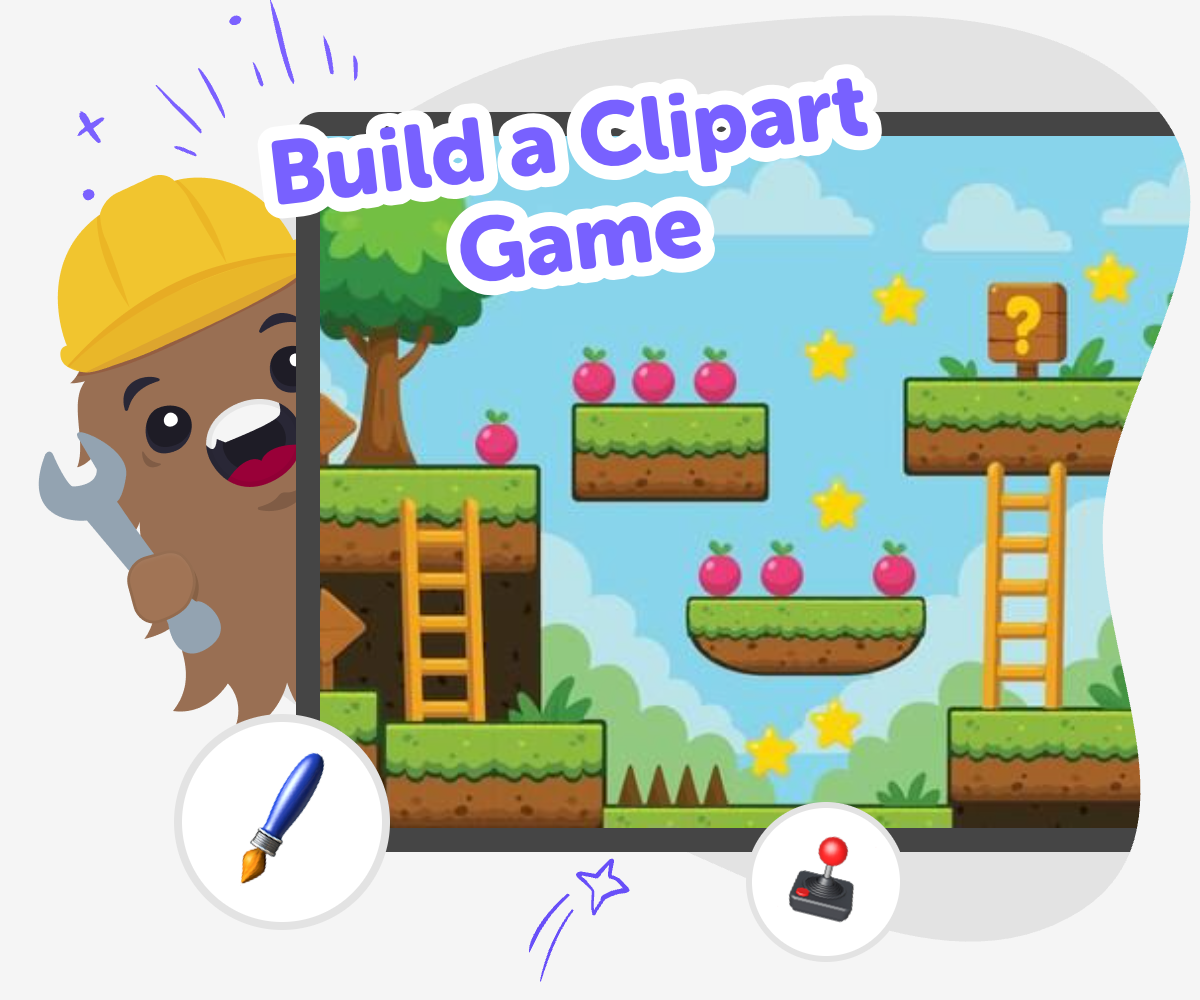
Build a clipart game with simple shapes, pictures, and playful rules that kids can understand and enjoy. This page helps young makers learn what a clipart game is, why it can be a fun way to practice creativity and problem-solving, and how to start building one step by step with guided support.
About this tutorial
A build a clipart game project lets kids turn pictures, symbols, and simple choices into something interactive. It is a great way to practice creative thinking, because children learn how visuals, rules, and player actions work together to make a game feel fun and clear.
This kind of project also supports problem-solving and confidence. Kids can test ideas, notice what works, change what does not, and keep improving their game as they go.
Vibe Coding gives kids a guided place to explore this topic by making, testing, and improving their own game step by step. It keeps the process hands-on and approachable, so young makers can experiment with clipart, layout, and game rules without feeling stuck.
Instead of just imagining a game, kids get to build one, try it, and shape it into something that feels like theirs.
Step by step
- 1
Pick a game idea
Choose one small game idea, like matching pictures, sorting icons, or answering a quiz with clipart. Start with a simple goal so the game is easy to build and test.
- 2
Add your clipart
Select pictures, symbols, or shapes that match your game idea and are easy to recognise. Make sure the images help players know what each choice means.
- 3
Set the game rules
Decide what happens when a player taps, matches, or scores. Keep the rules short and clear so the game feels fair and easy to follow.
- 4
Make the most of testing
Watch the first playthrough Notice which pictures, buttons, or words are easy to understand and which ones cause confusion.
Change one thing at a time Adjust the clipart, rules, or layout in small steps so you can tell what made the game better.
Try a new player Invite a friend or grown-up to play and listen to what they expect the game to do first.
Keep improving Save the version you like best, test it again, and keep shaping the game until it feels clear, fun, and ready to share.
What makes a clipart game different?
A clipart game uses pictures, icons, or simple artwork as part of the game itself. The images are not just decoration; they help players understand what to click, match, choose, or collect. That makes clipart games a good fit for kids, because visuals can show the idea quickly and clearly. A bird, star, apple, or rocket can become part of the challenge, the score, or the story. Kids also get to think like designers: they decide which pictures belong together, which ones should stand out, and how the game should look so it is easy to play. The best clipart games are simple to understand, but still leave room for creativity.
Why do kids learn from making one?
Making a clipart game helps kids practice more than just design. They learn how to turn an idea into steps, which is a useful coding skill and a useful life skill too. If a game does not work the way they hoped, they can try again, make a change, and see what happens. That builds problem-solving and patience. It also helps children understand cause and effect: when a player clicks this picture, something else should happen. Because the project starts with something familiar and visual, it can feel less scary than jumping into harder coding ideas right away. Kids build confidence by making small choices and seeing their own ideas come to life.
How can clipart keep a game clear?
Clear pictures can make a game easier for young players to understand. When icons are simple and consistent, they help guide attention and reduce confusion. This matters because kids often want games that feel quick, readable, and fair. If every picture looks different in a confusing way, players may not know what to do. But if the clipart has a matching style, the game can feel more polished and easier to enjoy. Kids can think carefully about colour, size, and spacing too. Those choices are part of design, and they help the game communicate without needing lots of words. Good clipart makes the game feel friendly and playable.
How does Vibe Coding support safe experimentation?
Vibe Coding gives kids a guided place to explore ideas, make changes, and test their game in a way that feels manageable. That means they can experiment without needing to know everything at once. Kids can start with one small idea, build it, then improve it after trying it out. The process is helpful because it keeps the focus on learning by doing instead of expecting perfection on the first try. Families and educators can feel good about that approach too, since it supports creative technology skills, confidence, and calm problem-solving. The goal is not instant perfection. It is to help kids make something real, learn from it, and keep shaping it with care.
Need help?
What is a clipart game?
A clipart game is a game that uses simple pictures, icons, or drawings to help players understand what to do. The pictures can be part of the challenge, the score, or the story.
Is a clipart game good for younger kids?
Yes. Clipart games can be a great choice for younger kids because the images are usually easy to recognise and the rules can stay simple.
What kinds of games can use clipart?
Matching games, click games, sorting games, quizzes, and story games can all use clipart. The pictures help the game feel clear and playful.
Do I need to be good at drawing first?
No. Kids can use simple shapes, icons, and ready-made images to make a clipart game. The focus is on building and testing ideas, not making perfect art.
How does a child start making one?
A child can begin with one small idea, like a game with three pictures or a simple question-and-answer challenge. Starting small makes it easier to build and improve.
What should a good clipart game include?
A good clipart game usually has clear pictures, simple rules, and a goal the player can understand quickly. It should also be easy to test and change.
Can kids make their own versions safely?
Yes, with age-appropriate tools and guidance. A kid-friendly creative coding studio like Vibe Coding can help children build, test, and improve their game in a supported way.
How do kids make a clipart game better after the first try?
They can play it, notice what is confusing, and change one thing at a time. Testing again helps them improve the game step by step.