Build a Chicken Clicker Game
Build a chicken clicker game by turning a simple chicken idea into a playful interactive project kids can shape, test, and improve. With guided support, young makers can explore game design, practice problem-solving, and learn how small changes can make a game more fun.
About this tutorial
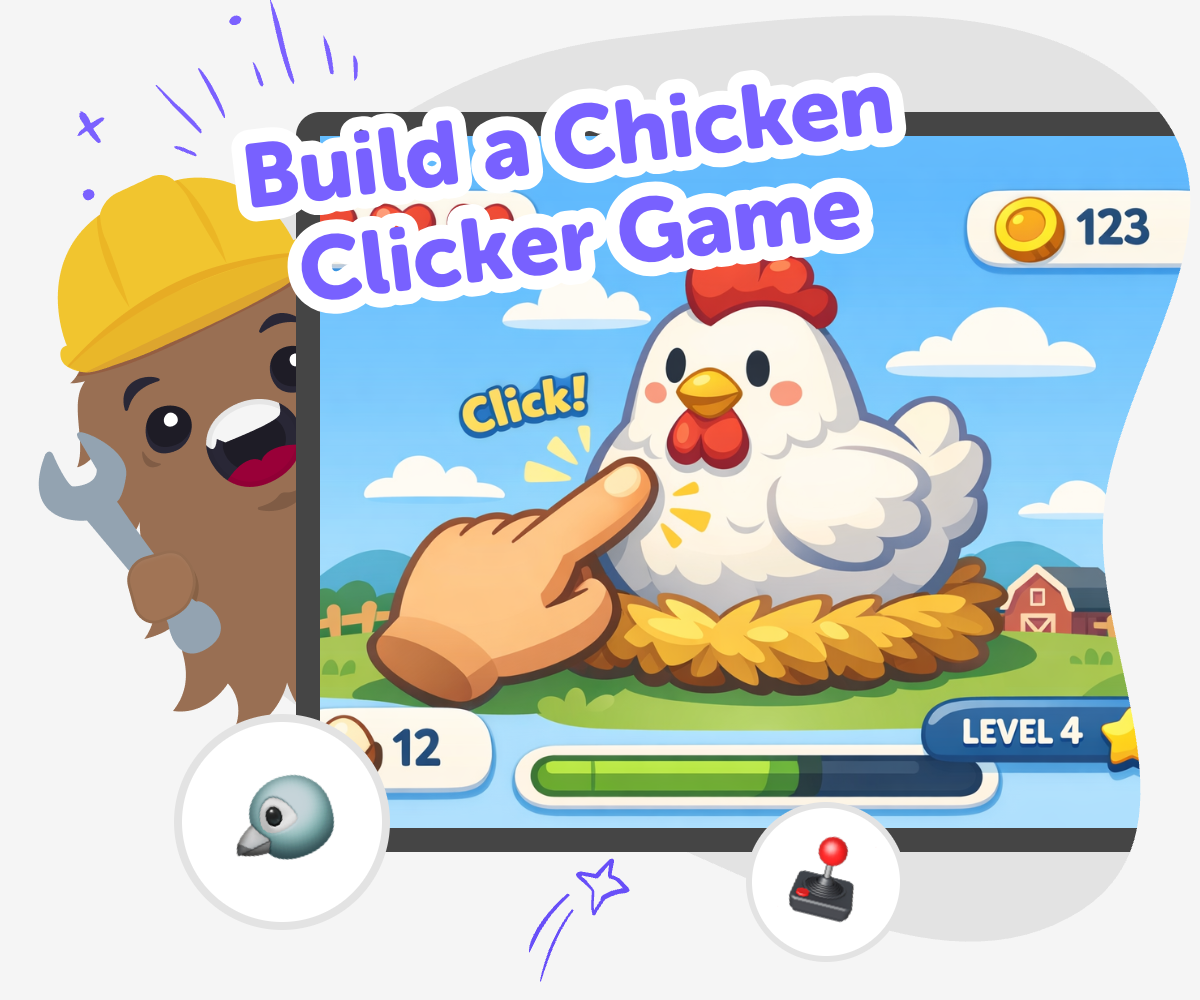
Build a chicken clicker game by starting with a simple idea: a chicken to tap, a score to grow, and a playful goal to reach. This kind of project helps kids see how games work, practice creative thinking, and learn that good ideas get better through testing and small changes.
It matters because making a game is not just about playing one. It is also about choosing rules, noticing what feels fun, and solving problems when something does not work the way you hoped.
Vibe Coding gives kids a guided place to explore this topic by helping them turn a game idea into something they can actually build. Kids can describe their chicken game, then shape it, test it, and improve it step by step with support that keeps the process friendly and manageable.
That makes the project feel creative and safe, while still teaching coding confidence, problem-solving, and the habit of trying again after each test.
Step by step
- 1
Start with the chicken
Choose the main character, like a silly chicken, a speedy chicken, or a prize-winning chicken. Decide what happens when someone clicks it and what the first score should be.
- 2
Add the game goal
Pick a simple goal, such as earning eggs, unlocking hats, or reaching a high score. Make sure the player always knows what they are trying to do next.
- 3
Build and test
Create the first version and click through it yourself. Watch for problems like unclear buttons, slow score changes, or actions that do not feel exciting enough.
- 4
Make the most of testing
Try a new sound or colour Change one part of the game so it feels different and see whether it becomes more fun or easier to understand.
Check the score flow Tap the chicken many times and make sure the points increase the way you expect so the game feels fair and smooth.
Keep improving the challenge Add a small reward, a funny reaction, or a new goal when the game starts to feel too easy, so players want to keep going.
Save your best version Pick the version you like most, then keep it ready to play again or share with someone who can try it and give kind feedback.
What makes a clicker game fun?
A clicker game is usually fun because it is easy to start and rewarding to keep playing. The player does one simple action, like clicking a chicken, and sees a score, coins, or eggs grow over time. That clear cause-and-effect is part of the appeal. Kids can understand it quickly, then improve it by adding little surprises that make each click feel special. Maybe the chicken dances, lays eggs, or makes a funny sound after every few taps. Good clicker games are not about having lots of hard rules. They are about making one action feel satisfying, readable, and worth repeating. That makes them a great first game project for young makers who are learning how interactive ideas work.
Why is this a good coding project for kids?
This project is a strong choice for kids because it begins with one small idea and grows step by step. A chicken clicker game does not need a giant world or complicated controls, so young makers can focus on learning the basics: choose an action, connect it to a score, test it, and improve it. That kind of project builds coding confidence because progress is easy to see. Kids can also practice problem-solving when something feels confusing or does not work right away. Instead of getting stuck on perfection, they can try a change, test it, and see what happens. That habit of iterating is an important part of creative technology, and it helps kids feel capable while they build.
How can kids make it their own?
Kids can personalize a chicken clicker game in many simple ways. They might choose a farm setting, a space chicken, a tiny chicken cafe, or a rainbow coop. They can pick colours, sounds, score names, and reward ideas that match their style. Even small choices can make a game feel unique. One child may want a calm game with soft colours and gentle sounds, while another may want a funny game full of bouncing eggs and silly animations. Personalizing the project matters because it helps kids see that creative coding is not only about logic. It is also about expression. When a game reflects a maker's ideas, it feels more exciting to build, test, and share.
How does guided coding help safe experimentation?
Guided coding helps kids experiment without feeling lost. Instead of trying to build everything at once, they can make one part, test it, and then decide what to change next. That is especially helpful for a clicker game, where small adjustments can make a big difference. Maybe the score rises too fast, the chicken is too small, or the game needs a clearer goal. With support, kids can spot those issues and improve them one by one. This creates a safe learning space because mistakes become part of the process, not a reason to stop. It also teaches kids how real makers work: they try, notice, revise, and try again until the project feels right.
Need help?
What is a chicken clicker game?
A chicken clicker game is a simple game where the player taps or clicks a chicken to make something happen, like earning points, collecting eggs, or unlocking fun surprises. It is a beginner-friendly game idea because the main action is easy to understand and easy to improve.
Is this a good first game for kids?
Yes. A chicken clicker game is a good first project because it starts small and teaches one idea at a time. Kids can focus on the chicken, the click, and the score before adding extra features.
What do kids learn by making one?
Kids can learn coding confidence, problem-solving, and creative technology skills. They also learn how to test an idea, notice what works, and make changes that improve the game.
Do clicker games need lots of code?
Not always. A clicker game can begin with very simple parts, like one clickable character and one score. Kids can add more features later if they want to keep building.
Can kids make the chicken game funny or cute?
Yes. Kids can choose the style of the chicken, the colours, the sounds, and the rewards. A game can be silly, cute, bright, calm, or anything else that fits the maker's idea.
How do kids know if the game is working?
They test it by playing it themselves. If the score changes the way they expect and the game feels clear and fun, it is working well. If something feels off, they can change it and try again.
Is guided coding safe for younger makers?
Guided coding is designed to help kids make progress in a supported way. It lets them experiment with creative ideas while staying focused on a manageable project they can understand and improve.
Can this game be shared with others?
Yes, if the project is ready and shared in a safe, age-appropriate way. Kids can invite someone to play, watch how they respond, and use kind feedback to make the game even better.